1. 제품 오버view
The SGIN Y101 is a 15.6-inch laptop designed for everyday computing tasks, featuring a Core i3 processor, 16GB RAM, and a 1024GB SSD. It operates on Windows 11 Home and includes a backlit keyboard, WiFi 6 connectivity, and a 180-degree hinge for flexible use.

Image: SGIN Y101 Laptop highlighting its Core i3 processor, Windows 11, 7000mAh battery, backlit keyboard, WiFi 6, 180-degree hinge, 16GB RAM, and 1024GB SSD.
2. 상자 안에 무엇이 들어있나요?
- 1 x SGIN Y101 Laptop
- 전원 어댑터/충전기 1개
- 1 x 사용자 매뉴얼(이 문서)
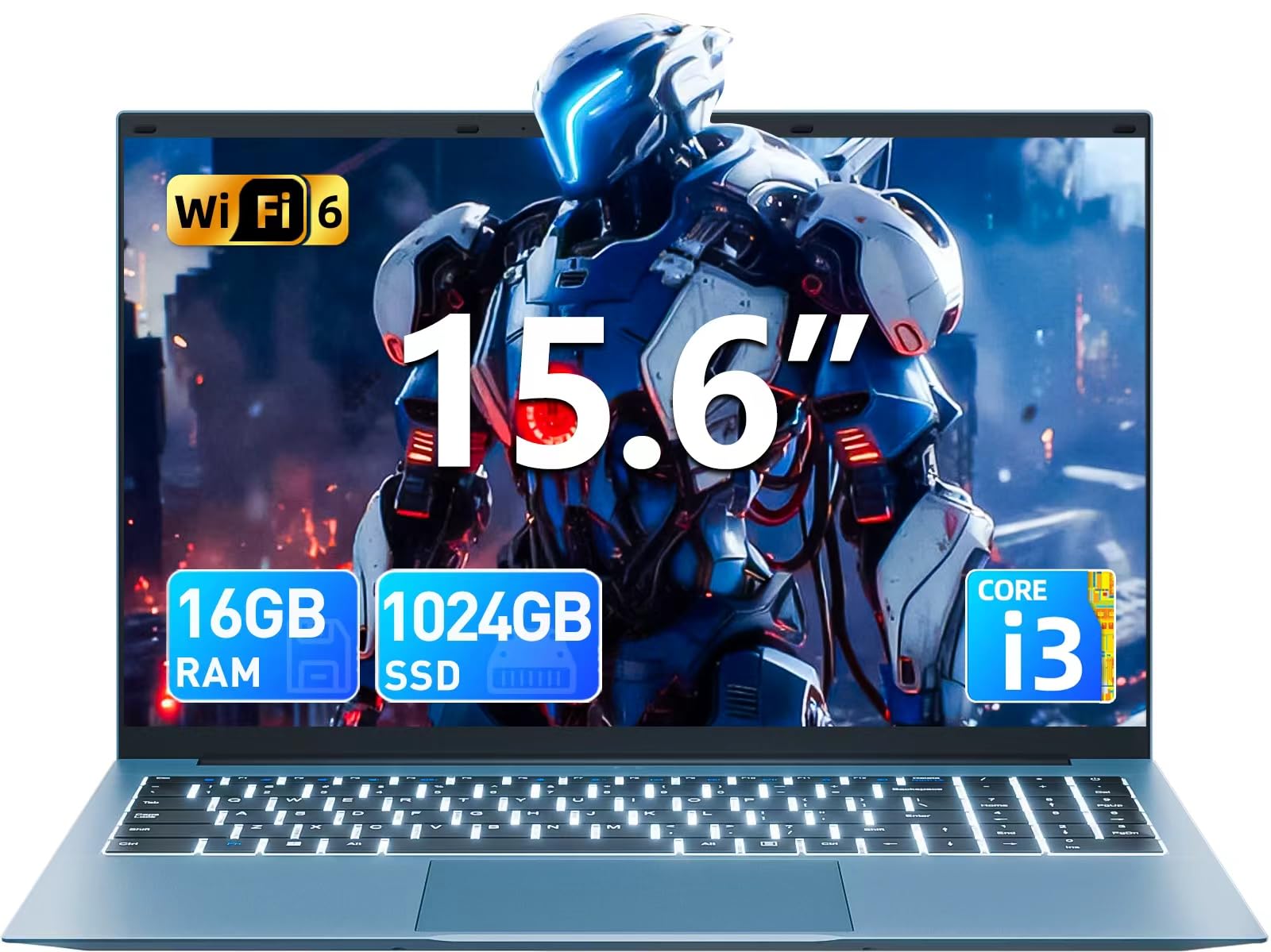
Image: The SGIN Y101 laptop, its power adapter, and the user manual as typically found in the product packaging.
3. 설정
3.1 초기 충전 및 전원 켜기
- 전원 어댑터 연결: Plug the power adapter into the DC jack on the side of the laptop and then into a power outlet.
- 배터리 충전: 처음 사용하기 전에 노트북을 최소 30분 동안 충전하거나 배터리 표시등이 충분히 충전되었음을 나타낼 때까지 충전하세요.
- 전원 켜기: Open the laptop lid and press the power button, usually located on the top right of the keyboard, to turn on the device.
3.2 Windows 11 설치
Follow the on-screen instructions to complete the initial Windows 11 Home setup. This typically includes:
- 지역 및 키보드 레이아웃을 선택하세요.
- Connecting to a Wi-Fi network (WiFi 6 supported).
- Microsoft 계정으로 로그인하거나 계정을 만듭니다.
- PIN 또는 비밀번호 설정.
3.3 주변기기 연결하기
The SGIN Y101 laptop offers various ports for connecting external devices:
이미지: 상세 view of the laptop's multiple interfaces, including DC jack, Type-C, HDMI, USB 3.2, Security lock, TF card slot, 3.5mm Headphone jack, and RJ45 Ethernet port.
- USB 3.0/3.2 포트: 마우스, 키보드 또는 외장 저장 장치와 같은 USB 장치를 연결하는 데 사용합니다.
- HDMI 포트 : 확장된 화면을 위해 외부 모니터 또는 TV에 연결하십시오.
- C 형 포트 : For data transfer and potentially charging compatible devices.
- 마이크로 SD 슬롯: Insert a TF card for expanded storage up to 1TB.
- 3.5mm 헤드폰 잭 : 헤드폰 또는 외부 스피커를 연결합니다.
- RJ45 이더넷 포트: 유선 인터넷 연결의 경우.
- 켄싱턴 잠금 슬롯: 물리적 보안을 위해서입니다.
4. 노트북 작동
4.1 키보드 및 터치패드
The laptop features a full-size keyboard with a numeric keypad and a large touchpad for navigation. The keyboard is backlit for use in low-light conditions.
- 백라이트 키보드: 누르다 FN + F5 to toggle the keyboard backlight on or off.
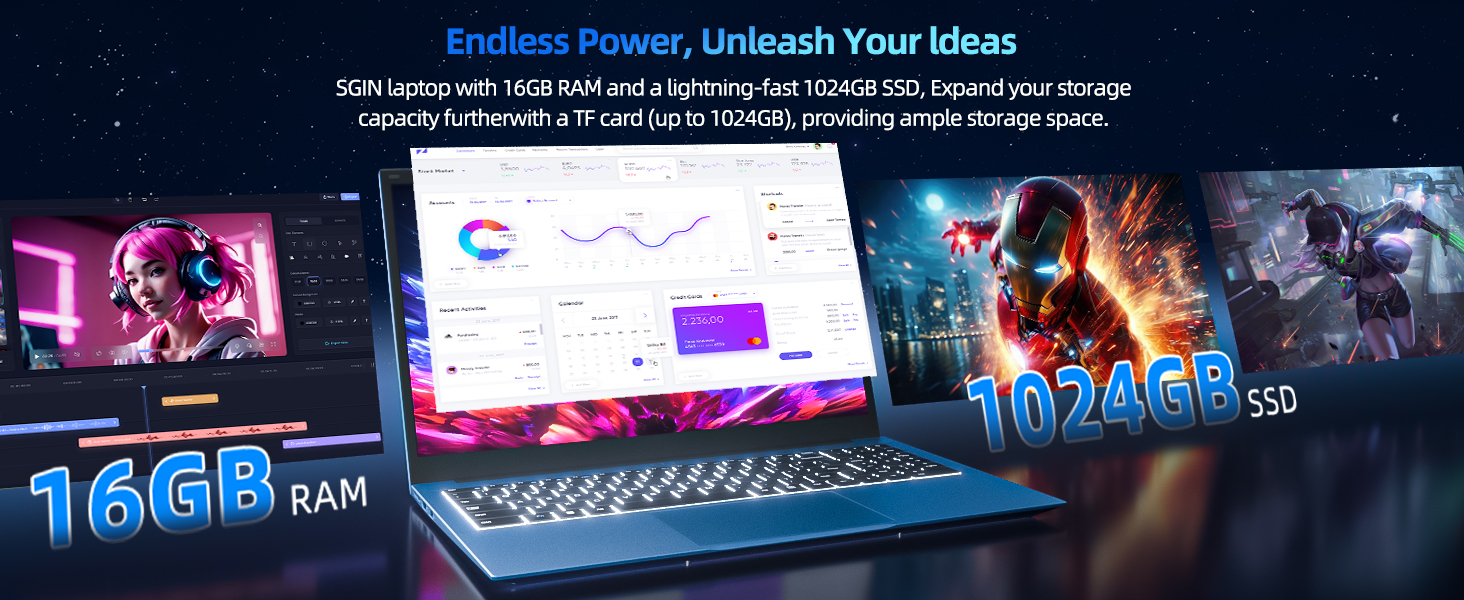
Image: Close-up of the SGIN Y101 laptop's backlit keyboard and numeric keypad, illustrating the Fn+F5 shortcut for backlight control.
4.2 디스플레이 기능
The 15.6-inch Full HD (1920x1080) IPS screen provides clear visuals and wide viewing angles. The laptop also features a 180-degree hinge, allowing the screen to lay flat for easy sharing and collaboration.
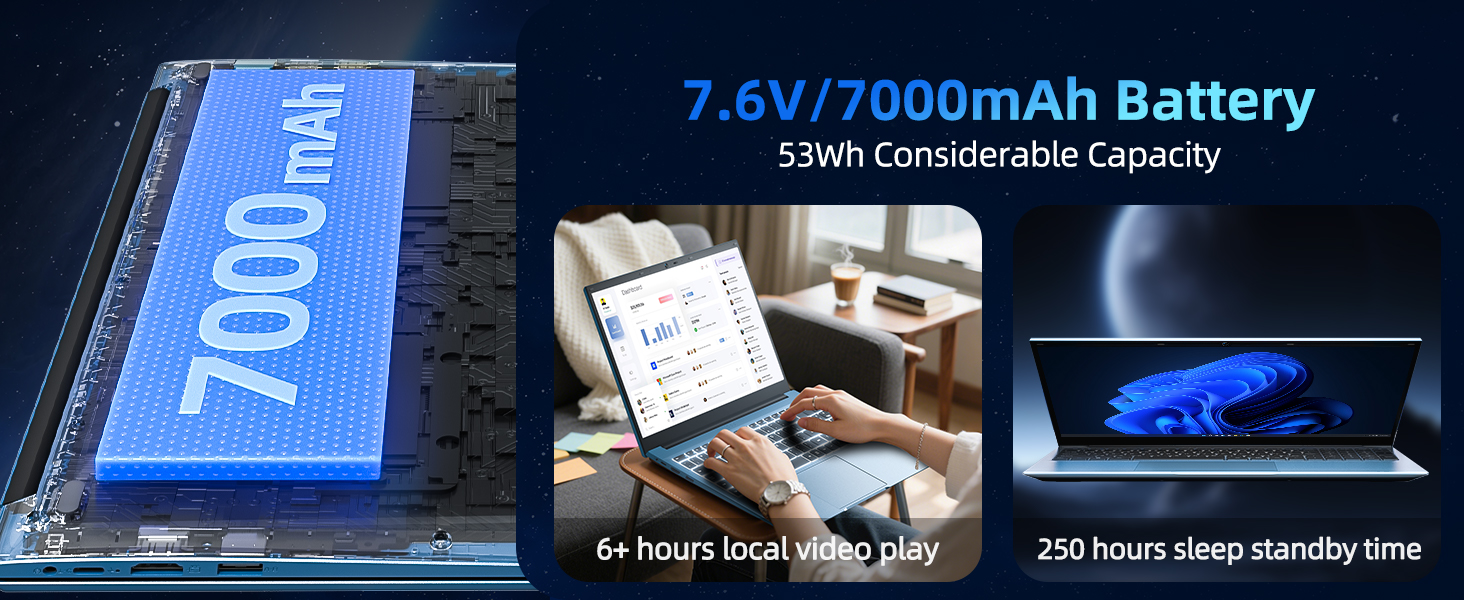
Image: The SGIN Y101 laptop displaying vibrant visuals on its 15.6-inch Full HD IPS screen.
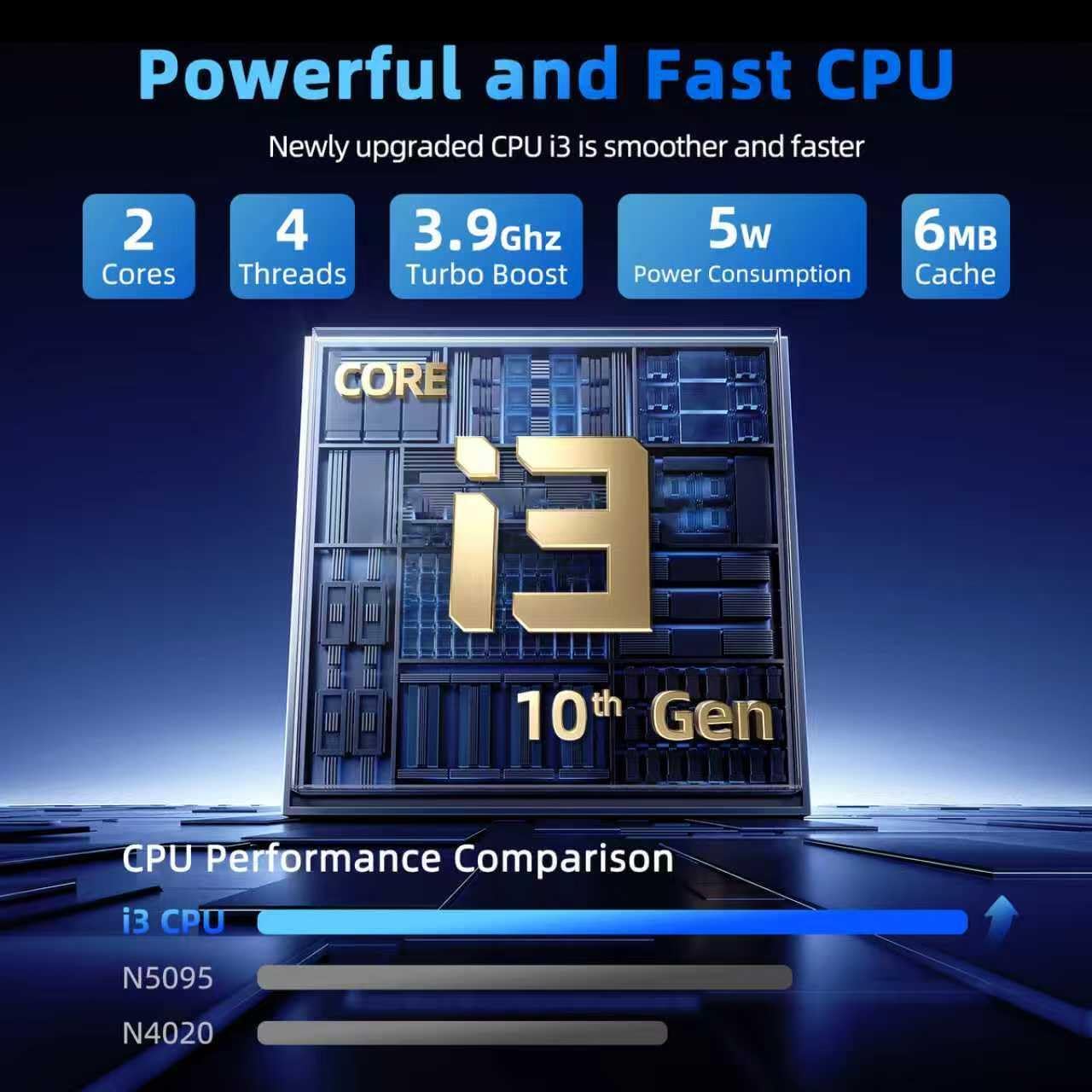
Image: The SGIN Y101 laptop open, illustrating its 180-degree hinge design for flexible view나눔과 나눔.
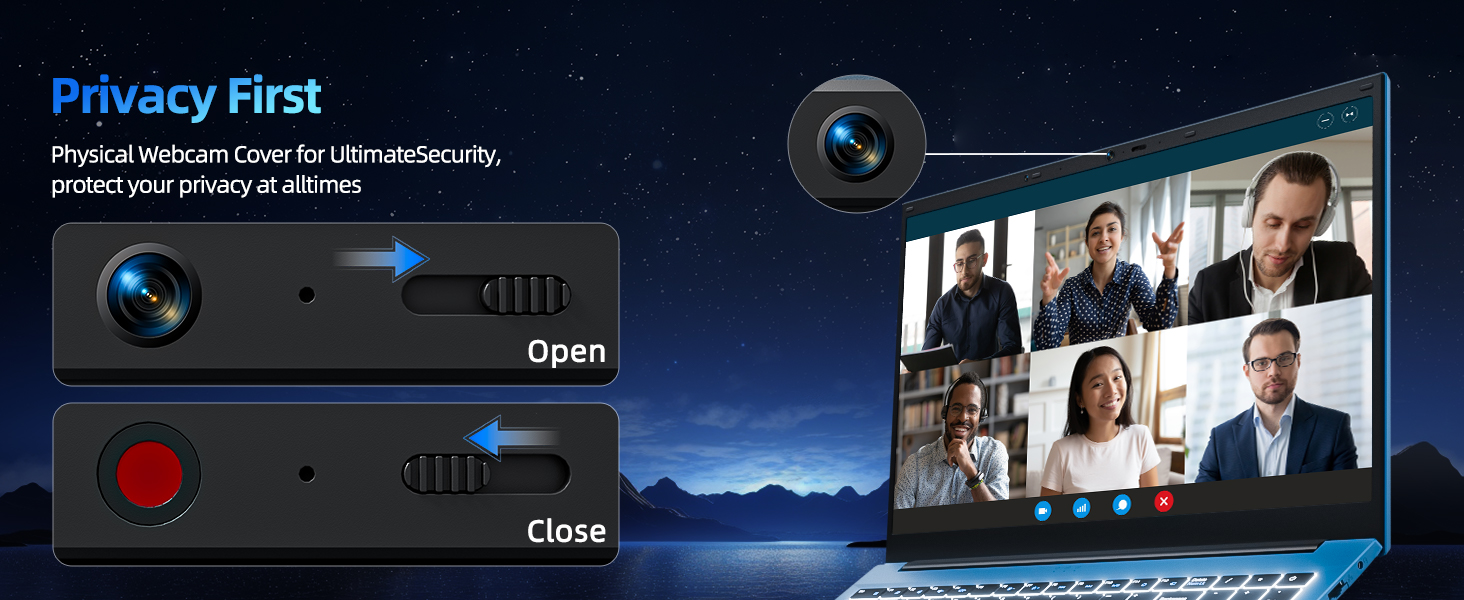
4.3 개인 정보 보호 정책 Web캠 커버
For enhanced privacy, the laptop includes a built-in physical webcam switch. Slide the cover to open or close the web필요에 따라 캠.
5. 유지관리
5.1 일반 관리
- 노트북을 극한의 온도, 직사광선 또는 높은 습도에 노출시키지 마세요.
- 장치에서 액체를 멀리 두십시오.
- 물리적 손상을 방지하기 위해 노트북을 조심스럽게 다루십시오.
5.2 청소
- 부드럽고 보푸라기가 없는 천을 사용하여 화면과 외부를 청소하세요.
- 완고한 자국의 경우 약간 damp천에 물이나 화면에 안전한 세척제를 묻혀 닦으세요.
- Do not spray cleaners directly onto the laptop.
5.3 배터리 관리
- 배터리 수명을 연장하려면 배터리를 자주 완전히 방전하지 마세요.
- 장시간 사용하지 않을 경우 노트북을 서늘하고 건조한 곳에 보관하세요.
- The 7000mAh/53.2Wh battery provides up to 8 hours of typical use.
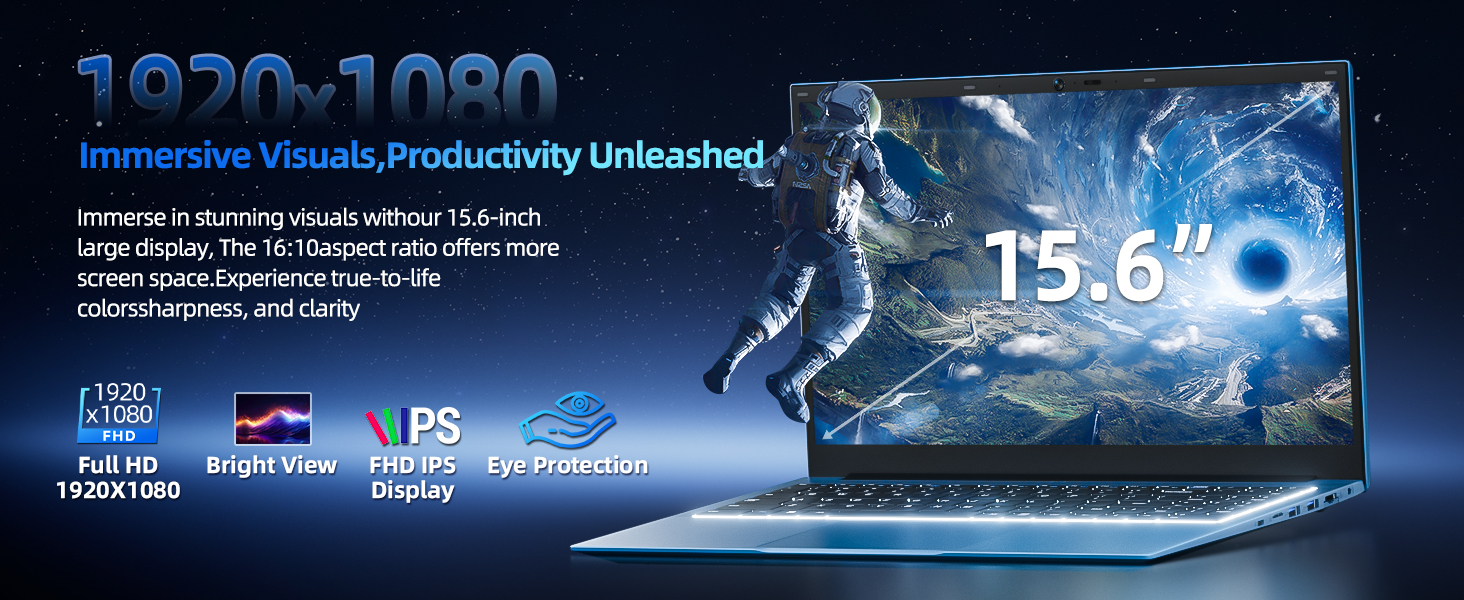
Image: Visual representation of the SGIN Y101 laptop's 7000mAh/53.2Wh large capacity battery, indicating its suitability for extended use.
6. 문제 해결
This section addresses common issues you might encounter with your SGIN Y101 laptop.
6.1 전원 및 부팅 문제
- 노트북이 켜지지 않습니다: 전원 어댑터가 제대로 연결되어 있고 배터리가 충분히 충전되어 있는지 확인하세요. 다른 콘센트에 연결해 보세요.
- Laptop turns on but screen is black: Connect to an external monitor via HDMI to check if the display is the issue. Restart the laptop.
6.2 디스플레이 및 그래픽
- Screen flickering or unusual display: Update graphics drivers. If connecting to an external display, ensure the cable is secure.
- Screen appears dim or too bright: Adjust brightness settings in Windows or using keyboard function keys.
6.3 연결 문제
- Wi-Fi가 연결되지 않음: Check if Wi-Fi is enabled in Windows settings. Restart your router and the laptop. Ensure correct password entry.
- USB 장치가 인식되지 않음: 다른 USB 포트를 사용해 보세요. 장치 드라이버가 설치되어 있는지 확인하세요.
6.4 키보드 및 터치패드
- 키보드가 응답하지 않습니다: Restart the laptop. Ensure no foreign objects are under the keys.
- 터치패드가 작동하지 않습니다. Check Windows settings to ensure the touchpad is enabled. Restart the laptop.
- 백라이트가 작동하지 않습니다: 누르다 FN + F5 to ensure it's toggled on.
여기에 설명되지 않은 문제가 지속적으로 발생하는 경우 지원 섹션을 참조하여 도움을 받으십시오.
7. 사양
| 특징 | 세부 사항 |
|---|---|
| 모델명 | SGIN-Y101 |
| 프로세서 | Intel Core i3-10100 (2-core, 4-thread, 6MB cache, up to 3.9GHz) |
| 숫양 | 16GB DDR3 SD램 |
| 저장 | 1024GB SSD (expandable with TF card up to 1TB) |
| 표시하다 | 15.6-inch Full HD (1920x1080) IPS |
| 운영 체제 | 윈도우 11 홈 |
| 배터리 | 7000mAh / 53.2Wh (up to 8 hours battery life) |
| 무선 연결 | 와이파이 6(802.11ax) |
| 포트 | USB 3.0, HDMI, Micro SD slot, Type-C, Kensington lock, 3.5mm Headphone jack, RJ45 Ethernet |
| 치수(길이x너비x높이) | 15.6 x 9 x 0.6 인치 |
| 무게 | 4.97파운드 |
| 색상 | 회색 |
8. 보증 및 지원
Your SGIN Y101 laptop comes with comprehensive support and warranty:
- 1년 보증: Enjoy a 1-year protection plan covering manufacturing defects.
- 1년 수리 서비스: The product includes a 1-year repair service.
- 30일 반품 정책: Eligible for returns within 30 days of purchase.
- 24/7 고객 지원: Access instant customer help for any queries or issues.
For support, please contact SGIN customer service through the official channels provided at the time of purchase or on the SGIN web대지.
9. 제품 시연 영상
Watch this official video for a visual guide on the SGIN 15.6 Inch Laptop Computer's features and connectivity options.
비디오: 오버view and demonstration of the SGIN 15.6-inch laptop, showcasing its design, features, and available ports.


