1. 제품 오버view
The iFFALCON 65F75 is a 65-inch Class QLED 4K Smart TV designed for an immersive viewing experience. It features an ultra-slim profile, advanced display technologies, and smart functionalities powered by Google TV.
주요 특징:
- Ultra-Slim & Seamless Wall Mount Design: A sleek, bezel-less frame that sits flush against the wall.
- 아트 모드: Transforms the TV into a digital canvas, displaying classic masterpieces, AI-generated art, or personal photos.
- 4K QLED Display with Ultra Wide Color Gamut: Delivers vibrant, true-to-life visuals with over a billion colors.
- 144Hz Refresh Rate & Game Master Mode: Ensures ultra-smooth motion for fast-paced content and responsive gaming.
- Dolby Vision IQ 및 Dolby Atmos: Provides an enhanced cinematic experience with adaptive picture settings and immersive surround sound.
- 아이 케어 기술: Features low blue light and flicker-free technology for comfortable extended view주고받음.
- 구글 TV: Offers personalized content recommendations, smart home device control, and hands-free voice commands.
2. 설정
2.1 개봉 및 부품 확인
Carefully open the TV packaging and ensure all components are present and undamaged. It is recommended that two people handle the TV during unboxing and installation to prevent damage.
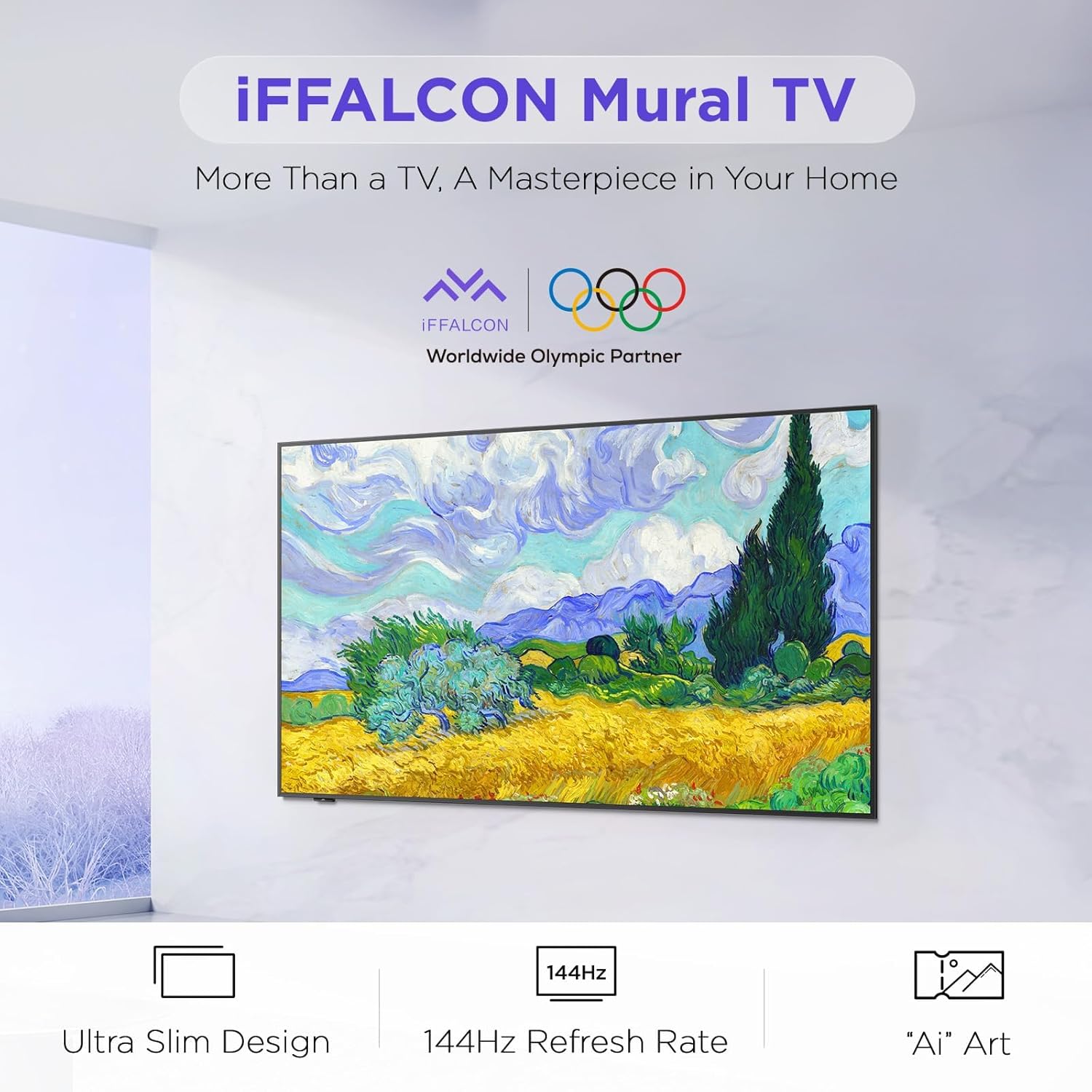
Image: The iFFALCON 65F75 TV securely packaged in its box, ready for unboxing.
상자 안에 무엇이 들어있나요?
- 아이팔콘 TV
- 전원 케이블
- 리모컨용 AAA 배터리 2개
- 6 x 스탠드 나사
- 테이블 스탠드
- 나사 구멍 덮개 2개
- 고무 보호대 2개
- 벽면 장착 브라켓
- 빠른 시작 가이드
- TV 리모컨
2.2 Wall Mount or Table Stand Installation
The iFFALCON 65F75 TV offers both wall-mounting and table stand installation options. Choose the method that best suits your space and preferences. Always ensure the TV is placed on a soft, cushioned surface when installing stands or brackets to prevent screen damage.
Video: Official iFFALCON tutorial demonstrating the installation of the wall mount and table stand for the Mural TV. This video provides visual guidance for both setup options.
벽 장착 설치:
- Place the provided wall mount marker on your desired wall position.
- Use a level to ensure the marker is horizontal and secure it with tape.
- Drill screw holes at the marked positions (A, B, C, D) on the marker.
- Insert drywall anchors into the drilled holes. (Note: If drilling into wood studs, anchors are not needed).
- Screw the two wall plates to the wall using the provided screws and drywall anchors.
- Screw the two VESA brackets tightly onto the VESA holes on the top of the TV with the provided screws. Ensure brackets are secured via the middle holes of the TV back cover.
- Insert the power cord into the TV's rear power port.
- Drop the hanger on the wall mount bracket. Gently push the TV against the wall until the brackets are flush.
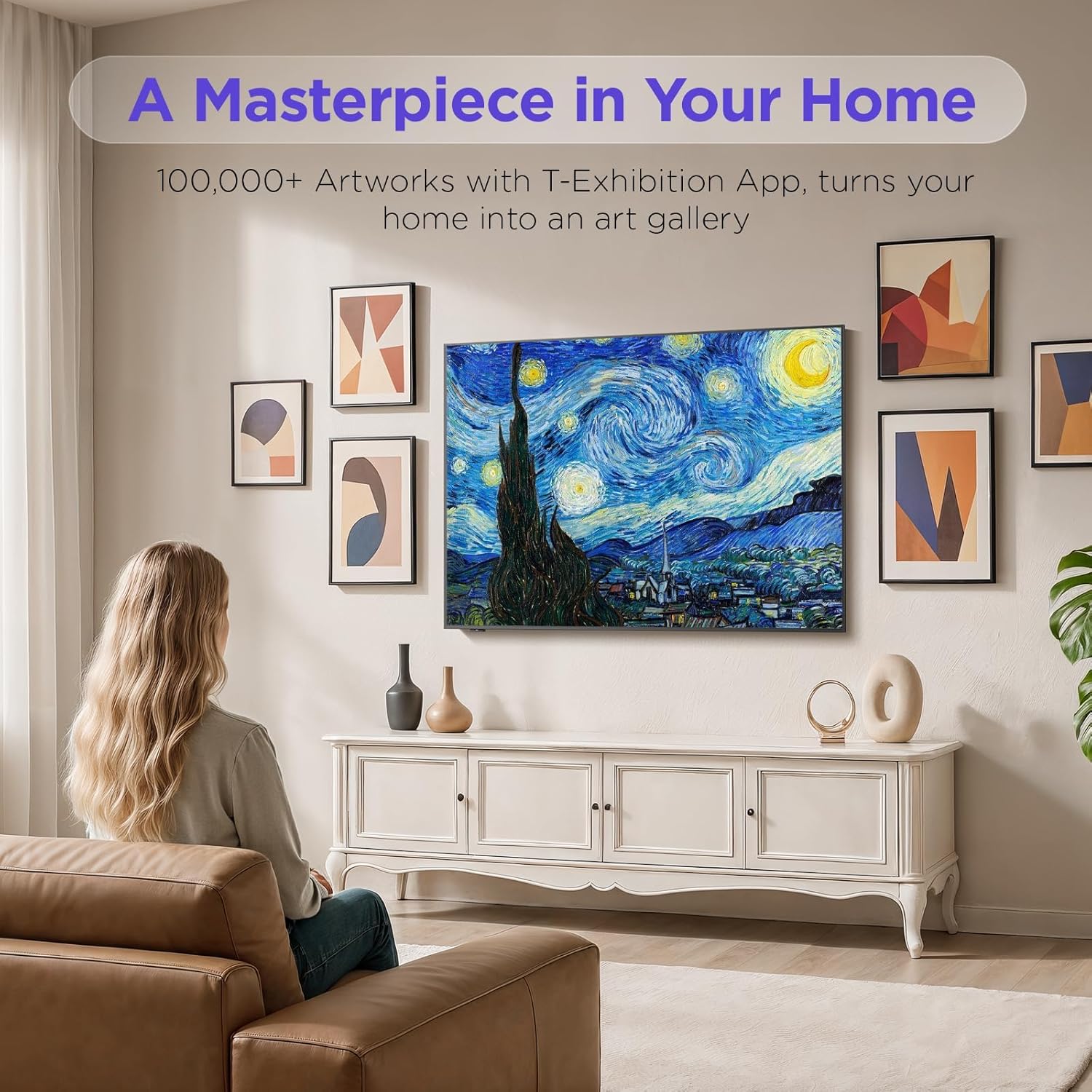
Image: The iFFALCON 65F75 TV seamlessly mounted on a wall, showcasing 초슬림 디자인 덕분입니다.
테이블 스탠드 설치:
- 화면이 손상되는 것을 방지하려면 TV를 부드럽고 쿠션이 있는 표면에 조심스럽게 놓으세요.
- Remove the magnetic decorative cover from the stand bracket.
- Place the stand bracket on the back of the TV at the screws location.
- Secure the stands to the TV with screws.
- Reinstall the magnetic cover by sliding it over the screw holes.
- Repeat the same operation for the other stand.
- Insert the power cord into the TV's rear power port.
- Once both stands are securely attached, carefully lift the TV and place it on a flat and level surface.

Image: The iFFALCON 65F75 TV displayed on its elegant table stand.
3. 사용 설명서
3.1 기본 작업
- 전원 켜기/끄기: 리모컨의 전원 버튼을 눌러 TV를 켜거나 끕니다.
- 입력 선택: Use the 'Input' button on the remote to switch between HDMI, USB, and other connected sources.
- 볼륨 조절: Adjust volume using the '+' and '-' buttons on the remote.
3.2 Google TV 기능
Your iFFALCON TV comes with Google TV, offering a personalized and integrated entertainment experience.
- 개인화된 추천: Google TV learns your preferences and suggests content from across your streaming apps.
- 음성 제어: Google 어시스턴트 음성 리모컨을 사용하여 손을 사용하지 않고 명령을 내리고, 콘텐츠를 검색하고, 스마트 홈 기기를 제어하는 등 다양한 작업을 수행할 수 있습니다.
- 앱 접근: Easily access a wide range of streaming applications and games from the Google Play Store.

Image: The Google TV home screen displaying personalized content and app icons.
3.3 아트 모드
Transform your TV into a piece of art when not actively watching content. Art Mode allows you to display various artworks or personal photos.
Video: Official iFFALCON tutorial demonstrating how to use Art Mode and Photo Frame features on the Mural TV.
아트 모드 활성화:
- Open the Apps menu on your Google TV.
- Swipe right to locate and launch the 'T-Exhibition' app.
- Navigate to 'MOMENT' and tap 'Settings' (top-right).
- Navigate to 'Wallpaper Settings'.
- Under 'Wallpaper Content', select 'Classified'.
- Check your preferred categories (e.g., Photography, TCL Art, 'AI' ART).
- To activate an immersive gallery display, tap 'Preview' under 'GALLERY'.

Image: The iFFALCON 65F75 TV showcasing a vibrant artwork in Art Mode, blending into the room decor.
3.4 Game Master Mode
For an optimized gaming experience, the TV features a 144Hz refresh rate combined with Game Master Mode.
- 144Hz 재생률: 빠른 속도의 게임에 최적화된 매우 부드러운 움직임을 제공합니다.
- VRR(가변 재생률): 화면 찢어짐과 끊김 현상을 줄여 부드러운 게임 플레이를 제공합니다.
- HDR Optimization: Enhances visual details and contrast in supported games.
- 메모: The TV is initially in Energy Saving Mode. Switch to HDR Mode in settings for optimal picture quality during gaming.
3.5 Dolby Vision IQ 및 Dolby Atmos
Experience superior audio-visual quality with Dolby Vision IQ and Dolby Atmos technologies.
- 돌비 비전 IQ: Automatically adjusts picture settings based on ambient room lighting, ensuring optimal brightness, contrast, and color.
- 돌비 애트모스: Delivers immersive, multi-dimensional sound that flows around you, enhancing movies, music, and games.
4. 유지관리
4.1 TV 청소
- 청소하기 전에는 항상 TV의 플러그를 뽑아 두세요.
- 부드럽고 마른 보푸라기 없는 천을 사용하여 화면과 프레임을 가볍게 닦으세요.
- 완고한 자국의 경우 가볍게 dampen the cloth with water or a specialized screen cleaner (ensure it's safe for TV screens) and wipe carefully. Avoid harsh chemicals or abrasive materials.
4.2 안과 진료 기술
The iFFALCON 65F75 includes features designed to reduce eye strain during extended view주고받음.
- 로우 블루 라이트: 유해한 청색광 방출을 줄여줍니다.
- 플리커 프리 기술: Minimizes screen flickering for a more comfortable view경험.
- These features are active by default or can be adjusted in the TV's picture settings.
5. 문제 해결
If you encounter issues with your iFFALCON TV, refer to the following common troubleshooting steps:
| 문제 | 가능한 해결책 |
|---|---|
| 전원이 없습니다 | Ensure the power cable is securely connected to both the TV and a working power outlet. Check if the power outlet is functional. |
| 화면/소리 없음 | Verify the correct input source is selected. Check all cable connections (HDMI, AV, etc.). Try restarting the TV and connected devices. |
| 원격 응답 없음 | 리모컨의 배터리를 교체하세요. 리모컨과 TV IR 센서 사이에 장애물이 없는지 확인하세요. |
| 네트워크 연결 문제 | Check your Wi-Fi router and internet connection. Reconnect the TV to the Wi-Fi network in the settings. For wired connections, ensure the Ethernet cable is properly connected. |
| 화질 문제 | TV 메뉴에서 화면 설정(밝기, 대비, 색상)을 조정하세요. 다음 사항을 확인하십시오. viewing high-quality content (4K, HDR). Disable Energy Saving Mode if applicable. |
If the issue persists after trying these steps, please contact iFFALCON customer support.
6. 사양
| 특징 | 세부 사항 |
|---|---|
| 상표 | 이팔콘 |
| 모델 번호 | 65F75 |
| 화면 크기 | 65 인치 |
| 디스플레이 기술 | QLED |
| 해결 | 4K |
| 새로 고침 빈도 | 144Hz |
| 특별 기능 | Art Mode, Game Mode |
| 연결 기술 | 블루투스, 이더넷, HDMI, USB, Wi-Fi |
| 지원되는 인터넷 서비스 | Google TV, various streaming services |
| 품목 무게 | 71.8파운드 |
| 제품 치수 | 1 x 1 x 1 인치 |
7. 보증 정보
Your iFFALCON 65F75 65-Inch QLED 4K Smart TV is covered by a manufacturer's warranty. Please refer to the warranty card included in your product packaging for specific terms, conditions, and duration of coverage. Keep your proof of purchase for warranty claims.
8. 지원
For further assistance, technical support, or service inquiries, please visit the official iFFALCON support web사이트를 방문하거나 고객 서비스에 문의하세요. 추가 자료와 FAQ는 다음에서 확인할 수 있습니다. iFFALCON Store on Amazon.


