소개
This instruction manual provides essential information for the safe and efficient operation of your Skyworth 60Q6600H 60-Inch QLED+ 4K Google TV. Please read this manual thoroughly before using the television and retain it for future reference. It covers setup, operation, maintenance, and troubleshooting to ensure you get the best experience from your new TV.
중요한 안전 정보
감전, 화재 또는 손상 위험을 줄이려면 항상 다음과 같은 기본 안전 수칙을 준수하십시오.
- 전원: TV는 AC 100-240V, 50/60Hz 전원에만 연결하십시오.
- 통풍: Ensure adequate ventilation. Do not block ventilation openings. Maintain a minimum distance of 10 cm (4 inches) around the TV for proper airflow.
- 물과 습기: TV를 비나 습기에 노출시키지 마세요. 꽃병 등 액체가 담긴 물건을 TV 위에 올려놓지 마세요.
- 열원: 텔레비전을 라디에이터, 난방기, 스토브 또는 기타 기기(포함)와 같은 열원에서 멀리 두십시오. amp열을 생성하는 발전기.
- 청소: 청소하기 전에 벽면 콘센트에서 TV 플러그를 뽑으세요. 부드럽고 마른 천을 사용하세요. 액체 세제나 에어로졸 세제는 사용하지 마세요.
- 서비스: 이 제품을 직접 수리하려고 하지 마십시오. 모든 서비스는 자격을 갖춘 서비스 담당자에게 문의하십시오.
- 어린이들: 아이들이 텔레비전을 가지고 놀지 않도록 잘 살펴봐 주세요.
패키지 내용
아래 나열된 모든 품목이 패키지에 포함되어 있는지 확인하세요.
- Skyworth 60Q6600H 60-Inch QLED+ 4K Google TV
- 원격 제어
- TV 스탠드 (받침대)
- 사용 설명서(본 문서)
- 보증 카드
- 전원 코드
- 스탠드 조립용 나사
설치 가이드
1. TV 포장 풀기
Carefully remove the TV from its packaging. It is recommended to have two people for this process due to the size and weight of the television. Place the TV face down on a soft, flat surface (like a blanket or foam) to prevent screen damage during stand installation.
2. 스탠드 부착
TV를 벽에 설치하지 않을 경우, 동봉된 스탠드를 부착하십시오.
- 스탠드 받침대를 TV 하단의 해당 슬롯에 맞춥니다.
- Secure each stand base with the provided screws using a screwdriver. Ensure the stands are firmly attached.
- TV를 조심스럽게 들어올려 수직으로 세운 후 안정적이고 평평한 표면에 놓으세요.
벽면 장착: The Skyworth 60Q6600H is wall-mountable. If you choose to wall-mount, please refer to the instructions provided with your wall-mount bracket (sold separately) and ensure professional installation for safety.
3. 주변기기 연결하기
외부 기기를 TV의 포트에 연결하세요. TV는 다양한 연결 옵션을 제공합니다.
- HDMI(HDMI 2.1): For high-definition devices like Blu-ray players, gaming consoles, and set-top boxes.
- USB: USB 저장 장치를 연결하여 미디어를 재생하려면 files.
- LAN(이더넷): 유선 인터넷 연결의 경우.
- 안테나/케이블 입력: 안테나 또는 케이블 TV 신호를 연결하는 데 사용합니다.
- 오디오 출력: 외부 음향 시스템 연결용입니다.
4. 초기 전원 켜기 및 첫 번째 설정
- 전원 코드를 TV에 연결한 다음 벽면 콘센트에 연결하세요.
- 리모컨이나 TV 본체의 전원 버튼을 누르세요.
- 화면의 지시에 따라 초기 설정을 완료하십시오. 초기 설정에는 다음이 포함됩니다.
- 언어 선택.
- Connecting to a Wi-Fi network (or using a wired LAN connection).
- Google 계정으로 로그인하면 Google TV 기능, 앱 및 Google 어시스턴트를 이용할 수 있습니다.
- Scanning for available TV channels (if using an antenna).
TV 작동하기
1. 원격 제어 기능
The included remote control allows you to navigate the TV's interface and control various functions. Familiarize yourself with the buttons for power, volume, channel, input selection, Google Assistant, and app shortcuts.
2. Navigating Google TV Interface
Google TV organizes your content from various streaming services and live TV into a personalized home screen. Use the directional pad and OK button on your remote to browse recommendations, access your apps, and manage settings.
3. 스마트 기능 사용하기
- 구글 어시스턴트: 리모컨의 Google 어시스턴트 버튼을 누르고 마이크에 대고 말하면 콘텐츠를 검색하고, 스마트 홈 기기를 제어하고, 질문에 대한 답변을 얻는 등 다양한 작업을 수행할 수 있습니다.
- Chromecast 내장: Cast content (videos, photos, music) directly from your compatible smartphone, tablet, or computer to the TV. Look for the Cast icon in supported apps.
- 앱: Access pre-installed apps like Netflix, YouTube, and Prime Video. Download thousands more from the Google Play Store.
4. 사진 설정
Your Skyworth 60Q6600H features advanced display technologies. Adjust picture settings via the TV's menu to optimize your view경험.
- QLED+ Display: Enjoy vibrant colors and enhanced brightness.
- HDR10+: 호환되는 콘텐츠에 대해 뛰어난 명암비와 색상 정확도를 제공합니다.
- 아이 케어 5.0: 장시간 사용 시 눈의 피로를 최소화하기 위해 청색광 방출을 줄입니다. view주고받음.
- 120Hz 터보 모션 및 MEMC: Enhances motion clarity, reducing blur and judder in fast-paced scenes.
- 영화 제작자 모드: Preserves the original aspect ratio, colors, and frame rates of films as intended by the director.
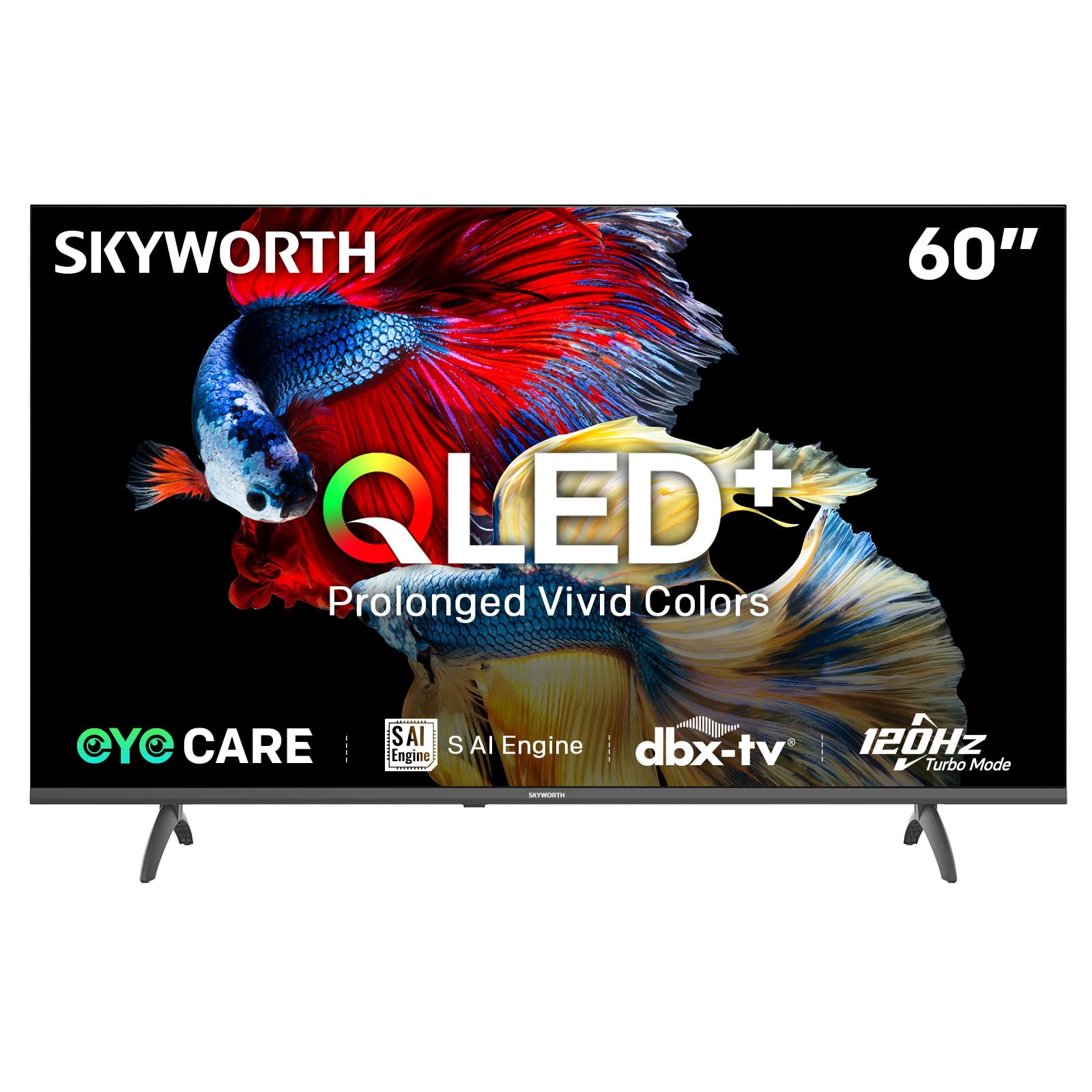
Image: A diagram illustrating the "No-Fading Extended Watching" feature, comparing Skyworth's stable and eco-friendly quantum dot performance over 10 years against conventional quantum dots.

Image: A graphic explaining the QLED+ technology, emphasizing its vivid, eco-friendly, brilliant, and prolonged color performance.

Image: An illustration of the 120Hz Turbo Motion feature, depicting a motocross rider with multiple frames to show enhanced motion clarity compared to 60Hz.
5. 사운드 설정
The TV is equipped with 2x15W speakers and supports Dolby Digital/DBX audio processing for clear and powerful sound. Adjust sound modes (e.g., Standard, Music, Movie) and equalizer settings in the audio menu.

Image: A visual highlighting Skyworth's collaboration with Total Sonics for enhanced audio quality, featuring a sound wave graphic and a person associated with audio engineering.
6. 게임 모드
Activate Game Mode for reduced input lag and optimized picture settings when connecting gaming consoles, providing a more responsive gaming experience.
7. DVB-T2 Tuner
The integrated DVB-T2 tuner allows you to receive digital terrestrial television broadcasts. Perform a channel scan in the TV settings to find available channels.
유지
1. TV 청소
- 화면: 부드럽고 보풀이 없는 천으로 화면을 부드럽게 닦으세요. 잘 지워지지 않는 얼룩은 가볍게 닦아주세요.amp물이나 전용 화면 세척제(TV 화면에 안전한지 확인하세요)를 천에 묻혀 부드럽게 닦아주세요. 화면에 직접 액체를 뿌리지 마세요.
- TV 본체: 부드럽고 마른 천으로 TV 프레임과 스탠드의 먼지를 닦아내세요.
- 중요한: 청소하기 전에는 항상 TV의 플러그를 전원 콘센트에서 뽑으세요.
2. 소프트웨어 업데이트
Your Google TV may receive automatic software updates to improve performance and add new features. Ensure your TV is connected to the internet for these updates. You can also manually check for updates in the TV's settings menu.
3. 보관 및 취급
If storing the TV for an extended period, keep it in a cool, dry place, preferably in its original packaging. When moving the TV, always lift it with at least two people and avoid putting pressure on the screen.
문제 해결
고객 지원팀에 문의하기 전에 일반적인 문제에 대한 다음 솔루션을 시도해 보세요.
| 문제 | 가능한 해결책 |
|---|---|
| 전원이 없습니다 |
|
| 화면은 나오지 않지만 소리는 나옵니다 |
|
| 소리는 나지 않지만 화면은 보입니다 |
|
| 리모컨이 작동하지 않음 |
|
| 네트워크 연결 문제 |
|
공장 초기화
If problems persist, a factory reset may resolve them. This will erase all personal settings and installed apps, returning the TV to its original factory state. Navigate to 설정 > 시스템 > 정보 > 초기화 > 공장 초기화 선택 사항을 확인하세요.
명세서
Detailed technical specifications for the Skyworth 60Q6600H TV:
| 특징 | 세부 사항 |
|---|---|
| 모델 | 60Q6600H |
| 디스플레이 크기 | 60 인치 |
| 디스플레이 기술 | QLED+ |
| 해결 | 3840 x 2160(4K UHD) |
| 새로 고침 빈도 | 120Hz Turbo Motion |
| HDR 지원 | HDR10+ |
| 명도 | 300니트 |
| 색상 영역 | 90% DCI-P3 |
| 아이 케어 기술 | Eye Care 5.0 |
| 운영 체제 | 구글 티비 |
| 오디오 출력 | 2W 스피커 15개 |
| 오디오 기술 | Dolby Digital, DBX |
| 연결성 | HDMI 2.1, USB, LAN, Bluetooth 5.1, Dual-band WiFi |
| 조율사 | 디비티-티2 |
| 제품 치수(스탠드 포함) | 폭 134.5cm x 깊이 29.9cm x 높이 85.8cm |
| 제품 치수(스탠드 제외) | 폭 134.5cm x 깊이 8.8cm x 높이 78.5cm |
| 무게(스탠드 포함) | 15.9kg |
| 무게(스탠드 제외) | 12.1kg |
Image: A detailed diagram illustrating the width, depth, and height dimensions of the Skyworth Q6600H 60-inch TV, both with and without its stand.
보증 및 지원
보증 정보
Your Skyworth 60Q6600H TV comes with a 3년 제조사 보증. This warranty covers defects in materials and workmanship under normal use. Please retain your proof of purchase for warranty claims. For full terms and conditions, refer to the included Warranty Card.
Spare part availability information is not available or provided.
고객 지원
If you encounter issues that cannot be resolved using the troubleshooting guide, or for any other inquiries, please contact Skyworth customer support. Refer to your Warranty Card or the official Skyworth web최신 연락처 정보는 사이트에서 확인하세요.
온라인 리소스: 스카이워스 공식 웹사이트를 방문하세요. web자주 묻는 질문(FAQ), 소프트웨어 다운로드 및 추가 지원 자료를 제공하는 사이트입니다.


