소개
This manual provides instructions for the proper use, setup, and maintenance of your CJ TECH NASA Laptop Backpack. Designed for versatility and durability, this backpack features a dedicated laptop compartment, a USB charging port, and water-resistant materials. Please read this manual thoroughly to ensure optimal performance and longevity of your product.
제품 특징
- 조절 가능한 어깨끈: For comfortable and customizable fit.
- 방수 소재: Constructed from 300D Oxford Cloth and polyester to protect contents from moisture.
- Dedicated Laptop Compartment: Securely holds laptops up to 15 inches.
- 통합 USB 충전 포트: Allows for convenient charging of devices on the go (power bank not included).
- 여러 개의 수납 공간: Includes a front exterior pocket, side pockets, and various interior pockets for organization.
- 상단 핸들: 휴대가 간편하도록.
- 치수: Approximately 15.7 inches (L) x 11.8 inches (W) x 4.7 inches (H).

이미지: 이상view of the CJ TECH NASA Laptop Backpack highlighting its adjustable shoulder straps, water resistance, multiple pockets, top handle, dimensions, and material.
설정
- 배낭을 풀어보세요: Remove all packaging materials and inspect the backpack for any signs of damage.
- 어깨 끈 조정: Loosen or tighten the shoulder straps to achieve a comfortable fit. The backpack should sit snugly against your back without sagging.
- Prepare USB Charging Port:
- Locate the internal USB cable inside the backpack.
- Connect your personal power bank (not included) to the internal USB cable.
- The external USB port on the side of the backpack is now ready to connect your device's charging cable.

Image: Instructions for using the integrated USB charging port, illustrating the connection from an internal power bank to an external device.
작동 지침
노트북 수납공간 사용
The backpack features a padded compartment designed to protect your laptop. This compartment can accommodate laptops up to 15 inches in size.
- Open the main zipper of the backpack.
- Carefully slide your laptop into the dedicated padded sleeve.
- Ensure the laptop is fully seated and the compartment zipper is closed securely.

Image: The backpack's main compartment open, demonstrating how a 15-inch laptop fits into the padded sleeve.
콘텐츠 구성
Utilize the various pockets and compartments to organize your belongings efficiently.
- 메인 수납공간: For larger items like books, notebooks, or clothing.
- Front Exterior Pocket: Ideal for quick-access items such as keys, wallet, or small documents.
- 사이드 포켓: Suitable for water bottles, umbrellas, or other items you need to grab easily.
- 내부 포켓: Use for pens, chargers, or other small accessories to keep them secure and organized.

이미지: 클로즈업 view illustrating the multiple interior compartments, adjustable shoulder straps, and top handle for versatile use.
Carrying the Backpack
- Ensure both shoulder straps are adjusted evenly to distribute weight across your shoulders.
- For heavy loads, use both straps to prevent strain.
- The top handle can be used for short-distance carrying or hanging the backpack.
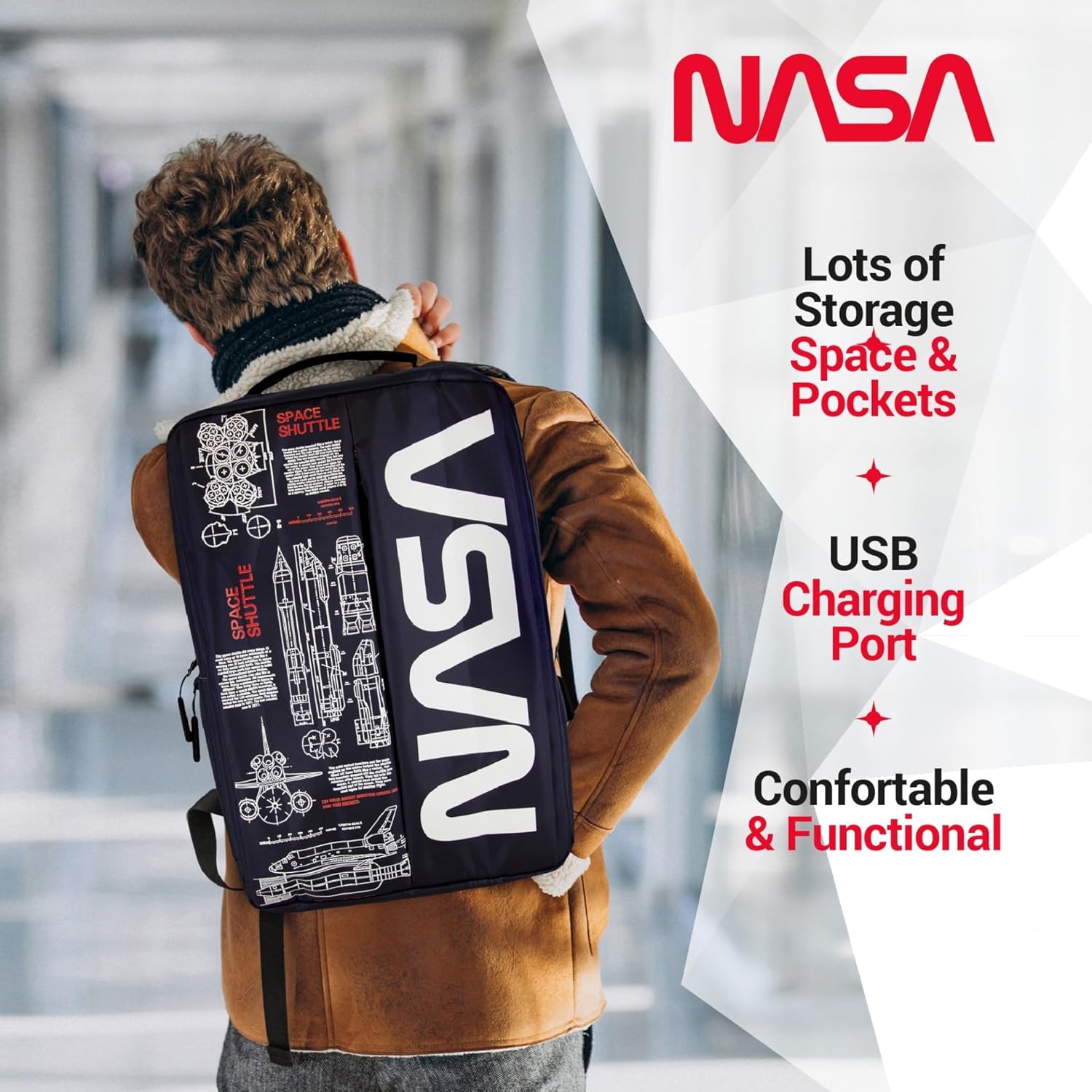
Image: A person wearing the backpack, showcasing its ergonomic design and how it sits on the back.
유지
- 청소:
- For minor dirt, wipe the exterior with a damp 천과 순한 비누.
- 세탁기로 세탁하거나 건조기로 건조하지 마세요.
- Air dry completely before storing or reusing.
- 저장: 배낭을 사용하지 않을 때는 직사광선을 피해 서늘하고 건조한 곳에 보관하십시오.
- 방수 기능: While the backpack is water-resistant, it is not fully waterproof. Avoid prolonged exposure to heavy rain or submerging the backpack in water.
문제 해결
| 문제 | 가능한 원인 | 해결책 |
|---|---|---|
| USB 포트가 기기를 충전하지 않습니다. | Power bank not connected or depleted. Faulty cable. | Ensure power bank is charged and correctly connected to the internal USB cable. Try a different charging cable for your device. |
| 지퍼가 뻑뻑하거나 닫기 어렵습니다. | Fabric caught in zipper. Zipper teeth misaligned. | Gently pull fabric away from the zipper. Apply a small amount of zipper lubricant (e.g., wax) if needed. Do not force the zipper. |
| Backpack feels uncomfortable. | Straps incorrectly adjusted. Overloaded backpack. | Adjust shoulder straps for even weight distribution. Reduce the amount of items carried if the backpack is too heavy. |
명세서
| 특징 | 세부 사항 |
|---|---|
| 제품 치수 | 4.72 x 11.81 x 15.75인치(L x W x H) |
| 품목 무게 | 1.1파운드 |
| 부서 | 남녀공용-성인용 |
| 제조업체 | CJ 테크 |
| ASIN | B0FQG9LPMW |
| 품목 모델 번호 | 71736-NA |
| 총 용량 | 20리터 |
보증 및 지원
For warranty information or customer support, please refer to the contact details provided with your purchase or visit the official CJ TECH web사이트. 보증 청구를 위해 구매 증빙 자료를 보관하세요.


