소개
This manual provides essential information for setting up, operating, and maintaining your Apple Watch Series 11 GPS + Cellular 42mm. Please read these instructions carefully to ensure proper use and to maximize the device's capabilities.
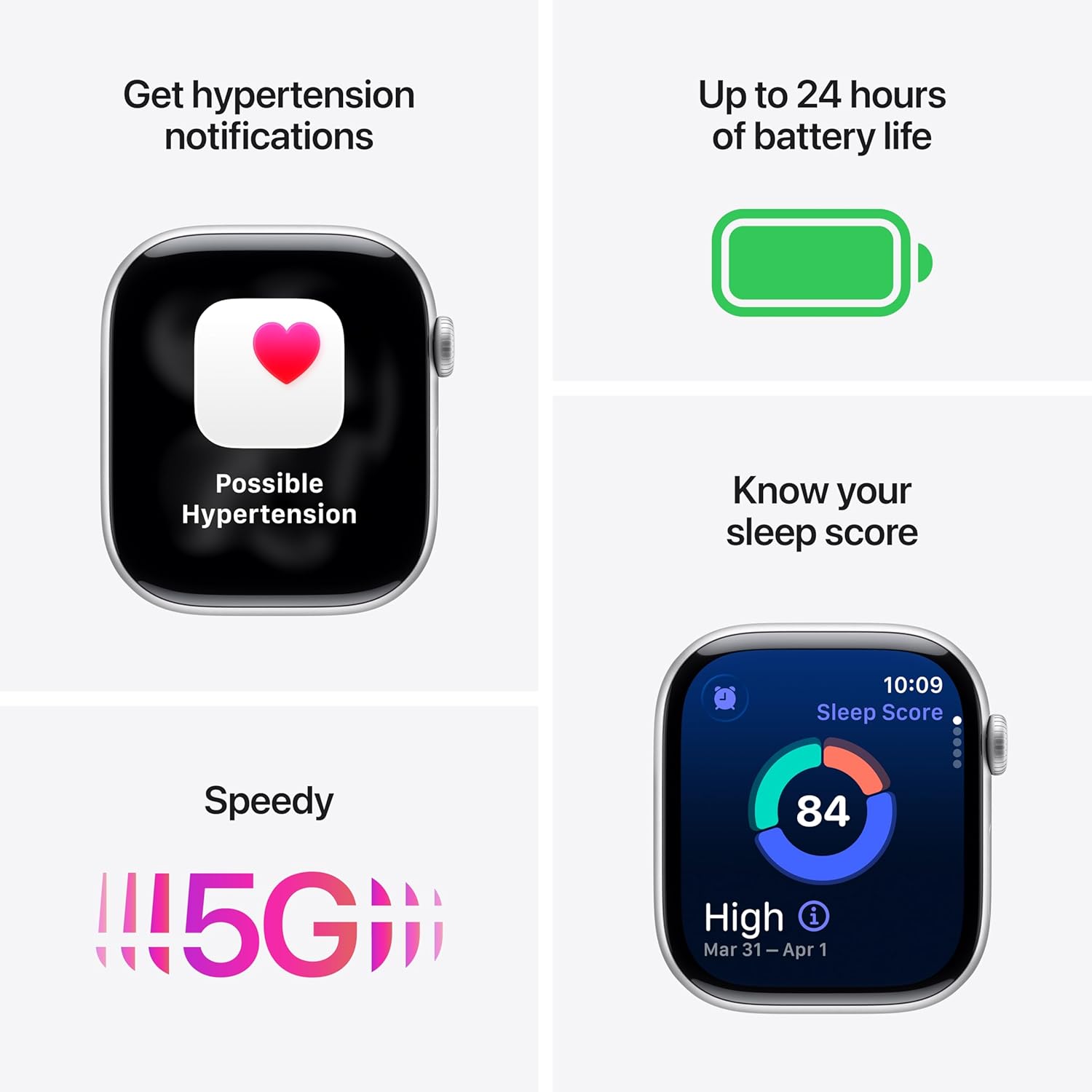
Image: The Apple Watch Series 11, showcasing its design with a Natural Titanium Case and Natural Milanese Loop band.
상자 안에 무엇이 들어있나요?
모든 품목이 포장에 들어 있는지 확인하세요.
- Apple Watch Series 11 GPS + Cellular 42mm Natural Titanium Case
- Natural Milanese Loop
- 1m 마그네틱 충전 케이블

Image: A visual representation of the Apple Watch Series 11, its Milanese Loop band, and the USB-C Magnetic Fast Charging Cable, as found in the product box.
설정
- Apple Watch 충전: Connect the magnetic charging cable to the back of your Apple Watch and plug the USB-C end into a power adapter (sold separately) or a USB-C port. Allow the watch to charge until it powers on.
- iPhone과 페어링: Ensure your iPhone is updated to the latest iOS version and has Bluetooth enabled. Open the Apple Watch app on your iPhone. Follow the on-screen instructions to pair your watch. Position your iPhone so the Apple Watch appears in the view파인더.
- Set Up Cellular (GPS + Cellular models): During the pairing process, you will be prompted to set up cellular service. This requires an active cellular plan with a compatible carrier. Follow the steps provided by your carrier.
- 설정 사용자 정의: Personalize your watch settings, including passcode, Apple Pay, and app preferences.
장치 작동
건강 모니터링
The Apple Watch Series 11 offers advanced health tracking capabilities:
- Hypertension Notifications: The watch can detect signs of chronic high blood pressure and provide notifications.
- 수면 점수: Track and understand your sleep quality with detailed sleep scores.
- 심전도 앱: Take an electrocardiogram (ECG) at any time to record your heart's electrical activity.
- 심박수 모니터링 : Receive notifications for high, low, or irregular heart rhythms.
- 혈중 산소 측정 앱: 혈중 산소 수치를 측정하세요.
- Vitals App: View overnight health metrics for comprehensive insights.
- Sleep Apnea Notifications: Receive alerts for possible sleep apnea events.

Image: The Apple Watch Series 11 screen showing current heart rate and an overview of overnight vitals, illustrating its health monitoring features.
피트니스 추적
Utilize the watch for comprehensive fitness tracking:
- 활동 링: Track your daily movement, exercise, and standing goals.
- 운동 앱: Access advanced metrics for various workouts, including Pacer, Heart Rate Zones, and training load.
- Workout Buddy: Connect with Apple Intelligence on your iPhone for enhanced workout support.

Image: The Apple Watch Series 11 displaying activity rings on one screen and an active 'Outdoor Run' workout on another, highlighting its fitness tracking capabilities.
연결성
Stay connected with your Apple Watch:
- 5G and LTE: Make calls, send texts, download music, and access emergency services without your iPhone nearby.
- Wi-Fi 및 블루투스: Connect to wireless networks and accessories.
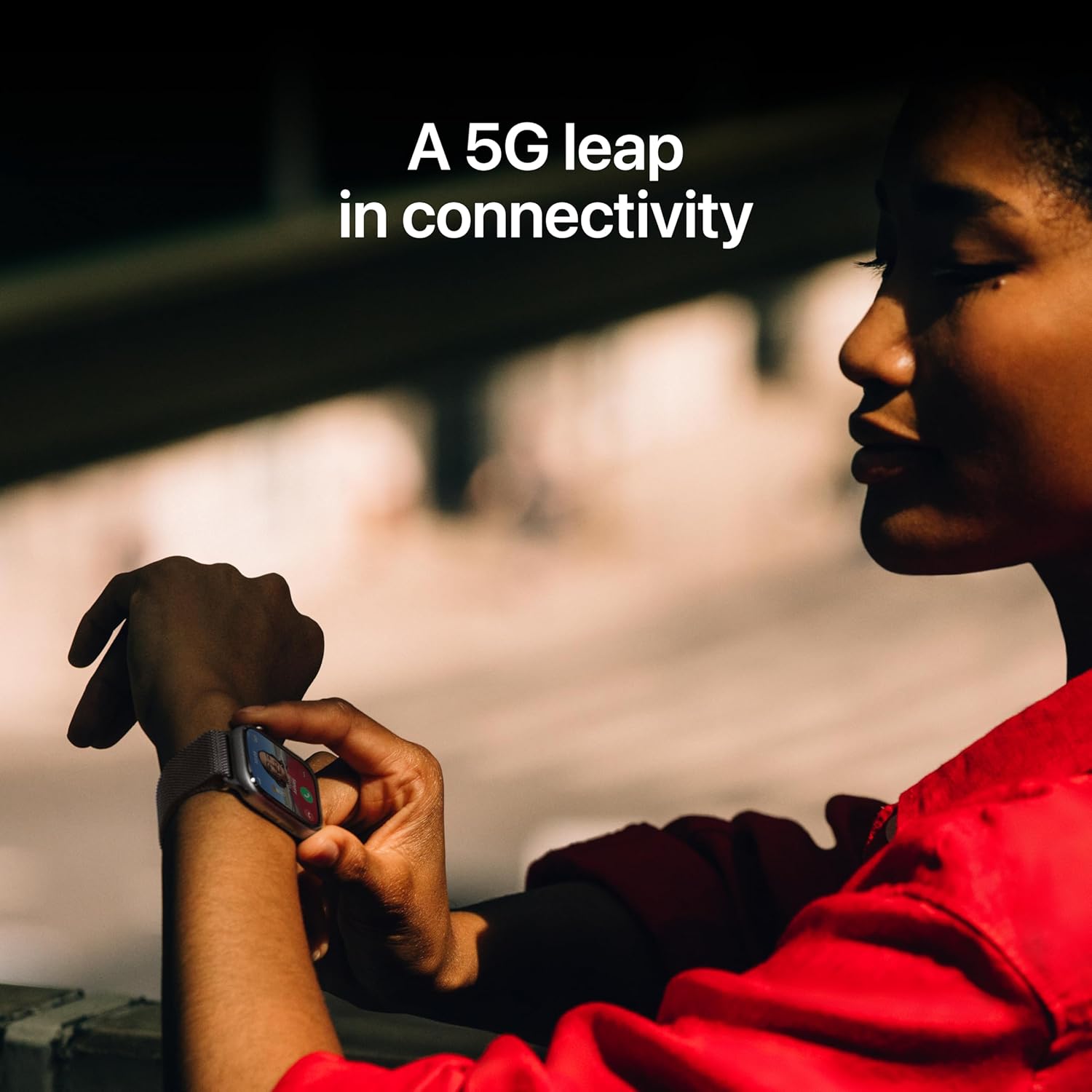
Image: A person wearing the Apple Watch Series 11, with text indicating "A 5G leap in connectivity," demonstrating its advanced cellular capabilities.
안전 기능
The watch includes features designed for your safety:
- 낙상 감지 : Automatically detects hard falls and can initiate a call to emergency services.
- 충돌 감지: Can detect severe car crashes and connect you with emergency services.
- 긴급 SOS: Press and hold the side button to quickly contact emergency services.
- Check In: Automatically notifies a loved one when you arrive at your destination.
통제 수단
- 디지털 크라운: Navigate menus, zoom, and scroll with haptic feedback.
- 측면 버튼: Access the Dock, Apple Pay, and Emergency SOS.
- Double Tap and Wrist Flick Gesture: Interact with the watch using simple hand movements.
- 시리: Use voice commands for various tasks with on-device processing.
배터리 수명 및 충전
The Apple Watch Series 11 is designed for extended use:
- 정상적인 사용: 배터리 수명은 최대 24시간입니다.
- 저전력 모드: 배터리 수명은 최대 38시간입니다.
- Fast-Charge Capable: Achieve up to 80% charge in approximately 30 minutes.
- Quick Charge for Short Use: 15 minutes of charging provides up to 8 hours of normal use, or 5 minutes for up to 8 hours of sleep tracking.
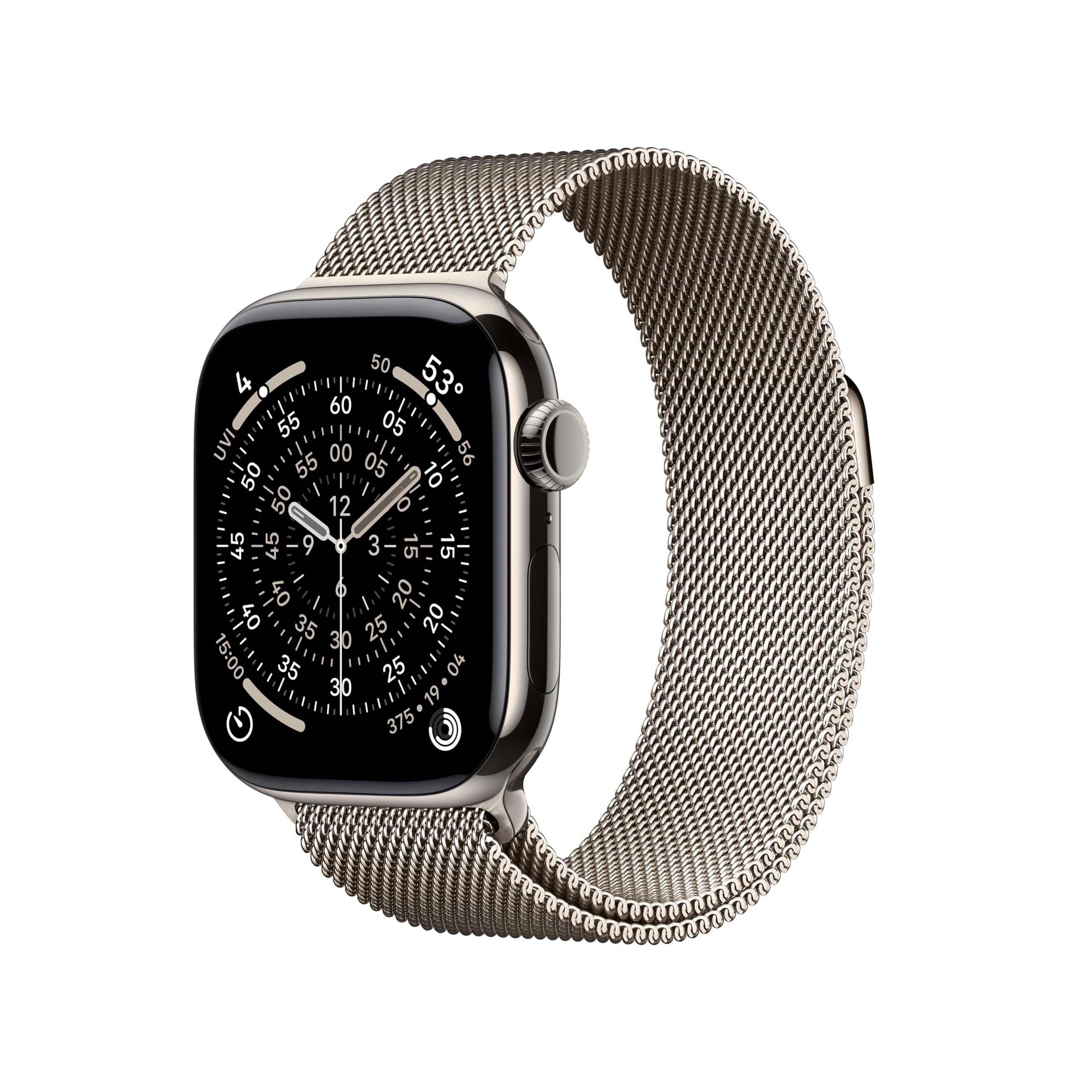
Image: A composite image highlighting key features of the Apple Watch Series 11, including hypertension notifications, up to 24 hours of battery life, sleep score display, and 5G connectivity.
내구성과 관리
Your Apple Watch Series 11 is built for resilience:
- 방수 기능: Water resistant up to 50 meters, suitable for swimming.
- 먼지 저항: IP6X 방진 등급.
- Display Durability: Features a superdurable glass display that is 2x more scratch resistant than Series 10. Titanium cases include a sapphire front crystal.
관리 지침:
- Clean your watch regularly with a soft, lint-free cloth.
- 시계를 극한의 온도나 강한 화학 물질에 노출시키지 마세요.
- 시계가 물에 닿은 후에는 완전히 말리세요.
문제 해결
If you encounter issues with your Apple Watch, consider the following steps:
- Restart Your Watch: Press and hold the side button until the power off slider appears, then drag the slider. To turn it back on, press and hold the side button again until you see the Apple logo.
- 연결 확인: Ensure your Apple Watch is properly paired with your iPhone and that Bluetooth and Wi-Fi are enabled. For cellular models, verify your cellular plan is active.
- 소프트웨어 업데이트: Ensure both your Apple Watch and iPhone are running the latest software versions.
- 설정 재설정: If problems persist, you may need to reset your Apple Watch settings via the Apple Watch app on your iPhone.
- 지원팀에 문의: 추가적인 도움이 필요하시면 Apple 공식 지원 페이지를 방문하세요. web사이트를 방문하거나 Apple 고객 서비스에 문의하세요.
명세서
| 제품 치수 | 9.4 x 3 x 1.2 인치 |
| 품목 무게 | 1.28 온스 |
| 제조업체 | 사과 |
| 품목 모델 번호 | MF8P4LW/A |
| 운영 체제 | 워치OS |
| 메모리 저장 용량 | 64GB (XNUMX기가바이트) |
| 특별 기능 | 활동량 추적기, 상시 표시 디스플레이, 사이클 추적, GPS, 심박수 모니터 |
| 배터리 용량 | 327밀리amp 시간 |
| 연결 기술 | 5G and LTE, GPS + Cellular |
| 무선 통신 표준 | 802.11a/g/n/ac, 블루투스 |
| GPS | 내장형 GPS |
| 모양 | 직사각형 |
| 화면 크기 | 42 밀리미터 |
| 재료 | 알루미늄 또는 티타늄 |
| Dimensions (42mm) | 높이: 42mm, 너비: 36mm, 깊이: 9.7mm |
| Case Weight (Titanium) | 34.6g |
| 표시하다 | Always-On Retina display, up to 2,000 nits brightness, 326 pixels per inch |
| 칩 | S10 SiP with 64-bit dual-core processor, 4-core Apple Neural Engine |
| 센서 | Electrical heart sensor, Optical heart sensor, Blood oxygen sensor, Temperature sensor, Compass, Altimeter, Gyroscope, Accelerometer, Ambient light sensor, Depth gauge, Water temperature sensor |
| 내구성 | Water resistance 50m (swimproof), Dust Resistance IP6X |
보증 및 지원
Your Apple Watch Series 11 is covered by Apple's standard limited warranty. For detailed warranty information, technical support, service options, and additional resources, please visit the official Apple Support web대지:
You can also find information regarding AppleCare+ for extended coverage and accidental damage protection.


