소개
This manual provides essential information for the NIMO 15.6-inch Light Gaming Laptop N15A. It covers setup, operation, maintenance, troubleshooting, and product specifications. Please read this manual thoroughly before using your new laptop to ensure proper function and longevity.

Image: NIMO 15.6-inch Light Gaming Laptop N15A, showcasin전체 화면과 키보드를 사용합니다.
패키지 내용
Verify that all items listed below are present in your product packaging. If any items are missing or damaged, please contact NIMO customer support.
- 1 x NIMO N15A Laptop
- Type-C 100W PD 고속 충전기 1개
- 1 x 사용자 설명서
- Windows 11 Home Operating System (pre-installed)
제품 끝view
The NIMO N15A laptop is designed for balanced performance, featuring an AMD Ryzen 7 Pro 6850U processor, 32GB LPDDR5 RAM, and a 1TB PCIe 4.0 SSD. It includes a 15.6-inch Full HD IPS display, a backlit keyboard, and an integrated fingerprint reader for secure access.
주요 특징:
- 프로세서: AMD Ryzen 7 Pro 6850U with 8 Cores and 16 Threads, up to 4.7GHz.
- 제도법: Integrated AMD Radeon 680M GPU.
- 메모리: 효율적인 멀티태스킹을 위한 32GB LPDDR5 RAM.
- 저장: 1TB PCIe 4.0 SSD for fast boot times and data access.
- 표시하다: 15.6-inch Full HD (1920x1080) IPS Anti-Glare Display.
- 충전 중: 100W USB-C Power Delivery fast charging.
- 보안: Integrated fingerprint reader for secure login.
- 건반: Backlit keyboard for use in various lighting conditions.

Image: Visual representation of the AMD Ryzen 7 Pro 6850U processor's core and thread count, and turbo boost speed.
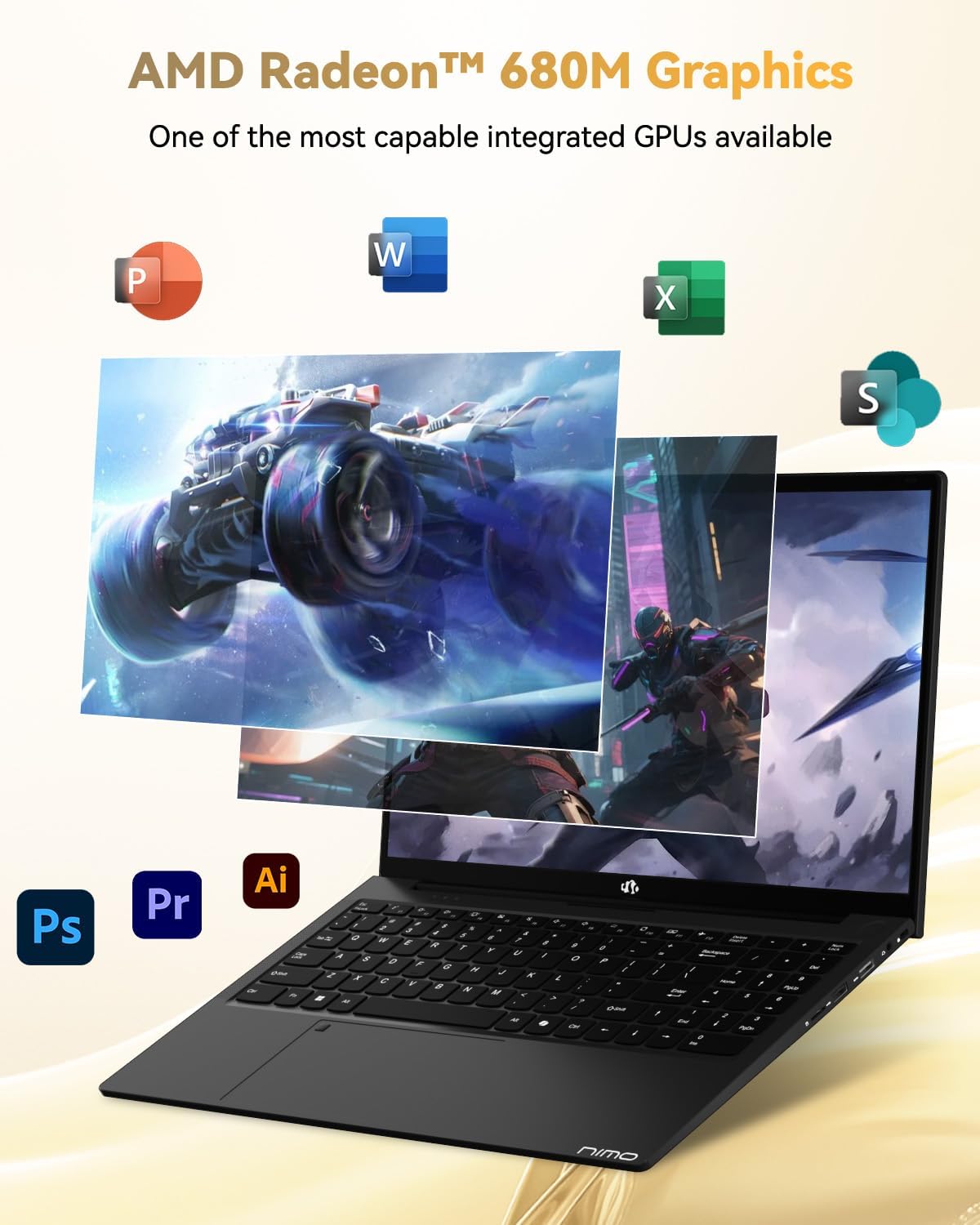
Image: Illustration highlighting the capabilities of the AMD Radeon 680M integrated graphics for various applications.

Image: Diagram showing the 32GB LPDDR5 RAM and 1TB PCIe 4.0 SSD for seamless multitasking and amp르 스토리지.
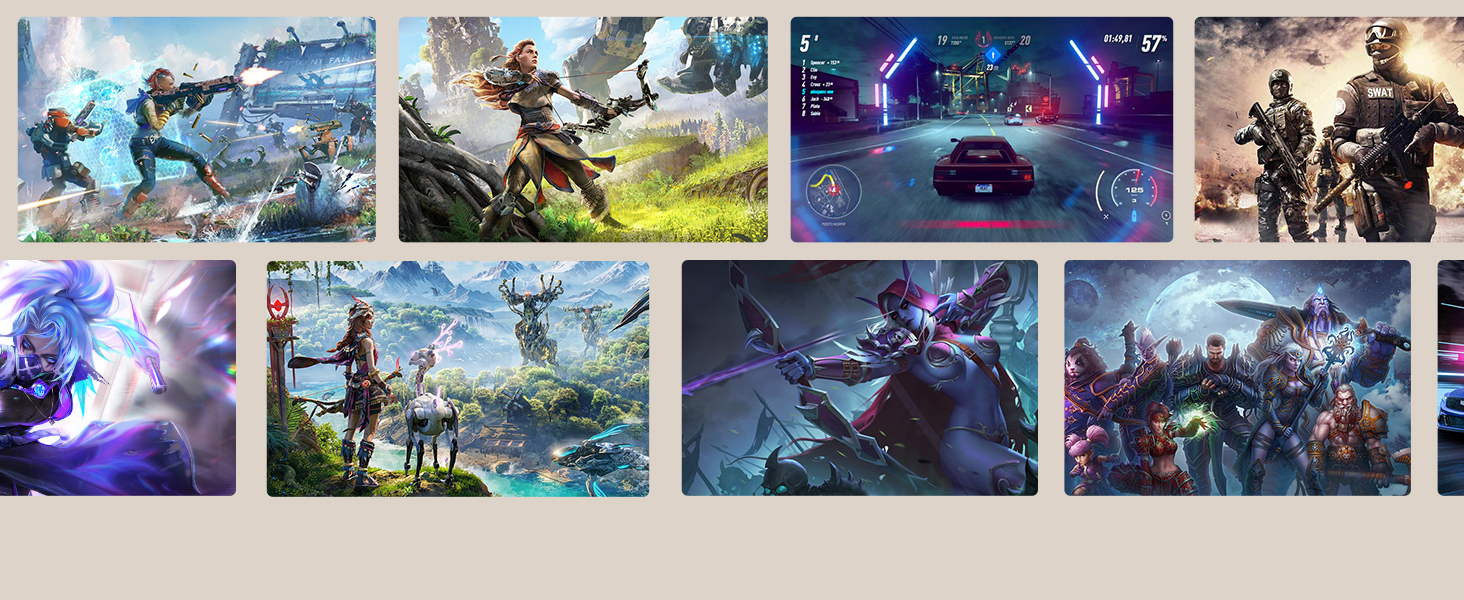
Image: The NIMO N15A laptop displaying a vibrant image on its 15.6-inch Full HD IPS screen.
포트 및 연결:

Image: Diagram illustrating the various ports on the NIMO N15A laptop, including USB, HDMI, and Type-C.
- 마이크로 SD 리더
- USB 2.0 포트
- USB 3.2 포트 (다수)
- 헤드폰 잭
- 켄싱턴 잠금 슬롯
- Type-C (Multifunction) Ports (supporting charging and data transfer)
- HDMI 포트
설정
1. Initial Charging and Power On:
- Connect the provided 100W Type-C PD Fast Charger to the laptop's Type-C charging port and a power outlet.
- Allow the laptop to charge for at least 30 minutes before initial use, or until the charging indicator shows sufficient battery.
- 노트북을 켜려면 키보드에 있는 전원 버튼을 누르세요.

Image: Illustration of the NIMO N15A laptop being charged with the 100W Type-C PD Fast Charger.
2. Windows 11 Initial Setup:
화면의 안내에 따라 Windows 11 설치 과정을 완료하세요. 일반적으로 다음 단계가 포함됩니다.
- 지역 및 키보드 레이아웃을 선택하세요.
- Wi-Fi 네트워크에 연결 중입니다.
- Microsoft 계정으로 로그인하거나 로컬 계정을 만드세요.
- PIN 또는 비밀번호 설정.
- 개인 정보 설정 구성 중입니다.
작동 지침
전원 관리 :
- 전원 켜기: 전원 버튼을 누르세요.
- 수면 모드 : 뚜껑을 닫거나 전원 버튼을 짧게 누르세요.
- 종료: 시작 버튼을 클릭한 다음 전원을 클릭하고 종료를 클릭하세요.
- 다시 시작: 시작 버튼을 클릭한 다음 전원을 클릭하고 다시 시작을 클릭하세요.
키보드 및 터치패드:

이미지: 클로즈업 view of the NIMO N15A laptop's backlit keyboard and the integrated fingerprint reader on the touchpad.
- 백라이트 키보드: Use the dedicated function key (usually Fn + Fx) to toggle the keyboard backlight on/off and adjust brightness levels.
- 지문 인식기: The fingerprint reader is integrated into the touchpad. During Windows setup, you can configure your fingerprint for secure, quick login.
- 정밀 터치패드: 탐색을 위한 멀티터치 제스처를 지원합니다. 사용자 지정은 Windows 설정을 참조하세요.
주변 장치 연결:
Utilize the various ports to connect external devices such as monitors, printers, external storage, and audio devices.
- USB 장치: Plug USB devices into the available USB 2.0 or USB 3.2 ports.
- 외부 디스플레이: Connect an external monitor or TV using the HDMI port or a compatible Type-C adapter.
- 오디오: 헤드폰이나 외부 스피커를 사용하려면 3.5mm 헤드폰 잭을 사용하십시오.
카메라 개인정보 보호:

Image: Illustration of the NIMO N15A laptop's built-in privacy camera switch, allowing users to easily disable the web캠.
The NIMO N15A laptop features a built-in privacy camera switch. This allows you to physically disable the 2.0MP web카메라를 사용하지 않을 때는 꺼져 있어 개인 정보 보호를 보장합니다.
유지
Cleaning the Laptop:
- Power off the laptop and disconnect the charger before cleaning.
- 부드럽고 털이 없는 천을 살짝 사용하세요.amp디스플레이에는 물이나 화면 세척제를 사용하세요.
- 키보드와 케이스에는 부드러운 천을 사용하세요. 강한 화학 물질이나 연마재는 사용하지 마세요.
- 압축 공기를 사용하여 키보드 키와 통풍구에서 먼지를 제거합니다.
배터리 관리 :
- 배터리를 자주 완전히 방전시키지 마세요.
- 장시간 사용하지 않을 경우 노트북을 시원하고 건조한 곳에 보관하고, 배터리는 50~70% 정도 충전해 두세요.
- Use only the original NIMO 100W Type-C PD Fast Charger.
소프트웨어 업데이트:
- 시스템 안정성과 보안을 보장하기 위해 정기적으로 Windows 업데이트를 확인하고 설치하십시오.
- Keep device drivers updated, especially for graphics and chipset, by checking the NIMO support web사이트 또는 Windows 업데이트.
문제 해결
| 문제 | 가능한 해결책 |
|---|---|
| 노트북의 전원이 켜지지 않습니다. | Ensure the charger is properly connected and the power outlet is functional. Allow the battery to charge for at least 30 minutes. If the issue persists, contact support. |
| 디스플레이가 비어 있거나 깜빡입니다. | Try connecting an external monitor to check if the issue is with the laptop's display. Adjust display brightness. Restart the laptop. |
| 성능이 느립니다. | 불필요한 애플리케이션을 종료하세요. 백그라운드에서 시스템 리소스를 많이 사용하는 프로세스가 있는지 확인하세요. 충분한 저장 공간을 확보하세요. 시스템에서 악성코드를 검사하세요. |
| 키보드 백라이트가 작동하지 않습니다. | Press the dedicated function key combination (e.g., Fn + Fx) to toggle or adjust the backlight. Check keyboard settings in Windows. |
| 지문 인식기가 작동하지 않습니다. | Ensure your finger is clean and dry. Re-register your fingerprint in Windows settings. Restart the laptop. |
For issues not listed here or if solutions do not resolve the problem, please refer to the Warranty and Support section for assistance.
명세서
| 특징 | 세부 사항 |
|---|---|
| 상표 | 니모 |
| 모델명 | NIMO N15AL (N15A) |
| 화면 크기 | 15.6 인치 |
| 화면 해상도 | 1920 x 1080픽셀(풀 HD) |
| 프로세서 | AMD Ryzen 7 Pro 6850U (8 Cores, up to 4.7 GHz) |
| 숫양 | 32GB LPDDR5(6400MHz) |
| 하드 드라이브 | 1024 GB SSD (PCIe 4.0, Solid State) |
| 그래픽 코프로세서 | AMD 라데온 680M (내장형) |
| 운영 체제 | 윈도우 11 |
| 무선형 | 802.11a/b/g/n/ac |
| USB 2.0 포트 | 1 |
| USB 3.0/3.2 포트 | 4 |
| 평균 배터리 수명 | 9시간 |
| 품목 무게 | 3.75파운드 |
| 제품 치수 | 14.07 x 8.98 x 0.76 인치 |
| 색상 | 검은색 |
| 뒤쪽 Web캠 해상도 | 2 MP |
| 특별 기능 | 백라이트 키보드, 지문 인식기, HD 오디오, 숫자 키패드 |
보증 및 지원
NIMO provides comprehensive support for your laptop.
- 보증: Your NIMO N15A laptop comes with a 2-year manufacturer's warranty.
- 반품 정책: A 90-day hassle-free return policy is offered from the date of purchase.
- 고객 지원: For technical assistance, warranty claims, or product-related inquiries, please contact NIMO customer support.
Contact information for support is typically available on the official NIMO website or through the product's packaging.
안전 정보
중요한: Read and follow these safety guidelines to prevent damage to your device or personal injury.
- 정품 충전기만 사용하고 케이블에 손상이 있는지 정기적으로 점검하십시오.
- 노트북은 받침대를 잡고 다루며, 보호 케이스 사용을 고려해 보세요. 노트북 위에 무거운 물건을 올려놓지 마세요.
- Place the laptop on a hard, flat surface to ensure proper ventilation and prevent overheating. Keep it away from extreme temperatures and moisture.
- Do not overcharge the battery. Discontinue use if the battery shows signs of swelling or damage.
- Set strong passwords, keep software updated, use antivirus software, and regularly back up your data.
- 액체를 쏟았을 경우 즉시 노트북의 전원 플러그를 뽑고 완전히 건조시킨 후 전원을 켜십시오.
- For any issues, consult qualified professionals. Do not attempt to disassemble or repair the device yourself.
법적 고지사항
This NIMO laptop is provided "as is," without express or implied warranties, except for any applicable manufacturer's limited warranty. Implied warranties of merchantability or fitness for a specific purpose are disclaimed. NIMO is not liable for damages resulting from misuse (e.g., non-approved chargers, unauthorized repairs), physical damage, or failure to adhere to safety guidelines, including data loss or business interruption. Users are responsible for regularly backing up their data. This disclaimer does not exclude liability for manufacturing defects or violations of mandatory local laws. By using this laptop, you accept these terms, which are governed by the laws of the applicable jurisdiction.


