1. 서론
This manual provides essential information for setting up, operating, maintaining, and troubleshooting your NIMO N158 15.6-inch laptop. Please read this manual thoroughly before using your device to ensure optimal performance and longevity.
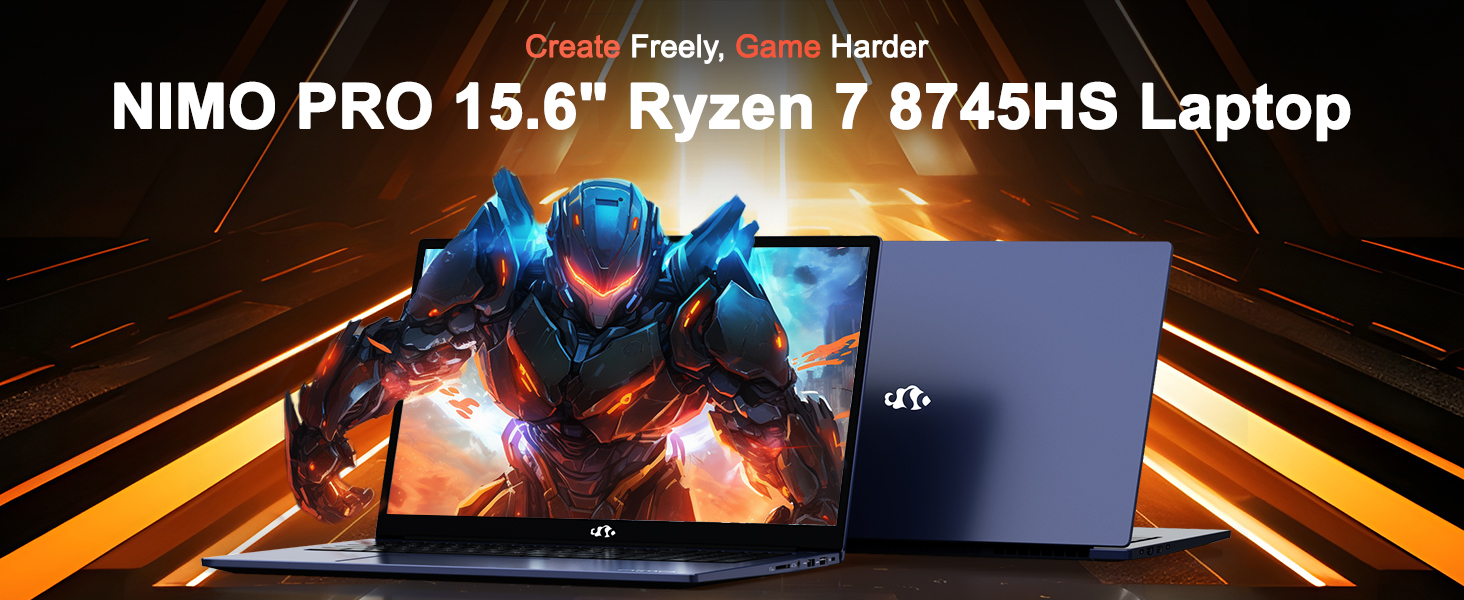
Image: The NIMO N158 15.6-inch laptop, showcasin디자인과 주요 특징을 살펴보세요.
2. 제품 오버view
The NIMO N158 is a high-performance laptop designed for productivity and entertainment. It features an AMD Ryzen 7 8745HS processor, 64GB DDR5 RAM, and a 1TB PCIe 4.0 SSD.
2.1 주요 구성 요소
- 프로세서: AMD Ryzen 7 8745HS(8코어, 16스레드, 최대 4.9GHz)
- 제도법: AMD 라데온 780M 통합 그래픽
- 메모리: 64GB DDR5 RAM (4800MHz)
- 저장: 1TB PCIe 4.0 SSD
- 표시하다: 15.6인치 풀 HD(1920x1080) IPS 눈부심 방지 디스플레이
- 운영 체제: 윈도우 11 홈
- 배터리: 75Wh 리튬 폴리머
2.2 포트 및 인터페이스
The NIMO N158 laptop offers a variety of ports for connectivity:

Image: Diagram illustrating the various ports and interfaces on the NIMO N158 laptop.
- 1 x USB 2.0 포트
- 3개의 USB 3.0 포트
- 1 x USB 4.0 Type-C Port (with 100W PD fast charging support)
- 1 x HDMI 포트
- 1 x 헤드폰 잭
- 1 x SD 카드 리더
- 1 x 켄싱턴 잠금 슬롯
3. 설정
3.1 초기 전원 켜기 및 충전
- Unpack the laptop and the included 100W Type-C PD Fast Charger.
- Connect the charger to the USB Type-C port on the laptop and to a power outlet. The Charger LED will illuminate.
- 처음 사용하기 전에 노트북을 최소 30분 동안 충전하거나 배터리 표시등이 충분히 충전되었음을 나타낼 때까지 충전하세요.
- 전원 버튼을 눌러 노트북을 켭니다.

Image: The NIMO N158 laptop connected to its 100W Type-C fast charger, illustrating the charging process.
3.2 운영 체제 설정
Upon first boot, you will be guided through the Windows 11 Home setup process. Follow the on-screen instructions to configure your language, region, network connection, and user account.
3.3 지문 판독기 설정
For enhanced security, set up the integrated fingerprint reader during the Windows 11 setup or later via Windows Settings > Accounts > Sign-in options. This allows for quick and secure login.
4. 사용 설명서
4.1 키보드 및 터치패드
- 백라이트 키보드: The keyboard features backlighting for comfortable typing in low-light conditions. Use the designated function key (Fn + F key combination, typically) to adjust brightness or toggle the backlight.
- 숫자 키패드: 효율적인 데이터 입력을 위해 전용 숫자 키패드가 포함되어 있습니다.
- Precision Gesture Touchpad: 터치패드는 탐색을 위한 멀티터치 제스처를 지원합니다. 터치패드 제스처를 사용자 지정하려면 Windows 설정을 참조하십시오.

Image: A user interacting with the NIMO N158 laptop, highlighting the backlit keyboard and fingerprint reader on the touchpad.
4.2 디스플레이
The 15.6-inch Full HD IPS anti-glare display provides clear and vibrant visuals. Adjust display settings (resolution, brightness, color) through Windows Display Settings.

Image: The NIMO N158 laptop displaying a vibrant image on its 15.6-inch Full HD IPS screen, emphasizing visual quality.
4.3 Web캠
이 노트북에는 2MP 카메라가 포함되어 있습니다. webcam. For privacy, a physical webcam shield or switch is integrated. Ensure the webcam is open when in use and closed when not needed.

Image: A visual representation of the NIMO N158 laptop's privacy-focused camera, showing the open and closed states of the webcam switch.
4.4 성능 및 멀티태스킹
The AMD Ryzen 7 8745HS processor and 64GB DDR5 RAM provide robust performance for demanding tasks, content creation, and gaming. The 1TB PCIe 4.0 SSD ensures fast boot times and application loading.

Image: A close-up of the AMD Ryzen 7 8745HS processor chip, highlighting its core specifications.
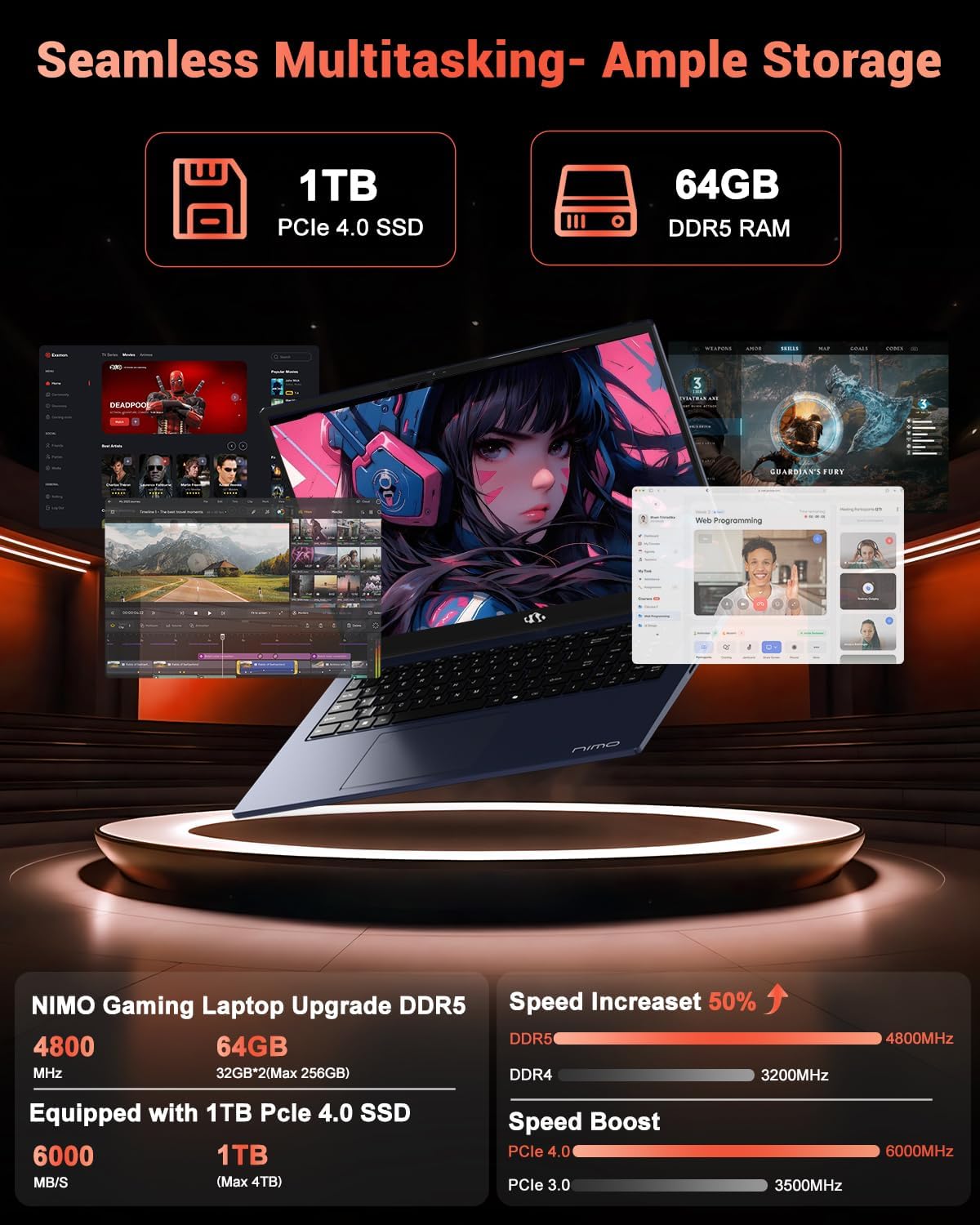
Image: The NIMO N158 laptop displaying multiple applications open, demonstrating its multitasking capabilities with 64GB RAM and 1TB SSD.
5. 유지관리
5.1 일반 관리
- 부드럽고 마른 천으로 표면을 닦아 노트북을 깨끗하게 유지하세요.
- 노트북을 극한 온도, 직사광선 또는 습기에 노출시키지 마십시오.
- 노트북 위에 무거운 물건을 올려놓지 마세요.
- 통풍구를 막지 않도록 하여 적절한 환기를 유지하세요.
5.2 업그레이드 가능성
The NIMO N158 features an upgradable design, allowing for expansion of memory (RAM) and storage (SSD). Consult a qualified technician or refer to official NIMO support resources before attempting any internal upgrades to avoid voiding your warranty.
6. 문제 해결
If you encounter issues with your NIMO N158 laptop, consider the following basic troubleshooting steps:
- 전원 없음: 충전기가 제대로 연결되어 있는지, 콘센트가 정상적으로 작동하는지 확인하십시오. 다른 콘센트에 꽂아 보세요.
- 디스플레이 문제: Check external display connections if using one. Adjust screen brightness. Restart the laptop.
- 느린 성능: 불필요한 애플리케이션을 닫으세요. 백그라운드 업데이트를 확인하세요. 충분한 저장 공간을 확보하세요.
- 연결 문제: Restart your Wi-Fi router. Reconnect to the Wi-Fi network. Update network drivers.
- 시스템 멈춤 현상: 전원 버튼을 10~15초 동안 길게 눌러 강제로 종료한 다음 다시 시작하십시오.
For persistent issues, refer to the NIMO support web사이트를 방문하거나 고객 서비스에 문의하세요.
7. 사양
| 특징 | 사양 |
|---|---|
| 상표 | 니모 |
| 모델명 | 니모 N158B |
| 화면 크기 | 15.6 인치 |
| 화면 해상도 | 1920 x 1080 픽셀 (FHD IPS) |
| 프로세서 | AMD 라이젠 7 8745HS (최대 4.9GHz) |
| 숫양 | 64GB DDR5(4800MHz) |
| 하드 드라이브 | 1024GB SSD (PCIe 4.0) |
| 그래픽 코프로세서 | AMD 라데온 780M |
| 운영 체제 | 윈도우 11 홈 |
| 무선형 | 802.11a/b/g/n/ac (Wi-Fi 6E) |
| USB 2.0 포트 | 1 |
| USB 3.0 포트 | 3 |
| USB 4.0 Type-C 포트 | 1 |
| 평균 배터리 수명 | 15.5시간 |
| 품목 무게 | 3.8파운드 |
| 제품 치수 | 14.07 x 8.98 x 0.76 인치 |
| 특별 기능 | 백라이트 키보드, 지문 인식기, HD 오디오, 숫자 키패드 |
8. 보증 및 지원
NIMO is committed to providing excellent customer service and product support.
8.1 보증 정보
NIMO N158 노트북에는 다음이 포함됩니다. 2년 보증 구매일로부터 보증이 적용됩니다. 본 보증은 정상적인 사용 중 제조상의 결함 및 하드웨어 고장에 적용됩니다. 보증 청구를 위해 구매 증빙 자료를 보관해 주십시오.

Image: A technician performing maintenance on a laptop, representing the 2-year support provided by NIMO.
8.2 반품 정책
NIMO는 다음과 같은 것을 제공합니다. 90일 이내 번거로움 없는 반품 정책. If you are not satisfied with your purchase, you may return the product within 90 days from the date of purchase. Please refer to the official NIMO return policy for detailed terms and conditions.

Image: A delivery person handing a package to a customer, illustrating the 90-day return policy.
8.3 고객 지원
Our dedicated support team is available to assist you with any questions or issues. You can reach us via:
- 이메일: service@nimopc.com
- 온라인: NIMO 공식 웹사이트를 방문하세요. webFAQ 및 지원 리소스를 위한 사이트입니다.
We strive to provide quick solutions and a worry-free experience.

Image: Customer service representatives wearing headsets, representing professional customer assistance.


