1. 제품 오버view
The Baseus Picogo Power Bank is a compact, lightweight, and versatile magnetic portable charger designed for convenience and efficiency. Featuring Qi2 certification for 15W wireless charging and a 20W USB-C output, it provides reliable power for your devices on the go. Its ultra-slim design includes a built-in kickstand for hands-free view주고받음.
주요 특징:
- 초소형 디자인: Smaller than a credit card and weighing approximately 0.3 lbs (138g), making it highly portable.
- Qi2 인증 무선 충전: Delivers up to 15W fast wireless charging for compatible devices.
- 20W USB-C 유선 충전: Provides rapid wired charging for devices via the USB-C port.
- 5000mAh 배터리 용량: Offers approximately 1.5 full charges for most iPhone models.
- 일체형 킥스탠드: 핸즈프리가 가능합니다 view세로 및 가로 방향 모두로 사용 가능.
- 강력한 자기 정렬: Equipped with 11 reinforced N52 magnets for a secure attachment to MagSafe-compatible devices.
- 프리미엄 소재: Crafted with an aluminum alloy shell and a soft-touch silicone coating for durability and grip.
- 강화된 안전성: Features NTC Smart Temperature Control and multiple protection mechanisms (over-voltage, 언더볼륨tage, over-charge, over-discharge, over-current, short circuit, over-power).

Image: The Baseus Picogo Power Bank attached to the back of an iPhone, demonstrating its ultra-compact size and the integrated kickstand in use. The image emphasizes its portability and hands-free view능력을 가지고 있습니다.
2. 상자 안에 무엇이 들어있나요?
Upon opening your Baseus Picogo Power Bank package, you should find the following items:
- Baseus Picogo Power Bank (Model: PPKPC-0520S)
- USB-C to USB-C 충전 케이블
- 사용 설명서 (본 문서)

Image: The Baseus Picogo Power Bank, its retail packaging, and the included USB-C charging cable, illustrating the complete product contents.
3. 설정
파워뱅크 초기 충전:
- Connect the provided USB-C cable to the USB-C port on the Baseus Picogo Power Bank.
- USB-C 케이블의 다른 쪽 끝을 호환되는 USB-C 전원 어댑터(별도 구매)에 연결하십시오.
- The LED indicators on the power bank will light up to show the charging status. A full charge is indicated when all four LEDs are solid.
- Allow approximately 1 hour and 54 minutes for a full recharge using a 20W or higher power adapter.

Image: The Baseus Picogo Power Bank connected to a wall adapter via a USB-C cable, illustrating the process of recharging the power bank.
배터리 잔량 확인:
전원 버튼을 한 번 눌러주세요 view LED 표시등으로 표시되는 현재 배터리 잔량:
- LED 1개: 0-25%
- 2개 LED: 25-50%
- 3개 LED: 50-75%
- 4개 LED: 75-100%

Image: A visual guide explaining how the LED indicators on the Baseus Picogo Power Bank correspond to its remaining battery charge levels.
4. 사용 설명서
무선 충전(MagSafe 호환):
- Ensure your device is MagSafe compatible (iPhone 12-17 series) or has a MagSafe-compatible case.
- Align the Baseus Picogo Power Bank with the back of your device. The strong magnets will snap it into place.
- Wireless charging will begin automatically. The power bank delivers up to 15W for fast wireless charging.
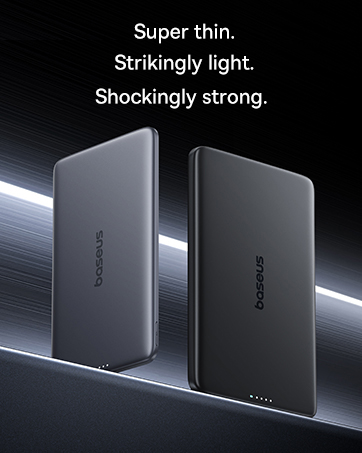
Image: The Baseus Picogo Power Bank magnetically attached to an iPhone, demonstrating active wireless charging with the Qi2 logo visible.
Wired Charging (USB-C Output):
- Connect a USB-C cable (provided or your own) to the USB-C port on the Baseus Picogo Power Bank.
- 케이블의 다른 쪽 끝을 기기의 충전 포트에 연결하세요.
- Wired charging will commence. The power bank supports up to 20W output for rapid charging.

Image: The Baseus Picogo Power Bank connected via a USB-C cable to one iPhone while wirelessly charging another, showcasing its dual-device charging capability.
내장 킥스탠드 사용하기:
- Gently pull out the integrated aluminum kickstand from the back of the power bank.
- Position your device (with the power bank attached) on a flat surface.
- 킥스탠드를 원하는 각도로 조절하세요. viewing angle for hands-free use in portrait or landscape mode.
Image: The Baseus Picogo Power Bank attached to an iPhone, with its kickstand extended to support the phone in an upright position for hands-free view주고받음.
호환성:
The Baseus Picogo Power Bank is compatible with:
- iPhone 12-17 Series (MagSafe wireless charging)
- MagSafe-compatible cases
- AirPods 3 / Pro 2
- Other USB-C powered devices (via wired connection)
그것은 호환되지 않음 with non-magnetic cases, Samsung phones (for wireless charging), or other Android phones (for wireless charging).
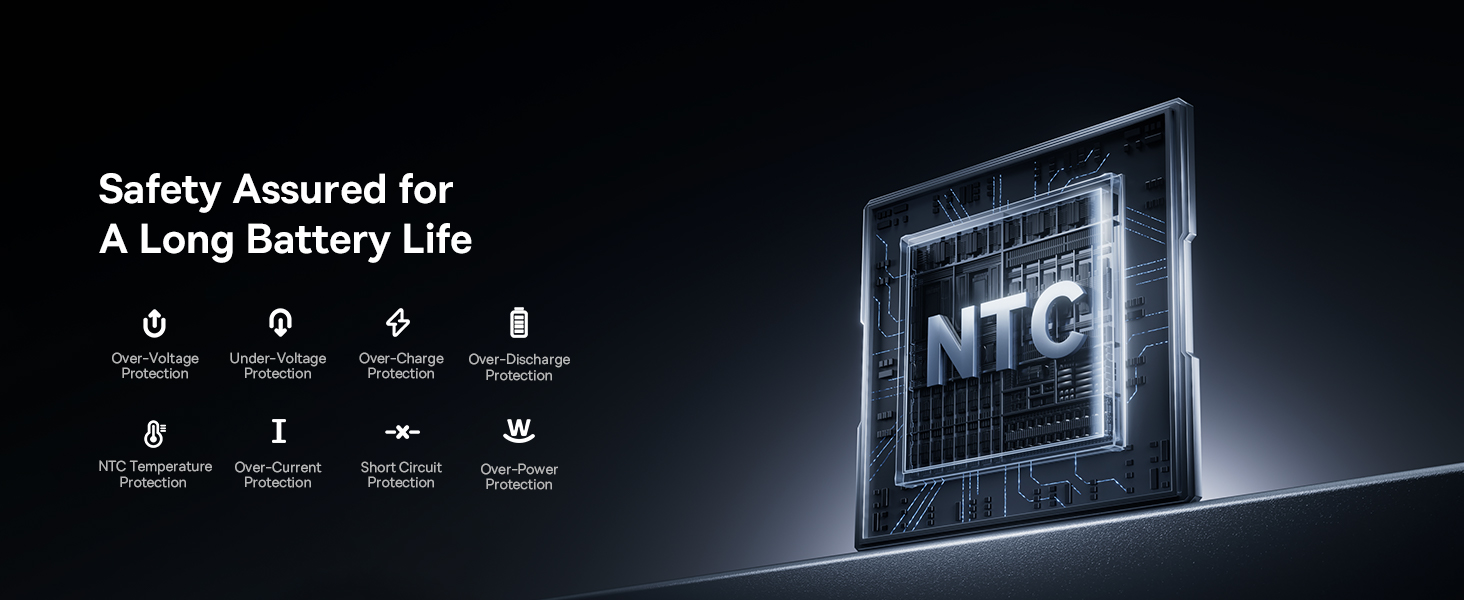
Image: A visual chart detailing compatible and incompatible devices for the Baseus Picogo Power Bank, including various iPhone models, AirPods, and other USB-C devices.
5. 유지관리
- 청소: 부드럽고 마른 천을 사용하여 보조배터리를 닦으세요. 강한 화학 물질이나 연마재는 사용하지 마세요.
- 저장: 모바일 배터리는 직사광선과 극한의 온도를 피해 서늘하고 건조한 곳에 보관하세요.
- 배터리 관리 : 배터리 수명을 연장하려면 보조 배터리를 완전히 방전시키지 말고, 배터리 잔량이 부족할 때 충전하세요.
- 낙하 방지: While durable, avoid dropping the power bank to prevent internal damage.
6. 문제 해결
- 장치가 무선으로 충전되지 않음:
- 사용하시는 기기가 MagSafe와 호환되는지 또는 MagSafe와 호환되는 케이스를 사용하고 있는지 확인하십시오.
- 모바일 기기와 전원 은행이 제대로 정렬되어 있는지 확인하세요.
- 보조 배터리의 충전량이 충분한지 확인하십시오.
- 느린 충전:
- Ensure you are using a compatible cable and power adapter for optimal charging speeds.
- Charging may slow down at 80% to protect the battery, especially if the device gets warm. Moving to a cooler area may help.
- 보조 배터리가 충전되지 않음:
- USB-C 케이블과 전원 어댑터가 손상되었는지 확인하세요.
- 전원 어댑터가 올바르게 작동하는지 확인하세요.
- 자기 연결이 약합니다:
- Ensure your device or case is genuinely MagSafe compatible.
- Remove any non-magnetic accessories or thick cases that may interfere with the magnetic connection.
7. 사양
| 특징 | 세부 사항 |
|---|---|
| 모델 번호 | PPKPC-0520S |
| 배터리 용량 | 5000밀리amp 시간(mAh) |
| 무선 출력 | 5W / 7.5W / 15W (Qi2 Certified) |
| USB-C 출력 | 맥스 맥스 맥스 |
| USB-C 입력 | 5V=3A; 9V=2.22A |
| 총 출력 | 20W Max (when charging two devices simultaneously) |
| 제품 치수 | 3.4 x 2.3 x 0.5 인치 |
| 품목 무게 | 0.3 lbs (approximately 138g) |
| 배터리 유형 | 리튬폴리머 |
| 재료 | Silicone, Aluminum alloy |
| 색상 | 회색 |
8. 보증 및 지원
Baseus는 다음을 제공합니다. 2년 교체 약속 for this product. For any issues or support, please contact Baseus customer service. Details can typically be found on the product packaging or the official Baseus web대지.
9. 중요한 안전 정보
- 모바일 기기를 극한의 온도, 직사광선 또는 불에 노출시키지 마세요.
- 기기를 직접 분해, 개조 또는 수리하지 마세요.
- 어린이의 손이 닿지 않는 곳에 보관하세요.
- 장치를 떨어뜨리거나 강한 충격을 가하지 마십시오.
- Use only original or certified cables and adapters.
- 보조 배터리가 부풀어 오르거나, 냄새가 나거나, 과도하게 뜨거워지면 즉시 사용을 중단하십시오.
10. 제품 비디오 끝view
영상: 공식 발표view of the Baseus Picogo Power Bank, highlighting its ultra-mini size, 15W Qi2 wireless charging, strong magnetic attachment, and built-in kickstand. It demonstrates the product's key features and portability.


