1. 서론
This manual provides essential information for using your new vivo Y31 Pro 5G smartphone. Please read it carefully to ensure proper operation and to maximize the device's features. Keep this manual for future reference.

이미지: 앞면 view of the vivo Y31 Pro 5G smartphone, showcasing가 표시됩니다.
2. 상자 안에 무엇이 들어있나요?
제품 포장에 모든 품목이 들어 있는지 확인하세요.
- vivo Y31 Pro 5G 스마트폰
- 전화 케이스
- 전원 어댑터
- USB 케이블
- SIM 트레이 이젝터
- 화면 보호 필름 (미리 부착됨)
3. 설정
3.1. SIM 카드 설치
- 기기 측면에서 SIM 카드 트레이를 찾으세요.
- SIM 트레이 꺼내기 도구를 트레이 옆에 있는 작은 구멍에 넣고 트레이가 튀어나올 때까지 살짝 누르세요.
- 나노 SIM 카드 및/또는 microSD 카드를 금색 접촉면이 아래쪽을 향하도록 트레이에 넣으십시오. 이때 카드의 방향이 올바른지 확인하십시오.
- 트레이를 조심스럽게 전화기에 다시 삽입하여 제자리에 고정되도록 합니다.
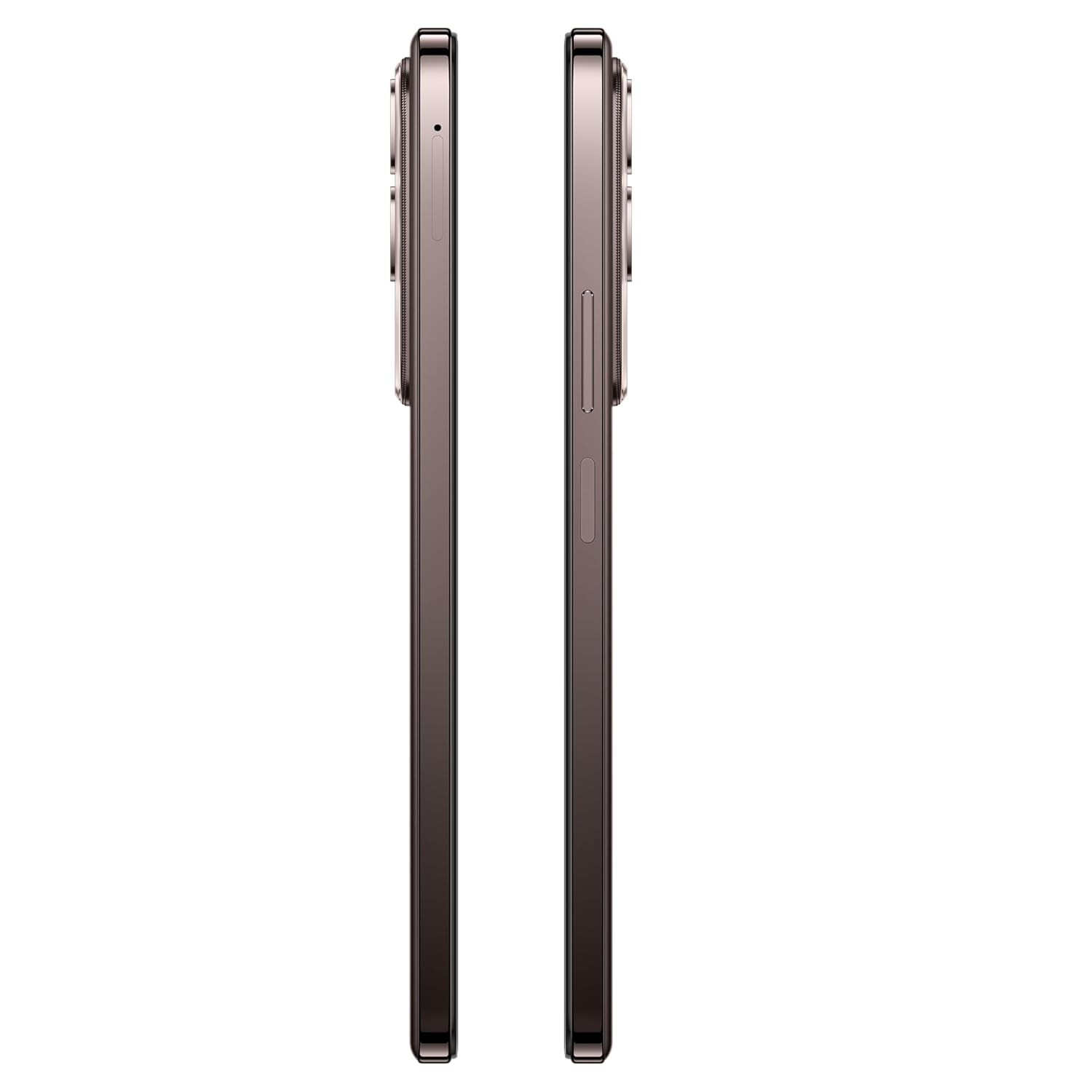
이미지: 측면 view of the vivo Y31 Pro 5G, showing the SIM card tray location.
3.2. 초기 전원 켜기 및 기본 설정
- Press and hold the Power button (located on the right side) until the vivo logo appears.
- 화면의 지시에 따라 언어와 지역을 선택하고 Wi-Fi 네트워크에 연결하세요.
- Google 계정으로 로그인하거나 새 계정을 만들어 Google 서비스와 Play 스토어에 액세스하세요.
- 화면 잠금 방식(PIN, 패턴, 비밀번호, 지문 또는 얼굴 잠금 해제)을 설정합니다.
4. 장치 작동
4.1. 디스플레이 기능
The vivo Y31 Pro 5G features a 17.06 cm (6.72 inch) High Brightness FHD+ display with a 120 Hz refresh rate and up to 1050 Nits brightness for clear visuals and smooth scrolling.
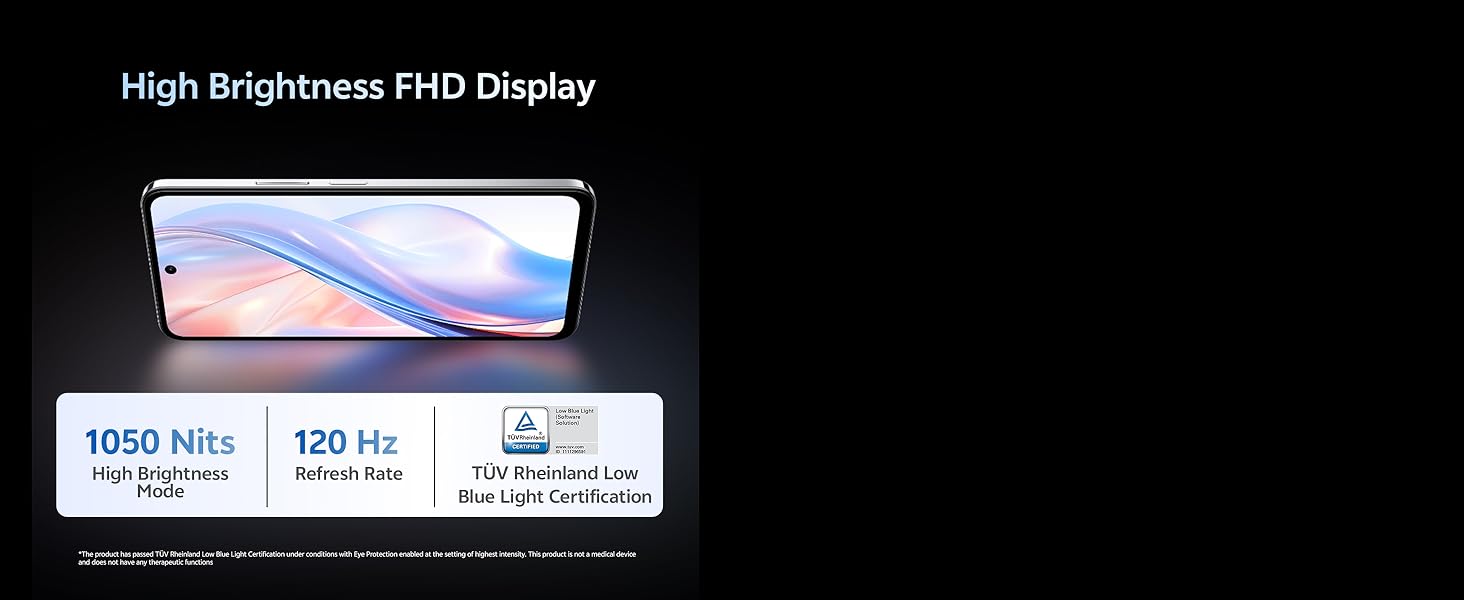
Image: Illustration highlighting the phone's high brightness FHD display with 1050 Nits and 120 Hz refresh rate.
4.2. 카메라 사용
Your device is equipped with a 50 MP + 2 MP rear camera system and an 8 MP selfie camera. It supports 4K video recording.
- 사진 찍기: Open the Camera app, select 'Photo' mode, and tap the shutter button.
- 비디오 녹화: Switch to 'Video' mode and tap the record button to start/stop.
- AI 기능: Utilize AI Erase and AI Photo Enhance for improved image quality and editing.
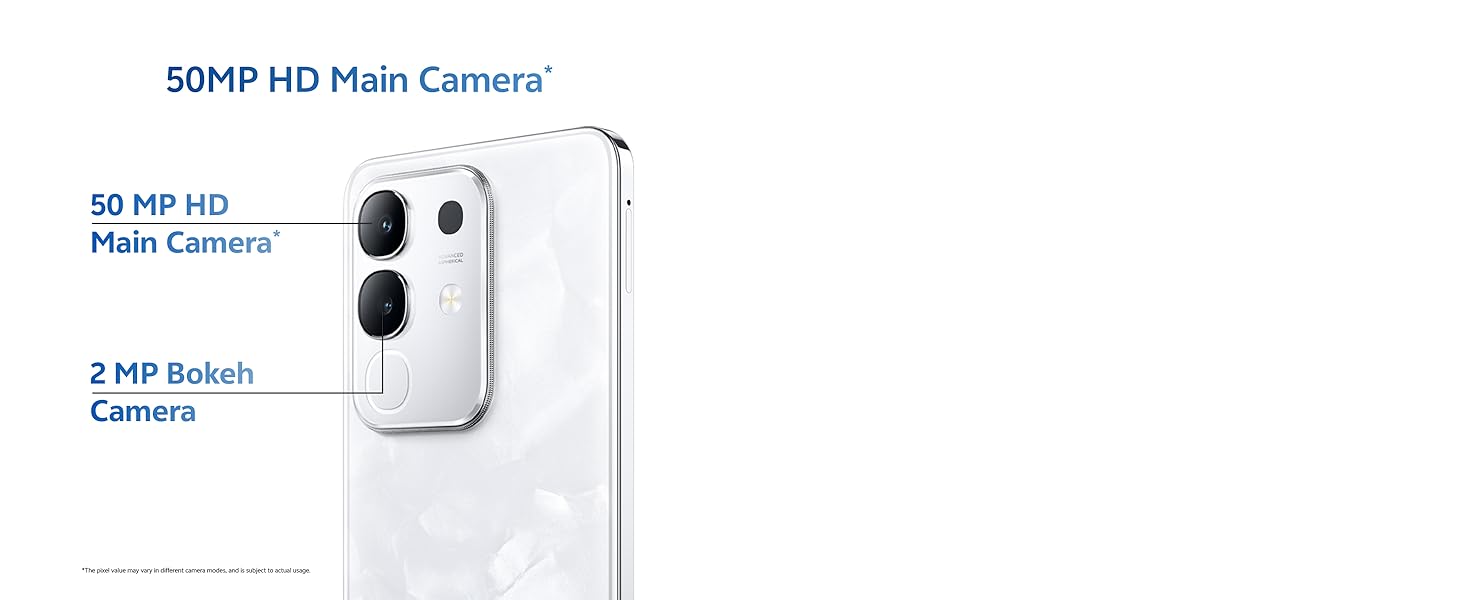
Image: Close-up of the vivo Y31 Pro 5G's rear camera module, showing the 50 MP main camera and 2 MP bokeh camera.

Image: Comparison showing video quality with and without 4K recording on the vivo Y31 Pro 5G.
4.3. 배터리 관리
The device is powered by a 6500 mAh battery and supports 44W FlashCharge. For optimal battery life:
- 제공된 전원 어댑터와 USB 케이블을 사용하여 충전하세요.
- 극한의 온도를 피하세요.
- 백그라운드 앱 사용과 화면 밝기를 관리합니다.
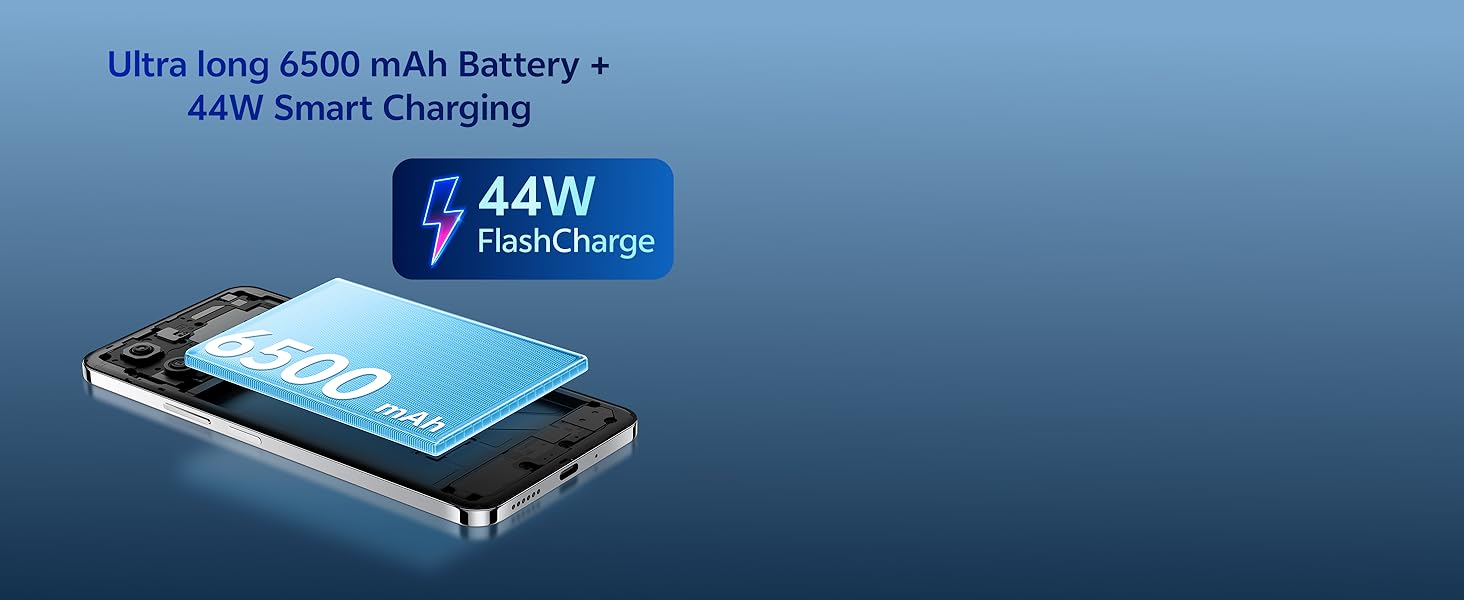
Image: Illustration of the vivo Y31 Pro 5G's 6500 mAh battery and 44W FlashCharge technology.
4.4. 연결성
The vivo Y31 Pro 5G supports 5G network connectivity, Bluetooth, and built-in GPS.
- 와이파이: 사용 가능한 네트워크에 연결하려면 설정 > 네트워크 및 인터넷 > Wi-Fi로 이동하세요.
- 블루투스: 설정 > 연결된 기기 > Bluetooth로 이동하여 다른 기기와 페어링하세요.
- 5세대: Ensure your SIM card and plan support 5G for high-speed mobile data.
4.5. 오디오
The device features dual stereo speakers for enhanced audio output.
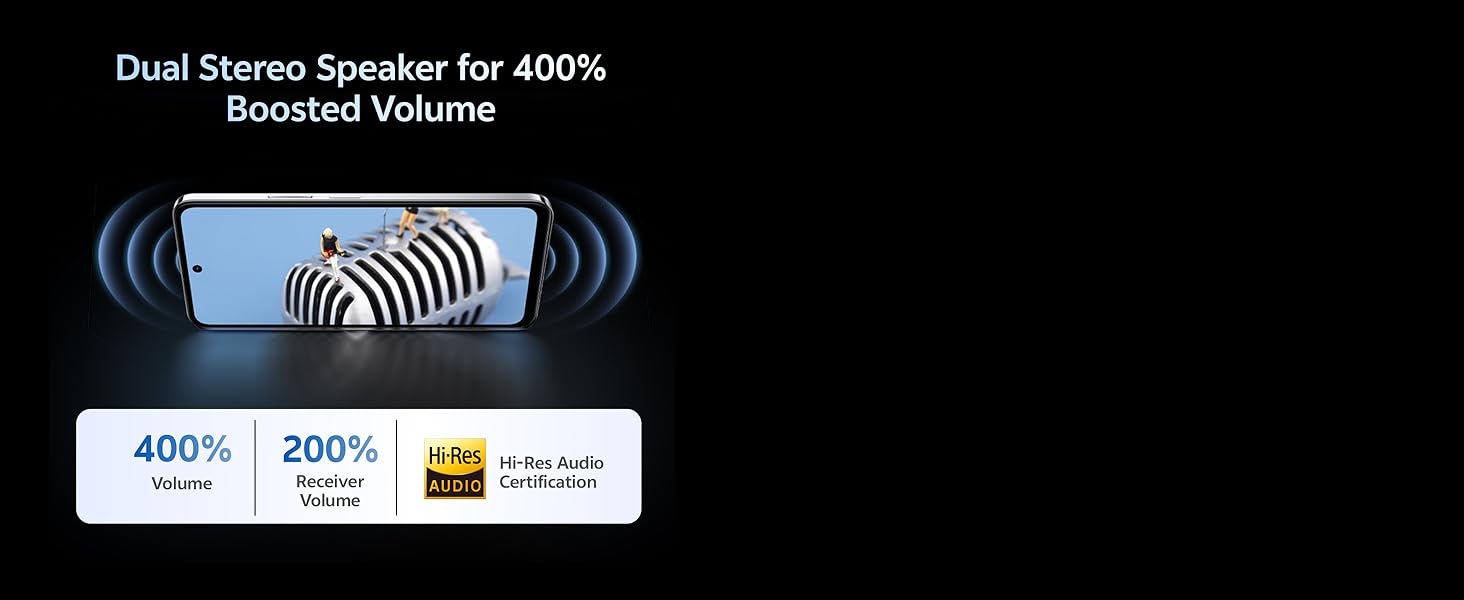
Image: Illustration depicting the dual stereo speaker system of the vivo Y31 Pro 5G.
5. 유지관리
5.1. 기기 청소
- 부드럽고 보푸라기가 없는 천을 사용하여 화면과 본체를 닦으세요.
- 가혹한 화학물질이나 연마재의 사용은 피하세요.
- The device has an IP64 rating for dust and splash resistance. Avoid submerging it in water.
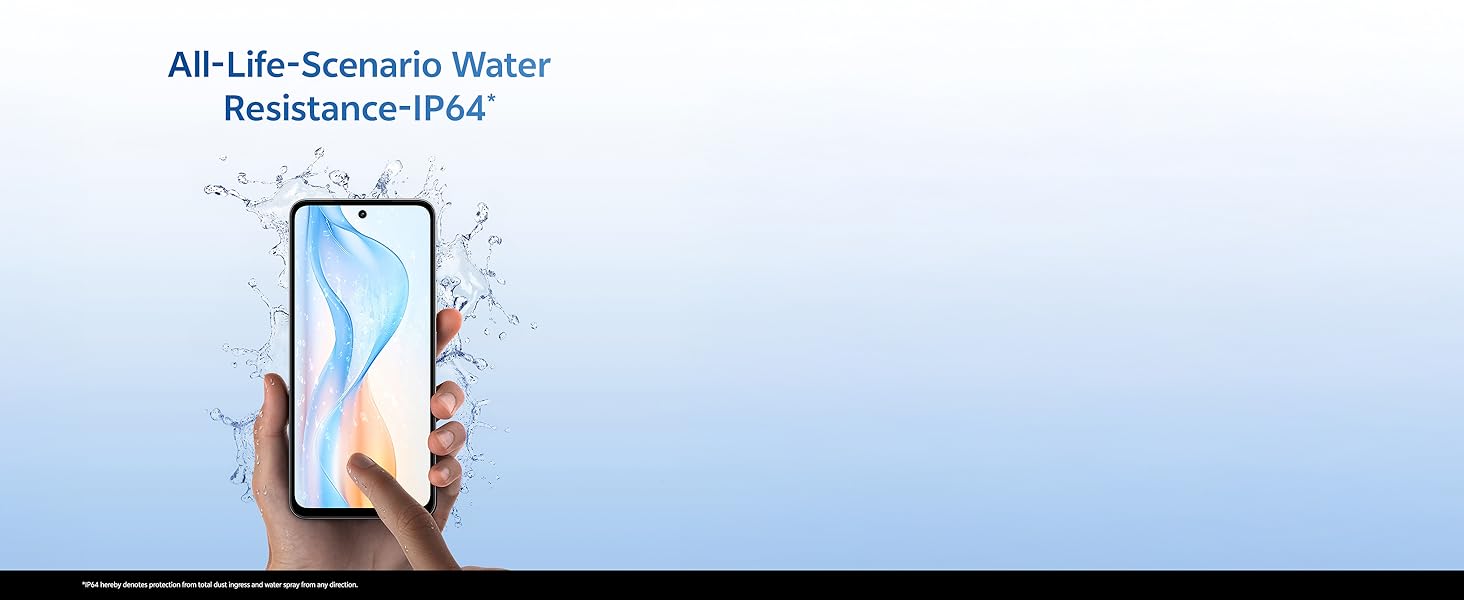
Image: Illustration demonstrating the IP64 water resistance of the vivo Y31 Pro 5G against splashes.
5.2. 소프트웨어 업데이트
기기에 최신 기능과 보안 패치가 적용되도록 정기적으로 소프트웨어 업데이트를 확인하세요. 설정 > 시스템 > 시스템 업데이트로 이동하세요.
6. 문제 해결
6.1. 일반적인 문제
- 장치가 켜지지 않음: Ensure the battery is charged. Connect to the power adapter for at least 10 minutes before attempting to power on.
- 앱 충돌: Clear the cache of the problematic app (Settings > Apps > [App Name] > Storage & cache > Clear cache). If the issue persists, reinstall the app.
- 네트워크 신호가 약함: 유심 카드 설치 상태를 확인하세요. 네트워크 수신 상태가 더 좋은 지역으로 이동하세요.
- 배터리가 빠르게 소모됨: 화면 밝기를 낮추고, 불필요한 백그라운드 앱을 비활성화하고, 사용하지 않을 때는 Wi-Fi/블루투스를 끄세요.
6.2. 공장 초기화
기기에 지속적으로 문제가 발생하는 경우, 공장 초기화를 통해 해결할 수 있습니다. 경고: 휴대전화의 모든 데이터가 삭제됩니다. 진행하기 전에 중요한 데이터를 백업하세요. 설정 > 시스템 > 옵션 재설정 > 모든 데이터 삭제(공장 초기화)로 이동하세요.
7. 사양
| 특징 | 사양 |
|---|---|
| 모델 | vivo Y31 Pro 5G |
| 운영 체제 | 펀터치 OS 15 |
| 프로세서 | 미디어텍 디멘시티 7300 |
| 숫양 | 8GB |
| 내부 저장소 | 128GB |
| 표시하다 | 17.06 cm (6.72 inch) FHD+, 1050 Nits, 120 Hz Refresh Rate |
| 후방 카메라 | 50MP + 2MP |
| 셀카 카메라 | 8 MP |
| 배터리 용량 | 6500mAh |
| 충전 중 | 44W 플래시차지 |
| 연결성 | 5G, 블루투스, GPS |
| 치수 | 16.6 x 7.6 x 0.8cm |
| 무게 | 204g |
| 내구성 | Military Grade (MIL-STD-810H tested), IP64 Dust and Splash Resistance |
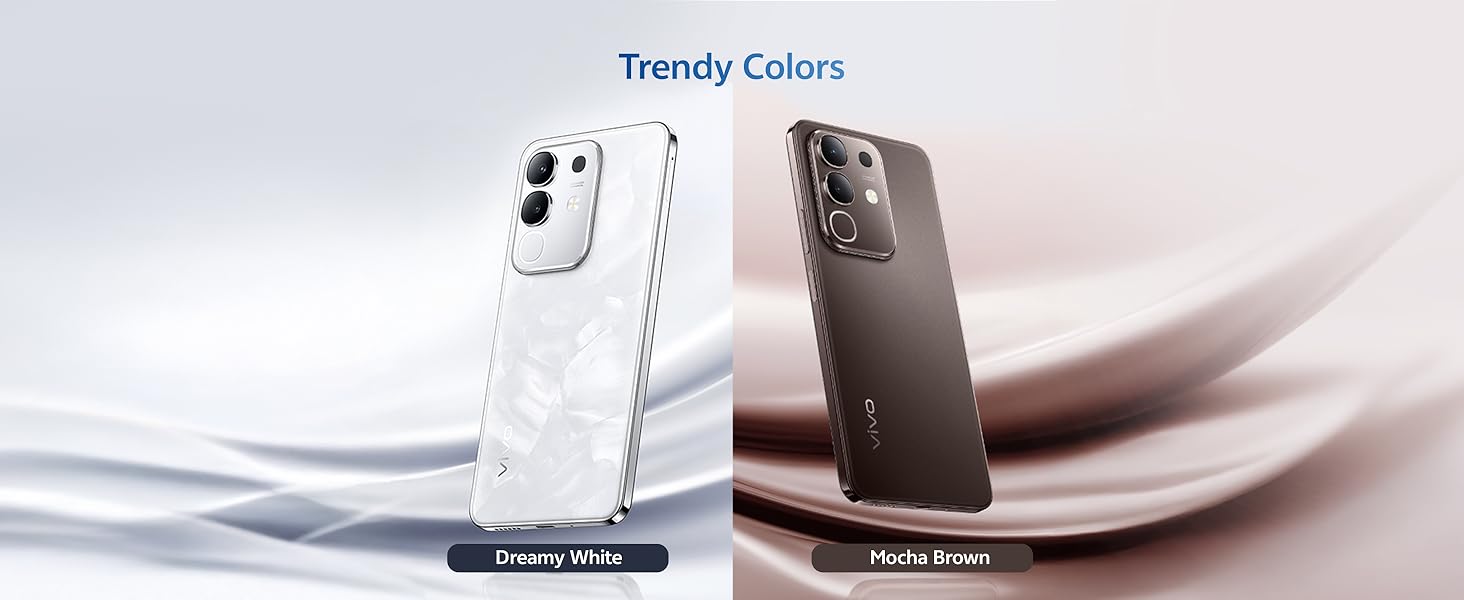
이미지: 이상view of the vivo Y31 Pro 5G's powerful Dimensity 7300 processor and ultra-long 6500 mAh battery with 44W FlashCharge.
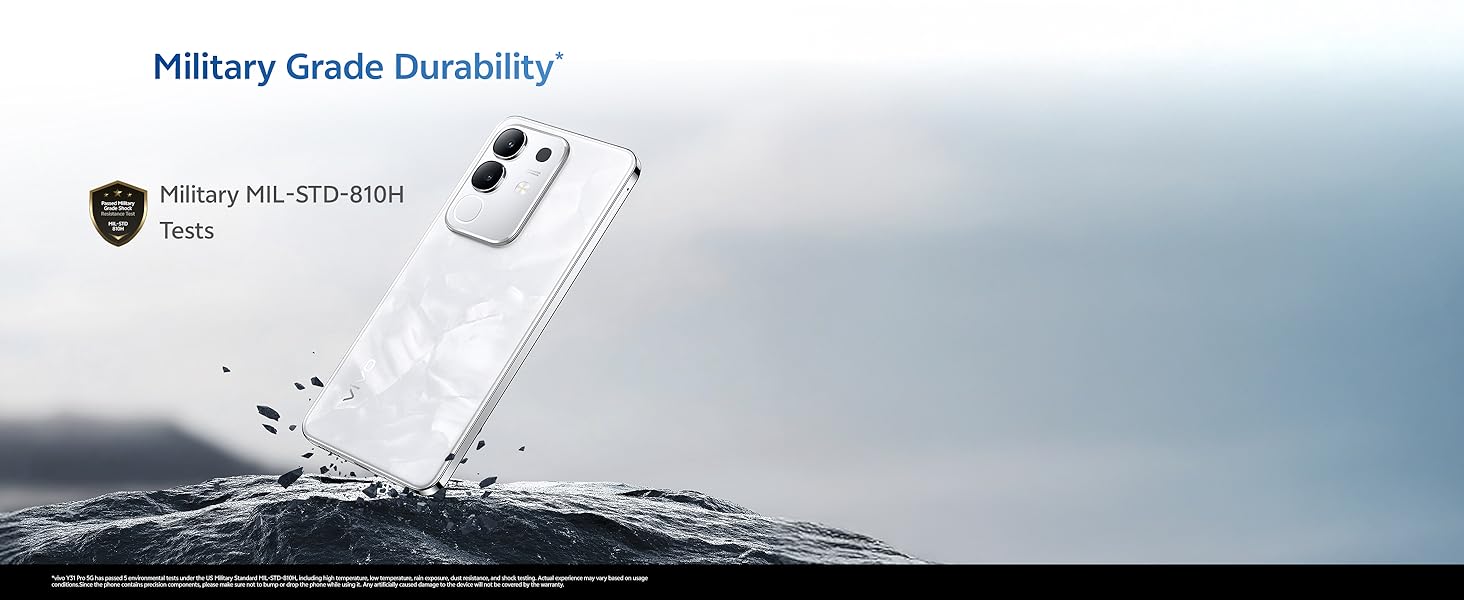
Image: The vivo Y31 Pro 5G demonstrating military-grade durability (MIL-STD-810H tested).
8. 보증 및 지원
Your vivo Y31 Pro 5G smartphone comes with a standard manufacturer's warranty. For detailed warranty terms and conditions, please refer to the warranty card included in your product packaging or visit the official vivo support web대지.
For technical support, service, or further assistance, please contact vivo customer service through their official channels. You can find contact information on the vivo website or in your device's 'Settings' under 'About phone' or 'Support'.
제조업체: vivo Mobile India Pvt Ltd
원산지: 인도


