
1. 서론
This manual provides essential information for the safe and efficient use of your URAO 14-inch Android 15 Tablet, model G140L. Please read this manual thoroughly before operating the device to ensure proper setup and functionality. Keep this manual for future reference.
2. 패키지 내용
패키지에 모든 품목이 들어 있는지 확인하세요.
- URAO 14-inch Android 15 Tablet (G140L)
- 블루투스 키보드
- Bluetooth Mouse (Note: Batteries not included)
- 스타일러스 펜
- 보호 케이스
- 헤드폰
- USB Type-C 충전 케이블
- 전원 어댑터(충전기)

Image: A visual representation of the URAO G140L tablet, highlighting its ports and buttons, alongside all standard accessories provided in the retail package.
3. 설정
3.1 초기 전원 켜기
- Press and hold the Power ON/OFF button located on the side of the tablet until the screen illuminates.
- 화면의 안내에 따라 언어를 선택하고, Wi-Fi 네트워크에 연결하고, Google 계정을 설정하세요.
3.2 태블릿 충전
Before first use, fully charge the tablet. Use the provided USB Type-C charging cable and power adapter.
- USB Type-C 케이블을 태블릿의 충전 포트에 연결합니다.
- 전원 어댑터를 벽면 콘센트에 꽂으세요.
- The battery indicator on the screen will show charging status. A full charge typically takes approximately 2.5 hours with the 30W fast charging capability.
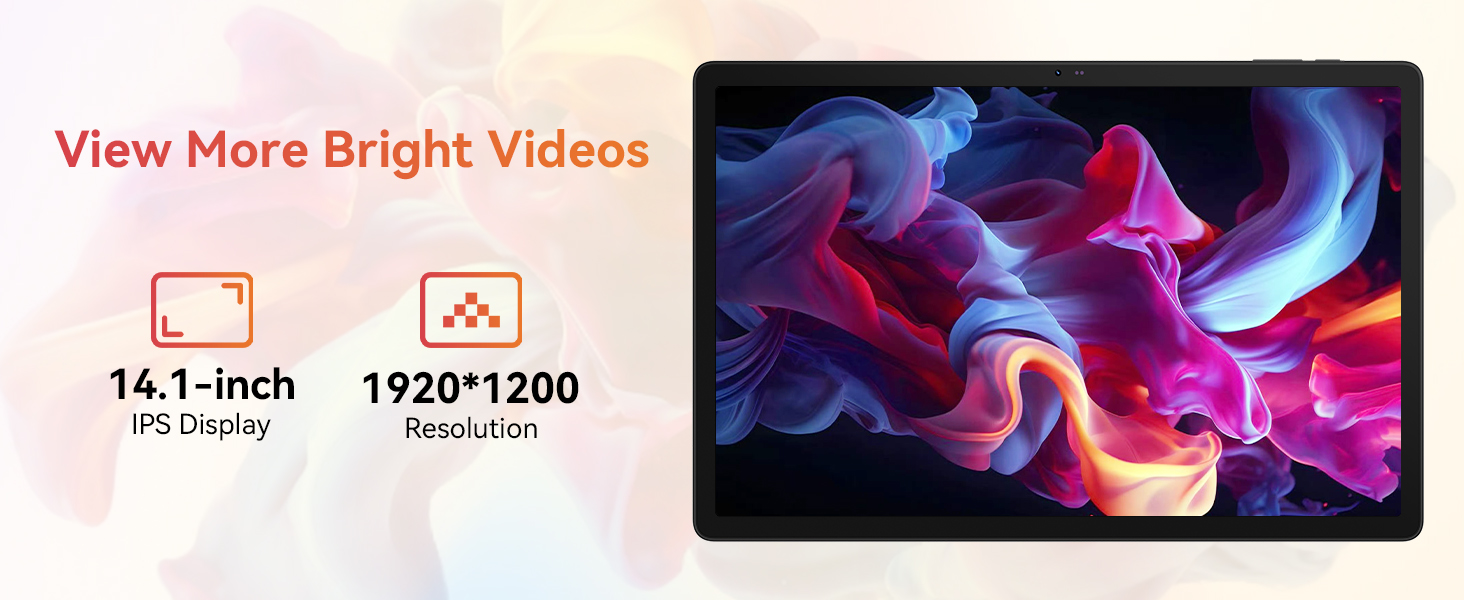
Image: The URAO tablet connected to a charger via its Type-C port, illustrating the 10000mAh battery and 30W fast charging feature.
3.3 Connecting Peripherals (Keyboard, Mouse, Stylus)
The included keyboard, mouse, and stylus connect via Bluetooth.
- 이동하다 설정 > 연결된 장치 > 블루투스 당신의 태블릿에.
- Bluetooth가 켜져 있는지 확인하세요 On.
- Put the keyboard, mouse, or stylus into pairing mode (refer to each accessory's individual instructions for specific pairing steps).
- Select the accessory from the list of available devices on your tablet to pair.
3.4 네트워크 연결(Wi-Fi)
인터넷 접속을 위해 Wi-Fi 네트워크에 연결하세요.
- 이동하다 설정 > 네트워크 및 인터넷 > 인터넷.
- 회전하다 와이파이 에.
- Select your desired Wi-Fi network from the list and enter the password if required. The tablet supports Wi-Fi 6 (802.11ax) for faster and more stable connections.
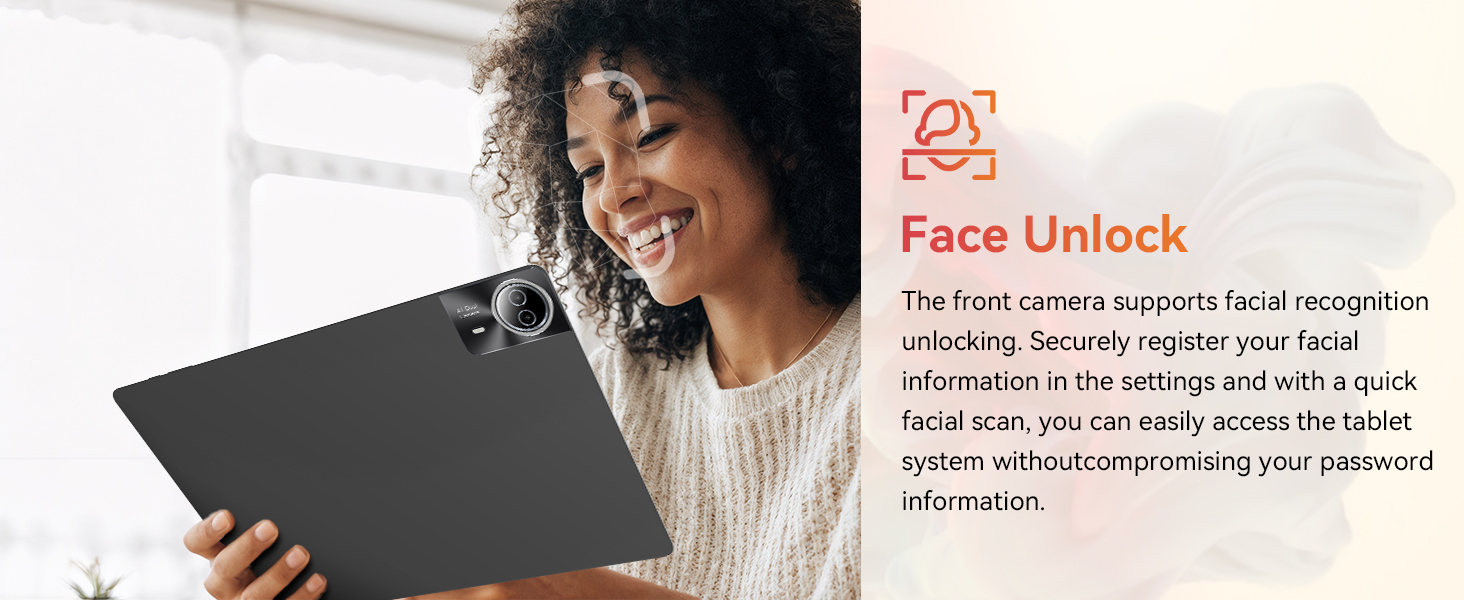
Image: The URAO tablet screen showing icons for dual-band Wi-Fi (2.4G+5G) and Bluetooth 5.4, indicating its connectivity features.
4. 사용 설명서
4.1 기본 탐색(Android 15)
Your tablet runs on Android 15, offering an intuitive user interface. Use touch gestures for navigation:
- 수도꼭지: 항목을 선택하세요.
- 강타: 페이지나 목록을 스크롤합니다.
- 꼬집기: 이미지 확대/축소 및 web 페이지.
- 길게 누르기 : 상황에 맞는 메뉴에 접근하거나 아이콘을 이동합니다.
4.2 디스플레이 설정
The 14.1-inch IPS FHD display offers a resolution of 1920x1200 pixels for clear visuals. Adjust display settings via 설정 > 표시하다.
- 밝기 레벨: 화면 밝기를 조정합니다.
- 다크 테마: Enable for reduced eye strain in low light.
- 눈 보호 모드: 청색광 방출을 줄입니다.
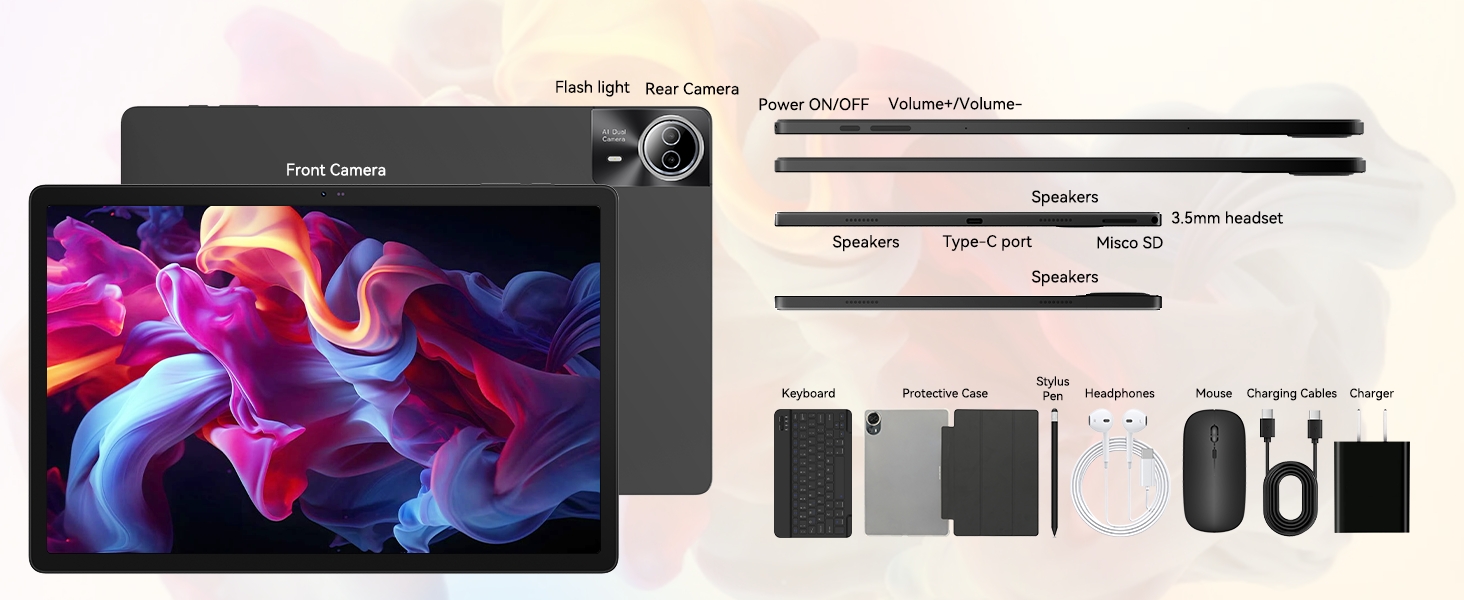
Image: The URAO tablet displaying a high-resolution image, emphasizing its 14.1-inch IPS display and 1920x1200 pixel resolution for bright and clear visuals.
4.3 카메라 사용
이 태블릿은 5MP 전면 카메라와 8MP 후면 카메라를 탑재하고 있습니다.
- 열기 카메라 홈 화면이나 앱 서랍에서 애플리케이션을 다운로드합니다.
- 전면 카메라와 후면 카메라를 전환하려면 카메라 아이콘을 탭하세요.
- 셔터 버튼을 눌러 사진을 촬영하거나 동영상 녹화를 시작/정지하세요.
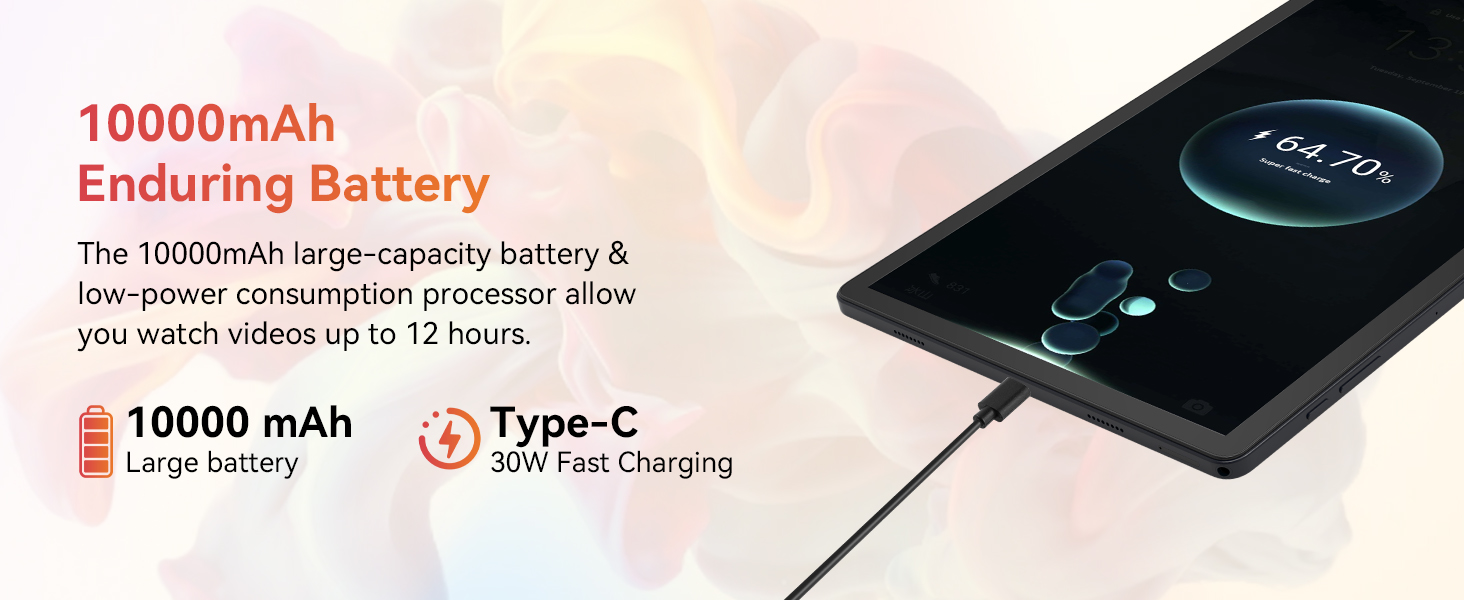
Image: A collage demonstrating the photo capabilities of the URAO tablet, featuring images taken with its 8MP rear camera and 5MP front camera, suitable for video calls and capturing moments.
4.4 오디오
The tablet is equipped with Stereo 4 Speakers for an immersive audio experience. Volume can be adjusted using the Volume +/- buttons on the side of the tablet or through the on-screen controls.
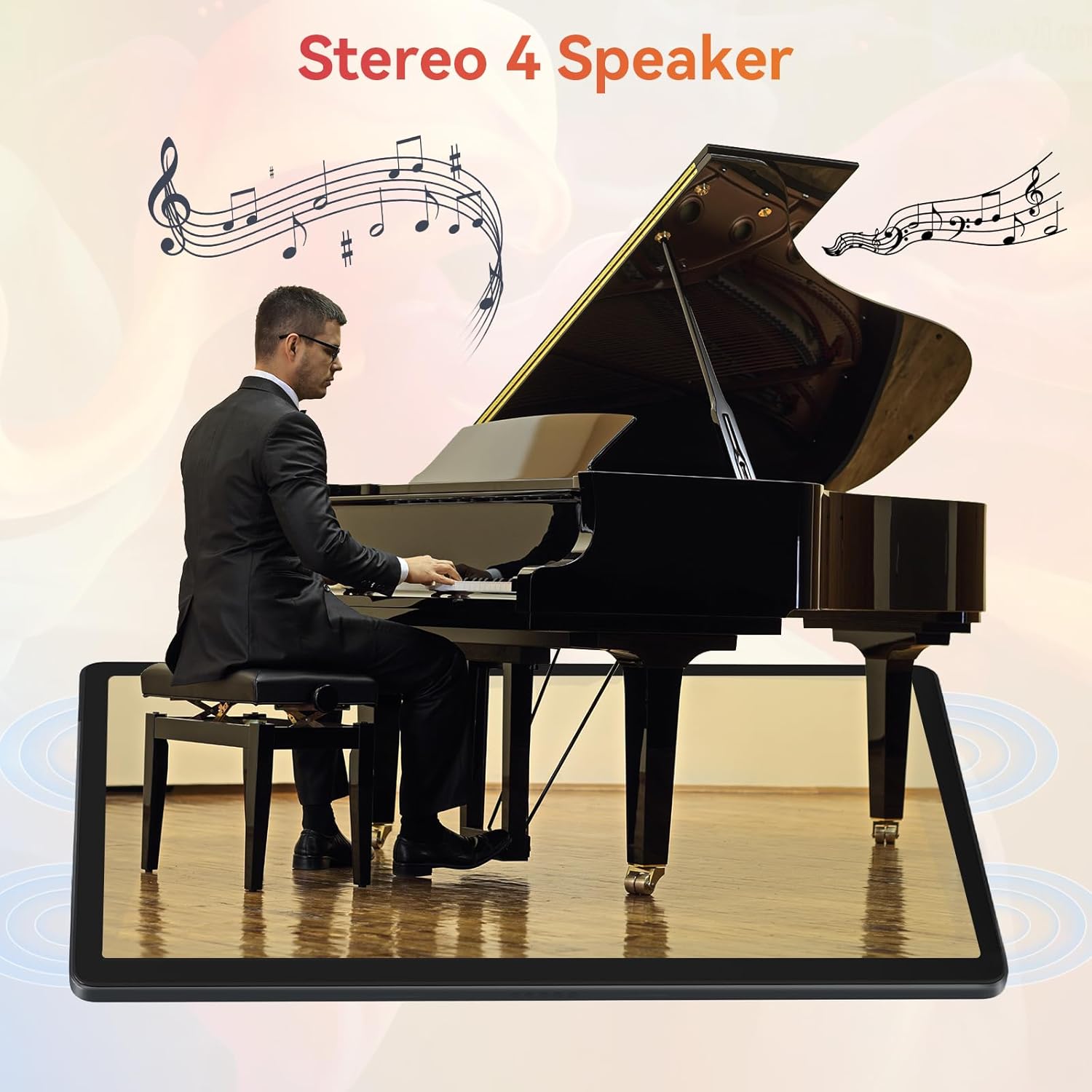
Image: The URAO tablet positioned in front of a piano player, with a graphic overlay indicating the presence of Stereo 4 Speakers for enhanced sound.
4.5 스토리지 관리
Your tablet comes with 256GB of internal storage and 30GB of RAM (6GB physical + 24GB virtual expansion). Storage can be expanded up to 1TB using a TF (Micro SD) card (not included).
- To insert a TF card, locate the card slot on the side of the tablet and gently push the card in until it clicks.
- Manage storage via 설정 > 저장.
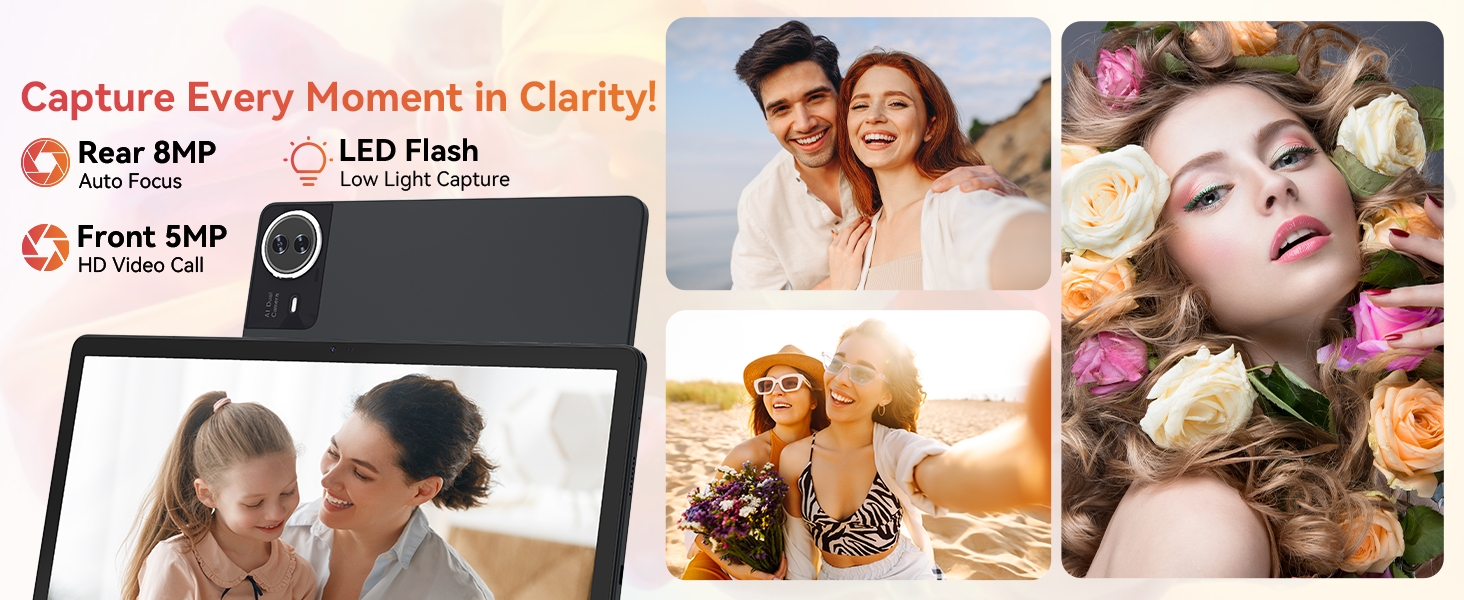
Image: The URAO tablet displaying multiple application icons, with graphics indicating its 30GB RAM (6+24GB), 256GB ROM, and support for up to 1TB external storage.
4.6 2-in-1 Mode
Transform your tablet into a laptop-like experience by connecting the Bluetooth keyboard and mouse. The protective case can also function as a stand.

Image: A multi-panel image showing the URAO tablet in different usage scenarios, including note-taking with a stylus, typing with the keyboard and mouse, and watching videos, demonstrating its versatility.
4.7 얼굴 인식
전면 카메라는 편리한 잠금 해제를 위해 얼굴 인식 기능을 지원합니다.
- 이동하다 설정 > 보안 및 개인 정보 보호 > 얼굴 인식 잠금 해제.
- Follow the on-screen instructions to register your facial data.
- Once set up, you can unlock your tablet by simply looking at the front camera.
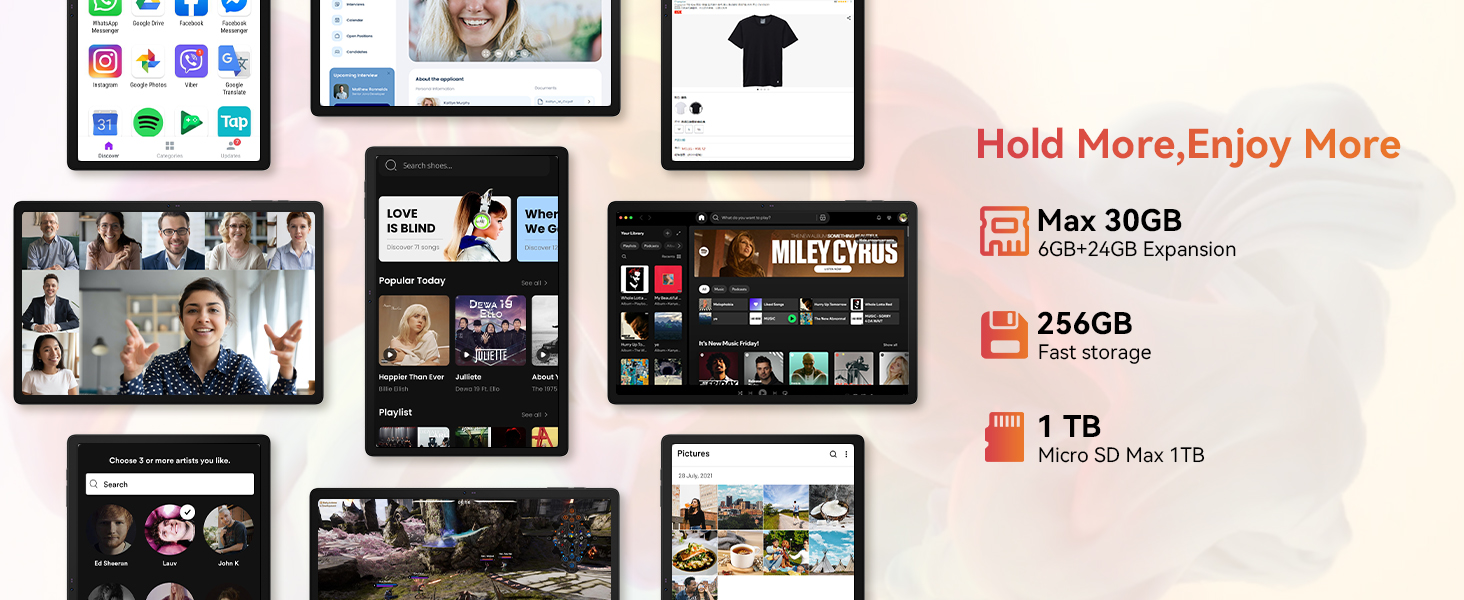
Image: A woman demonstrating the face unlock feature of the URAO tablet, with an icon indicating facial recognition technology.
5. 유지관리
5.1 장치 청소
- 부드럽고 보푸라기가 없는 천을 사용하여 태블릿의 화면과 본체를 닦으세요.
- 가혹한 화학물질이나 연마재의 사용은 피하세요.
- 세척제를 화면에 직접 뿌리지 마세요.
5.2 소프트웨어 업데이트
Periodically check for system updates to ensure optimal performance and security.
- 이동하다 설정 > 체계 > 시스템 업데이트.
- 화면의 지시에 따라 사용 가능한 업데이트를 다운로드하고 설치하세요.
5.3 배터리 관리
배터리 수명을 연장하려면:
- 태블릿을 극한 온도에 노출시키지 마세요.
- 배터리가 자주 완전히 방전되지 않도록 하세요.
- 제공된 충전기와 케이블만 사용하세요.
6. 문제 해결
6.1 장치 전원이 켜지지 않음
- 태블릿이 충분히 충전되었는지 확인하세요. 최소 30분 동안 충전기에 연결해 두세요.
- Press and hold the Power ON/OFF button for 10-15 seconds to perform a forced restart.
6.2 Wi-Fi 연결 문제
- Wi-Fi 라우터와 태블릿을 다시 시작하세요.
- Wi-Fi 신호 범위 내에 있는지 확인하세요.
- 와이파이 비밀번호가 올바르게 입력되었는지 확인하세요.
6.3 Peripherals Not Connecting (Keyboard/Mouse/Stylus)
- 태블릿에서 블루투스가 활성화되어 있고 액세서리가 페어링 모드인지 확인하십시오.
- Check if the accessory has sufficient battery (e.g., replace mouse batteries).
- Unpair and re-pair the accessory from the tablet's Bluetooth settings.
6.4 Touchscreen Unresponsiveness
- 태블릿을 다시 시작하십시오.
- Ensure the screen is clean and free of debris or liquids.
- If the issue persists, a factory reset may be necessary (back up your data first).
7. 사양
Technical Specifications for URAO G140L Tablet:
| 모델 | G140L |
| 운영 체제 | 안드로이드 15 |
| 화면 크기 | 14.1 인치 |
| 화면 해상도 | 1920 x 1200 픽셀(FHD IPS) |
| 프로세서 | 2.0GHz 옥타코어 |
| 숫양 | 30GB(물리적 6GB + 가상 24GB) |
| 내부 저장소(ROM) | 256GB |
| 확장 가능한 스토리지 | Up to 1TB (TF card, not included) |
| 배터리 용량 | 10000mAh |
| 충전 중 | 30W 고속 충전, USB Type-C |
| 평균 배터리 수명 | 최대 12시간 (혼합 사용 시) |
| 무선 연결 | Wi-Fi 6(802.11ax), 블루투스 5.4 |
| 전면 카메라 | 5MP |
| 후방 카메라 | 8MP |
| 오디오 | Stereo 4 Speakers |
| 센서 | 중력 가속도 센서 |
| 치수(길이x너비x높이) | 12.8 x 8.39 x 0.39 인치 |
| 품목 무게 | 4.29파운드 |
8. 보증 및 지원
8.1 보증 정보
Your URAO G140L Tablet is covered by a manufacturer's warranty. Please refer to the warranty card included in your package for specific terms and conditions. Keep your proof of purchase for warranty claims.
8.2 고객 지원
For technical assistance, troubleshooting, or warranty inquiries, please contact URAO customer support through the retailer where the product was purchased or visit the official URAO web연락처 정보 사이트.

