1. 제품 오버view
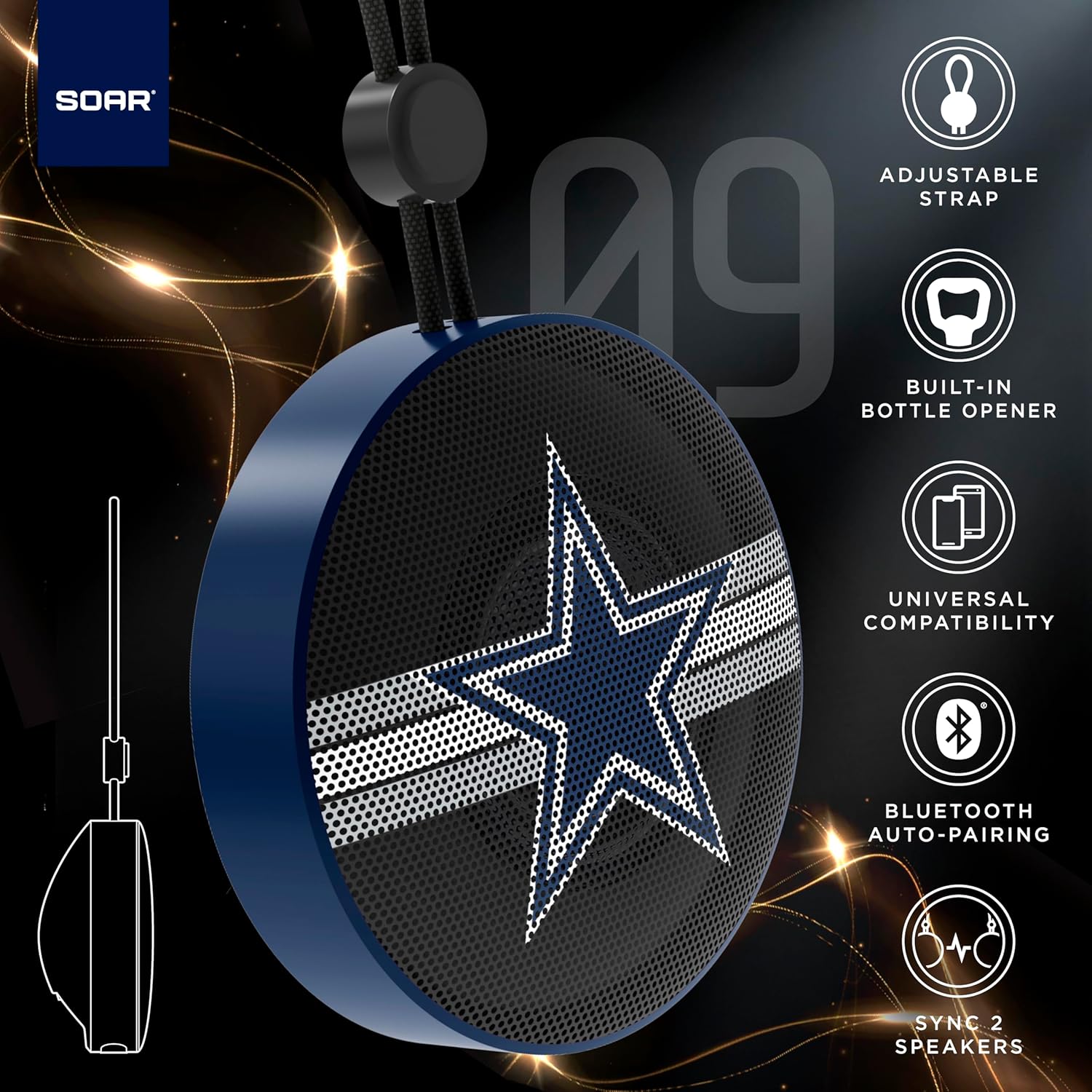
The SOAR NFL Bluetooth Bottle Opener Speaker is a compact and portable audio device designed for convenience and entertainment. It features 5W sound output, Bluetooth connectivity for wireless audio streaming, and a built-in bottle opener. The speaker includes an adjustable lanyard for easy carrying and offers up to 10 hours of playback on a single charge. It also supports dual pairing for an immersive stereo experience and has a built-in microphone for hands-free calls.

앞쪽 view of the SOAR NFL Bluetooth Bottle Opener Speaker featuring the Arizona Cardinals logo.

The product packaging highlighting features like adjustable strap, 10-hour battery life, and built-in bottle opener.
2. 패키지 내용
- SOAR NFL Bluetooth Bottle Opener Speaker
- USB-C 충전 케이블
- 사용자 설명서
3. 설정
3.1 스피커 충전
Before first use, fully charge the speaker. Use the provided USB-C cable to connect the speaker's charging port to a compatible USB power source (e.g., wall adapter, computer USB port).
- 충전 중에는 충전 표시등이 켜집니다.
- The light will change or turn off once charging is complete.
Detail of the USB-C charging port and control buttons on the speaker.
3.2 전원 켜기/끄기
To power on the speaker, press and hold the power button until you hear an audible prompt or see the LED lights activate. To power off, press and hold the power button again.
3.3 블루투스 페어링
- 스피커 전원이 켜져 있고 페어링 모드인지 확인하십시오(LED 표시등이 깜빡이는 것으로 확인).
- 모바일 기기(스마트폰, 태블릿 등)에서 Bluetooth를 활성화하세요.
- 검색 available Bluetooth devices. The speaker will appear as "SOAR POP" or a similar name.
- Select the speaker from the list to connect. A confirmation tone or voice prompt will indicate successful pairing.
4. 운영
4.1 오디오 재생
Once paired, you can stream audio from your device to the speaker. Use your device's controls to manage playback (play, pause, skip tracks) and adjust volume. The speaker itself may have basic playback controls (e.g., play/pause, next/previous track) as shown near the charging port.
4.2 Dual Pairing (True Wireless Stereo)
For an enhanced audio experience, two SOAR POP speakers can be paired together to create a stereo sound system. Refer to the specific instructions provided with your speakers for dual pairing mode activation.
4.3 내장형 병따개
The speaker features a discreetly integrated bottle opener. Position the bottle cap under the metal opener and apply upward pressure to remove the cap.

The speaker demonstrating its built-in bottle opener function.
4.4 Adjustable Lanyard
The speaker includes a 10-inch adjustable lanyard for convenient portability. Attach it to a backpack, belt loop, or other gear for easy transport.

Image showing the speaker's dimensions and the adjustable lanyard for portability.
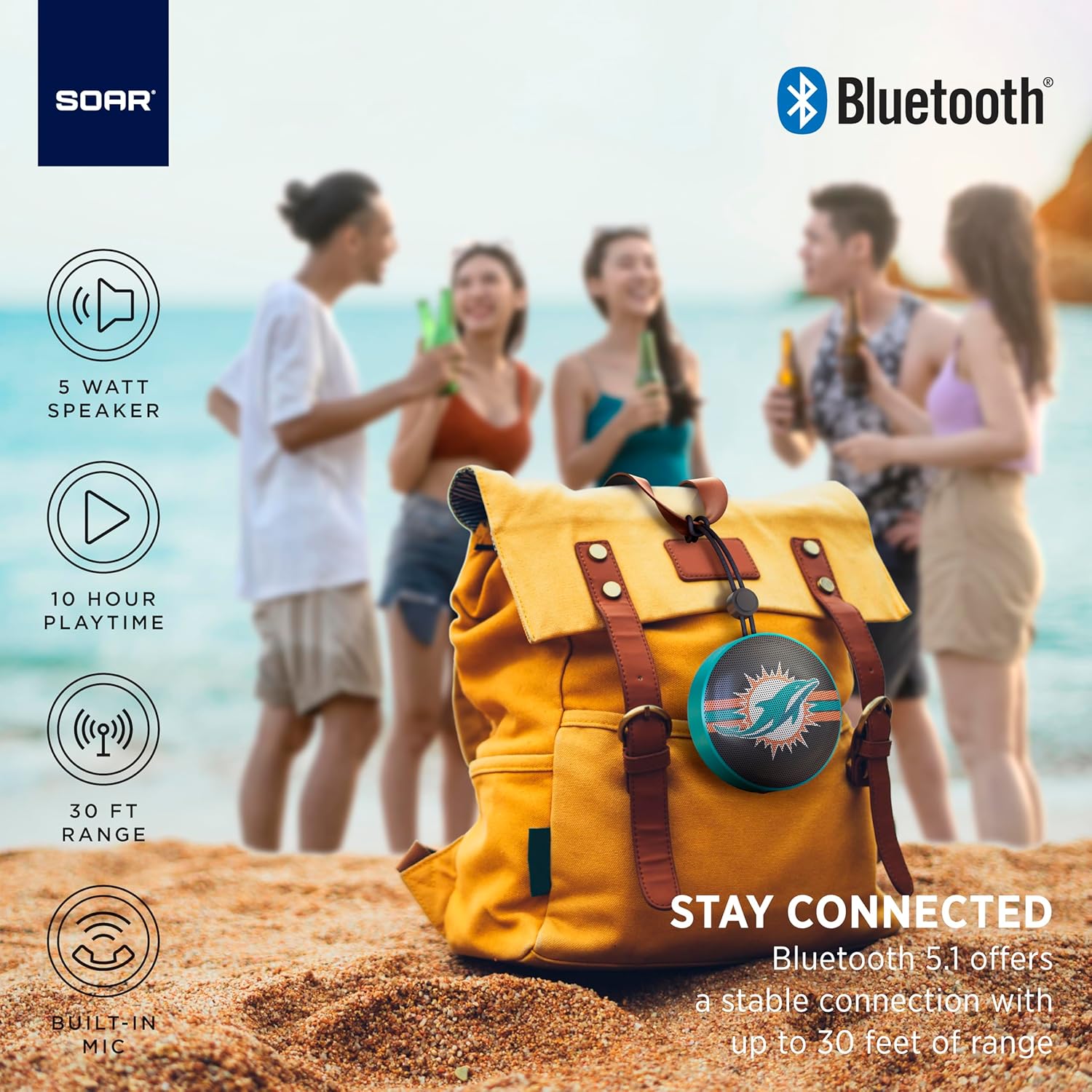
The portable speaker attached to a backpack, illustrating its on-the-go use.
4.5 핸즈프리 통화
With the built-in microphone, you can answer calls directly through the speaker when connected to your smartphone. Press the play/pause button to answer or end a call.
5. 유지관리 및 관리
- 청소: 부드럽고 마른 천을 사용하여 스피커를 닦으세요. 강한 화학 물질이나 연마성 세제는 사용하지 마세요.
- 방수 기능: The speaker is designed with IPX4 water resistance, meaning it is protected against splashing water from any direction. It is not intended for submersion in water. Ensure the charging port cover is securely closed to maintain water resistance.
- 저장: 스피커는 직사광선과 극한의 온도를 피해 시원하고 건조한 곳에 보관하세요.
6. 문제 해결
- 전원 없음: 스피커가 완전히 충전되었는지 확인하십시오. USB-C 케이블을 사용하여 전원에 연결하십시오.
- Bluetooth를 통해 페어링할 수 없습니다.
- 스피커가 페어링 모드(LED가 깜빡이는 상태)인지 확인하십시오.
- 기기의 블루투스가 활성화되어 있고 블루투스 연결 범위(최대 30미터) 내에 있는지 확인하십시오.
- 휴대폰의 Bluetooth 설정에서 해당 기기를 삭제하고 다시 페어링을 시도해 보세요.
- 스피커와 장치를 다시 시작하세요.
- 소리 없음:
- 스피커와 연결된 기기의 볼륨 레벨을 확인하세요.
- 스피커가 기기와 성공적으로 페어링되고 연결되었는지 확인하십시오.
- 다른 애플리케이션이나 소스에서 오디오를 재생해보세요.
- 나쁜 음질:
- 간섭을 줄이려면 스피커를 장치에 더 가까이 두세요.
- 스피커와 장치 사이에 장애물이 없는지 확인하세요.
- Check if the speaker is fully charged. Low battery can affect sound quality.
7. 사양
| 상표 | 날기 |
| 모델 번호 | NFL-BTX9-CARD |
| 재료 | 중합체 |
| 제품 치수 | 3.6인치 길이 x 1.8인치 너비 |
| 품목 무게 | 9.4 온스 |
| 스피커 전원 | 5W |
| 배터리 수명 | 최대 10시간 |
| 블루투스 버전 | 5.1 |
| 방수성 | IPX4 (Protected against splashing of water) |
| 한국어: | 192129183983 |
8. 보증 및 지원
For warranty information and customer support, please refer to the documentation included with your product or visit the official SOAR web대지. 보증 청구를 위해 구매 영수증을 보관하십시오.


