1. 서론
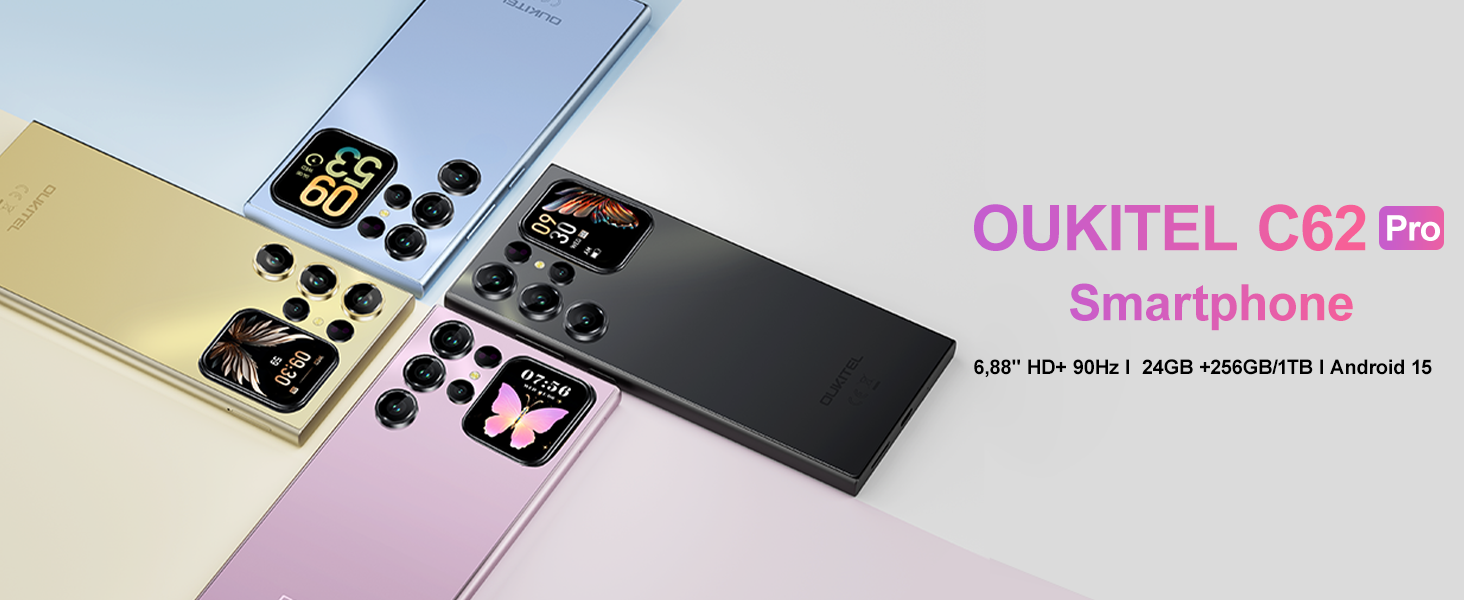
This manual provides essential information for using your OUKITEL C62 PRO Cell Phone. Please read it carefully to ensure proper operation and to maximize your device's potential. The OUKITEL C62 PRO is a feature-rich smartphone designed for daily use, offering a large display, efficient performance, and a long-lasting battery.
동영상: OUKITEL C62 PRO Cell Phone Overview. This video provides a general introduction to the OUKITEL C62 PRO smartphone, highlighting its design and key features.
2. 설정
2.1. 언박싱 및 패키지 구성품
Upon opening your OUKITEL C62 PRO package, verify that all items are present:
- 1x OUKITEL C62 Pro Smartphone
- 1x 데이터 케이블
- 1x Type-C Charger
- 1x 사용자 설명서
- 1x 전화 케이스
영상: The OUKITEL C62 PRO retail box displaying the smartphone and included accessories such as the data cable, Type-C charger, user manual, and phone case.
2.2. SIM 카드 및 TF 카드 설치
To install your SIM card(s) and/or TF (microSD) card:
- 기기 측면에서 SIM 트레이를 찾으세요.
- 제공된 SIM 트레이 분리 도구를 SIM 트레이의 작은 구멍에 넣고 트레이가 튀어나올 때까지 부드럽게 누르십시오.
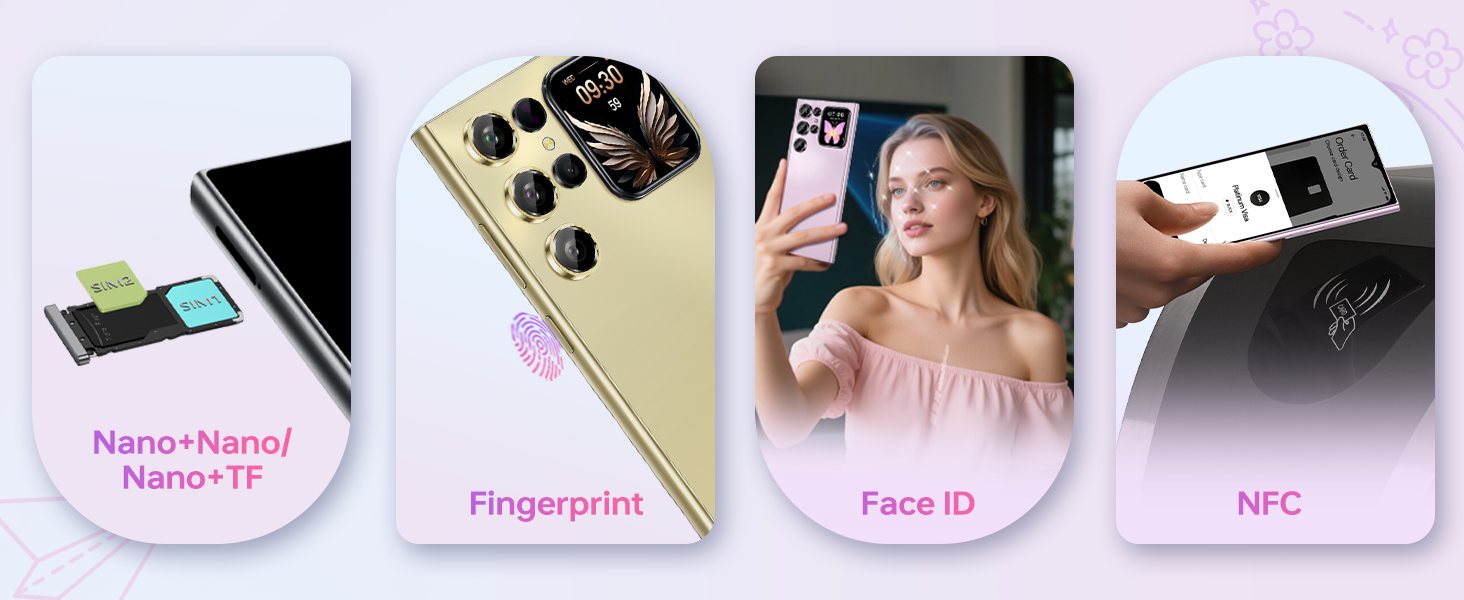
- 나노 SIM 카드 또는 TF 카드를 트레이의 지정된 슬롯에 넣으십시오. 금색 접촉면이 아래쪽을 향하도록 하십시오.
- 트레이를 조심스럽게 장치 안으로 밀어 넣어 측면과 맞닿게 합니다.
영상: 클로즈업 view of the OUKITEL C62 PRO's SIM tray, illustrating the placement of Nano-SIM cards and a TF (microSD) card for dual SIM functionality or expanded storage.
2.3. 장치 충전
Before first use, fully charge your OUKITEL C62 PRO. Connect the Type-C cable to the phone's charging port and the other end to the Type-C charger. Plug the charger into a power outlet. The battery indicator on the screen will show charging progress.
영상: An illustration highlighting the OUKITEL C62 PRO's 5150mAh battery capacity, indicating its long-lasting power for extended usage.
3. 장치 작동
3.1. 전원 켜기/끄기
- 전원을 켜려면: OUKITEL 로고가 나타날 때까지 전원 버튼을 길게 누르세요.
- 전원을 끄려면: 전원 버튼을 길게 누른 다음, 화면에 나오는 옵션에서 "전원 끄기"를 선택하세요.
- 재시작하기 위해: 전원 버튼을 길게 누른 다음 옵션에서 "다시 시작"을 선택합니다.
3.2. Main Display (6.88-inch)
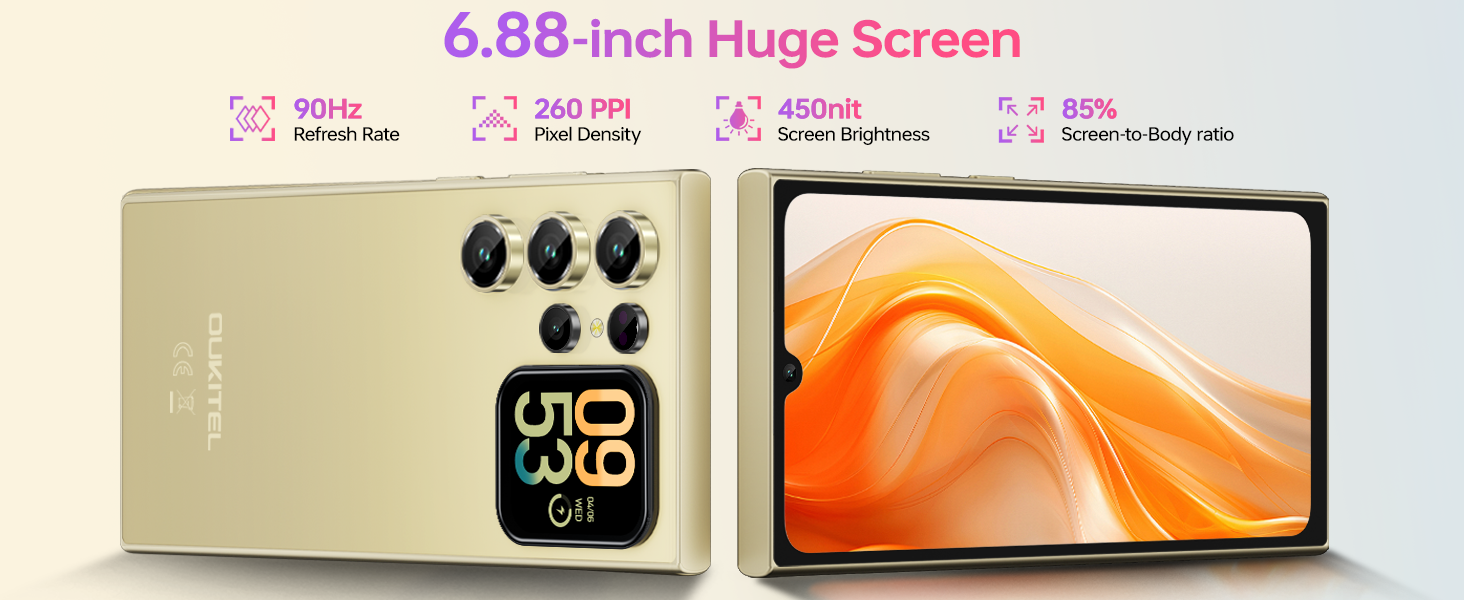
The OUKITEL C62 PRO features a large 6.88-inch display with a 90Hz refresh rate, providing smooth visuals and responsive touch interaction. Navigate through apps, browse the web, and enjoy multimedia content with clarity.
영상: The OUKITEL C62 PRO showcasing its expansive 6.88-inch main display with a high screen-to-body ratio, 450 nits brightness, 1080*2460 resolution, and 260 PPI pixel density.
3.3. Rear Screen (1.81-inch)
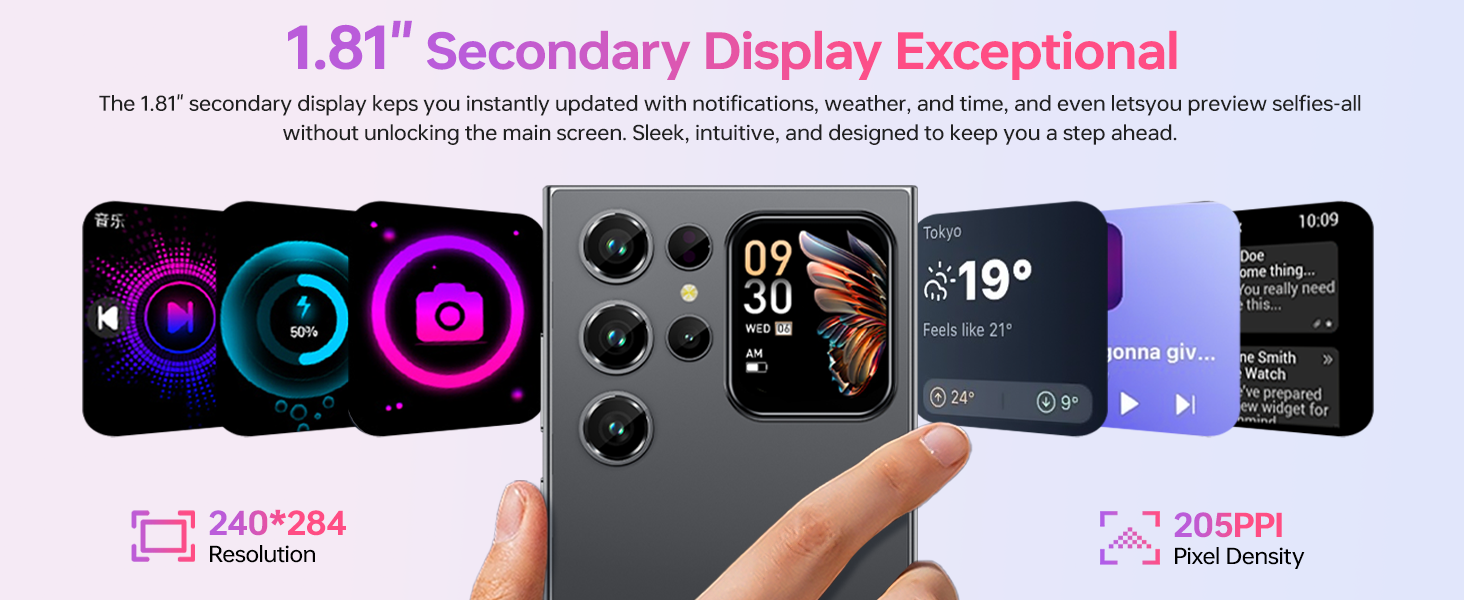
The innovative 1.81-inch rear screen provides quick access to essential information and functions without needing to unlock the main display. It can show the time, battery status, notifications, and caller information. It also serves as a convenient viewfinder for taking selfies with the main camera.
영상: The OUKITEL C62 PRO's 1.81-inch secondary display on the rear, demonstrating its ability to show various widgets like time, weather, music controls, and camera preview.
3.4. 카메라 기능
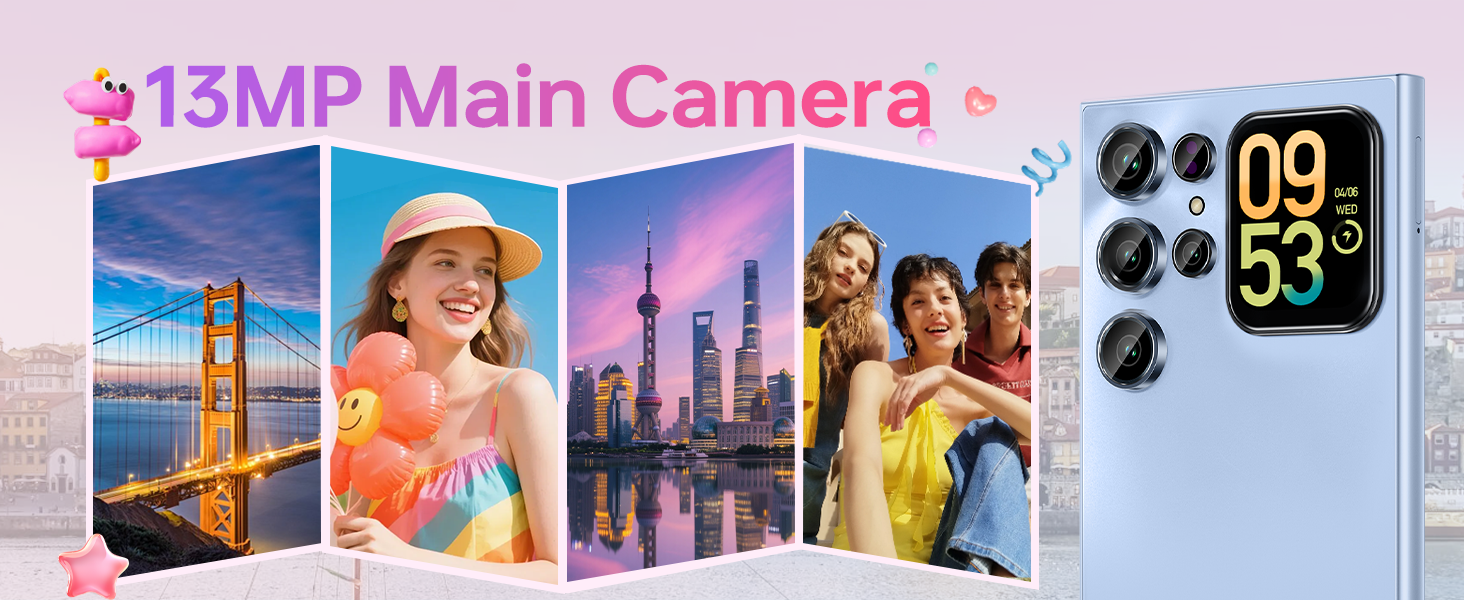
Your device is equipped with a 13MP main rear camera and a 5MP front camera. Access the camera application from the home screen or app drawer.
- 사진 찍기: Tap the shutter button to capture images.
- 비디오 녹화: Switch to video mode and tap the record button to start/stop recording. The phone supports 1080P video recording.
- 촬영 모드: Explore various modes such as Portrait, Night, Panorama, and Professional to enhance your photography.
영상: The OUKITEL C62 PRO's 13MP main camera capturing vibrant landscape and group photos, demonstrating its capability for various shooting scenarios.
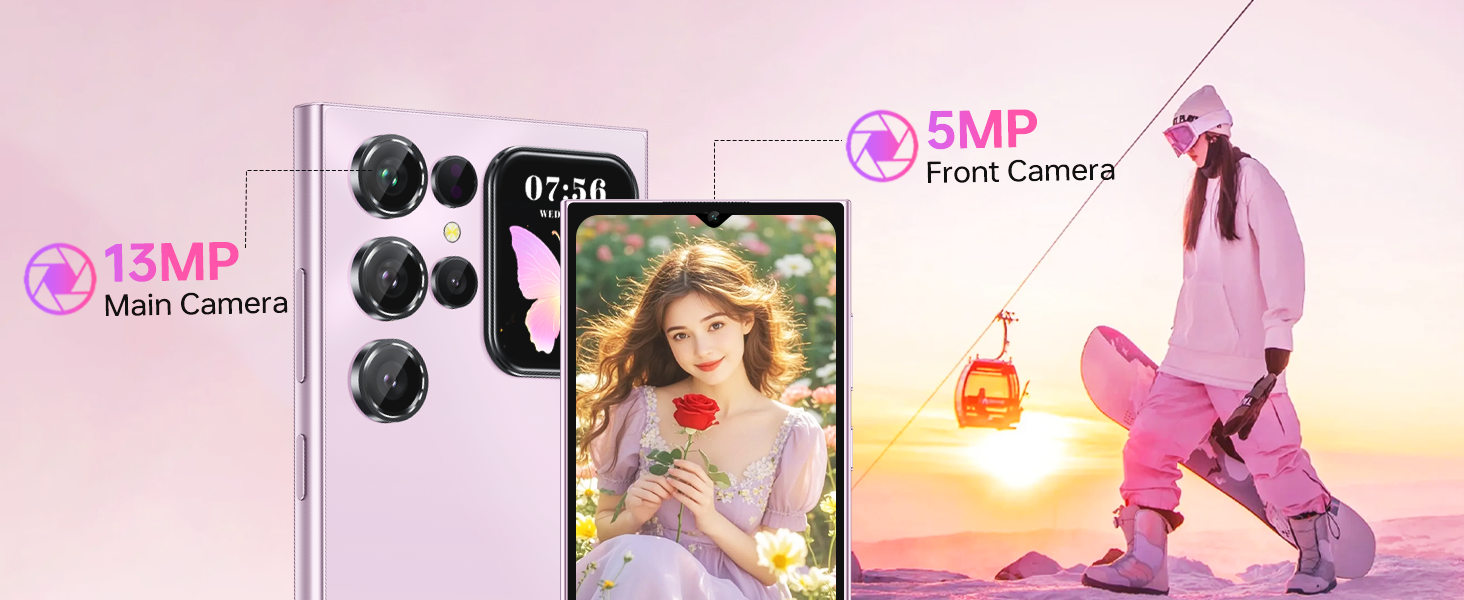
영상: The OUKITEL C62 PRO's 5MP front camera capturing clear selfies and group photos, highlighting its suitability for video calls and self-portraits.
3.5. 보안 기능
The OUKITEL C62 PRO offers multiple security options to protect your device and data:
- 얼굴 인식 잠금 해제: 얼굴을 등록하여 빠르고 편리하게 잠금 해제하세요.
- 지문 센서 : Use your fingerprint for secure and fast access.
3.6. 연결성
이 장치는 다양한 연결 옵션을 지원합니다.
- 4G 듀얼 SIM: Use two SIM cards simultaneously for different networks or numbers. (Note: Supports T-Mobile carrier; not compatible with AT&T/Verizon).
- NFC : Enable Near Field Communication for contactless payments and data exchange.
- GPS: Utilize GPS, GLONASS, Galileo, and Beidou for accurate navigation and location services.
- 블루투스 5.0 : 무선 헤드폰, 스피커 및 기타 블루투스 지원 장치에 연결하세요.
- 와이파이(2.4G+5G): 인터넷 접속을 위해 무선 네트워크에 연결하세요.

영상: 오버view of the OUKITEL C62 PRO's connectivity features, including GPS for navigation, Bluetooth 5.0 for wireless connections, a Type-C port for charging and data, and dual-band Wi-Fi (2.4G+5G).
3.7. 배터리 관리
The 5150mAh battery provides extended usage time. To optimize battery life:
- 화면 밝기를 조정합니다.
- 백그라운드에서 실행 중인 사용하지 않는 애플리케이션을 닫습니다.
- 사용하지 않을 때는 Wi-Fi, 블루투스, GPS를 꺼주세요.
- Enable battery saver mode when the battery is low.
4. 유지관리
4.1. 기기 청소
부드럽고 보풀 없는 천으로 휴대폰 화면과 본체를 닦으세요. 기기를 손상시킬 수 있는 강한 화학 약품이나 연마재는 사용하지 마세요.
4.2. 소프트웨어 업데이트
기기에 최신 기능, 보안 패치, 성능 향상 기능이 적용되어 있는지 확인하려면 소프트웨어 업데이트를 정기적으로 확인하고 설치하세요. 설정 > 시스템 > 시스템 업데이트 업데이트를 확인하세요.
4.3. 스토리지 관리
The OUKITEL C62 PRO comes with 256GB of internal storage, expandable up to 1TB with a TF card. Regularly manage your storage by deleting unnecessary file사용하지 않는 앱을 제거하고 대용량 미디어를 이동하는 등의 작업을 수행합니다. files to cloud storage or the TF card.
영상: An illustration of the OUKITEL C62 PRO's memory configuration, highlighting its 24GB RAM (8GB physical + 16GB virtual) and 256GB ROM, with support for up to 1TB expandable storage.
5. 문제 해결
If you encounter issues with your OUKITEL C62 PRO, refer to the following common solutions:
- 장치가 켜지지 않음: 배터리가 충전되었는지 확인하세요. 충전기를 연결하고 몇 분 정도 기다린 후 다시 전원을 켜보세요.
- 앱이 충돌하거나 정지됨: 문제가 있는 앱을 닫았다가 다시 여세요. 문제가 지속되면 앱의 캐시를 지우세요(설정 > 앱 > [앱 이름] > 저장소 > 캐시 지우기).
- 네트워크 연결 문제: Check if your SIM card is properly inserted. Restart the device. Verify that mobile data or Wi-Fi is enabled and that you have a valid signal.
- 느린 성능: 백그라운드에서 실행되는 애플리케이션을 종료하세요. 캐시와 임시 저장 공간을 지우세요. file사용하지 않는 앱은 삭제하는 것을 고려해 보세요.
- 공장 초기화 : As a last resort, if software issues persist, you can perform a factory reset. This will erase all data on your phone, so back up important information first. Go to 설정 > 시스템 > 옵션 재설정 > 모든 데이터 삭제(공장 초기화).
6. 사양
Below are the technical specifications for the OUKITEL C62 PRO Cell Phone:
| 특징 | 세부 사항 |
|---|---|
| 모델명 | 우키텔 C62 프로 |
| 운영 체제 | 안드로이드 15 |
| 화면 크기 | 6.88 인치 |
| 새로 고침 빈도 | 90Hz |
| 설치된 RAM 메모리 크기 | 24GB(물리적 8GB + 가상 16GB) |
| 메모리 저장 용량 | 256GB (TF 카드를 통해 최대 1TB까지 확장 가능) |
| 배터리 전력 정격 | 5150밀리amp 시간 |
| 메인 카메라 | 13MP |
| 전면 카메라 | 5MP |
| 셀룰러 기술 | 4G (T-Mobile supported) |
| 연결 기술 | Bluetooth 5.0, Wi-Fi (2.4G+5G), NFC, GPS |
| 특별 기능 | Built-In GPS, Dual SIM, Expandable Memory, Supports Type-C, Supports USB OTG, 1.81" Rear Screen |
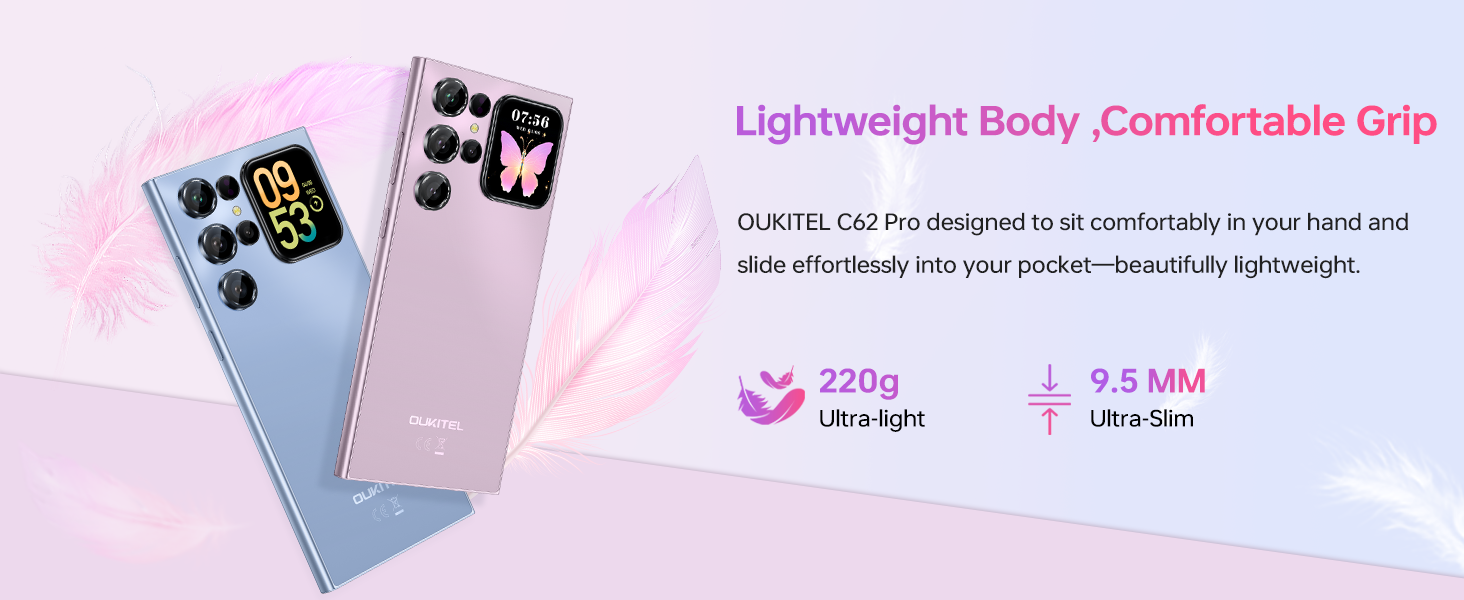
| 품목 무게 | 12.8온스(약 363g) |
| 치수 | 7.48 x 4.02 x 2.16 인치 |
7. 보증 및 지원
7.1. 보증 정보
Your OUKITEL C62 PRO Cell Phone is covered by a limited manufacturer's warranty. Please refer to the warranty card included in your package for specific terms, conditions, and duration. Keep your proof of purchase for warranty claims.
7.2. 고객 지원
For technical assistance, troubleshooting, or service inquiries, please contact OUKITEL customer support through their official website or the contact information provided in your warranty documentation. You may also visit the 아마존에서 OUKITEL 스토어를 만나보세요 추가 제품 정보.


