1. 서론
This manual provides essential information for the NIMO 17.3-inch FHD Gaming Laptop, Model N177. It covers the initial setup, operational guidelines, maintenance procedures, troubleshooting tips, and detailed product specifications. Please read this manual thoroughly to ensure proper use and to maximize the lifespan of your laptop.
패키지 내용
Upon unpacking your NIMO N177 Laptop, please verify that all items listed below are present:
- NIMO N177 노트북 1대
- Type-C 100W PD 고속 충전기 1개
- 1 x 사용자 매뉴얼(이 문서)
- 윈도우 11 홈 (사전 설치됨)
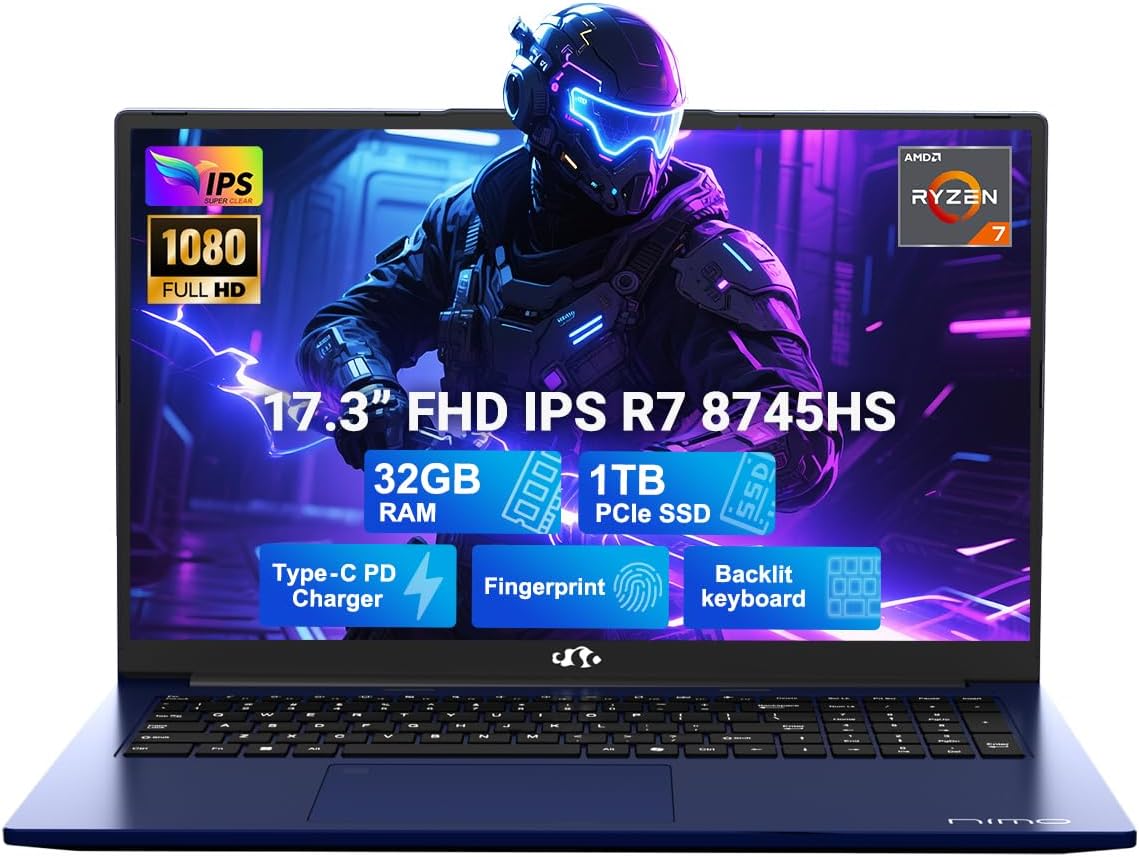
Image 1.1: The NIMO 17.3-inch FHD Gaming Laptop N177, showcasing its 17.3-inch display, 32GB RAM, 1TB SSD, Type-C PD Charger, Fingerprint sensor, and Backlit Keyboard features.
2. 제품 특징
The NIMO N177 Laptop is designed for performance and user convenience, incorporating several key features:
- 프로세서: Equipped with an AMD Ryzen 7 8745HS processor, featuring 8 cores and 16 threads, capable of turbo speeds up to 4.9GHz for efficient handling of demanding tasks.
- 제도법: Integrated AMD Radeon 780M Graphics provide capable visual performance for gaming and content creation.
- 메모리 및 스토리지: Features 32GB DDR5 RAM and a 1TB PCIe 4.0 SSD for fast data access and multitasking. The design allows for memory and storage upgrades.
- 표시하다: A 17.3-inch Full HD (1920x1080) IPS anti-glare display offers clear visuals with an 85% screen-to-body ratio.
- 충전 중: Includes a 100W USB-C Power Delivery (PD) fast charger, providing rapid charging capabilities.
- 보안 및 편의성: Integrated fingerprint sensor for secure login and a backlit keyboard for comfortable typing in various lighting conditions.
- 연결성: Multiple ports including USB 2.0, USB 3.0, USB 4.0 Type-C, HDMI, headphone jack, SD card reader, and Kensington Lock slot.
자세한 기능view

Image 2.1: Close-up of the AMD Ryzen 7 8745HS processor, highlighting its 8 cores, 16 threads, 780M iGPU Radeon, and 4.9GHz Precision Boost capabilities.
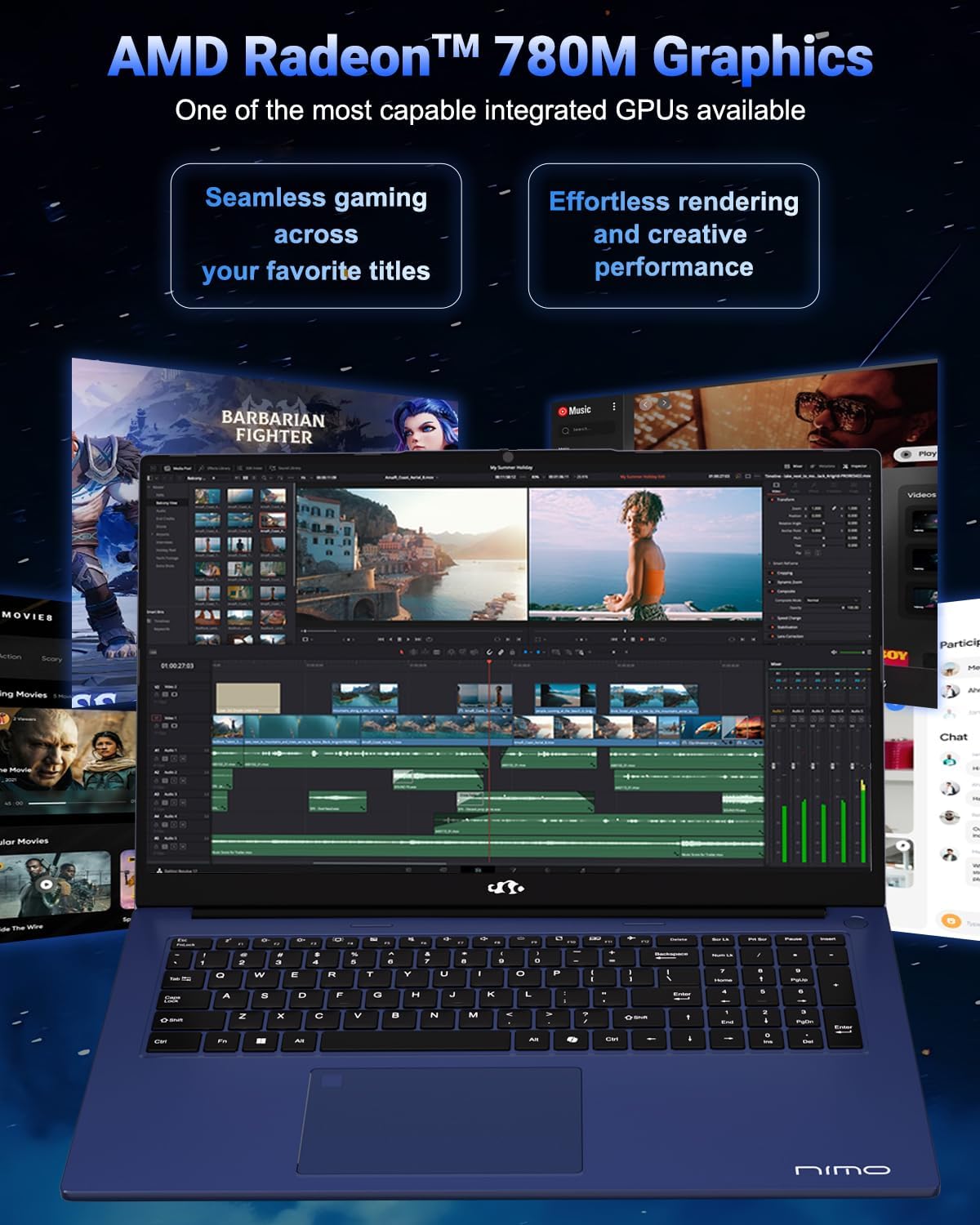
Image 2.2: Visual representation of the AMD Radeon 780M Graphics, illustrating its capacity for seamless gaming and efficient rendering for creative tasks.
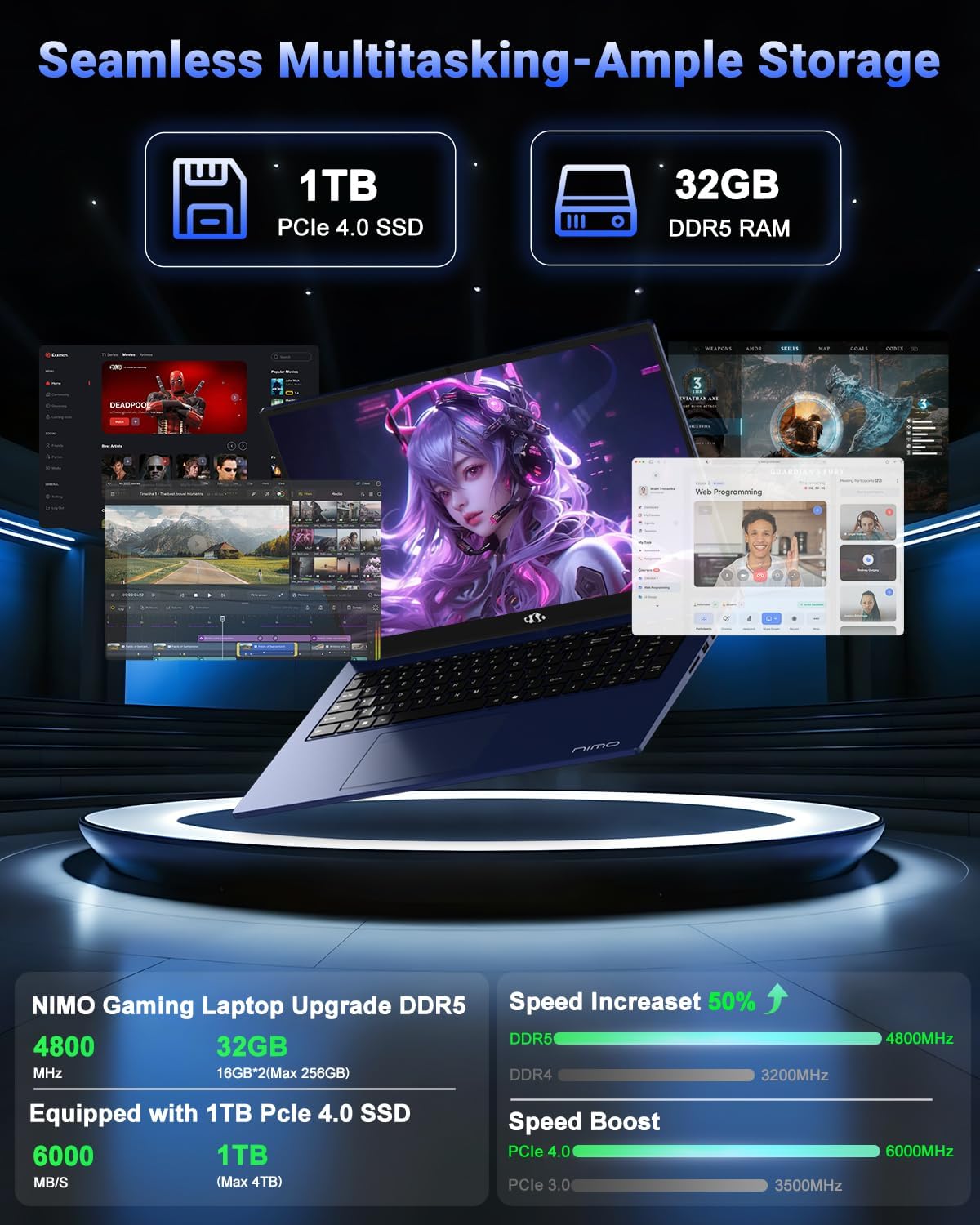
Image 2.3: Depiction of the laptop's 32GB DDR5 RAM and 1TB PCIe 4.0 SSD, emphasizing seamless multitasking and ample storage for various applications and files.

Image 2.4: Illustration of the 100W USB-C fast charger connected to the laptop, highlighting the 75Wh smart battery and its charging efficiency.
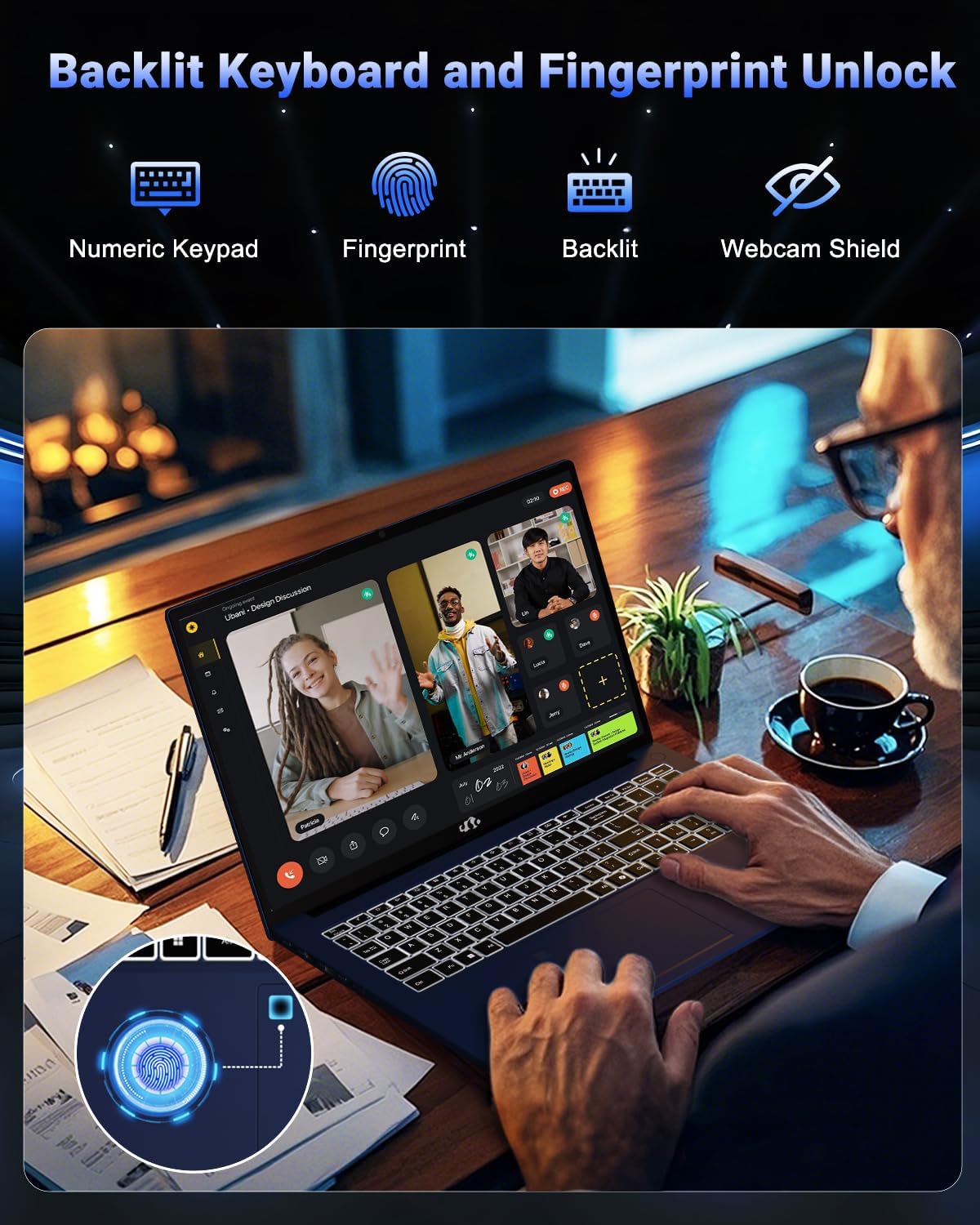
Image 2.5: The backlit keyboard and fingerprint unlock feature, showing the numeric keypad, fingerprint sensor, and webcam shield for enhanced usability and security.
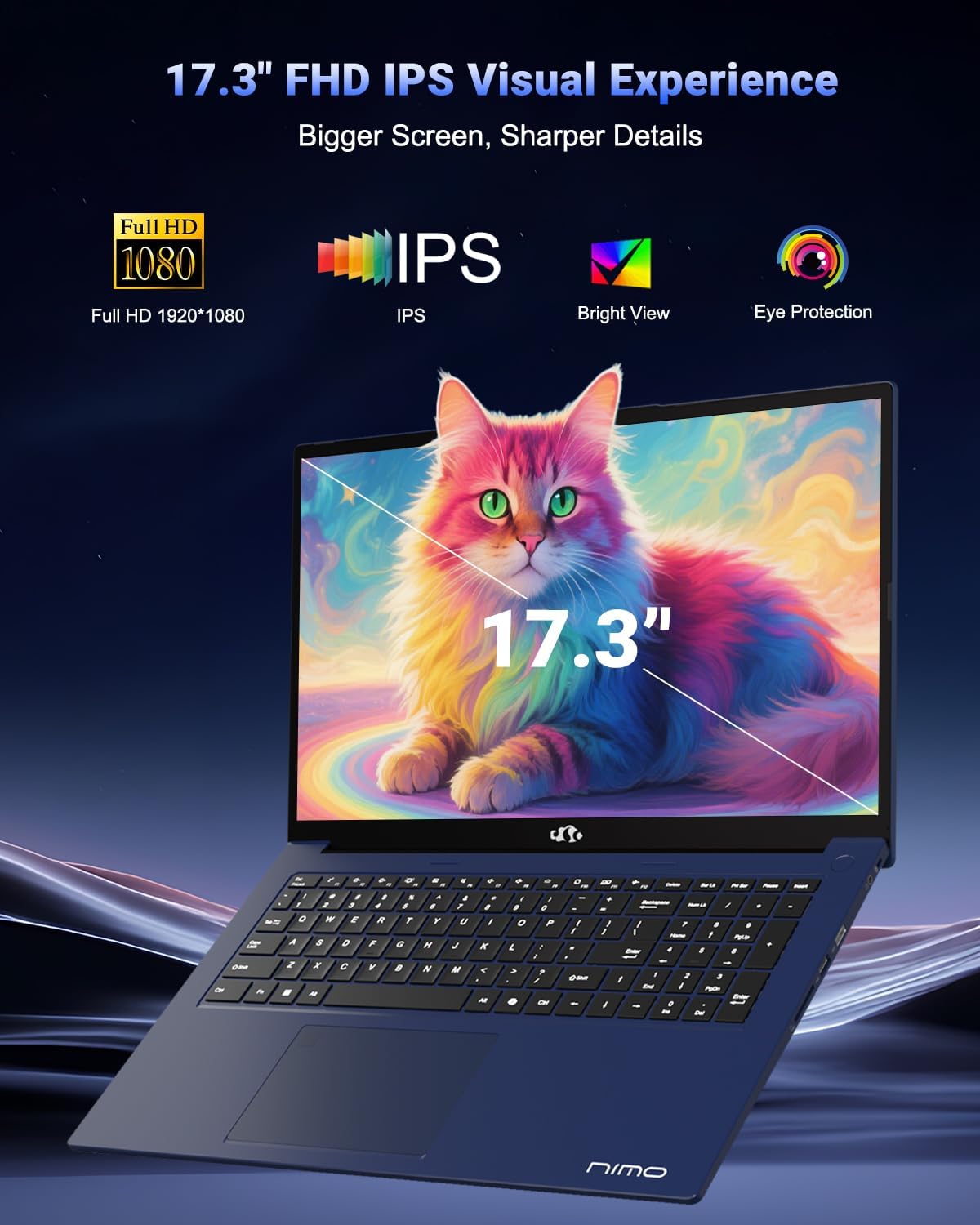
Image 2.6: The 17.3-inch FHD IPS display, emphasizing its larger screen size, sharper details, and eye protection features for an immersive visual experience.
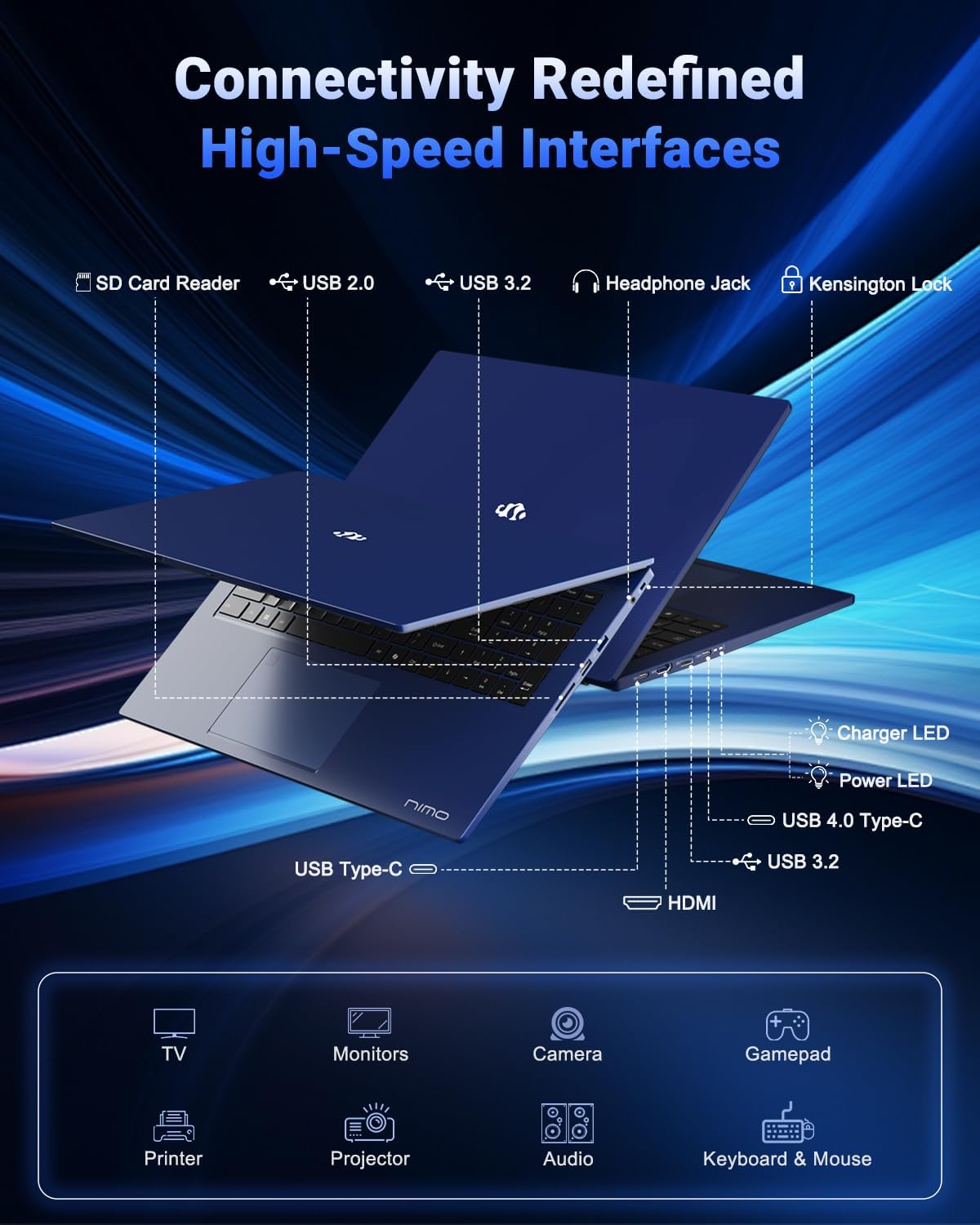
Image 2.7: Diagram illustrating the various high-speed interfaces and connectivity ports available on the NIMO N177 Laptop, including USB, HDMI, and Type-C ports.
3. 설정
3.1 초기 충전
Before first use, it is recommended to fully charge your NIMO N177 Laptop. Connect the provided 100W Type-C PD Fast Charger to the laptop's USB-C port and then to a power outlet. The charging indicator light will illuminate. A full charge typically takes approximately 45 minutes, providing several hours of usage.
3.2 첫 번째 전원 켜기
Open the laptop lid. Press the power button, usually located on the top right of the keyboard or side. The laptop will boot up, and you will be guided through the initial Windows 11 setup process. Follow the on-screen instructions to configure your language, region, network, and user account.
3.3 네트워크 연결
During the Windows 11 setup, you will be prompted to connect to a Wi-Fi network. Select your preferred network and enter the password. For a wired connection, connect an Ethernet cable (if an adapter is used, as the laptop does not have a built-in Ethernet port) to a USB port.
4. 노트북 작동
4.1 키보드 및 터치패드
The laptop features a full-size keyboard with a numeric keypad and backlighting. To adjust the keyboard backlight, use the dedicated function keys (refer to the keyboard layout for specific key combinations, often Fn + Fx). The precision gesture touchpad supports multi-touch gestures for navigation.
4.2 지문 센서
The integrated fingerprint sensor allows for quick and secure login. During Windows 11 setup or via Windows Settings > Accounts > Sign-in options, you can set up Windows Hello Fingerprint recognition. Follow the prompts to register your fingerprints.
4.3 외부 장치 연결
Utilize the available ports to connect peripherals:
- USB 포트: USB 드라이브, 외장 키보드, 마우스 또는 기타 USB 장치를 연결하세요.
- USB-C 4.0 포트: Supports data transfer, power delivery, and display output. This port can be used with compatible docking stations or external GPUs (eGPU dock not included).
- HDMI 포트 : 외부 모니터나 TV에 연결하여 화면을 확장할 수 있습니다.
- 헤드폰 잭: 헤드폰 또는 외부 스피커를 연결합니다.
- SD 카드 리더기: 데이터 전송을 위해 SD 카드를 삽입하세요.
4.4 디스플레이 설정
To adjust display settings such as resolution, brightness, or to configure multiple monitors, right-click on the desktop and select 'Display settings' or navigate through Windows Settings > System > Display.
5. 유지관리
5.1 노트북 청소
To clean the laptop, power it off and disconnect the charger. Use a soft, lint-free cloth slightly dampened with water or a screen cleaner for the display. For the keyboard and chassis, use a dry or slightly damp 천으로 닦으세요. 강한 화학 물질이나 연마재는 피하세요.
5.2 배터리 관리
배터리 수명을 연장하려면:
- 극한의 온도를 피하세요.
- 배터리를 자주 완전히 방전시키지 마세요.
- 노트북을 장기간 보관할 경우 배터리가 약 50~70% 정도 충전되어 있는지 확인하세요.
5.3 저장 장치 및 메모리 업그레이드
The NIMO N177 Laptop features an upgradeable design for both RAM and SSD. If you intend to upgrade, it is recommended to consult a professional or refer to specific upgrade guides to avoid damaging components and potentially voiding your warranty.
6. 문제 해결
This section addresses common issues you might encounter with your NIMO N177 Laptop.
| 문제 | 가능한 해결책 |
|---|---|
| 노트북의 전원이 켜지지 않습니다. | Ensure the charger is securely connected and the power outlet is functional. Allow the laptop to charge for at least 30 minutes before attempting to power on again. |
| 디스플레이가 비어 있거나 깜빡입니다. | Check display cable connections if using an external monitor. Try adjusting screen brightness. Restart the laptop. Update graphics drivers. |
| 배터리 수명이 예상보다 짧습니다. | Adjust power settings in Windows to a more power-efficient mode. Close unnecessary applications running in the background. Reduce screen brightness. |
| Wi-Fi 연결 문제. | Restart your router and the laptop. Ensure Wi-Fi is enabled in Windows settings. Update network drivers. |
| 지문 센서가 작동하지 않습니다. | 손가락이 깨끗하고 건조한지 확인하세요. Windows Hello 설정에서 지문을 다시 등록하세요. |
If you encounter issues not listed here or if the suggested solutions do not resolve the problem, please contact NIMO customer support for further assistance.
7. 사양
The following table outlines the technical specifications for the NIMO 17.3-inch FHD Gaming Laptop N177:
| 특징 | 사양 |
|---|---|
| 상표 | 니모 |
| 모델명 | 니모 N177B |
| 스탠딩 스크린 디스플레이 크기 | 17.3 인치 |
| 최대 화면 해상도 | 1920x1080 픽셀(FHD) |
| 프로세서 | AMD 라이젠 7 8745HS (최대 4.9GHz) |
| 숫양 | 32GB DDR5(4800MHz) |
| 하드 드라이브 | 1024GB SSD (PCIe 4.0) |
| 그래픽 코프로세서 | AMD 라데온 780M (내장형) |
| 운영 체제 | 윈도우 11 홈 |
| 무선형 | 802.11a/b/g/n/ac |
| USB 2.0 포트 | 1 |
| USB 3.0 포트 | 3 |
| USB 4.0 Type-C 포트 | 1 (with PD and DisplayPort support) |
| HDMI 포트 | 1 |
| 평균 배터리 수명 | 6시간 (75Wh 배터리) |
| 품목 무게 | 3.84파운드 |
| 제품 크기(LxWxH) | 15.66 x 9.99 x 0.74 인치 |
| 특별 기능 | 백라이트 키보드, 지문 인식기, HD 오디오, 숫자 키패드 |
8. 보증 및 지원
8.1 보증 정보
Your NIMO N177 Laptop is covered by a 2년 보증 provided by NIMO Direct Inc. This warranty covers manufacturing defects and ensures support for your product.
8.2 반품 정책
NIMO는 다음과 같은 것을 제공합니다. 90일 반품 정책 from the date of purchase. Please refer to the terms and conditions of your purchase for detailed return instructions.
8.3 고객 지원
For any technical assistance, warranty claims, or product-related inquiries, please contact NIMO's dedicated support team. Contact information can typically be found on the official NIMO website or through your purchase platform. Our support team is available to provide solutions and ensure a satisfactory experience.


