패키지 내용
아래 나열된 모든 품목이 패키지에 들어 있는지 확인하세요.
- 15.6-inch WiFi Digital Picture Frame
- 전원 어댑터
- 테이블 스탠드
- 벽 장착 나사(x2)
- 사용자 설명서

Image: All components included in the FANGOR 15.6-inch WiFi Digital Picture Frame package.
모델: 158KZ
This manual provides instructions for the setup, operation, and maintenance of your FANGOR 15.6-inch WiFi Digital Picture Frame. Please read this manual thoroughly before using the device to ensure proper functionality and to maximize your user experience.
아래 나열된 모든 품목이 패키지에 들어 있는지 확인하세요.
Image: All components included in the FANGOR 15.6-inch WiFi Digital Picture Frame package.
The digital picture frame can be placed on a flat surface using the included table stand or mounted on a wall.

Image: The digital picture frame configured for both tabletop and wall-mounted display.
Connect the power adapter to the frame and then plug it into a power outlet. The frame will automatically power on.
To share photos and videos, download the free "Uhale" app from the iOS App Store or Google Play Store.

Image: Step-by-step guide for connecting the Uhale app to the digital picture frame.
You can invite multiple users to share photos and videos to your frame. Share the frame's QR code or pairing code with family and friends, allowing them to upload content via the Uhale app.

Image: Multiple users can connect to and share photos with the digital picture frame.
There are several methods to transfer your media to the frame:

이미지: 이상view of media transfer options for the FANGOR digital picture frame.
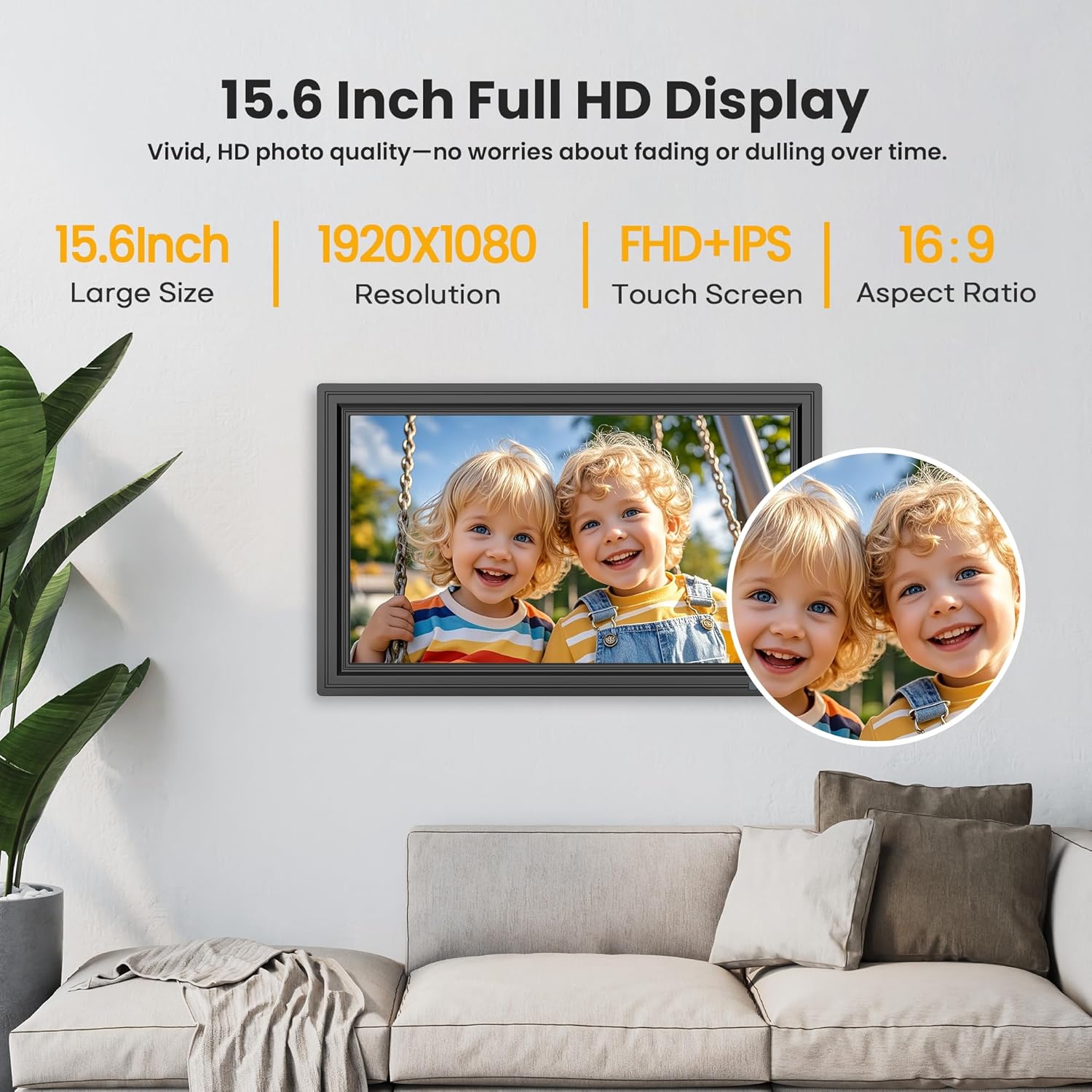
Image: The 15.6-inch Full HD IPS touch screen displaying a vibrant image.
Access settings on the frame or through the Uhale app to customize your experience:

Image: The digital picture frame demonstrating its customizable sleep mode and information display.
The FANGOR digital picture frame comes with 64GB of built-in storage, capable of holding over 160,000 photos.
Storage can be expanded using an SD card or USB flash drive. Ensure external storage devices are formatted to FAT32 for optimal compatibility. For best results, 32GB SD cards or USB drives are recommended, as larger capacities (64GB, 128GB) may not function correctly.

Image: The digital picture frame's storage capabilities, including built-in memory and external card/USB support.
| 특징 | 세부 사항 |
|---|---|
| 화면 크기 | 15.6 인치 |
| 해결 | 1920x1080(FHD) |
| 디스플레이 유형 | IPS 터치 스크린 |
| 내부 저장소 | 64GB |
| 외부 저장소 지원 | SD Card, USB Flash Drive (FAT32 format recommended) |
| 연결성 | 와이파이 |
| 앱 호환성 | Uhale App (iOS & Android) |
| 제품 치수 | 9.68 x 15.59 x 0.99 인치 |
| 품목 무게 | 3.65파운드 |
| 모델 번호 | 158KZ |
| 제조업체 | 팬 |
If you encounter issues with your digital picture frame, consider the following common solutions:
Your FANGOR digital picture frame is covered by a 365-day warranty for quality issues, ensuring replacements if necessary. Lifetime technical support is also provided.
For any concerns or technical assistance, please contact our dedicated after-sales team via Amazon Message or email. Our team aims to respond within 24 hours.
 |
FANGOR F-206 멀티미디어 프로젝터 사용 설명서 FANGOR F-206 멀티미디어 프로젝터에 대한 종합적인 사용 설명서로, 설정, 작동, 연결, 기능, 사양 및 문제 해결 방법을 다룹니다. HDMI, VGA, AV, USB, SD 카드를 통해 다양한 장치를 연결하고 iOS Cast 및 Miracast와 같은 무선 캐스팅 기능을 활용하는 방법을 알아보세요. |
 |
FANGOR F-601 WiFi 프로젝터 빠른 가이드: iOS 및 Android 연결 WiFi 또는 USB 케이블을 사용하여 iOS 및 Android 기기를 FANGOR F-601 WiFi 프로젝터에 연결하여 화면을 미러링하는 방법에 대한 간단한 가이드입니다. |
 |
FANGOR S20 사운드바 빠른 연결 가이드 HDMI ARC, SPDIF 또는 Bluetooth를 사용하여 FANGOR S20 사운드 바를 다양한 장치에 연결하는 방법에 대한 포괄적인 빠른 가이드로, 필수 설정 팁과 문제 해결 조언이 포함되어 있습니다. |
 |
FANGOR F-402 HD Wi-Fi 멀티미디어 프로젝터 사용 설명서 이 사용 설명서는 FANGOR F-402 HD Wi-Fi 멀티미디어 프로젝터에 대한 자세한 정보를 제공하며, 설정, 작동, 연결 및 문제 해결에 대한 내용을 담고 있습니다. |
 |
FANGOR F-506 Wi-Fi 멀티미디어 프로젝터: 사용 설명서 및 설치 가이드 FANGOR F-506 Wi-Fi 멀티미디어 프로젝터의 종합 사용 설명서입니다. 설치, 연결, 기능, 문제 해결 및 사양에 대해 알아보세요. |
 |
FANGOR KJM-CD002 블루투스 스피커(CD 플레이어 포함) 사용 설명서 2-in-1 휴대용 블루투스 스피커 겸 CD 플레이어 FANGOR KJM-CD002 사용 설명서입니다. 설치 지침, 제품 사양, 문제 해결 및 안전 경고가 포함되어 있습니다. |