1. 서론
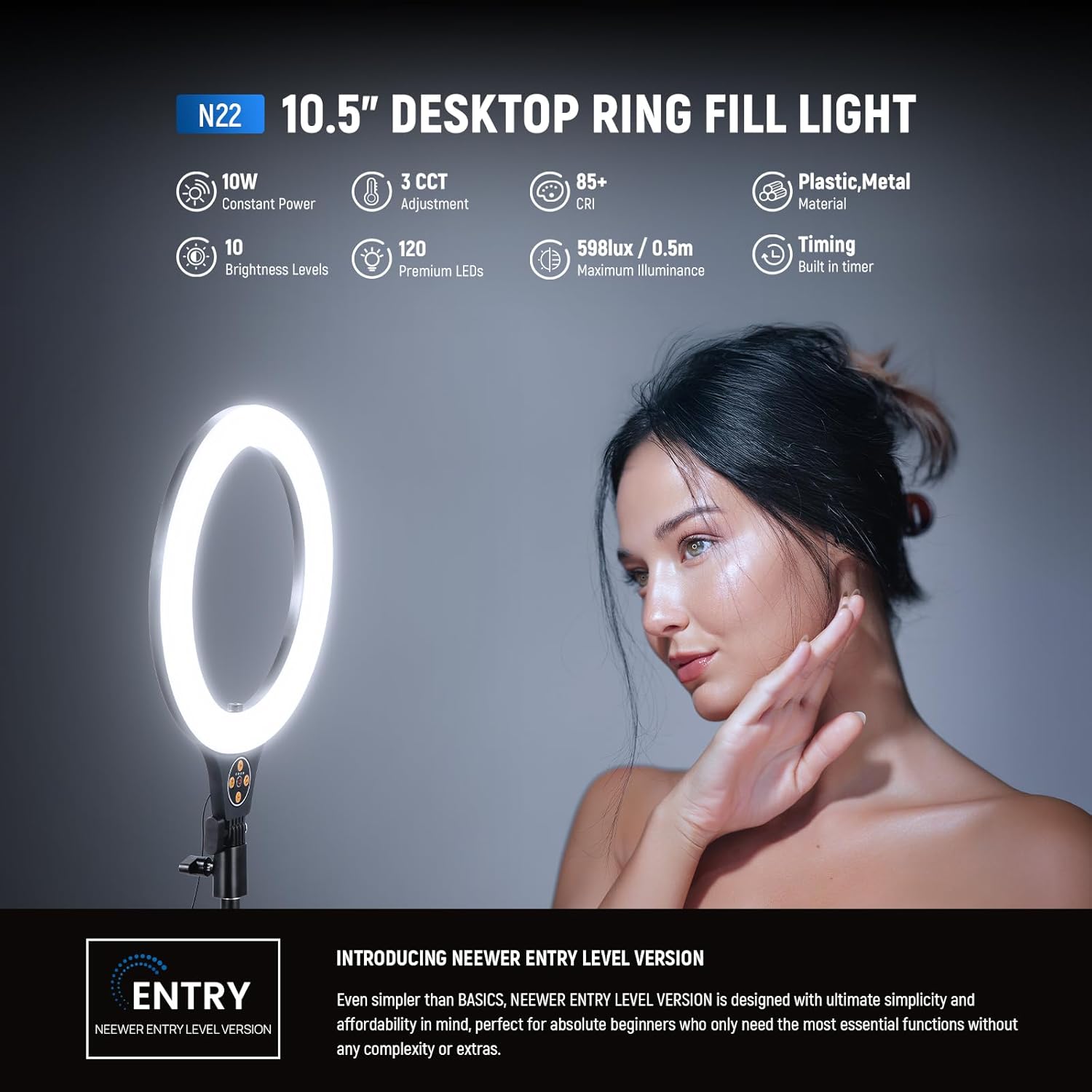
The NEEWER N22 10.5" Desk Ring Light is an entry-level lighting solution designed for simplicity and affordability, ideal for beginners. This versatile device provides optimal illumination for various activities including streaming, recording, makeup application, selfies, and video conferencing on laptops, computer monitors, webcams, and Zoom calls.
Equipped with 120 high-performance LEDs, it delivers continuous, soft, and evenly diffused light, enhancing skin tone and reducing blemishes without harsh glare. The light offers three color temperatures (warm, neutral, cool) and ten dimming levels, along with a convenient timer function for extended use.
Its adjustable height and angle, combined with a flexible phone holder, allow for versatile positioning and compatibility with a wide range of smartphones, making it an essential tool for content creators and professionals alike.
2. 안전 정보
본 제품을 사용하기 전에 모든 안전 지침을 읽고 숙지해 주십시오.
- 기기를 물이나 과도한 습기에 노출시키지 마세요.
- 제품을 분해하거나 개조하지 마십시오. 이는 보증을 무효화하고 안전상의 위험을 초래할 수 있습니다.
- Use only with a compatible USB power adapter (not included) that meets the specified power requirements.
- 장치를 열원이나 직사광선으로부터 멀리 두십시오.
- Ensure the base is placed on a stable, flat surface to prevent tipping.
- 어린이와 애완동물의 손이 닿지 않는 곳에 보관하세요.
- 장시간 LED 조명에 눈이 직접 노출되지 않도록 하세요.
3. 패키지 내용
아래 나열된 모든 품목이 패키지에 포함되어 있는지 확인하세요.
- 1 x N22 Ring Light with Flexible Phone Holder
- 1 x Telescopic Center Column and Base
- 블루투스 리모컨 1개
- 1 x USB A-USB C 어댑터
- 1 x USB 타입 C 케이블

4. 설정
4.1 조립
- Attach the Telescopic Column to the Base: Screw the telescopic center column firmly into the wide, non-slip metal base.
- 링 라이트 부착: Secure the ring light unit to the top of the telescopic column using the provided knob.
- Insert Phone Holder: The flexible phone holder is integrated into the center of the ring light. Ensure it is securely positioned.
4.2 전원 연결
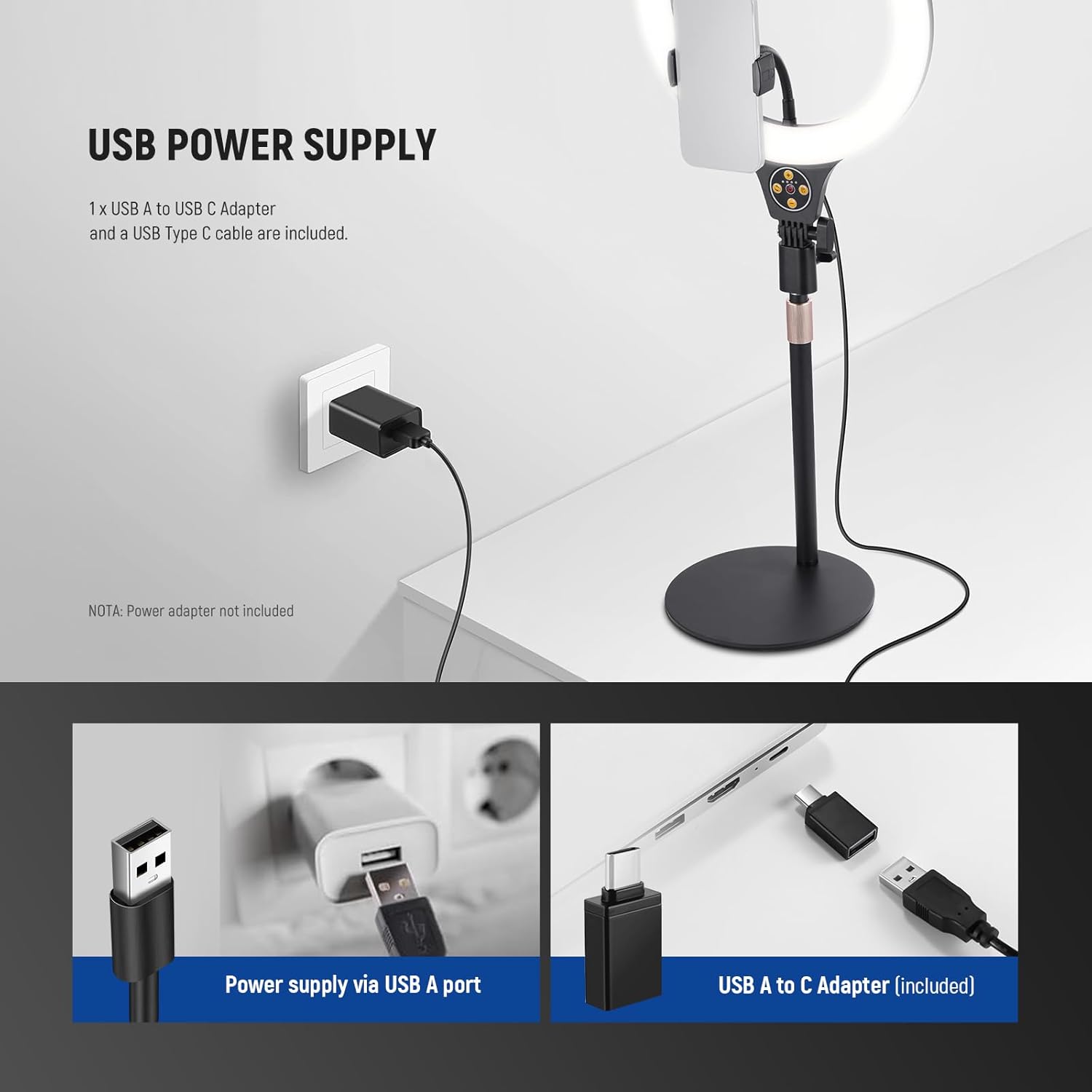
- Connect the USB Type C cable to the ring light's power input.
- Plug the USB A end of the cable into a compatible USB power adapter (not included) or a USB port on your computer/laptop.
4.3 블루투스 원격 페어링
- Turn on the small Bluetooth remote by sliding the ON/OFF switch.
- 스마트폰에서 블루투스를 활성화하세요.
- 검색 available devices and select the remote to pair. Once paired, you can use it to control your phone's camera shutter wirelessly.

5. 사용 설명서
5.1 전원 켜기/끄기
를 누르세요 켜짐/꺼짐 button (labeled '1' on the inline controller) to turn the ring light on or off.
5.2 밝기 조정
사용하세요 + button (labeled '4') to increase brightness and the - button (labeled '5') to decrease brightness. There are 10 dimming levels available.
5.3 색온도 변경
를 누르세요 조명 모드 버튼 (labeled '2', circular arrows icon) to cycle through the three available color temperatures: Warm (3000K), Neutral (4500K), and Cool (7000K).

5.4 타이머 기능
를 누르세요 타이머 버튼 (labeled '3', clock icon) to set the lighting duration to 3, 6, 9, or 12 hours. This is useful for long sessions like live streaming or video calls.

5.5 높이 및 각도 조정
- 높이 조정: Loosen the knob on the telescopic column to extend or retract the stand, adjusting the height up to 31"/78cm. Tighten the knob to secure the desired height.
- 각도 조정: The LED selfie light can tilt 180° back and forth, allowing for flexible angle adjustments to suit various shooting needs.
- Phone Holder Orientation: The flexible phone holder can be adjusted to mount your phone vertically or horizontally.

5.6 Eye-Friendly Soft Lighting
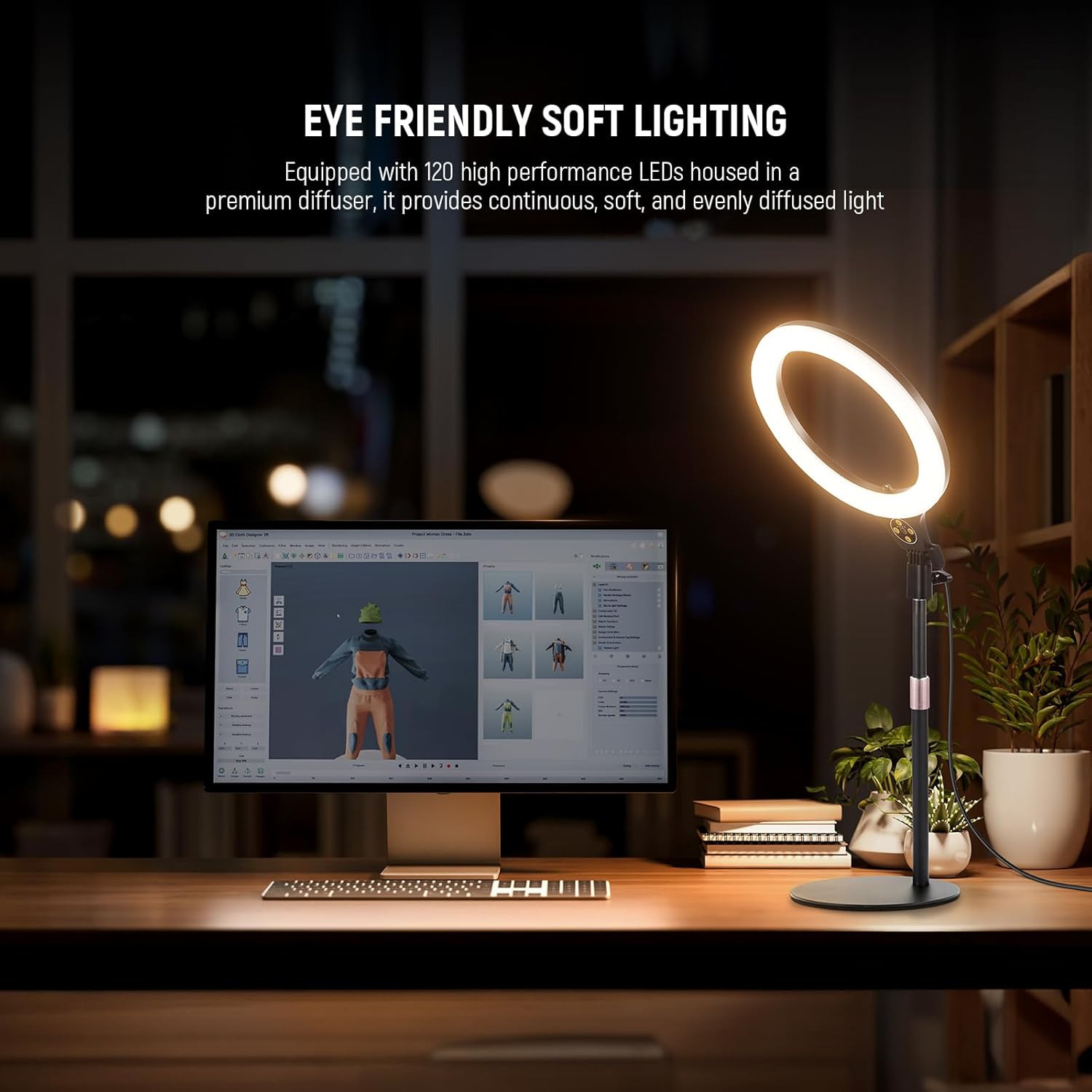
The ring light is equipped with 120 high-performance LEDs and a premium diffuser, providing continuous, soft, and evenly diffused illumination up to 598Lux at 0.5m. This design minimizes shadows and harsh glare, making it gentle on the eyes and ideal for enhancing skin tone.
5.7 사용 시나리오
The NEEWER N22 Desk Ring Light is suitable for various applications:
- 라이브 스트리밍: Provides consistent and flattering light for live broadcasts.
- 비디오 회의: Improves your appearance during Zoom calls, online meetings, and virtual presentations.
- 메이크업 신청: Offers bright, even lighting for precise makeup.
- Selfies & Photography: Enhances photos and videos with professional-quality lighting.

5.8 공식 제품 영상
6. 유지관리
- 청소: Use a soft, dry cloth to wipe down the ring light and stand. Do not use abrasive cleaners or solvents.
- 저장: When not in use, disassemble the ring light and store it in a cool, dry place away from direct sunlight and moisture.
- 케이블 관리: Avoid bending or twisting the power cable excessively to prevent damage.
7. 문제 해결
- 불이 켜지지 않음:
- Ensure the USB cable is securely connected to both the ring light and a functioning power source. Verify that the USB power adapter (if used) is working correctly and provides sufficient power.
- 블루투스 리모컨이 페어링되지 않습니다:
- Make sure the remote is turned on and within range of your smartphone. Check your phone's Bluetooth settings to ensure it's enabled and try re-pairing the remote. Replace the remote's battery if necessary.
- 불안정한 자세:
- Ensure the base is placed on a flat, stable surface. Tighten all adjustment knobs on the telescopic column and ring light securely to prevent wobbling.
8. 사양
| 모델 | N22 |
| 호환성 | 스마트폰 |
| 주요소재 | 플라스틱, 알루미늄 합금 |
| 링 라이트 직경 | 10.5인치 / 26.6cm |
| 최대 높이 | 31인치 / 78cm |
| 기본 직경 | 7인치 / 17.7cm |
| 최대 전력 | 10와트 |
| LED 수량 | 120 (60 Warm & 60 Cool) |
| Color Temperature Levels | 3000K / 4500K / 7000K |
| 밝기 레벨 | 10 |
| 최대 조도 | 598lux / 0.5m |
| 크리 | 85+ |
| 연결 기술 | 블루투스(리모컨용) |

9. 보증 및 지원
For warranty information, technical support, or any inquiries regarding your NEEWER N22 Desk Ring Light, please contact NEEWER customer service through their official website or the retailer where the product was purchased. Please have your model number (N22) and proof of purchase ready when contacting support.


