1. 서론
The TOPTRO A1 Smart Projector is an all-in-one portable home entertainment system designed for exceptional visual and audio experiences. Featuring WiFi 6, two-way Bluetooth, AI auto-focus and keystone correction, and Dolby Audio, this projector offers seamless streaming and versatile installation options. Its compact design makes it suitable for various environments, from indoor movie nights to outdoor gatherings.
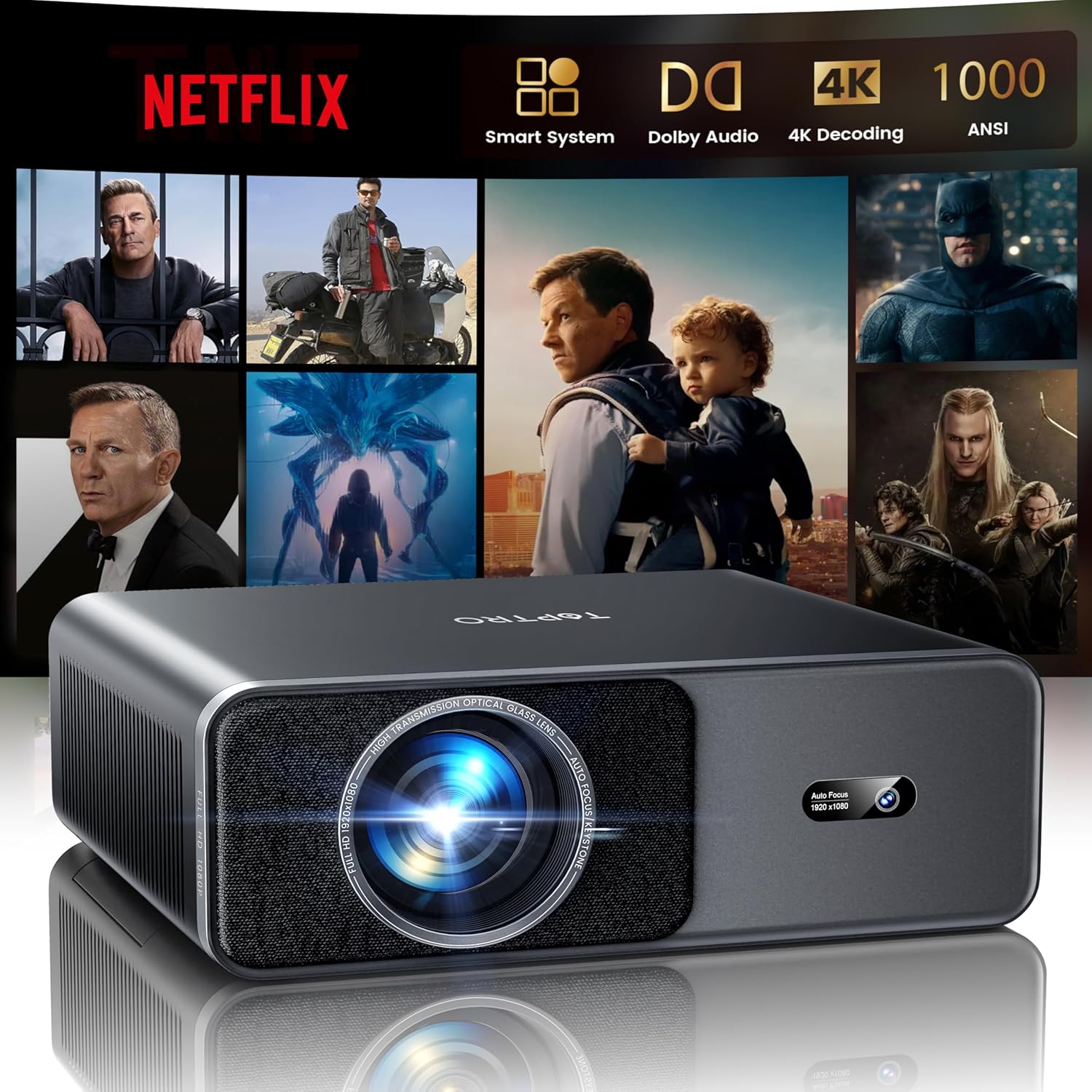
Image 1.1: TOPTRO A1 Smart Projector displaying a streaming service interface.
2. 설정
2.1 언박싱 및 초기 전원 켜기
Carefully remove all components from the packaging. The box includes the TOPTRO Smart Projector, a remote control (requires 2x AAA batteries, not included), an HDMI cable, a power cord, a quick start guide, a projector lens cover, and a cleaning kit. Connect the power cord to the projector and a power outlet. Press the power button to turn on the device.
2.2 AI Automatic Adjustments
The TOPTRO A1 features intelligent AI technology for quick and precise image setup:
- 자동 초점 : 프로젝터가 자동으로 이미지 선명도를 조정합니다.
- 자동 키스톤 보정: Corrects trapezoidal distortion to ensure a perfectly rectangular image.
- 자동 화면 정렬: Adjusts the image to fit the screen area.
- 자동 장애물 회피: 투영 경로상의 장애물을 감지하고 조정하여 투영을 피합니다.
These adjustments occur automatically upon startup or when the projector is moved, providing a clear image in approximately 1 second.
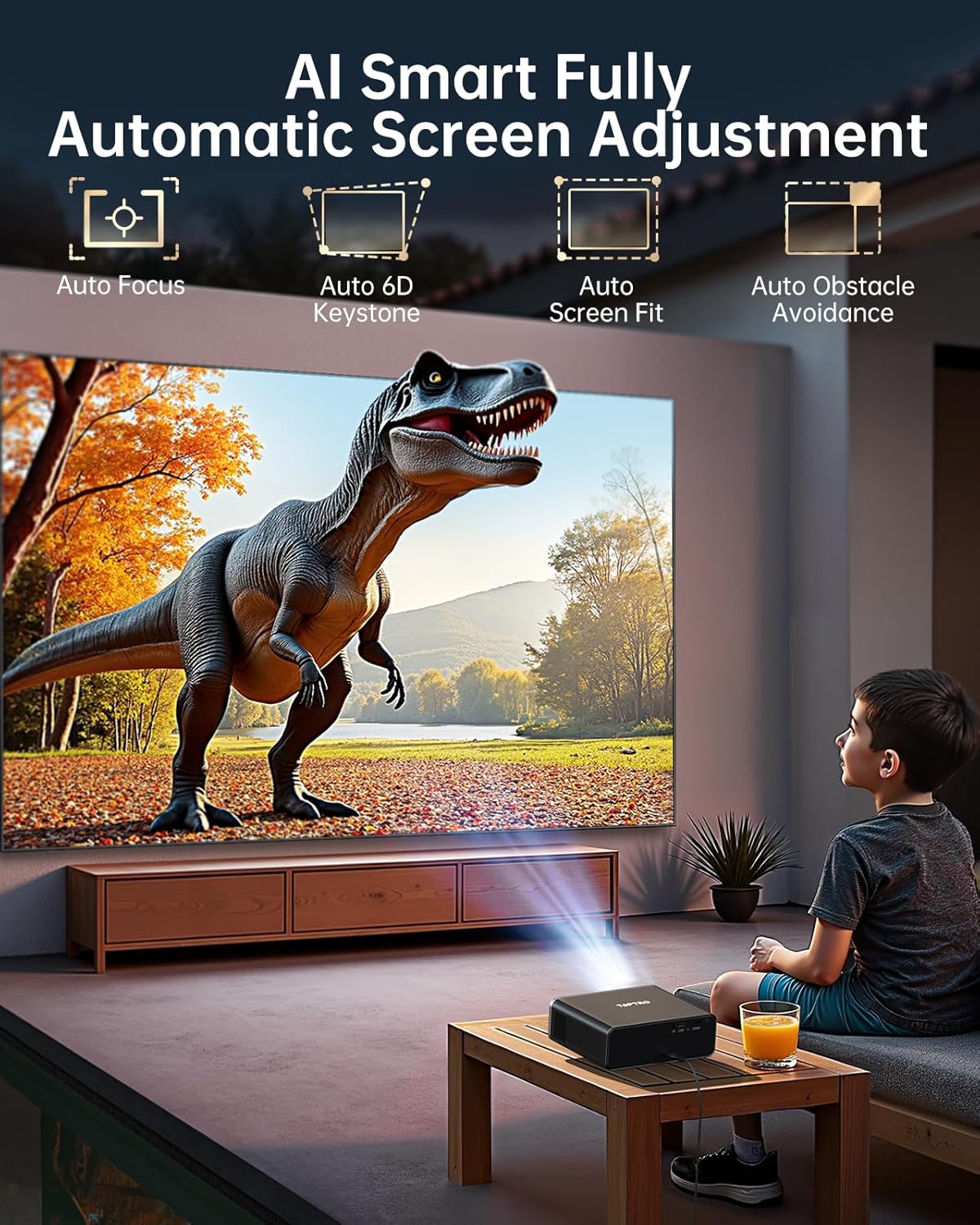
Image 2.1: Visual representation of the AI auto-adjustment capabilities.
2.3 네트워크 연결(WiFi 6)
Navigate to the settings menu to connect to your WiFi 6 network. This enables high-speed, lag-free streaming and screen mirroring. The projector supports speeds up to 9.6 Gbps, offering a significant boost over WiFi 5.
2.4 블루투스 페어링
The projector supports two-way Bluetooth 5.2. To pair with external audio devices (e.g., Bluetooth speakers), go to the Bluetooth settings and select 'Scan' for available devices. To use the projector as a standalone Bluetooth speaker, pair your phone or other device directly with the projector.
3. 사용 설명서
3.1 스트리밍 서비스
The TOPTRO A1 is fully compatible with Netflix certification standards and provides instant access to major platforms like Netflix, Prime Video, and YouTube. Explore a vast video library via the built-in app store and open browser. Regular system updates ensure application security and stability.

Image 3.1: Projector interface showing available streaming applications.
3.2 Image Quality and Display
Experience vibrant, true-to-life colors with 1000 ANSI lumens, 4K decoding HDR10+, and AI image optimization covering 98% NTSC gamut. The projector delivers a native resolution of 1080P, with 4K decoding support. An eye-comfort mode is available to reduce blue light during extended view주고받음.

Image 3.2: High-definition image projection demonstrating AI color optimization and HDR technology.
3.3 오디오 경험
Equipped with powerful 20W speakers and Dolby Audio technology, the projector provides an immersive 3D sound experience. Advanced AI sound balance ensures clear vocals and natural instrumental sound. The two-way Bluetooth functionality allows it to function as a standalone speaker.
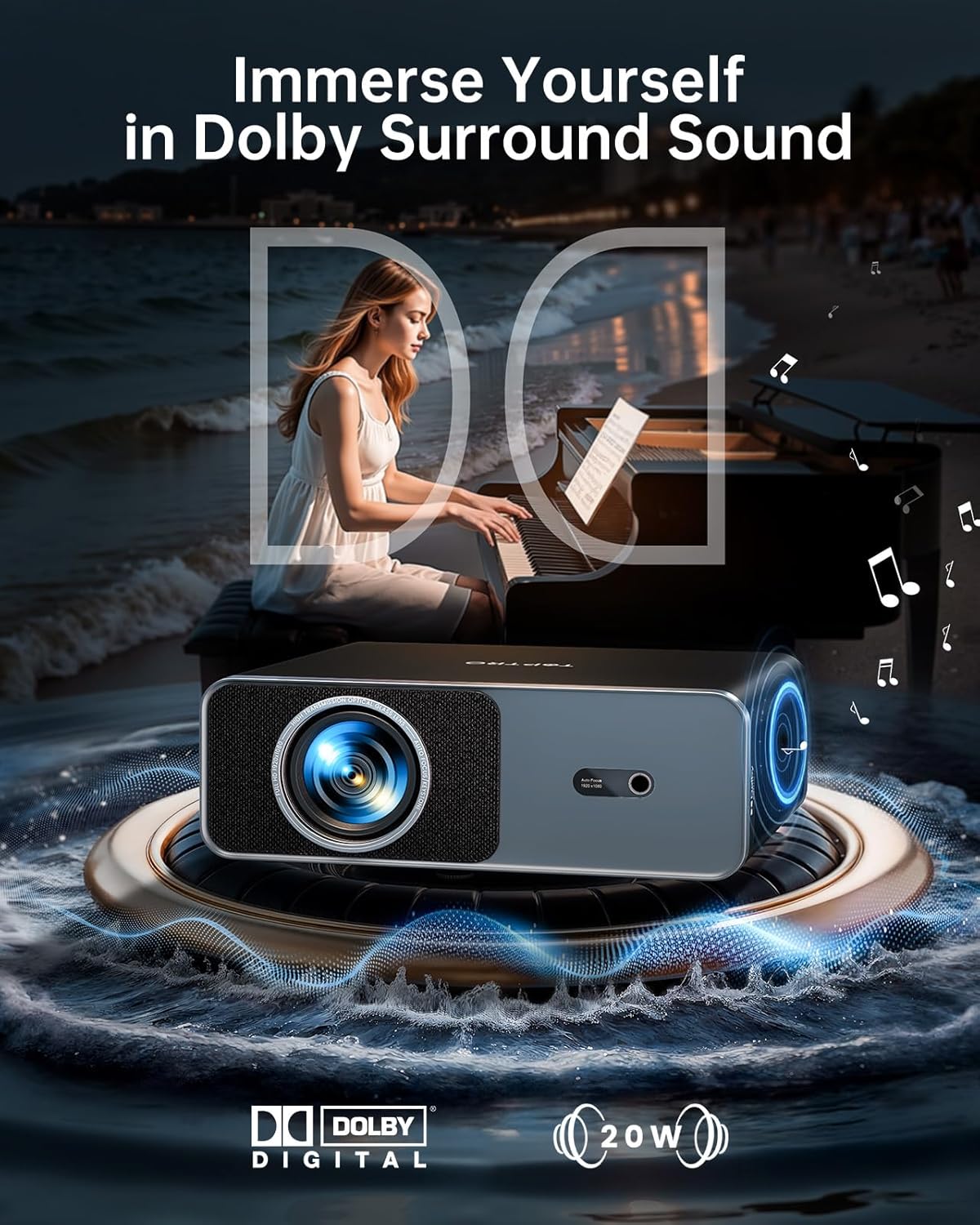
Image 3.3: Projector highlighting its Dolby Audio and 20W speaker capabilities.
3.4 디지털 줌
The projector supports 50–100% digital zoom, allowing you to resize the screen without physically moving the unit. This feature is accessible through the remote control or settings menu.
4. 연결성
The TOPTRO A1 offers a full suite of ports and advanced wireless protocols for versatile connectivity:
- HDMI ARC : Connect gaming consoles, laptops, or TV sticks. HDMI ARC allows for audio return channel functionality, simplifying audio connections to home theater systems.
- USB: 외부 저장 장치 연결용입니다.
- 3.5mm 오디오 잭: 유선 헤드폰이나 외부 스피커를 연결하는 데 사용합니다.
- 무선 프로토콜 : Supports AirPlay (iOS), Miracast (Android/Windows), and DLNA for seamless screen sharing from mobile devices.

이미지 4.1: 이상view of the projector's connectivity options.
5. 설치 옵션
The TOPTRO A1 is designed for flexible installation in various settings:
- 테이블 스탠드: 프로젝터를 평평한 표면에 놓으십시오.
- 벽걸이 : Securely mount to a wall using appropriate hardware.
- 삼각대 마운트: Utilize the central 1/4'' thread on the bottom for tripod compatibility.
- 천장 마운트: The projector can be securely installed using four M4 screw holes on the bottom. The AI auto-adjustment features are specially tuned for ceiling installations.

Image 5.1: Various installation scenarios for the TOPTRO A1 Projector.
6. 유지관리
To ensure reliable performance and extend the lifespan of your TOPTRO A1 projector:
- 먼지 저항: The sealed optical engine enhances dust resistance, protecting internal components.
- 냉각 시스템: An advanced dual-fan cooling system improves heat dissipation and reduces operating noise.
- 청소: 제공된 청소 키트를 사용하여 렌즈와 외부 표면을 부드럽게 닦으십시오. 연마재나 강한 화학 약품은 사용하지 마십시오.
- 저장: When not in use, cover the lens with the projector lens cover and store the unit in a cool, dry place.
7. 문제 해결
If you encounter issues with your TOPTRO A1 projector, please refer to the following common solutions:
- 전원 없음: 프로젝터와 작동하는 전원 콘센트에 전원 코드가 제대로 연결되어 있는지 확인하십시오.
- 이미지 없음/흐릿한 이미지: Check if the lens cover is removed. Allow the AI auto-focus to complete its cycle. If the image remains blurry, manually adjust focus if available in settings. Ensure the input source is correctly selected.
- 소리 없음: Verify that the volume is not muted or set too low. Check audio output settings and ensure external speakers (if connected) are powered on and paired correctly.
- 네트워크 연결 문제: Restart your router and the projector. Re-enter WiFi credentials in the settings. Ensure the projector is within range of your WiFi network.
- 리모콘이 응답하지 않음: Replace the AAA batteries in the remote control. Ensure there are no obstructions between the remote and the projector's IR receiver.
추가 지원이 필요하면 고객 지원팀에 문의하세요.
8. 사양
| 특징 | 세부 사항 |
|---|---|
| 상표 | 탑트로 |
| 모델 번호 | A1 |
| 품목 무게 | 4.4파운드(약 2kg) |
| 제품 치수 | 9 x 7 x 3.5인치(약 22.86 x 17.78 x 8.89cm) |
| 색상 | 검은색 |
| 디스플레이 해상도 | 1920 x 1080 (Native 1080P, 4K Decoding) |
| 명도 | 1000 ANSI 루멘스 |
| 연결 기술 | 3.5mm Jack, Bluetooth 5.2 (Two-way), HDMI ARC, Wi-Fi 6 |
| 특별 기능 | Compatible with Netflix/YouTube/Prime Video, Compact portable Design, 20W Stereo Speakers with Dolby Audio, AI Auto Focus / Auto Keystone / Auto Screen Alignment / Auto Obstacle Avoidance, Intelligent Eye Protection |
| 추천 용도 | 비즈니스, 교육, 게임, 홈 시네마 |
9. 보증 및 지원
The TOPTRO A1 projector comes with comprehensive warranty coverage:
- 1년 무상 교체: For qualifying issues within the first year.
- 3년 보증: 제조상의 결함을 보증하고 장기적인 신뢰성을 보장합니다.
To activate your 3-year warranty and view a detailed user manual, please scan the QR code provided in the product packaging or visit the official TOPTRO website. For professional support, contact service@toptro.com.


