1. 서론
This manual provides detailed instructions for the safe and efficient use of your LG 43QNED82AUA 43 Inch QNED AI 4K Smart TV, along with the included Walts Large/Extra Large Full Motion Mount and Amber Protection 3-Outlet-Surge Surge Protector. Please read this manual thoroughly before installation and operation, and retain it for future reference.
패키지 내용
- LG 43QNED82AUA 43 Inch QNED AI 4K Smart TV
- 매직리모컨
- 전원 케이블
- Walts Large/Extra Large Full Motion Mount
- Amber Protection 3-Outlet-Surge Surge Protector
- 사용자 매뉴얼 및 문서

그림 1.1: 전면 view of the LG 43QNED82AUA 43 Inch QNED AI 4K Smart TV.

그림 1.2: 측면 view of the LG 43QNED82AUA 43 Inch QNED AI 4K Smart TV, showing the included stand.
2. 설정
2.1 포장 풀기 및 초기 검사
Carefully remove all components from the packaging. Inspect for any signs of damage. If any items are missing or damaged, contact your retailer immediately.
2.2 Mounting the TV (Walts Full Motion Mount)
The Walts Large/Extra Large Full Motion Mount allows for flexible positioning of your TV. Ensure the mounting surface is strong enough to support the weight of the TV and mount. The TV supports VESA 200 x 200 mounting patterns. The mount is compatible with VESA patterns up to 700mm x 500mm.
- TV 브라켓 부착: Secure the vertical brackets to the back of your LG TV using the appropriate screws provided with the mount. Ensure they are aligned with the VESA mounting holes.
- 벽면 플레이트 설치: Locate wall studs and securely attach the wall plate of the mount to the wall using the provided hardware. Use a level to ensure it is straight.
- TV를 걸어두세요: Carefully lift the TV and hook the attached brackets onto the wall plate. Secure the TV to the mount according to the mount's specific instructions.
- 위치 조정: Utilize the full motion capabilities to extend, swivel, and tilt the TV to your desired view잉 각도.

Figure 2.1: Walts Full Motion Mount in an extended position.

그림 2.2: 전면 view of the Walts Full Motion Mount.
2.3 전원 및 주변 장치 연결
- 서지 보호기: Plug the Amber Protection 3-Outlet-Surge Surge Protector into a wall outlet. The LED indicator will glow blue when working, confirming protection for your devices up to 1225 Joules.
- 전원 케이블 : Connect the TV's power cable to the TV and then to one of the outlets on the Amber Protection Surge Protector.
- HDMI 장치: Connect external devices (e.g., Blu-ray player, game console) to the TV's HDMI ports (3 available).
- USB 장치: Connect USB storage devices to the TV's USB port (1 available).
- 안테나/케이블: Connect your antenna or cable TV source to the RF Input.
- 광 오디오: For external audio systems, connect an optical cable to the SPDIF (Optical Digital Audio Out) port.

Figure 2.3: Amber Protection 3-Outlet-Surge Surge Protector.
2.4 초기 설정 마법사
Upon first power-on, the TV will guide you through an initial setup process. This includes language selection, network connection (Wi-Fi 5), channel scanning, and remote control pairing.
3. 사용 설명서
3.1 매직리모컨
The Magic Remote Control allows for intuitive navigation using point-and-click, scroll, and voice commands. Refer to the separate Magic Remote manual for detailed button functions.
3.2 스마트 TV 기능 (webOS 25)
귀하의 LG TV는 다음에서 실행됩니다. webOS 25, providing access to a wide range of streaming services and applications. Supported services include Netflix, Max, Disney+, YouTube, Prime Video, ESPN, Apple TV, Sling TV, and more. Navigate the home screen to access apps, inputs, and settings.
3.3 화면 및 디스플레이 설정
- 동적 QNED 색상: Experience vibrant and accurate colors with 100% Color Volume.
- 디밍 프로: Enhances contrast with precise local dimming control.
- HDR10 프로: Delivers a dramatic visual experience with improved brightness and contrast in compatible content.
- Alpha 7 AI 프로세서 Gen8: This processor automatically optimizes picture and sound quality, including 4K upscaling and Dynamic Tone Mapping Pro.

Figure 3.1: Visual representation of Dynamic QNED Color technology.
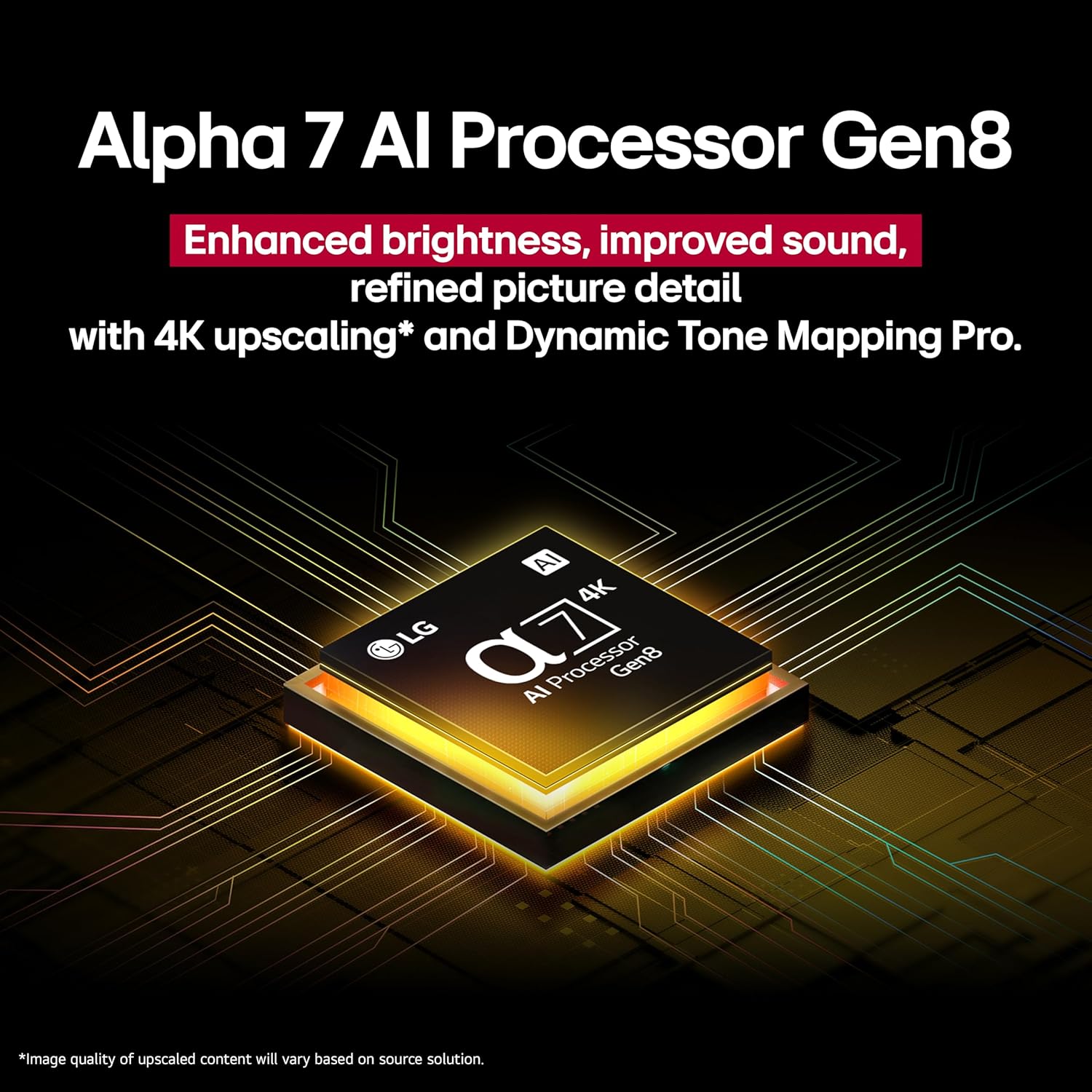
Figure 3.2: Close-up of the Alpha 7 AI Processor Gen8 chip.
3.4 오디오 설정
- LG 사운드 싱크: Wirelessly connect compatible LG soundbars or speakers.
- Sound Mode Share: Share sound settings across compatible devices.
- 블루투스 서라운드 지원: 서라운드 사운드 경험을 위해 블루투스 스피커를 연결하세요.
- 와우 오케스트라: Integrates TV speakers with a compatible soundbar for enhanced audio.
3.5 AI 기능 및 연결성
- AI Concierge, AI Search, AI Chatbot, Voice ID: Utilize these features for personalized content recommendations, quick searches, and voice recognition.
- 스마트 홈 통합: Compatible with Google Assistant, Amazon Alexa, Apple Home, and Apple AirPlay2.
- Game Service & ALLM: Access gaming services and benefit from Auto Low Latency Mode for a smoother gaming experience.
4. 유지관리
4.1 TV 화면 및 본체 청소
Before cleaning, unplug the TV from the power outlet. Use a soft, dry cloth to gently wipe the screen and TV body. For stubborn marks, lightly dampen the cloth with water or a specialized screen cleaner. Avoid using harsh chemicals, abrasives, or direct spraying of liquids onto the TV.
4.2 소프트웨어 업데이트
Ensure your TV's software is up to date for optimal performance and security. You can usually check for and install updates through the TV's settings menu under "General" or "Support."
5. 문제 해결
| 문제 | 가능한 원인 | 해결책 |
|---|---|---|
| 전원이 없습니다 | Power cable disconnected; surge protector off/tripped | Check power cable connection; ensure surge protector is on and functioning. |
| 화면은 나오지 않지만 소리는 나옵니다 | 잘못된 입력 소스가 선택되었습니다. 외부 장치 문제입니다. | Verify correct HDMI input; check external device power and connection. |
| 소리가 나지 않습니다 | Volume muted; external audio system issue; incorrect audio output setting | Unmute volume; check external audio system; adjust TV audio output settings. |
| 리모컨이 작동하지 않습니다 | Batteries depleted; obstruction; remote not paired | Replace batteries; remove obstructions; re-pair Magic Remote (refer to remote manual). |
| 네트워크 연결 문제 | Wi-Fi signal weak; router issue; incorrect password | Restart router; check Wi-Fi password; move TV closer to router or use wired connection. |
추가적인 도움이 필요하시면 LG 고객지원센터를 참조해 주십시오. web사이트를 방문하거나 고객 서비스에 문의하세요.
6. 사양
| 특징 | 세부 사항 |
|---|---|
| 화면 크기 | 43 인치 |
| 상표 | LG |
| 디스플레이 기술 | QNED |
| 해결 | 4K |
| 새로 고침 빈도 | 60Hz |
| 제품 크기(D x W x H) | 10.1인치 깊이 x 38.1인치 너비 x 25인치 높이 |
| 품목 무게 | 21.6 파운드 |
| 모델명 | 43QNED82AUA |
| 색상 | 검은색 |
| 운영 체제 | webOS 25 |
| 컨트롤러 유형 | 매직리모컨 |
| HDMI 포트 총 개수 | 3 |
| 총 USB 포트 | 1 |
| 무선 기술 | 블루투스, Wi-Fi |
| 장착 유형 | Wall Mount (VESA 200 x 200) |
| 모델 연도 | 2025 |
| 지원되는 인터넷 서비스 | Netflix, Max, Disney+, YouTube, Prime Video, ESPN, Apple TV, Sling TV, and More |
| 오디오 출력 모드 | 둘러싸다 |
| 오디오 채널 수 | 2 |
7. 제품 비디오
비디오 7.1: 오버view of the LG QNED82AUA Series TV, highlighting its key features and design. This video is provided by Walts TV.
8. 보증 및 지원
Your LG 43QNED82AUA TV comes with a manufacturer's warranty. Please refer to the warranty card included in your package for specific terms and conditions. For technical support, service, or warranty claims, please visit the official LG web해당 사이트를 방문하거나 고객 서비스 부서에 문의하세요. 구매 증빙 자료로 구매 영수증을 보관하세요.
For support regarding the Walts Full Motion Mount or Amber Protection Surge Protector, please refer to their respective documentation or contact their customer support channels.