1. 서론
This manual provides essential information for setting up, operating, maintaining, and troubleshooting your OUKITEL G5 Rugged Smartphone. Please read it carefully to ensure proper use and to maximize the device's performance and longevity.
2. 상자 안에 무엇이 들어있나요?
- 1x OUKITEL G5 러기드 스마트폰
- 10W 충전기 1개
- 1x 데이터 케이블
- 1x 카드 바늘
- 1x 사용 설명서 (본 문서)
3. 설정
3.1. SIM 카드 및 TF 카드 설치
The OUKITEL G5 supports dual SIM dual standby (Nano+Nano/Nano+TF). Use the provided card needle to open the SIM card tray.
- 기기 측면에서 SIM 카드 트레이를 찾으세요.
- 트레이 옆의 작은 구멍에 카드 바늘을 넣고 트레이가 나올 때까지 부드럽게 누르십시오.
- 나노 SIM 카드 및/또는 TF 카드를 트레이의 지정된 슬롯에 넣으십시오. 카드의 방향이 올바른지 확인하십시오.
- 트레이를 조심스럽게 기기 안으로 다시 밀어 넣어 꼭 맞도록 합니다.
3.2. 초기 충전
Before first use, fully charge your OUKITEL G5. Use the provided 10W charger and data cable.
- Connect the data cable to the charging port on your phone.
- 데이터 케이블의 다른 쪽 끝을 10W 충전기에 연결하세요.
- 충전기를 전원 콘센트에 꽂으세요.
- The phone will indicate charging status on the screen. Allow the device to charge completely.
3.3. 전원 켜기 / 끄기
- 전원을 켜려면: OUKITEL 로고가 나타날 때까지 전원 버튼을 길게 누르세요.
- 전원을 끄려면: 전원 버튼을 길게 누른 다음, 화면에 나오는 옵션에서 '전원 끄기'를 선택하세요.
4. 사용 설명서
4.1. 디스플레이 및 탐색
The OUKITEL G5 features a 6-inch HD display with 450 nits brightness, ensuring clear visibility even in direct sunlight. Navigate the Android 14 operating system using touch gestures.
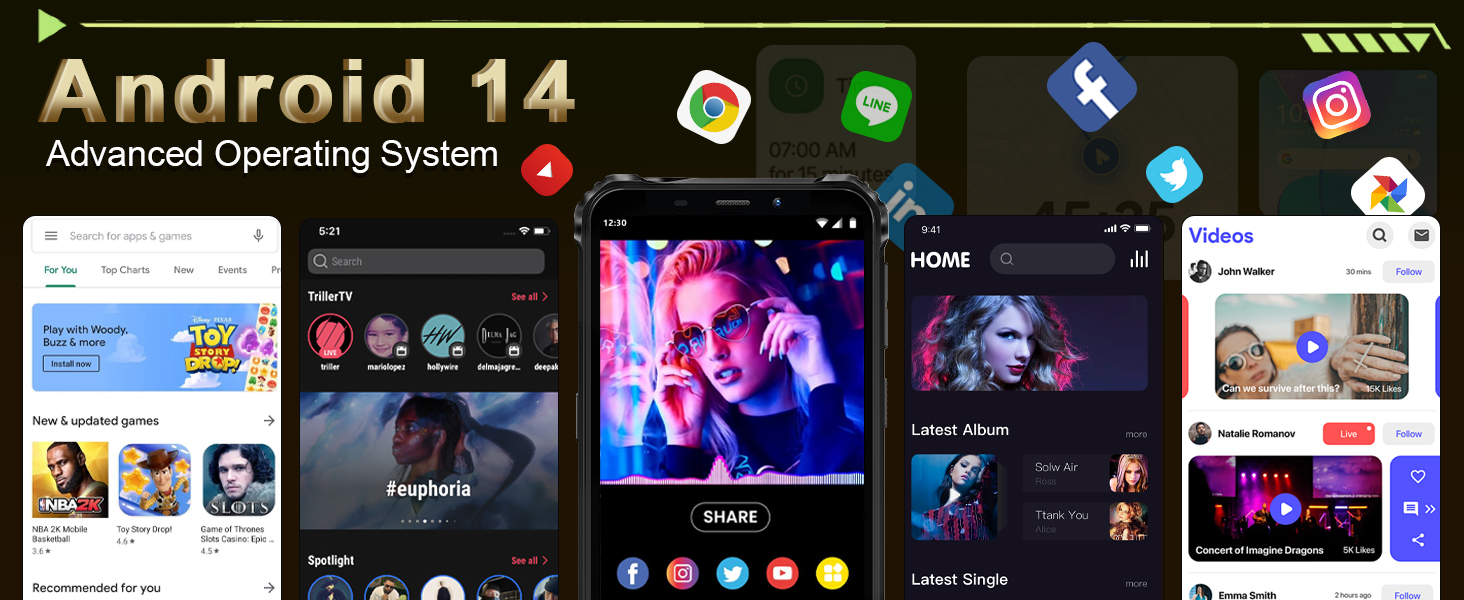
Image: The OUKITEL G5's 6-inch HD display, offering clear and vibrant visuals.
4.2. 카메라 기능
Capture moments with the 13MP main camera and 5MP front-facing camera.
- 홈 화면이나 앱 서랍에서 카메라 앱을 엽니다.
- Select between photo and video modes.
- 화면을 탭하여 특정 영역에 초점을 맞추세요.
- 셔터 버튼을 눌러 사진을 촬영하거나 동영상 녹화를 시작/정지하세요.
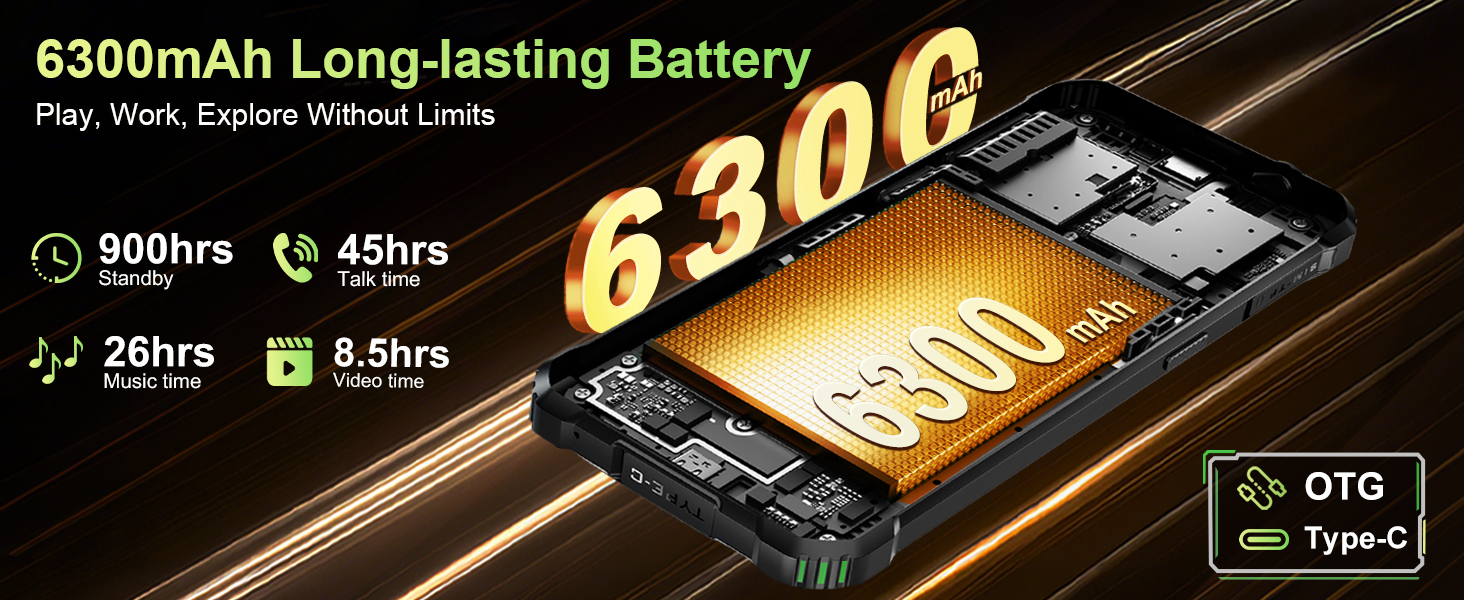
Image: The OUKITEL G5's 13MP main camera, designed for capturing clear images.
4.3. 듀얼 Camp조명
The OUKITEL G5 is equipped with 900-lumen dual camping lights, offering multiple modes for various outdoor situations.
- c에 접근하세요amping lights application on your device.
- Choose from available modes: SOS, Strobe, or Constant Lighting.
- Adjust brightness levels as needed (three levels available).
Warning: Do not shine the camping lights directly into eyes.

Image: The OUKITEL G5's dual camping lights in action, providing illumination for outdoor activities.
4.4. 저장 및 성능
The device comes with 16GB RAM (4GB physical + 12GB virtual) and 128GB internal storage, expandable up to 1TB with a TF card. The octa-core processor ensures smooth operation and app switching.
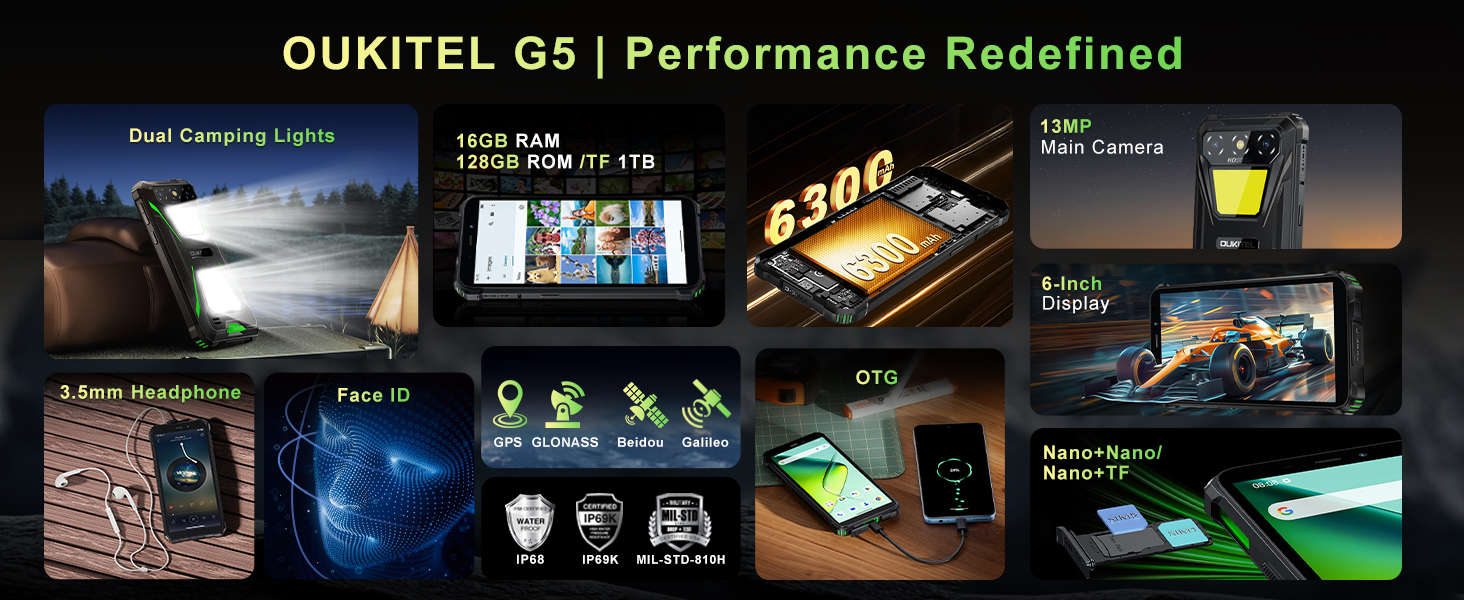
Image: Visual representation of the OUKITEL G5's memory and processor capabilities.
4.5. OTG 역충전
Utilize the OTG reverse charging feature to power other devices using your OUKITEL G5's battery.
- Ensure your OUKITEL G5 has sufficient battery charge.
- Connect an OTG cable (not included) to your OUKITEL G5.
- OTG 케이블의 다른 쪽 끝을 충전하려는 기기에 연결하세요.
- The charging process should begin automatically.
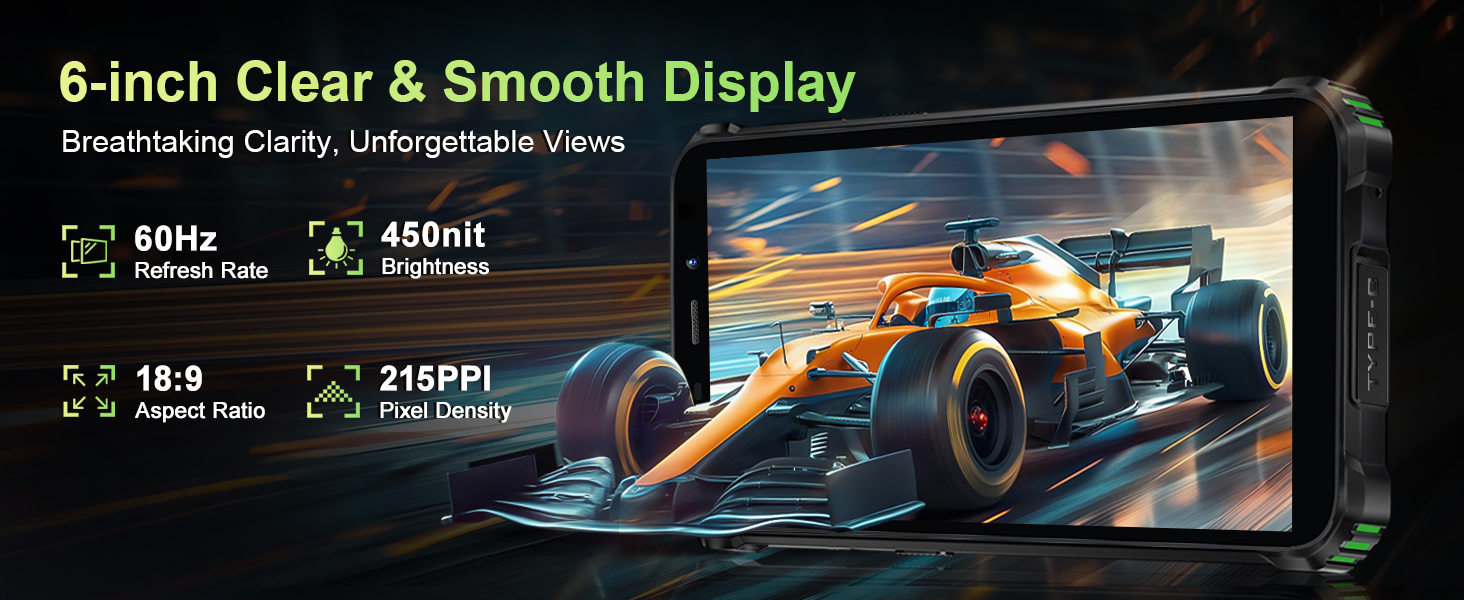
Image: The OUKITEL G5 providing power to another device via OTG reverse charging.
4.6. 얼굴 인식
Unlock your device quickly and securely using Face ID.
- 이동하다 설정 > 보안 > 얼굴 인식 잠금 해제.
- 화면의 안내에 따라 얼굴을 등록하세요.
- Once registered, you can unlock your phone by looking at the front camera.
4.7. GPS 및 내비게이션
The OUKITEL G5 integrates a comprehensive positioning system including Beidou, Galileo, GLONASS, and GPS for accurate location services.
- 휴대전화 설정에서 위치 서비스가 활성화되어 있는지 확인하세요.
- Use pre-installed or downloaded navigation applications for route guidance and location tracking.
5. 유지관리
5.1. 내구성 특징
The OUKITEL G5 is built to withstand harsh conditions, certified with IP68/IP69K dust/water resistance and MIL-STD-810H for shock resistance.
- 방수복: Rated for submersion up to 1.5 meters for 30 minutes. Ensure all port covers are securely closed before exposure to water.
- 방진 : Designed to prevent ingress of dust and fine particles.
- 충격 방지: Constructed to endure drops and impacts, though extreme force may still cause damage.

이미지: OUKITEL G5 전시회asing its robust design and resistance to water, dust, and drops.
5.2. 기기 청소
OUKITEL G5를 청소하려면 부드러운 천을 사용하십시오.amp cloth. Avoid harsh chemicals or abrasive materials that could damage the device's protective coatings.
5.3. 배터리 관리
배터리 수명을 연장하려면:
- 극한의 온도를 피하세요.
- 휴대전화를 완전히 충전하거나 완전히 방전된 상태로 장시간 방치하지 마십시오.
- 최적의 충전을 위해 정품 충전기와 케이블을 사용하세요.
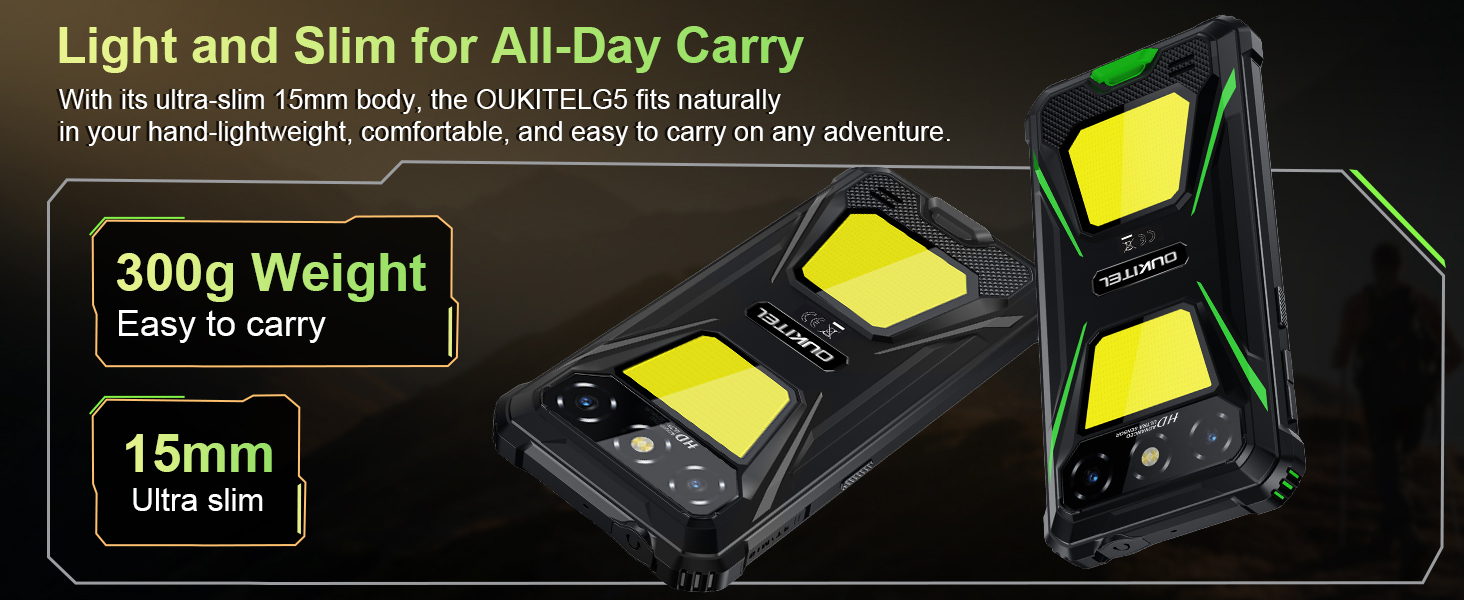
Image: The OUKITEL G5's 6300mAh battery, providing extended usage times.
6. 문제 해결
6.1. 일반적인 문제 및 해결 방법
- 장치가 켜지지 않음: 배터리가 충전되어 있는지 확인하세요. 충전기에 연결한 후 다시 시도해 보세요.
- 화면이 반응하지 않음: Restart the device by holding the Power button for about 10-15 seconds until it reboots.
- 네트워크 연결 문제: Check if your SIM card is properly inserted. Verify that your carrier (T-Mobile is supported; Verizon/AT&T/MetroPCS are not) has active service. Try toggling Airplane Mode on and off.
- 앱이 충돌하거나 성능이 느립니다. Close background applications. Clear app cache in Settings > Apps. Ensure sufficient storage space is available.
- 충전 문제: 충전기와 케이블이 단단히 연결되어 있고 손상되지 않았는지 확인하세요. 다른 콘센트에 연결해 보세요.
7. 사양
| 특징 | 설명 |
|---|---|
| 모델명 | 우키텔 G5 |
| 운영 체제 | 안드로이드 14 |
| 프로세서 | 옥타코어 |
| 숫양 | 16GB(물리적 4GB + 가상 12GB) |
| 내부 저장소 | 128GB 롬 |
| 확장 가능한 스토리지 | Up to 1TB with TF card |
| 표시하다 | 6-inch HD, 450 nits brightness, 18:9 Aspect Ratio, 215 PPI |
| 메인 카메라 | 13MP |
| 전면 카메라 | 5MP |
| 배터리 용량 | 6300mAh |
| 충전 중 | 10W 고속 충전, OTG 역충전 |
| 내구성 | IP68/IP69K (Waterproof, Dustproof), MIL-STD-810H (Shockproof) |
| 연결성 | 4G Dual SIM (Nano+Nano/Nano+TF), Bluetooth, GPS (Beidou, Galileo, GLONASS, GPS) |
| 지원되는 주파수 대역 | GSM: B2/3/5/8, WCDMA: B1/2/4/5/8, TDD: 34/38/39/40/41, FDD: B1/2/3/4/5/7/8/12/17/19/20/25/26/28A/28B/66 |
| 오디오 잭 | 3.5mm |
| 특별 기능 | 900LM Dual Camping Lights, Face ID |
| 치수 | 8.11 x 4.5 x 2.16 인치 |
| 무게 | 1.26파운드(약 570g) |
8. 공식 제품 영상
비디오: 오버view of the OUKITEL G5 Rugged Phone, highlighting its features and durability in outdoor environments. Duration: 0:42.
Video: A concise presentation of the OUKITEL G5 Rugged Smartphone's key attributes. Duration: 0:20.
9. 보증 및 지원
OUKITEL provides comprehensive customer service for your device:
- 반품 정책: 30일 이내 이유 불문 반품 가능.
- 기술 지원: 장기적인 기술 지원.
- 고객 서비스: 24시간 온라인 고객 서비스.
For further assistance, please contact OUKITEL official service channels.


