1. 서론
The BlackVue DR770X-2CH II is a high-performance dual Full HD dash camera system designed to record both front and rear views of your vehicle. It features enhanced visual clarity, fast boot-up, USB-C power connection, and seamless video playback via Wi-Fi and Cloud services. This manual provides essential information for the proper installation, operation, and maintenance of your dash cam.

Image: The BlackVue DR770X-2CH II dash cam system, showing the front camera, rear camera, a BlackVue branded microSD card, and a smartphone screen displaying the dash cam's live view 및 설정.
2. 패키지 내용
Please verify that all items are present in your BlackVue DR770X-2CH II package:
- Front Dash Camera (Main Unit)
- 후방 카메라
- 후면 카메라 연결 케이블
- USB-C 전원 케이블
- 담배 라이터 전원 어댑터
- BlackVue microSD Card (64GB)
- microSD 카드 리더
- 케이블 클립
- Spare Mount Adhesive Pads
- 사용 설명서 (본 문서)
3. 설정 및 설치
Proper installation is crucial for optimal performance and safety. It is recommended to refer to the installation video by scanning the QR code in the physical manual or visiting the BlackVue web대지.
3.1 전면 카메라 설치
- 대시캠이 장착될 앞유리 부분을 청소하세요.
- Attach the front camera to the windshield, ideally behind the rearview 거울을 사용하여 시야를 가리지 않도록 합니다. view.
- Adjust the camera angle to capture the road ahead clearly.
3.2 후방카메라 설치
- 후방 카메라를 후방 유리창에 장착하여 선명한 시야를 확보합니다. view 뒤에 도로의.
- Connect the rear camera to the front camera using the provided rear camera connection cable. Route the cable neatly along the vehicle's interior trim.
3.3 전원 연결
The DR770X-2CH II uses a USB-C power cable for a secure and tidy connection.
- Connect the USB-C power cable to the front dash cam.
- Plug the other end of the power cable into the included cigarette lighter power adapter.
- Insert the power adapter into your vehicle's 12V power outlet.
- For continuous parking mode surveillance, hardwiring is required (hardwiring kit sold separately).
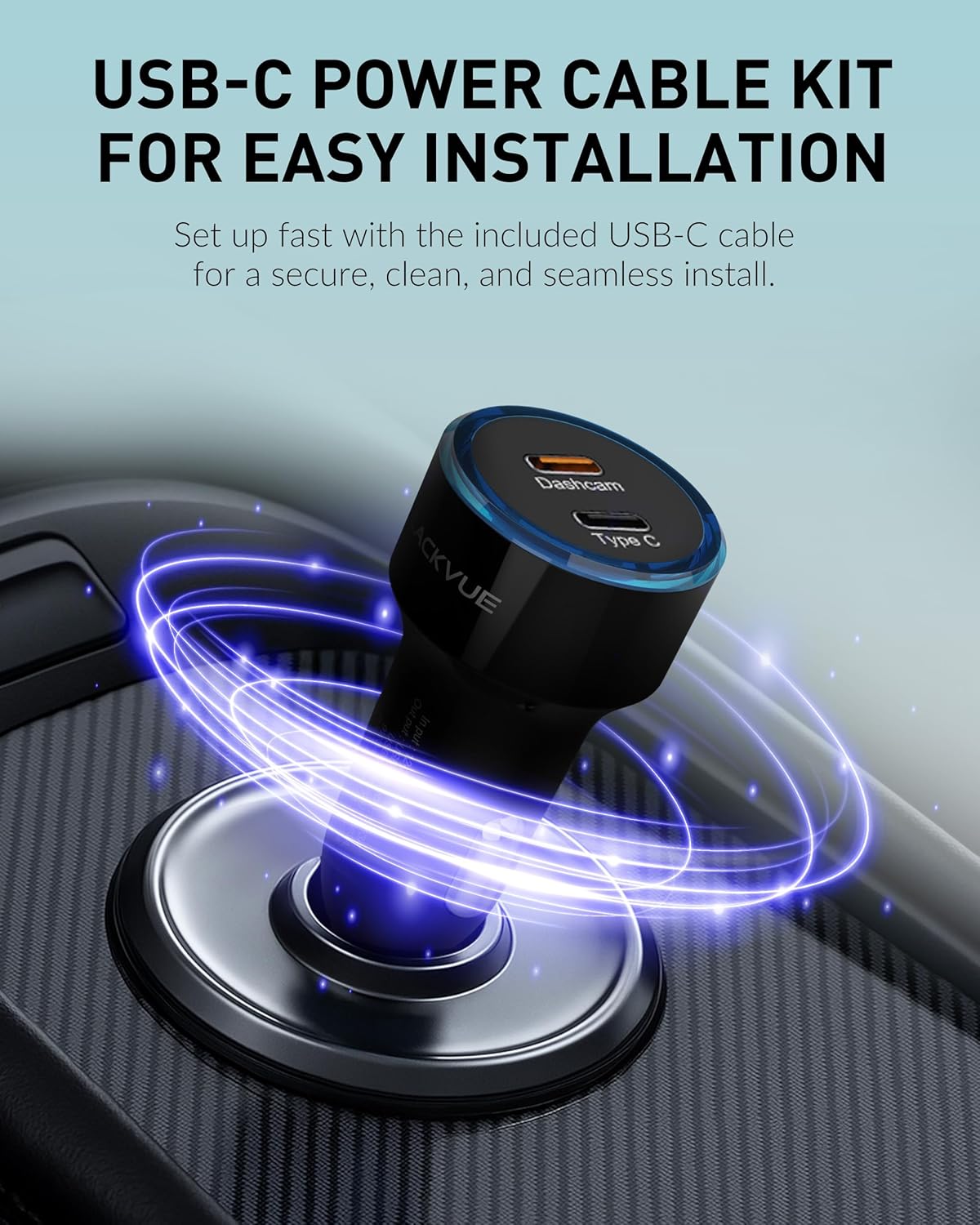
Image: A close-up of the BlackVue USB-C power cable and cigarette lighter adapter, illustrating the secure and seamless power connection for the dash cam.
4. 사용 설명서
4.1 녹음 모드
The DR770X-2CH II offers various recording modes to ensure comprehensive coverage:
- 일반 녹음: 차량이 움직이는 동안 지속적으로 녹화합니다.
- 이벤트 녹화: Automatically triggered by impacts or sudden movements detected by the G-sensor. Footage from 10 seconds before the event is buffered and saved.
- 주차 모드: Activates when the vehicle is stationary. Records motion or impact-triggered events. Time Lapse mode provides continuous recording while minimizing storage usage. (Requires hardwiring)
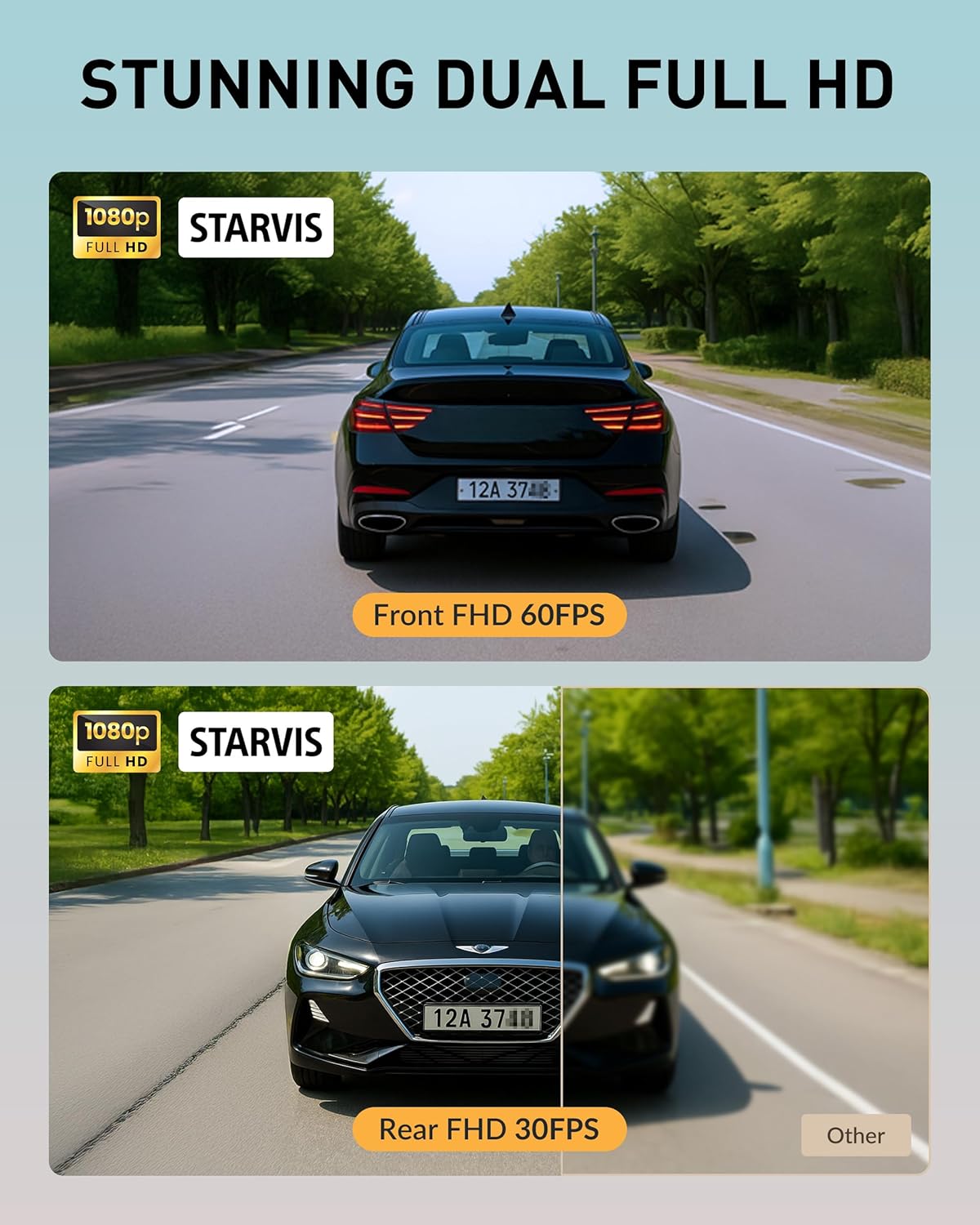
Image: Illustrates the dual Full HD recording capability, showing clear footage from both the front camera (60fps) and the rear camera (30fps) for comprehensive vehicle coverage.
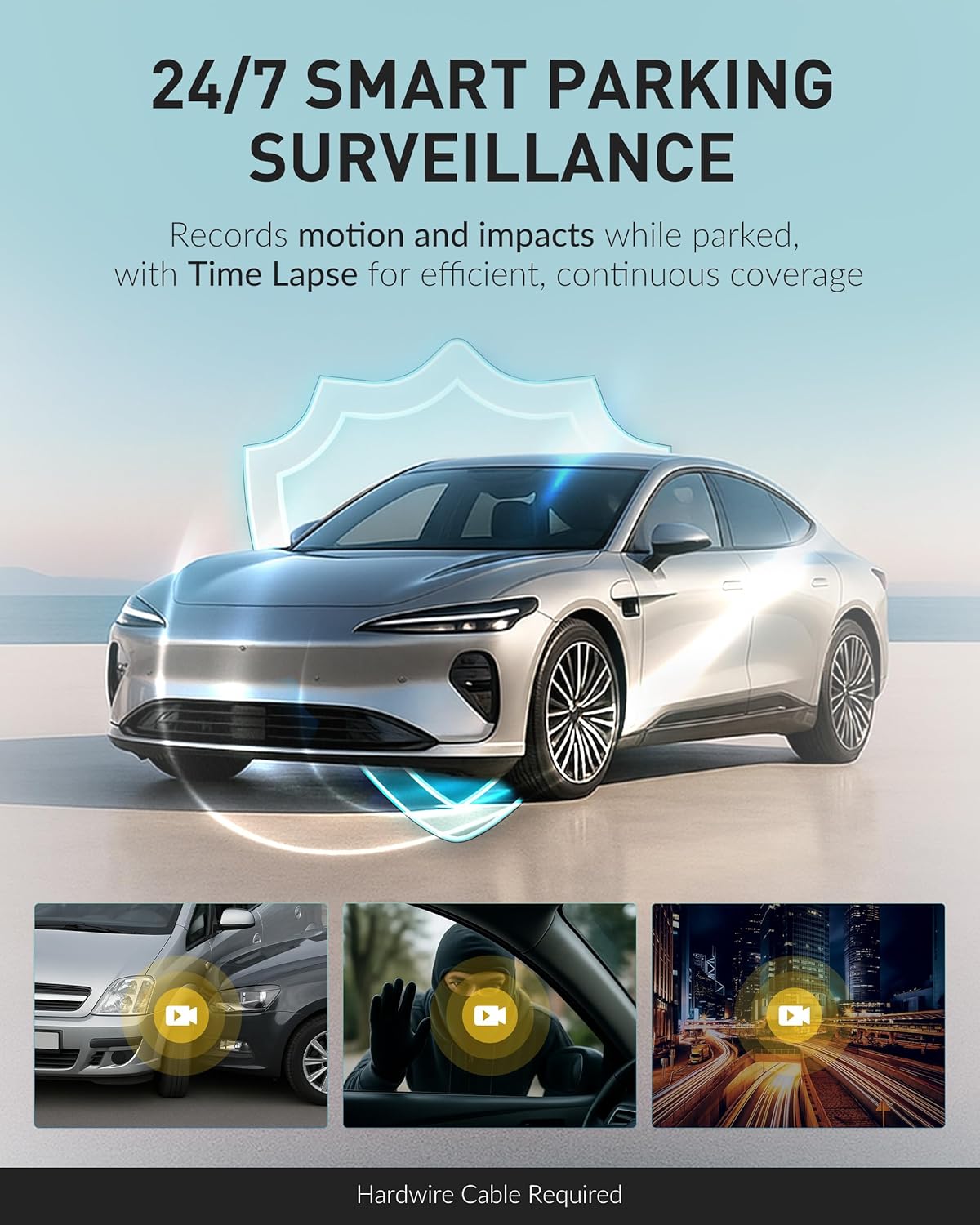
Image: Depicts the 24/7 Smart Parking Surveillance feature, showing icons for motion detection, impact detection, and time-lapse recording, indicating continuous coverage when parked.
4.2 Visual Clarity
Equipped with Sony STARVIS sensors and enhanced image tuning, the dash cam delivers high-quality video with rich detail and reduced noise, ensuring clear capture of license plates and other critical details even in low-light conditions.

Image: Demonstrates advanced visual clarity, showing a clear night-time recording from the dash cam, highlighting the ability to capture details like license plates in low light.
4.3 Wi-Fi & Cloud Connectivity
Access and manage your dash cam footage effortlessly:
- Wi-Fi Playback: Connect your smartphone to the dash cam via Wi-Fi to view and download videos directly using the BlackVue App.
- 블랙뷰 클라우드: With a Wi-Fi hotspot or optional CM100G LTE module (sold separately), the dash cam uploads footage to BlackVue Cloud in real-time. Features include Live View, Remote Playback, Auto Backup, GPS Tracking, and Push Notifications.

Image: A smartphone displaying the BlackVue app interface, showing notifications and map integration, illustrating compatibility with the BlackVue Cloud service for remote access and alerts.
4.4 Smart Event Detection with G-Sensor & GPS
The built-in G-sensor and GPS automatically detect and save critical footage:
- Detects impacts, sudden movements, and overspeeding.
- Saves footage from 10 seconds before each event.
- 최대 50개 file덮어쓰지 않도록 보호됩니다.
- A built-in Supercapacitor ensures data is safely saved in case of power loss.

Image: Illustrates the Smart Event Detection feature, showing a car collision scenario and other driving events captured by the dash cam, emphasizing its ability to detect and save critical footage.
5. 유지관리
5.1 MicroSD 카드 관리
The DR770X-2CH II supports BlackVue microSD cards up to 1TB, allowing for extended high-resolution recording and longer Parking Mode sessions. Regular maintenance of the microSD card is important for optimal performance.
- 서식: Periodically format the microSD card using the BlackVue App or Viewer software to maintain optimal recording performance and prevent errors.
- 대사: MicroSD cards have a limited lifespan. Replace the card if you experience frequent errors or corrupted files.

Image: A BlackVue dash cam with a microSD card being inserted, highlighting the large storage capacity support up to 1TB for extended recording.
5.2 청소
Keep the camera lenses clean for clear recordings. Use a soft, lint-free cloth to gently wipe the lenses. Avoid using harsh chemicals or abrasive materials.
6. 문제 해결
If you encounter issues with your BlackVue DR770X-2CH II, refer to the following common problems and solutions:
| 문제 | 가능한 원인 / 해결책 |
|---|---|
| 대시캠 전원이 켜지지 않습니다. | Check power cable connection. Ensure vehicle's 12V outlet is active. Test with another power source if possible. |
| 녹화가 예기치 않게 중단됩니다. | MicroSD card error or full. Format the microSD card. Ensure you are using a genuine BlackVue microSD card. |
| Wi-Fi 연결 문제. | Ensure Wi-Fi is enabled on the dash cam and your smartphone. Restart both devices. Move closer to the dash cam. |
| 비디오 품질이 좋지 않습니다. | Clean camera lenses. Ensure protective film is removed. Check recording resolution settings in the app. |
| Parking Mode not activating. | Parking Mode requires hardwiring. Ensure the hardwiring kit is correctly installed and configured. |
For further assistance, please contact BlackVue customer support.
7. 사양
Key technical specifications for the BlackVue DR770X-2CH II Dash Cam:
| 특징 | 세부 사항 |
|---|---|
| 모델명 | DR770X-2CH II |
| 녹화 채널 | 듀얼(전면 및 후면) |
| 전면 카메라 해상도 | Full HD (1920x1080) @ 60fps |
| 후면 카메라 해상도 | Full HD (1920x1080) @ 30fps |
| 이미지 센서 | Sony STARVIS (Front & Rear) |
| 연결성 | 내장 Wi-Fi, GPS |
| 저장 | Supports up to 1TB microSD card (64GB included) |
| 특별 기능 | Smart Parking Mode, Event Detection (G-Sensor), Cloud Remote Access, USB-C Power Connection |
| 전원 입력 | USB-C |
| 치수(정면) | 약 2.4인치(깊이) x 5.2인치(폭) x 1.9인치(높이) |
| 무게 | Approx. 1.81 pounds (total package) |
8. 보증 및 지원
For detailed warranty information, please refer to the warranty card included with your product or visit the official BlackVue website. BlackVue provides customer support for technical assistance and service inquiries.
Official BlackVue Web대지: www.블랙뷰닷컴
BlackVue Store on Amazon: BlackVue Store


