1. Getting Started: Unboxing and Components
This section details the contents of your TABWEE T80 package and provides an overview of the tablet's physical features.
1.1 패키지 내용
아래 나열된 모든 품목이 패키지에 들어 있는지 확인하세요.
- TABWEE T80 Android Tablet
- 블루투스 키보드
- 무선 마우스
- 스타일러스 펜
- 보호 케이스
- 스크린 보호 필름(사전 적용 또는 별도)
- 태블릿 스탠드
- Charger and USB-C Cable

1.2개 제품 이상view
Familiarize yourself with the tablet's buttons, ports, and camera locations.
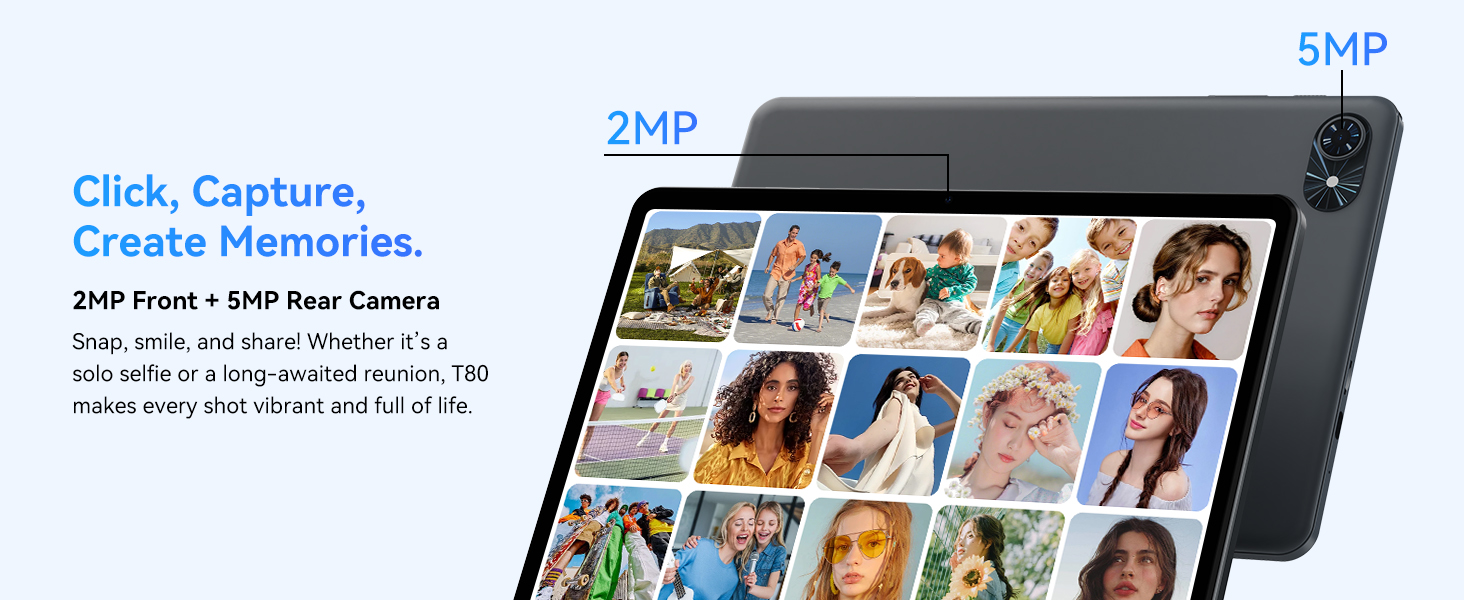
- 전면 카메라: Located at the top center when held in landscape orientation. (2MP)
- 후방 카메라: Located on the back panel, typically in the upper left corner. (5MP)
- 전원 버튼: 태블릿을 켜거나 끄거나 화면을 켜거나 끄는 데 사용됩니다.
- 볼륨 버튼: 오디오 출력 레벨을 조정합니다.
- USB-C 포트: 충전 및 데이터 전송용입니다.
- MicroSD 카드 슬롯: 저장 용량을 최대 2TB까지 확장할 수 있습니다.
- 스피커: 오디오 출력을 위한 듀얼 스피커.
2. 설정 지침
Follow these steps to set up your TABWEE T80 tablet for first-time use.
2.1 초기 전원 켜기 및 기본 설정
- 태블릿 충전: Connect the provided USB-C cable and charger to the tablet and a power outlet. Allow the tablet to charge for at least 30 minutes before first use.
- 전원 켜기: Press and hold the Power button until the TABWEE logo appears on the screen.
- 언어 및 지역: 화면의 지시에 따라 원하는 언어와 지역을 선택하세요.
- Wi-Fi에 연결: Select your Wi-Fi network from the list and enter the password. A stable internet connection is required for initial setup and updates.
- 구글 계정: Google 계정으로 로그인하거나 새 계정을 만드세요. Google Play 스토어에서 앱을 다운로드하려면 이 과정이 필요합니다.
- 날짜 및 시간: 날짜 및 시간 설정을 확인하십시오.
- 보안: 보안을 위해 화면 잠금(PIN, 패턴 또는 비밀번호)을 설정하세요.
2.2 액세서리 연결
The TABWEE T80 comes with several accessories to enhance its functionality.
- Bluetooth Keyboard and Mouse:
- 키보드와 마우스가 충전되어 있고 전원이 켜져 있는지 확인하세요.
- 태블릿에서 다음으로 이동하세요. 설정 > 연결된 기기 > 블루투스.
- Enable Bluetooth and scan for new devices.
- 목록에서 키보드와 마우스를 선택하여 페어링하세요. 화면의 안내를 따르세요.
- 스타일러스 펜: The stylus pen can be used directly on the screen for navigation, drawing, or writing. No pairing is typically required for basic capacitive styluses.
- Protective Case and Stand: Attach the protective case to the tablet. The case often includes a foldable stand for hands-free view주고받음.
3. 사용 설명서
This section covers the daily operation of your TABWEE T80 tablet.
3.1 Basic Navigation and Android 15 Features
- 홈 화면: Swipe left or right to access different home screens. Tap and hold an empty space to customize widgets, wallpaper, and settings.
- 알림 및 빠른 설정: 화면 상단에서 아래로 스와이프하여 view 알림을 받고 Wi-Fi, 블루투스, 밝기 등의 빠른 설정에 접근할 수 있습니다.
- 앱 서랍: 설치된 모든 애플리케이션에 접근하려면 화면 하단에서 위로 살짝 밀어주세요.
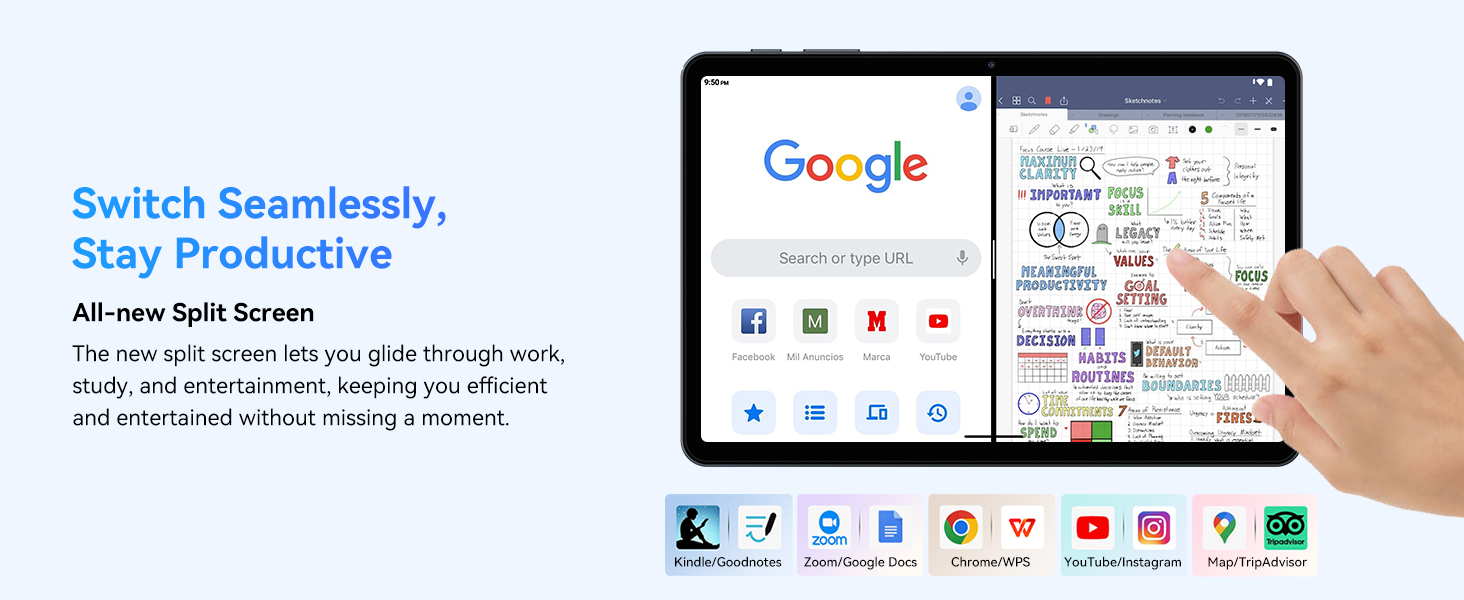
- Multitasking (Split Screen): Android 15 supports enhanced split-screen functionality. To use, open an app, then swipe up from the bottom, hold, and drag another app icon to either side of the screen.
- Gemini AI 2.0: Your tablet integrates Gemini AI 2.0 for enhanced task management, smart chats, text-to-image generation, voice-enabled Q&A, and real-time conversations. Access AI features through compatible apps or dedicated AI interfaces.
- 개인정보 보호 및 보안: Android 15 offers improved privacy controls. Review and adjust app permissions in 설정 > 개인정보 보호.
3.2 연결성
- 와이파이: Supports 802.11a/b/g/n/ac for fast 5G Wi-Fi connectivity. Manage Wi-Fi connections in 설정 > 네트워크 및 인터넷 > Wi-Fi.
- 블루투스 5.0 : For connecting wireless headphones, speakers, keyboards, and mice. Manage Bluetooth devices in 설정 > 연결된 기기 > 블루투스.
- GPS: The tablet includes GPS functionality for location services and navigation apps.
- OTG(온더고): Supports OTG, allowing you to connect USB devices like flash drives or external hard drives using an appropriate adapter.
3.3 카메라 사용
The TABWEE T80 features a 2MP front camera and a 5MP rear camera.
- 홈 화면이나 앱 서랍에서 카메라 앱을 엽니다.
- 셔터 버튼을 눌러 사진을 찍으세요.
- 카메라 토글 아이콘을 사용하여 전면 카메라와 후면 카메라를 전환합니다.
- Explore different modes such as video recording or panorama if available.

3.4 저장 공간 및 성능
- 숫양: The tablet comes with 6GB of physical RAM, expandable virtually to 18GB for smooth multitasking. Adjust RAM settings in 설정 필요한 경우.
- 내부 저장소: 128GB ROM is provided for apps and files.
- 확장 가능한 스토리지: A MicroSD card slot allows for storage expansion up to 2TB. Insert a compatible MicroSD card into the designated slot.
- 프로세서: Powered by a Quad-Core Unisoc T310 processor (1x A75 2.0GHz, 3x A55 1.8GHz) and GE8300 GPU for efficient performance.
3.5 배터리 및 충전
- 배터리 용량: Equipped with a 6000mAh battery, providing over 10 hours of typical usage.
- 충전 중: Use the provided 10W fast charger and USB-C cable. Connect the cable to the tablet's USB-C port and the charger to a power outlet.
- 배터리 최적화: Android 15 includes AI Super Power Saving Algorithms to extend battery life. Monitor battery usage in 설정> 배터리.

3.6 Display and Entertainment
- 표시하다: 10-inch IPS display with a resolution of 1280 x 800 pixels.
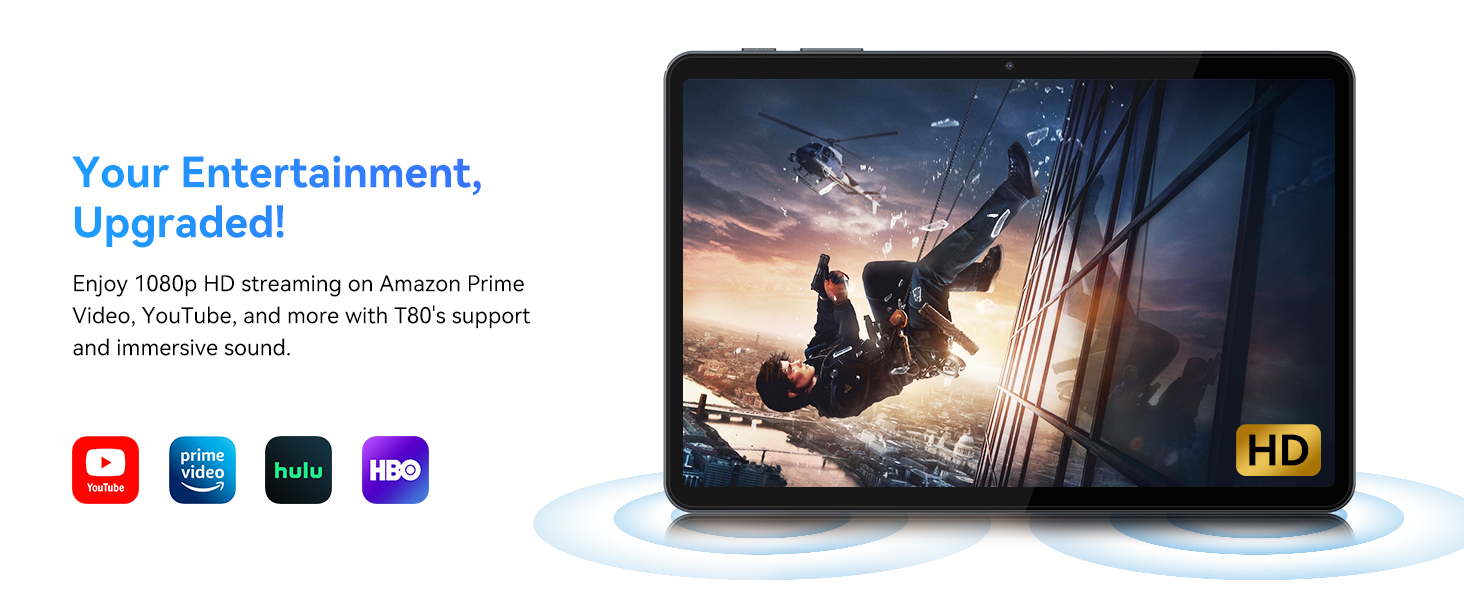
- 비디오 재생 : Supports 1080P video playback for streaming services like Amazon Prime Video, YouTube, Hulu, and HBO.
- 오디오: Dual speakers provide clear audio for media consumption.
4. 유지관리
적절한 유지관리는 태블릿의 수명과 최적의 성능을 보장합니다.
4.1 배터리 관리
- 극한의 온도는 배터리 수명을 단축시킬 수 있으므로 피하세요.
- 배터리가 자주 완전히 방전되지 않도록 주의하세요. 배터리가 0%가 되기 전에 충전하세요.
- 손상을 방지하기 위해 제공된 충전기와 케이블만 사용하십시오.
4.2 청소
- 부드럽고 보푸라기가 없는 천을 사용하여 태블릿의 화면과 본체를 닦으세요.
- 완고한 얼룩의 경우 약간 damp천에 물이나 화면 세척액을 묻혀 닦아주세요. 강한 화학 물질은 피하세요.
- 모든 포트에 먼지와 이물질이 없는지 확인하십시오.
4.3 소프트웨어 업데이트
- Regularly check for and install system updates. These updates often include performance improvements, security patches, and new features.
- 이동하다 설정 > 시스템 > 시스템 업데이트 사용 가능한 업데이트를 확인하세요.
5. 문제 해결
This section addresses common issues you might encounter with your TABWEE T80 tablet.
5.1 태블릿 전원이 켜지지 않음
- 태블릿이 충분히 충전되었는지 확인하십시오. 충전기에 연결하고 몇 분 정도 기다린 후 다시 전원을 켜보세요.
- 강제로 재시작하려면 전원 버튼을 10~15초 동안 길게 눌러 보세요.
5.2 Wi-Fi 연결 문제
- 빠른 설정에서 Wi-Fi를 켜고 끕니다.
- Wi-Fi 라우터를 다시 시작하세요.
- 네트워크는 잊어버리세요 설정 > 네트워크 및 인터넷 > Wi-Fi 그리고 다시 연결합니다.
5.3 느린 성능
- 불필요한 백그라운드 애플리케이션을 닫습니다.
- 자주 사용하는 앱의 캐시를 지우세요 설정 > 앱 > [앱 이름] > 저장공간 및 캐시 > 캐시 지우기.
- Ensure you have sufficient free storage space. Delete old files or move them to expandable storage.
- 태블릿을 주기적으로 다시 시작하세요.
5.4 액세서리가 연결되지 않음
- For Bluetooth accessories, ensure they are charged, powered on, and in pairing mode.
- Verify Bluetooth is enabled on the tablet and try re-pairing the device.
- Check the battery level of the accessories.
6. 사양
Detailed technical specifications for the TABWEE T80 Android 15 Tablet.
| 특징 | 사양 |
|---|---|
| 모델명 | T80(6+128) |
| 운영 체제 | 안드로이드 15 |
| 화면 크기 | 10 인치 |
| 최대 화면 해상도 | 1280 x 800 픽셀 |
| 프로세서 | Unisoc T310 Quad-Core (1x A75 2.0GHz, 3x A55 1.8GHz) |
| 숫양 | 18GB(물리적 6GB + 가상 12GB) |
| 플래시 메모리 크기(ROM) | 128GB (XNUMX기가바이트) |
| 확장 가능한 스토리지 | MicroSD 카드를 통해 최대 2TB까지 |
| 무선형 | 802.11a, 802.11ac, 802.11b, 802.11g, 802.11n (5G WiFi) |
| 블루투스 | 블루투스 5.0 |
| 배터리 용량 | 6000mAh |
| 평균 배터리 수명 | 480 Hours (Standby) / 10+ Hours (Usage) |
| 전면 카메라 | 2MP |
| 후방 카메라 | 5MP |
| 품목 무게 | 1.1파운드 |
| 제품 치수 | 9.5 x 6.3 x 0.3 인치 |
| 색상 | 실버 그레이 |
7. 보증 및 지원
Information regarding your product warranty and how to obtain customer support.
7.1 제품 보증
The TABWEE T80 tablet comes with a 2년 보증, covering manufacturing defects and ensuring product reliability. This warranty provides peace of mind and support for your device.
7.2 고객 지원
For any technical assistance, inquiries, or warranty claims, please contact TABWEE customer support:
- 이메일: serviceplus.linda@gmail.com
- 전화(미국): +1 (717) 896-6060
- 전화(영국): +44 7700 156388
- Phone (CA): +1 (587) 841-0500
- 전화(독일): +49 157 3598 0115
TABWEE offers 24/7 customer support and lifetime technical assistance to ensure you have the best experience with your product.