1. 서론
This manual provides detailed instructions for setting up, operating, and maintaining your ULTIMEA 5.1ch Sound Bar with Subwoofer, model Aura A30 U2501. This system is designed to enhance your home audio experience with virtual surround sound, a wired subwoofer, and app control for personalized audio adjustments.
비디오: 끝view of the ULTIMEA 5.1 Virtual Surround Sound System for TV Aura A30. This video provides a visual introduction to the product components and their general function.
2. 상자 안에 무엇이 들어있나요?
모든 품목이 들어 있는지 확인하려면 패키지 내용물을 확인하세요.
- 1 x 사운드 바
- 1 x 서브우퍼
- 서라운드 스피커 2개
- 리모컨 1개 (배터리 미포함)
- 1 x 사용자 설명서
- 서라운드 케이블 1개 (6m)
- 1 x 디지털 광 케이블
- 사운드바용 전원 어댑터 1개
- 서라운드 스피커용 전원 어댑터 1개
- 8 x 벽걸이 키트
- 4 x 벽 걸이
- 스피커 장착용 나사 4개

Image: All components of the ULTIMEA 5.1ch Sound Bar system, including the main soundbar unit, wired subwoofer, two compact surround speakers, and the remote control. Two smartphone screens displaying the control app are also shown.
3. 제품 오버view
3.1 사운드 바
The soundbar features 3 main channels for clear dialogue and integrates with the surround speakers to create a virtual surround sound field. It supports various input options including Optical, AUX, USB, and Bluetooth 5.3. The soundbar also has touch controls on its top panel for power, input selection, Bluetooth pairing, and volume adjustment.
3.2 서브 우퍼
The 4-inch wired subwoofer utilizes Ultimea BassMX technology to enrich low-frequency output, providing deeper and more resonant bass. It connects directly to the soundbar via a dedicated port.
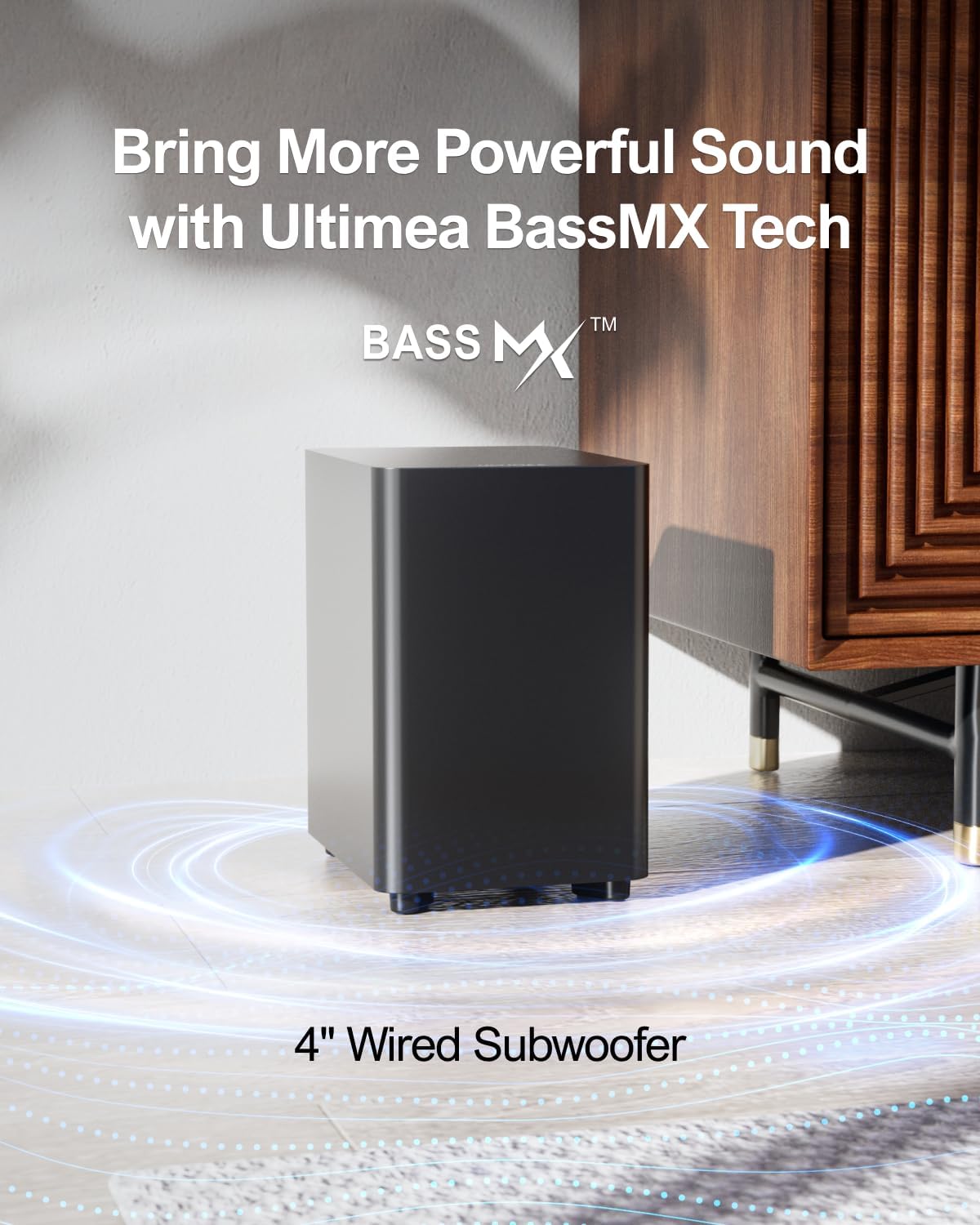
Image: A black, rectangular ULTIMEA 4-inch wired subwoofer positioned on a wooden floor next to a cabinet, with blue light rings emanating from its base, illustrating its BassMX Technology for deep bass.
3.3 서라운드 스피커
Two compact surround speakers work wirelessly with the soundbar to create an immersive audio environment. They connect to each other via a cable and require a separate power adapter. SurroundX technology provides accurate audio detail.
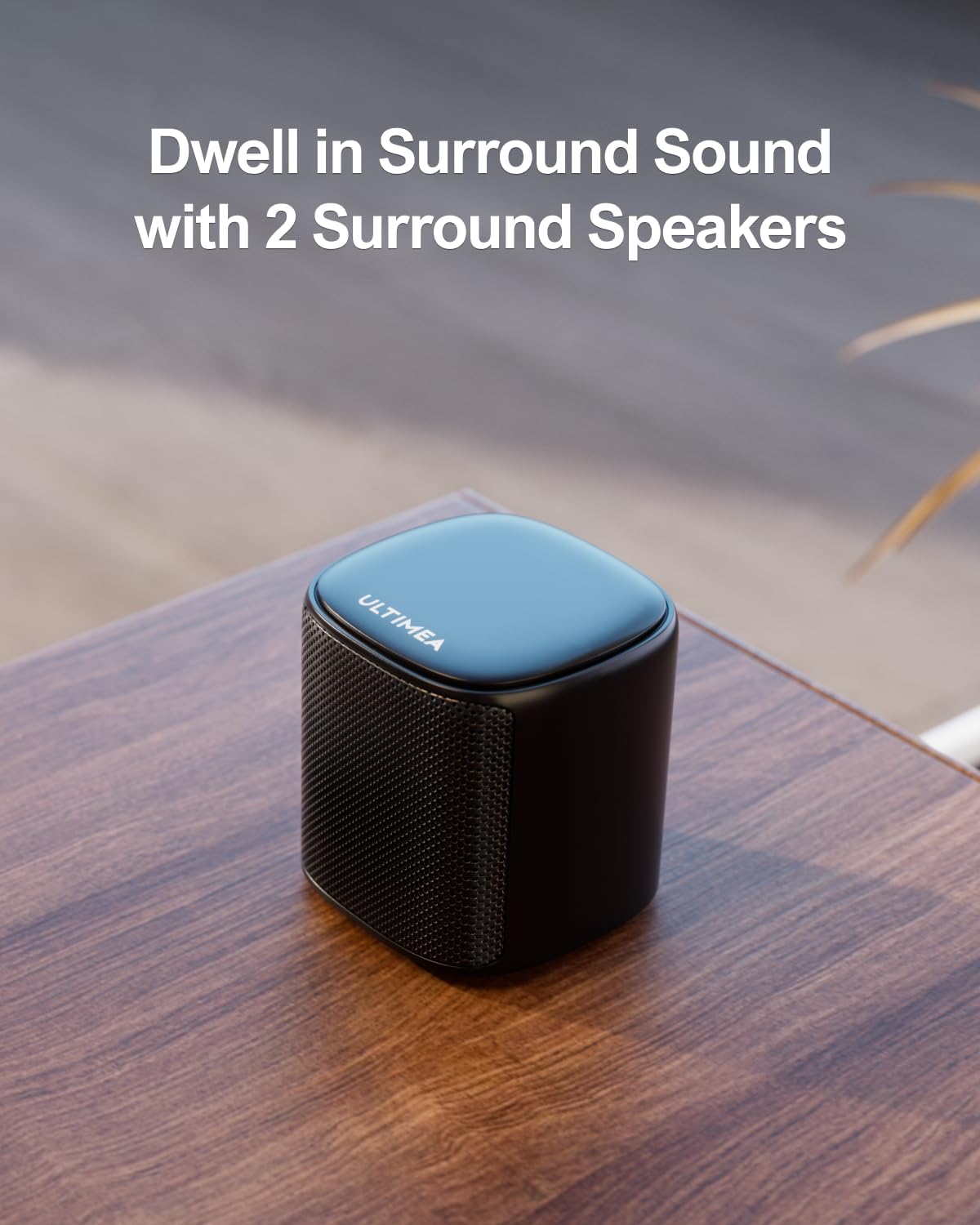
Image: A single black ULTIMEA compact surround speaker placed on a wooden table, with blue light rings indicating sound waves, emphasizing its role in delivering surround sound.
4. 설정
4.1 배치
For optimal virtual surround sound, place the soundbar in front of your TV. The subwoofer can be placed near the soundbar. Position the two surround speakers behind your listening area, ensuring they are within the recommended space of 108 to 215 sq ft (10 to 20 sq m).

이미지: 항공 사진 view diagram illustrating the recommended placement of the ULTIMEA 5.1 Surround Sound System components in a living room. The soundbar is positioned in front of the TV, the subwoofer to the side, and the two surround speakers are placed behind the sofa, creating a virtual surround sound field. The recommended room size is indicated as ≤215 sq ft.
4.2 연결
The soundbar offers multiple connection options. Choose the one that best suits your TV and devices.
4.2.1 광 연결 (권장)
- Insert one end of the Digital Optical Cable into your TV's Optical Out port.
- Insert the other end into the OPTICAL port on the soundbar.
- Press the 'OPT' button on the remote control to select the Optical input.

Image: A three-step visual guide demonstrating how to connect the soundbar to a TV using an optical cable. Step 1 shows inserting the optical cable into the TV's optical out port. Step 2 shows inserting the other end into the soundbar's optical port. Step 3 shows pressing the 'OPT' button on the remote control to select the input.
4.2.2 AUX 연결
- Insert one end of the AUX cable (not included) into your TV's audio out port.
- Insert the other end into the AUX port on the soundbar.
- Press the 'AUX' button on the remote control to select the AUX input.

Image: A three-step visual guide demonstrating how to connect the soundbar to a TV using an AUX cable. Step 1 shows inserting the AUX cable into the TV's audio out port. Step 2 shows inserting the other end into the soundbar's AUX port. Step 3 shows pressing the 'AUX' button on the remote control to select the input.
4.2.3 블루투스 연결
- Press the 'BT' button on the remote control or the soundbar's touch panel to enter Bluetooth pairing mode. The soundbar display will show 'BT'.
- On your device (e.g., smartphone, TV), enable Bluetooth and search for 'Aura A30'.
- Select 'Aura A30' to connect. A confirmation tone will indicate successful pairing.
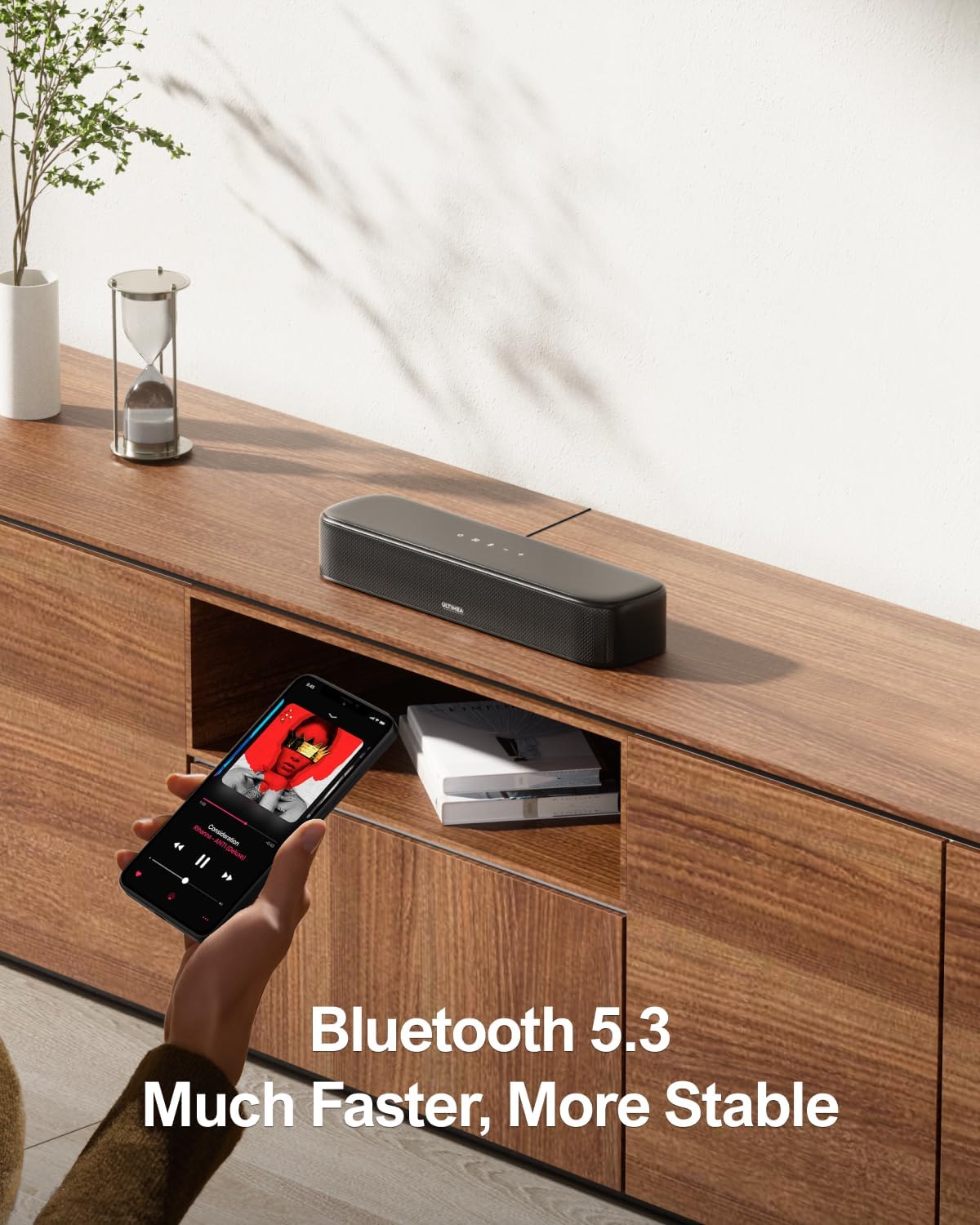
Image: A smartphone held by a hand, displaying the ULTIMEA app interface with a Bluetooth connection icon, positioned in front of the ULTIMEA soundbar on a wooden surface. The image highlights the Bluetooth 5.3 connectivity for faster and more stable connections.
4.3 서라운드 스피커 페어링
The right rear speaker is pre-paired with the soundbar by the factory. If there is no sound from the surround speakers, you may need to re-pair them manually.
- 제공된 6m 서라운드 케이블을 사용하여 두 개의 서라운드 스피커를 연결하십시오.
- 오른쪽 서라운드 스피커에는 전용 전원 어댑터를 사용하여 전원을 공급하십시오.
- Ensure the soundbar and both surround speakers are within 1.5 ft of each other during manual pairing.
- 리모컨에서 버튼을 길게 누르세요 서라운드 button for 5 seconds until "SUR" blinks on the soundbar display.
- On the right surround speaker, press and hold the 쌍 button for 5 seconds until its indicator light flashes.
- Once successfully paired, the indicator light on the right surround speaker will remain steady. The speakers can then be moved to their desired positions.

Image: A diagram illustrating the wireless connection setup of the ULTIMEA sound system. The soundbar is centrally placed, wirelessly connected to the subwoofer and two surround speakers. The surround speakers are connected to each other via a cable, and the right speaker wirelessly pairs with the soundbar.
5. 사용 설명서
5.1 리모컨
The included remote control allows you to manage all functions of the soundbar system, including power, input selection, volume, and EQ settings. It features dedicated buttons for BassMX, Midrange, Treble, and various preset EQ modes (Movie, Music, Voice, Sport, Game, Night).
5.2 ULTIMEA 스마트 앱 제어
The ULTIMEA smart app provides intuitive control over your soundbar system. You can switch between EQ settings, adjust individual bands, and utilize 121 preset EQ matrices. The app also supports OTA updates for continuous improvement.
Video: Demonstration of ULTIMEA Aura A30 - 121 Preset EQ Matrices. This video showcases the app's functionality for customizing sound profiles with various EQ matrices.
5.2.1 10밴드 이퀄라이저 설정
The app allows you to fine-tune your audio with a 10-band equalizer. You can adjust the treble, midrange, and bass to match your personal preferences. Six specially designed EQ modes (Movie, Music, Voice, Sport, Game, Night) are also available for quick optimization.

Image: A smartphone screen displaying the 10-band equalizer settings within the ULTIMEA app, allowing users to optimize audio frequency response. Various sound profiles like Movie, Music, Voice, Sport, Game, and Night are visible, along with a 'Customize' option.
5.2.2 121 프리셋 EQ 매트릭스
For audio enthusiasts, the app offers 121 preset equalizer matrices customized for four sound profiles: Bass, Pop, Classical, and Rock. This feature enables dynamic adjustments to refine your listening experience.

Image: A smartphone screen displaying the 121 Preset EQ Matrices feature in the ULTIMEA app, offering various sound customization options across Bass, Pop, Classical, and Rock profiles.
6. 유지관리
To ensure the longevity and optimal performance of your ULTIMEA soundbar system, follow these maintenance guidelines:
- 청소: 사운드바, 서브우퍼, 서라운드 스피커 표면은 부드럽고 마른 천으로 닦아주세요. 액체 세척제나 연마성 소재는 마감재를 손상시킬 수 있으므로 사용하지 마십시오.
- 통풍: 과열을 방지하기 위해 모든 구성품 주변에 충분한 환기가 이루어지도록 하십시오. 환기구를 막지 마십시오.
- 힘: Disconnect the power adapters from the wall outlet if the system will not be used for an extended period.
- 환경: Keep the system away from direct sunlight, heat sources, excessive dust, moisture, and strong magnetic fields. The product is not waterproof.
7. 문제 해결
사운드바 시스템에 문제가 발생하면 다음의 일반적인 문제와 해결 방법을 참조하세요.
7.1 No Sound from Soundbar
If there is no sound from the soundbar while connected to your TV, please try to set the audio output format for both the TV and the video software to PCM.
7.1.1 TV Audio Output Setting
Navigate to your TV's sound settings and ensure the digital audio output format is set to PCM. (Specific steps may vary by TV model; refer to your TV's manual.)

Image: A TV screen displaying the 'Expert Settings' menu, with 'Digital Output Audio Format' highlighted and set to 'PCM'. This illustrates how to configure the TV's audio output for compatibility with the soundbar.
7.1.2 Video Software Audio Output Setting
For streaming services or media players, check the audio settings within the application (e.g., Netflix) and select an audio track that is compatible with PCM or stereo output. If your soundbar supports Dolby Atmos, setting your video software to Dolby Atmos will provide a better sound experience.
Video: Explanatory guide on TV and Netflix audio output formats. This video demonstrates how to adjust audio settings within video software like Netflix to ensure proper sound output to the soundbar.
7.2 Surround Speaker Pairing Failure
If the surround speakers fail to pair or lose connection, follow the manual re-pairing steps outlined in section 4.3. Ensure the speakers and soundbar are close during the pairing process.
Video: Methods for re-pairing when there is no sound from surround speakers. This video provides a visual guide on how to manually re-pair the surround speakers with the soundbar if the connection is lost or fails.
8. 사양
| 모델명 | 오라 A30 |
| 품목 모델 번호 | 우2501 |
| 상표 | 얼티미아 |
| 스피커 유형 | 서라운드 사운드 |
| 서라운드 사운드 채널 구성 | 5.1 |
| 스피커 최대 출력 전력 | 250 와트 |
| 연결 기술 | Bluetooth 5.3, Optical, AUX, USB (not support HDMI) |
| 무선 통신 기술 | 블루투스 5.3, 앱 제어 |
| 제어 방법 | 앱, 원격 |
| 우퍼 직경 | 4 인치 |
| 제품 치수 | 16인치 깊이 x 4인치 너비 x 3인치 높이 |
| 품목 무게 | 3.31 파운드 |
| 재료 | 금속 |
| 색상 | 검은색 |
| 제품의 권장 용도 | 텔레비전용 |
| 호환 장치 | Gaming Console, Home Theater, Laptop, Tablet, Television |
9. 보증 및 지원
The ULTIMEA Aura A30 U2501 Sound Bar with Subwoofer comes with a limited warranty. For detailed warranty information, product support, or technical assistance, please refer to the official ULTIMEA website or contact their customer service. Regular OTA updates are provided to ensure a smooth and premium sound experience.


