제품 끝view
The ASTRO Gaming A20 Gen 2 Wireless Headset provides a high-quality audio experience for gaming across multiple platforms. Designed for comfort and performance, it features low-latency wireless connectivity and a convenient flip-to-mute microphone.
주요 특징:
- Next-Gen Compatibility: Seamlessly works with PlayStation 5, PlayStation 4, Windows, and Mac OS.
- Lag-Free Wireless Audio: 2.4GHz USB wireless transmitter ensures low-latency, high-quality sound.
- 오래 지속되는 배터리: Up to 15 hours of wireless gaming on a single charge.
- 플립 투 뮤트 마이크: Flexible boom mic with an intuitive flip-to-mute function for instant control.
- 하루 종일 편안함: Lightweight design with padded headband and ear cushions for extended wear.
상자 안에 무엇이 들어있나요?
- A20 무선 헤드셋
- USB 송신기
- USB-C-USB-A 충전 케이블
설치 지침
Follow these steps to set up your ASTRO Gaming A20 Gen 2 Wireless Headset:
- 헤드셋 충전: Connect the headset to a power source using the provided USB-C to USB-A charging cable. Ensure the headset is fully charged before first use for optimal battery life.
- Connect the USB Transmitter: Plug the USB transmitter into an available USB port on your PlayStation console (PS5 or PS4) or your Windows/Mac computer. The transmitter facilitates the 2.4GHz wireless connection.
- 전원 켜기: Turn on your ASTRO Gaming A20 Gen 2 Wireless Headset. The headset should automatically pair with the USB transmitter. Refer to your device's audio settings to ensure the headset is selected as the input and output device.
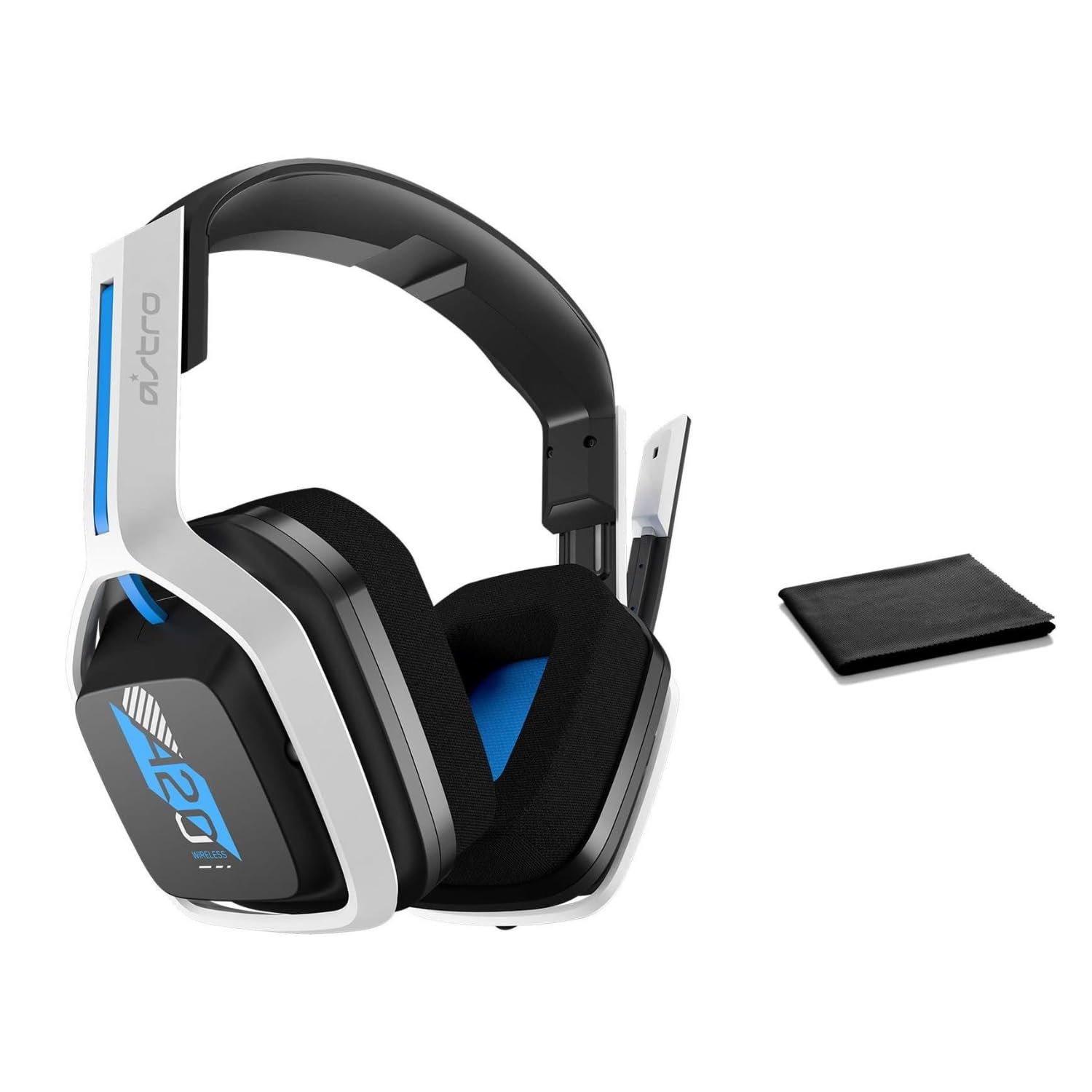
Image: The ASTRO Gaming A20 Gen 2 Wireless Headset, ready for use.
작동 지침
마이크 기능
The headset features a flexible boom microphone with a flip-to-mute function. To mute your microphone, simply flip the boom arm upwards. To unmute and activate the microphone, flip the boom arm back down to its original position.
볼륨 조절
Adjust the audio volume using the dedicated volume control located on the headset. Rotate the dial or press the buttons (depending on the specific model variant) to increase or decrease the sound output.
유지
헤드셋의 수명과 최적의 성능을 보장하려면:
- 청소: Use the included premium microfiber cloth to gently wipe down the headset and accessories. This helps keep your headset dust-free and smudge-free.
- 저장: 사용하지 않을 때는 헤드셋을 극한의 온도와 직사광선을 피해 깨끗하고 건조한 곳에 보관하세요.
- 배터리 관리 : For best battery health, avoid fully discharging the headset frequently. Charge it regularly.
문제 해결
If you encounter issues with your ASTRO Gaming A20 Gen 2 Wireless Headset, consider the following:
- 오디오 없음/마이크 작동하지 않음: Ensure the USB transmitter is securely plugged into your device and the headset is powered on and paired. Check your device's audio settings to confirm the headset is selected as the default input/output. For the microphone, ensure it is not in the 'flipped-up' (muted) position.
- 연결 문제: Try unplugging and re-plugging the USB transmitter. If issues persist, try connecting to a different USB port.
- 배터리가 충전되지 않음: Verify the charging cable is properly connected to both the headset and the power source. Try a different USB port or power adapter.
- 펌웨어 업데이트 : Visit the official ASTRO Gaming support website for any available firmware updates for your headset, as these can resolve various performance issues.
명세서
| 특징 | 세부 사항 |
|---|---|
| 모델명 | 939-001876 |
| 상표 | 아스트로 게이밍 |
| 연결 기술 | 무선 전화 |
| 무선 통신 | 2.4GHz 무선 |
| 호환 장치 | Mac OS, PlayStation 4, Playstation 5, Windows |
| 배터리 수명 | 15시간 |
| 충전 시간 | 15시간 |
| 마이크로폰 | 플립 투 뮤트 |
| 귀 위치 | 귀 위 |
| 품목 무게 | 11.2온스(318그램) |
| 재료 | 플라스틱 |
| 포함된 구성 요소 | A20 Wireless Headset, USB transmitter, USB-C to USB-A charging cable |
보증 및 지원
For detailed warranty information and technical support, please refer to the official ASTRO Gaming web해당 사이트를 방문하거나 고객 서비스에 문의하세요. 보증 청구를 위해 구매 증빙 자료를 보관하세요.


