소개
The LeapFrog Preschool Game and Go is a handheld video game toy designed to introduce young children to fundamental concepts such as numbers, letters, and shapes through engaging mini-games and music. This device offers a portable and interactive learning experience for children aged 2 years and older.
상자 안에 무엇이 들어있나요?
- LeapFrog Preschool Game and Go Handheld Toy
- 빠른 시작 가이드
Note: 3 AAA batteries are included for demo purposes only. New batteries are recommended for regular use.
설정
배터리 설치
- 장치 뒷면에서 배터리함을 찾으세요.
- 드라이버를 사용하여 배터리실 덮개를 엽니다.
- 올바른 극성(+/-)을 확인하여 새로운 AAA 배터리 3개를 삽입합니다.
- 배터리실 커버를 교체하고 나사로 고정합니다.
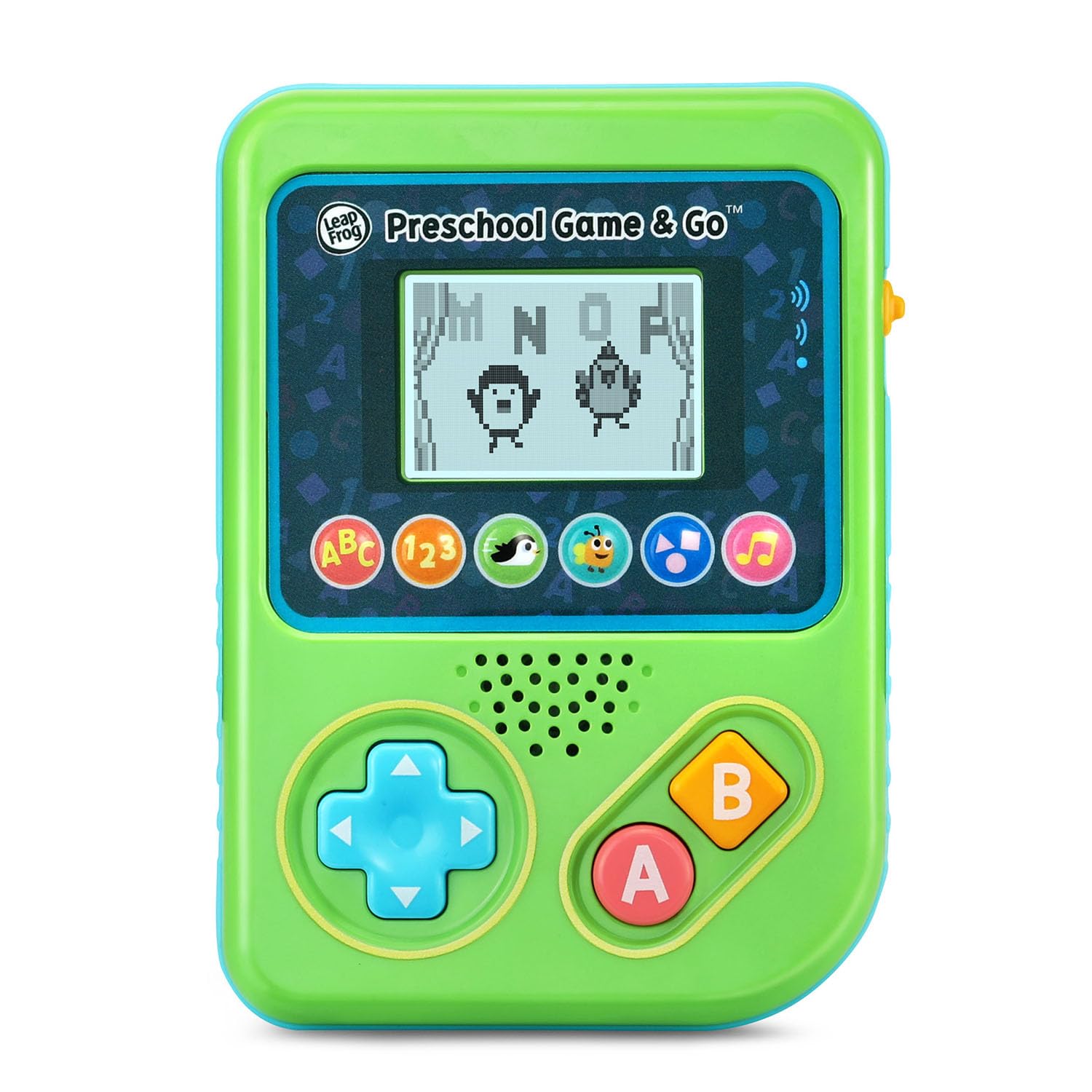
그림 1: 전면 view of the LeapFrog Preschool Game and Go.
전원 켜기/끄기
- To power on the device, slide the orange power switch located on the right side of the unit upwards.
- To power off the device, slide the orange power switch downwards.
볼륨 조절
- The device features two volume settings.
- Adjust the volume using the dedicated switch or button, typically located near the power switch, to select between a lower or higher sound output.
작동 지침
통제 수단
- 방향 패드(D-패드): Located on the left side, use this to navigate menus and control characters within games.
- 단추: Typically used for selection or action within games.
- B 버튼: Typically used for secondary actions or going back in menus.
게임 선택
The device features six distinct game icons below the screen. Press the corresponding icon to select a game:
- ABC Icon: Activates the ABC Swim game.
- 123 Icon: Activates the 123 Treasure game.
- Penguin Icon: Activates the Letter Slide game.
- Bug Icon: Activates the Snack Track game.
- Shapes Icon: Activates the Shape Ape game.
- Music Note Icon: Activates the Song Shuffle feature.
Personalizing Game Play
You can personalize the experience by adding a child's name (up to 10 characters). The child's name will appear in certain games, such as the Letter Slide game, where they collect letters to spell their name.
학습 게임
The LeapFrog Preschool Game and Go includes six exciting learning games:
- ABC Swim: Pop bubbles to explore letter sounds.
- 123 Treasure: Collect coins and count hearts to introduce numbers.
- Letter Slide: Help a penguin slide and jump to collect letters, including those in the child's personalized name.
- Snack Track: Feed a hungry bug by eating and counting snacks.
- Shape Ape: Catch various shapes as they fall from trees.
- Song Shuffle: Dance along to three engaging learning songs.
영상 1: 공식 제품 영상 쇼asing the LeapFrog Preschool Game & Go features and gameplay.
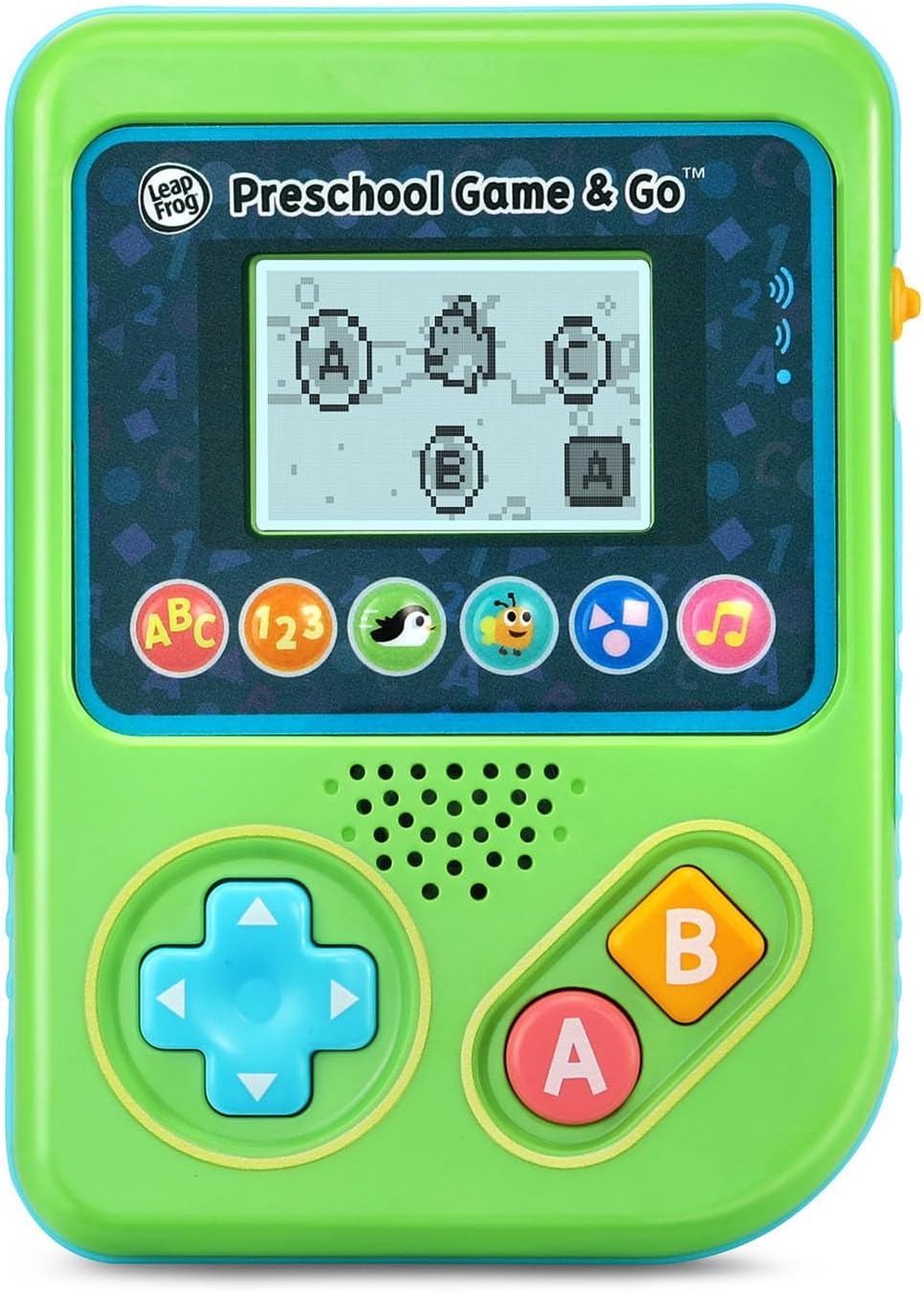
Figure 2: The ABC Swim game interface on the device screen.
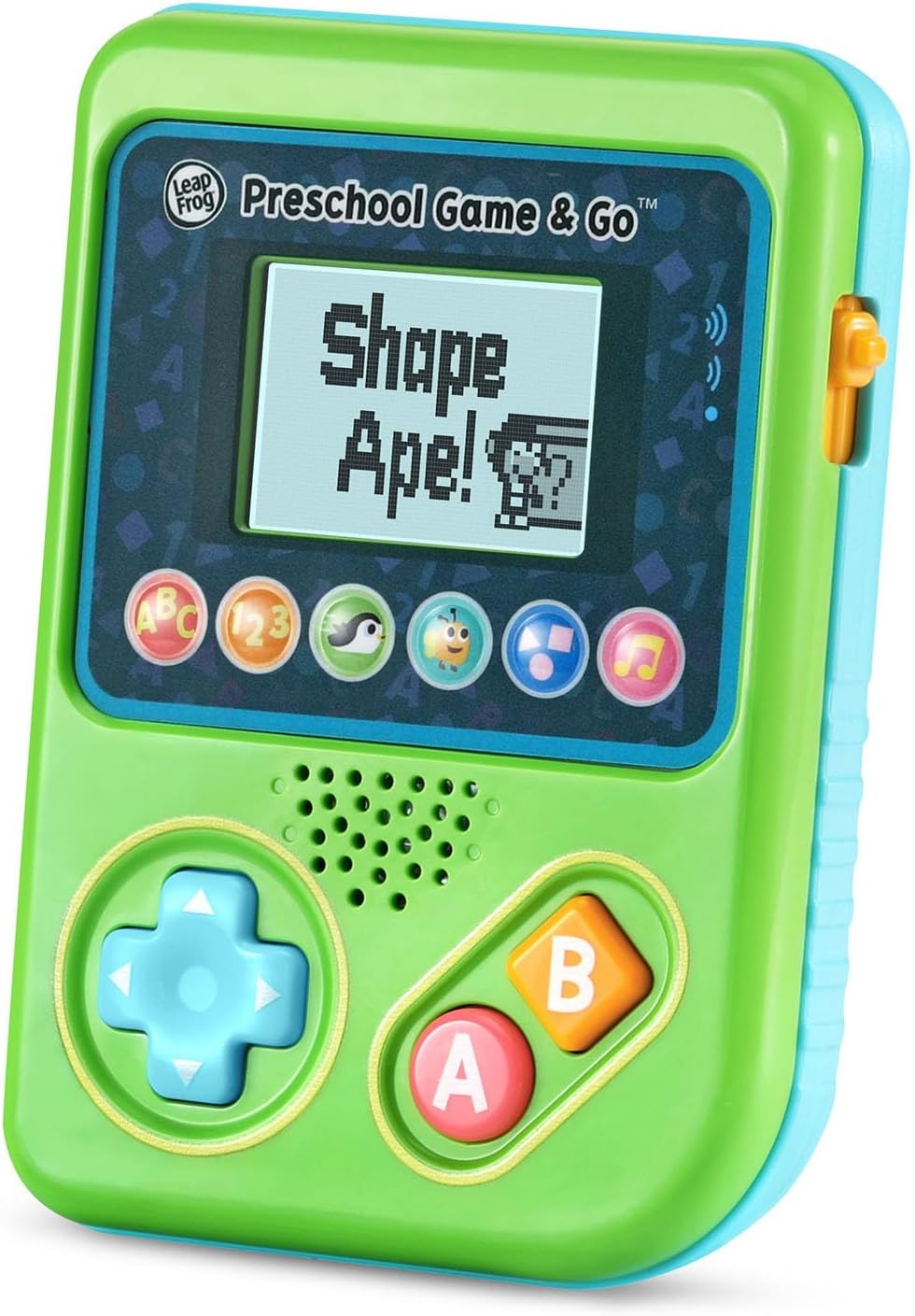
Figure 3: The Shape Ape game interface on the device screen.
유지
- 기기를 청소하려면 약간 부드러운 천으로 닦으십시오.amp 천. 물에 담그지 마십시오.
- 장치를 극한의 온도나 직사광선에 노출시키지 마십시오.
- 장기간 기기를 사용하지 않을 경우 배터리 누출을 방지하기 위해 배터리를 제거하세요.
문제 해결
- 장치가 켜지지 않음: Ensure fresh batteries are correctly installed. Check the power switch position.
- 소리가 안 나거나 소리가 작음: Adjust the volume switch. Replace batteries if sound is distorted or very low.
- 화면 문제: If the screen is blank or flickering, try turning the device off and on again. Replace batteries if the issue persists.
- 응답하지 않는 버튼: Ensure the device is powered on. If a specific button is unresponsive, try cleaning around it. If the issue continues, replace batteries.
명세서
| 특징 | 세부 사항 |
|---|---|
| 모델 번호 | 80-621200 |
| 연령대 | 2년 이상 |
| 전원 | 배터리 구동 |
| 필요한 배터리 | AAA 배터리 3개 (데모용으로 포함됨) |
| 컨트롤러 유형 | 버튼 제어 |
| 디스플레이 유형 | 디지털 |
| 재료 | 플라스틱 |
| 제품 치수 | 1.3 x 4.1 x 5.6 인치 |
| 품목 무게 | 6.4 온스 |
보증 및 지원
For warranty information, product registration, or additional support, please refer to the contact information provided in the Quick Start Guide included with your product or visit the official LeapFrog web대지. 보증 청구를 위해 구매 영수증을 보관하십시오.


