소개
This user manual provides detailed instructions for the C idea CM817 Pro Max 8-inch Tablet. Please read this manual thoroughly before using your device to ensure proper operation and to maximize its features. Keep this manual for future reference.
패키지 내용
패키지에 모든 품목이 들어 있는지 확인하세요.
- C idea CM817 Pro Max 8-inch Tablet
- 충전 어댑터
- USB-C 케이블
- 사용 설명서 (본 문서)
- Stylus Pen (if included in your specific package)
- Keyboard (if included in your specific package)
- Mouse (if included in your specific package)

Image: The C idea CM817 Pro Max tablet shown with its common accessories, which may include a keyboard, mouse, charging adapter, USB-C cable, and stylus pen.
제품 끝view
Familiarize yourself with the physical components of your C idea CM817 Pro Max tablet.

Image: A diagram illustrating the various ports and buttons on the C idea CM817 Pro Max tablet, including the front camera, rear camera, power button, volume controls, speakers, TF/SIM card slot, USB-C port, and headphone jack.
- 전면 카메라: 영상 통화와 셀카를 위해.
- 후방 카메라: 사진과 비디오를 촬영하는 데 사용합니다.
- 전원 켜기 / 끄기 버튼 : Press and hold to power on/off or restart. Press briefly to wake/sleep the screen.
- 볼륨 버튼: Adjust the tablet's audio volume.
- 스피커: Output audio.
- TF/SIM Slot: Insert a TF (MicroSD) card for expandable storage or a SIM card for cellular connectivity.
- USB-C 포트: 태블릿 충전 및 데이터 전송을 위한 컴퓨터 연결용입니다.
- 헤드폰 잭: 3.5mm 헤드폰을 연결합니다.
설정
1. 태블릿 충전하기
Before first use, fully charge the tablet. Connect the USB-C cable to the tablet's USB-C port and the other end to the charging adapter. Plug the adapter into a power outlet. The battery indicator on the screen will show charging status.
2. 전원 켜기 / 끄기
- 전원 켜기: Press and hold the Power On/Off button until the C idea logo appears.
- 전원 끄기 : Press and hold the Power On/Off button until the power options menu appears, then select "Power off".
- 다시 시작: 전원 옵션 메뉴에서 "다시 시작"을 선택하세요.
3. 초기 설정
처음 전원을 켜면 화면의 지시에 따라 태블릿을 구성하세요.
- 원하는 언어를 선택하세요.
- Wi-Fi 네트워크에 연결합니다.
- Google 계정으로 로그인하거나 새 계정을 만드세요. Google Play 스토어에서 앱을 다운로드하려면 이 과정이 필요합니다.
- 화면 잠금(PIN, 패턴 또는 비밀번호)을 설정합니다.
- Review 이용약관에 동의하세요.
4. SIM 및 MicroSD 카드 삽입
Locate the TF/SIM slot on the side of the tablet. Use the provided SIM ejector tool (if applicable) to open the tray. Carefully place your SIM card and/or MicroSD card into the designated slots, ensuring correct orientation. Close the tray securely.
작동 지침
1. 기본 탐색
- 만지다: 앱을 열거나 항목을 선택하려면 아이콘을 탭하세요.
- 강타: 손가락으로 화면을 드래그하여 페이지나 콘텐츠를 스크롤하세요.
- 꼬집기: 두 손가락을 사용하여 이미지를 확대하거나 축소합니다. web 페이지.
- 홈 화면: 앱과 위젯에 접근할 수 있는 메인 화면입니다.
- 알림 패널: 화면 상단에서 아래로 살짝 밀어 알림과 빠른 설정에 접근하세요.

Image: The C idea CM817 Pro Max tablet showcasing its Android home screen, featuring various application icons and a clean user interface.
2. Wi-Fi and Cellular Connectivity
Wi-Fi에 연결하려면 다음으로 이동하세요. 설정 > 네트워크 및 인터넷 > Wi-Fi. Turn Wi-Fi on and select your desired network. Enter the password if prompted. For cellular data, ensure a SIM card is inserted and go to 설정 > 네트워크 및 인터넷 > 모바일 네트워크 데이터 설정을 구성하려면.
3. 카메라 사용
Open the Camera app from the home screen or app drawer. Tap the shutter button to take a photo. Switch between the 5MP front camera and 8MP rear camera using the camera switch icon. You can also record videos.
4. 스토리지 관리
Your tablet comes with 512GB of internal storage and supports up to 512GB expandable storage via a MicroSD card. To view 저장 공간 사용량으로 이동 설정 > 저장소. Regularly clear unnecessary files and uninstall unused apps to maintain performance.

Image: Multiple C idea tablets demonstrating the ample storage capacity, highlighting 8GB RAM, 512GB internal ROM, and support for an additional 512GB via TF (MicroSD) card.
5. 배터리 수명
The 8000mAh battery provides extended usage. To optimize battery life, reduce screen brightness, disable Wi-Fi/Bluetooth when not in use, and close background apps. You can monitor battery usage in 설정> 배터리.
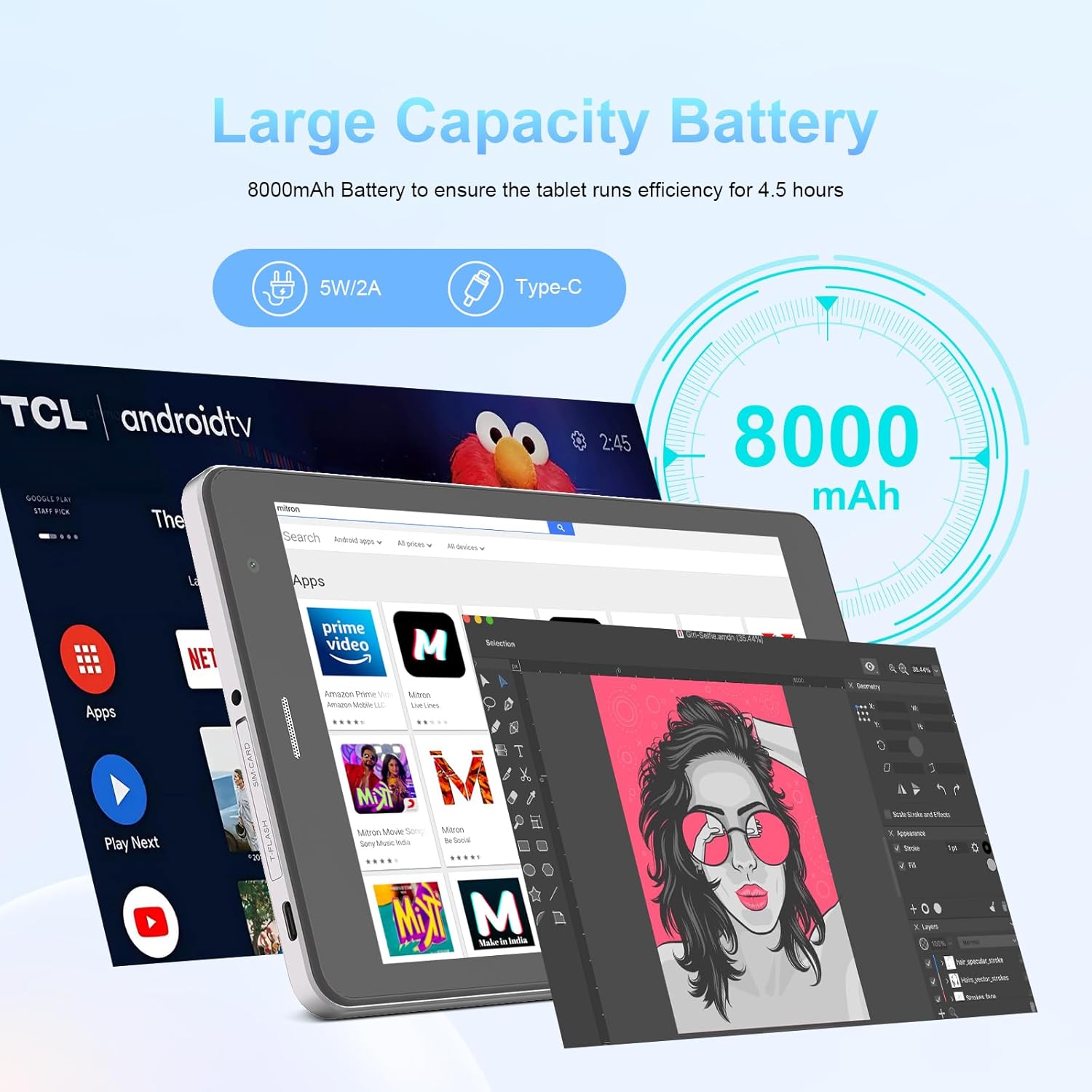
Image: The C idea CM817 Pro Max tablet, emphasizing its 8000mAh large capacity battery, designed for extended operational hours.
6. 디스플레이 설정
The tablet features an 8-inch 1280x800 IPS HD display. Adjust brightness, font size, and display timeout in 설정 > 디스플레이 편안함을 위해 view경험.

Image: The C idea CM817 Pro Max tablet showcasing its 8-inch IPS HD screen with a resolution of 800x1280 pixels, providing clear visuals.
유지
1. 청소
Use a soft, lint-free cloth to clean the screen and body of the tablet. Do not use abrasive cleaners or solvents, as they may damage the surface. Avoid getting moisture into ports.
2. 소프트웨어 업데이트
태블릿에 최신 기능과 보안 패치가 적용되도록 정기적으로 시스템 업데이트를 확인하세요. 다음 링크로 이동하세요. 설정 > 시스템 > 시스템 업데이트 업데이트를 확인하고 설치합니다.
3. 배터리 관리
To prolong battery lifespan, avoid exposing the tablet to extreme temperatures. Do not let the battery completely drain frequently. Use the original charger or a certified compatible charger.
문제 해결
- 태블릿이 켜지지 않음: Ensure the tablet is charged. Press and hold the Power On/Off button for at least 10-15 seconds to force a restart.
- Wi-Fi 연결 문제: Wi-Fi 공유기와 태블릿을 재시작하세요. Wi-Fi 설정에서 네트워크를 삭제한 후 다시 연결하세요.
- 느린 성능: Close unused apps, clear cache (Settings > Storage), and restart the tablet. Consider uninstalling large or unnecessary applications.
- 카메라가 작동하지 않습니다: Ensure the Camera app has necessary permissions (Settings > Apps > Camera > Permissions). Restart the tablet.
- 저장공간 가득 참: 오래된 사진/동영상을 삭제하고, 사용하지 않는 앱을 제거하거나, 위치를 옮기세요. files to an inserted MicroSD card.
- 앱 충돌: Clear the app's cache and data (Settings > Apps > [App Name] > Storage > Clear cache/Clear data). If the issue persists, uninstall and reinstall the app.
명세서
| 특징 | 세부 사항 |
|---|---|
| 상표 | C 아이디어 |
| 모델명 | CM817 Pro Max |
| 운영 체제 | 안드로이드 15 |
| 프로세서 | Octa-core (MediaTek) |
| 숫양 | 8GB |
| 내부 저장소(ROM) | 512GB |
| 확장 가능한 스토리지 | Up to 512GB (via TF/MicroSD card) |
| 화면 크기 | 8 인치 |
| 화면 해상도 | 1280 x 800 pixels (IPS HD) |
| 전면 카메라 | 5MP |
| 후방 카메라 | 8MP |
| 배터리 용량 | 8000mAh(리튬폴리머) |
| 연결성 | Wi-Fi, 5G SIM, Bluetooth |
| 포트 | USB-C, 3.5mm 헤드폰 잭 |
| 품목 무게 | 1kg 80g |
| 패키지 크기 | 29.8 x 18 x 6.4cm |
보증 및 지원
For warranty information and technical support, please refer to the warranty card included in your package or contact C idea customer service. Keep your purchase receipt as proof of purchase.


