1. 서론
Welcome to the user manual for your new TECNO POVA Curve 5G smartphone. This guide provides essential information on setting up, operating, maintaining, and troubleshooting your device. Please read this manual carefully to ensure optimal performance and longevity of your smartphone.

Figure 1: TECNO POVA Curve 5G smartphone, front and back.
2. 상자 안에 무엇이 들어있나요?
Upon unboxing your TECNO POVA Curve 5G, please verify that all the following items are included:
- TECNO POVA Curve 5G 스마트폰
- 전원 어댑터 (45W 고속 충전기)
- USB 케이블
- SIM 트레이 이젝터
- 헤드폰
- 빠른 시작 가이드(이 문서)

Figure 2: Key features of the TECNO POVA Curve 5G.
3. 설정
3.1 SIM 카드 및 SD 카드 삽입
- 기기 측면에서 SIM 카드 트레이를 찾으세요.
- SIM 트레이 꺼내기 도구를 트레이 옆에 있는 작은 구멍에 넣고 트레이가 튀어나올 때까지 살짝 누르세요.
- 나노 SIM 카드 및/또는 microSD 카드를 트레이의 지정된 슬롯에 넣으세요. 금색 접촉부가 아래로 향하도록 하세요.
- 트레이를 장치에 조심스럽게 다시 삽입하여 제자리에 딸깍 소리가 날 때까지 밀어 넣으세요.
3.2 초기 전원 켜기 및 기본 설정
- Press and hold the Power button until the TECNO logo appears.
- 화면의 지시에 따라 언어를 선택하고, Wi-Fi 네트워크에 연결하고, Google 계정을 설정하세요.
- 지문 잠금 해제 또는 얼굴 인식과 같은 보안 기능을 설정하는 방법에 대한 안내를 받게 됩니다.

그림 3: 하단 view of the device, illustrating port and SIM tray location.
4. 장치 작동
4.1 디스플레이 및 탐색
The TECNO POVA Curve 5G features a 144Hz Curved AMOLED display for smooth visuals and vibrant colors. Navigate the interface using touch gestures:
- 수도꼭지: 항목을 선택하거나 앱을 엽니다.
- 강타: 화면이나 목록을 스크롤합니다.
- 꼬집기: 이미지 확대/축소 및 web 페이지.
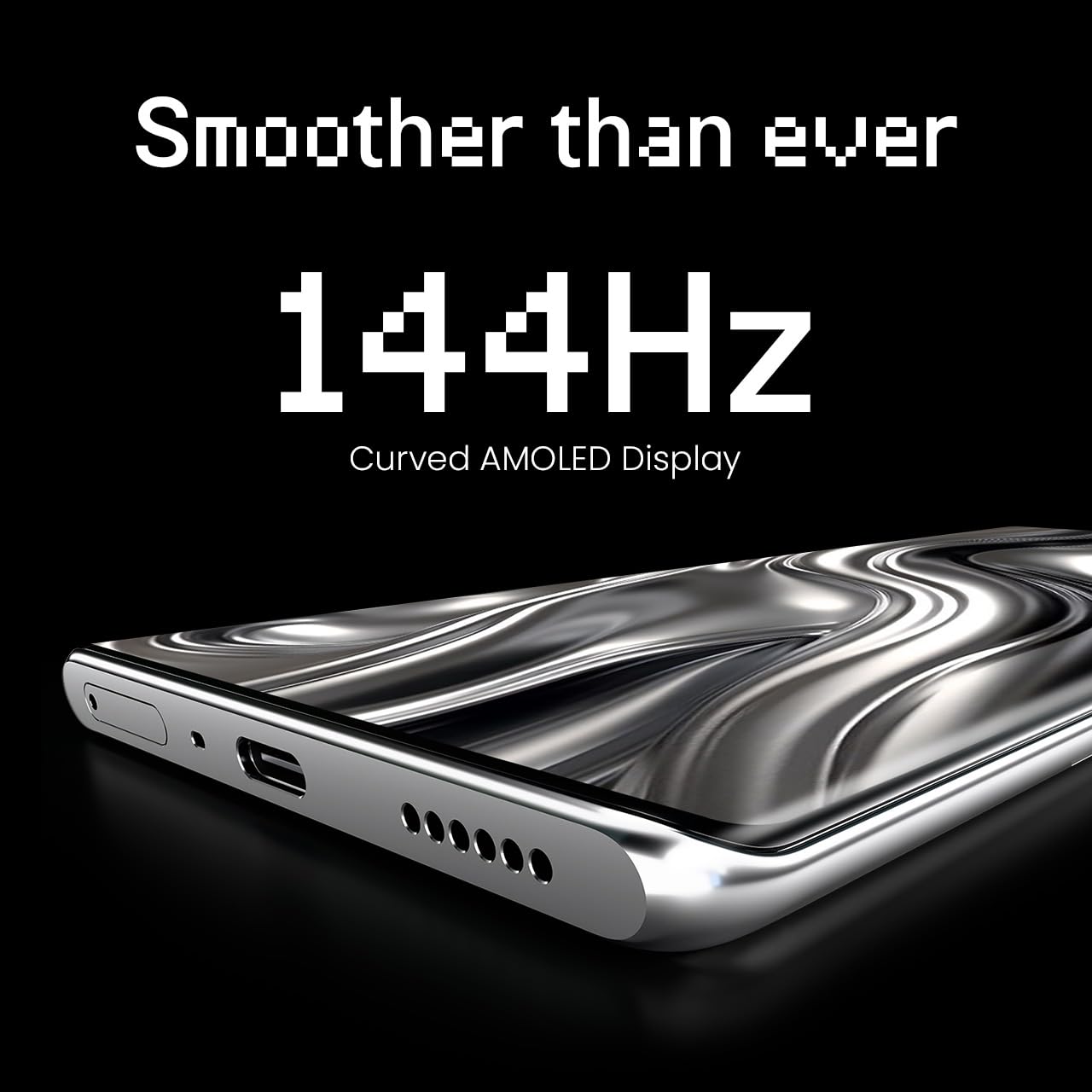
Figure 4: The 144Hz Curved AMOLED Display.
4.2 카메라 기능
Your device is equipped with a 64MP IMX682 Rear Camera. To access the camera, tap the Camera icon on your home screen or lock screen. Key features include:
- 사진 모드 : 표준 사진.
- 비디오 모드: Record high-quality videos.
- 세로 모드 : 배경을 흐리게 처리하여 전문가처럼 보이는 사진을 만들어 보세요.
- 야간 모드: 저조도 환경에서 촬영한 사진을 개선합니다.
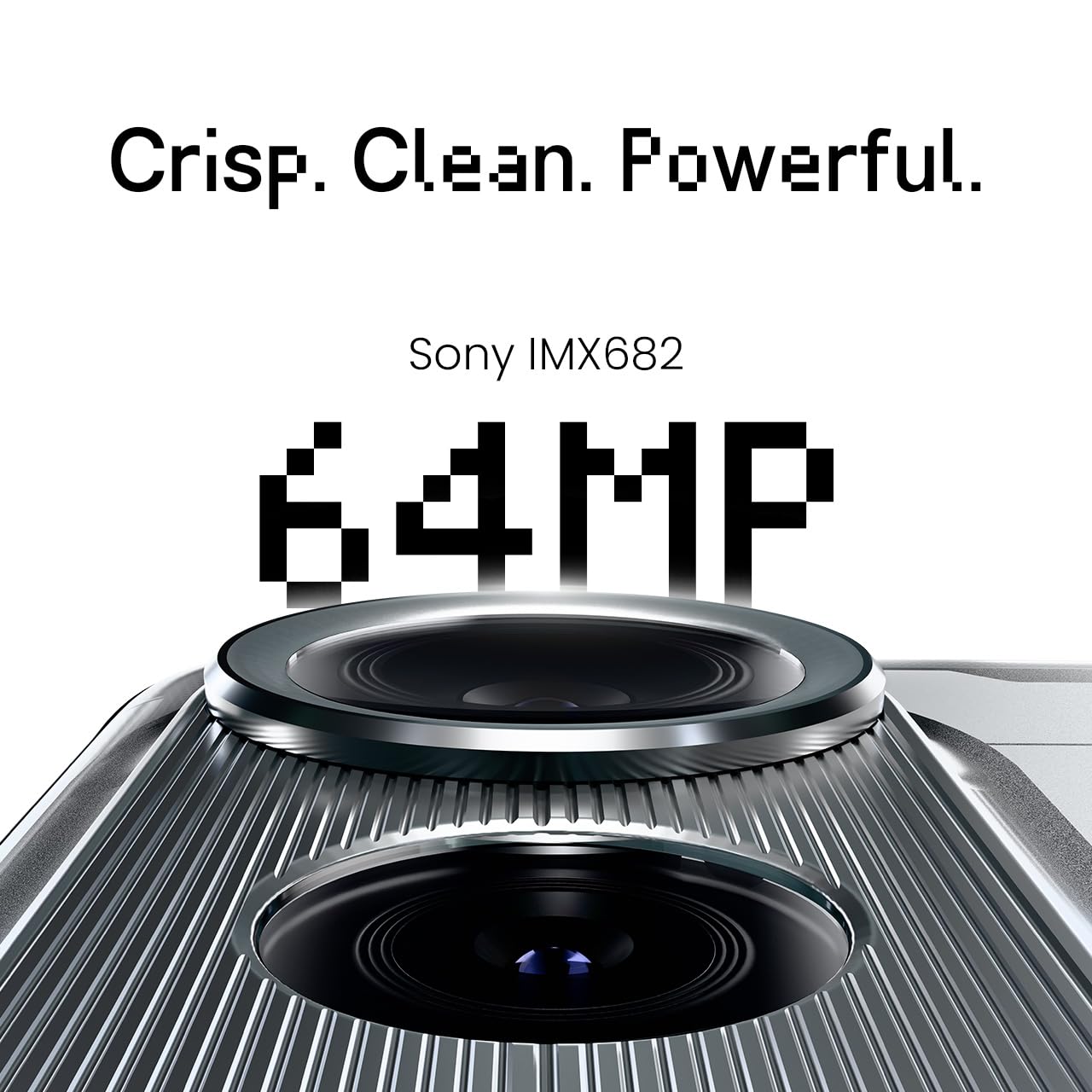
Figure 5: The 64MP IMX682 Rear Camera.
4.3 AI 기능
The TECNO POVA Curve 5G integrates advanced AI capabilities, including support for Indian languages and an AI Call Assistant. These features are designed to enhance user experience and productivity.
- AI with Indian Language Support: Access various functions and communicate in multiple Indian languages.
- AI 통화 도우미: Manage calls intelligently, including features like AI Auto Call Answering and AI Voiceprint Suppression.

Figure 6: AI with Indian Language Support.

그림 7: 이상view of AI features.
4.4 배터리 관리 및 충전
The device is powered by a 5500mAh battery and supports 45W fast charging. Use the provided power adapter and USB cable for optimal charging speed.
- To charge, connect the USB cable to the phone's USB-C port and the power adapter, then plug into a wall outlet.
- Avoid using non-certified chargers or cables to prevent damage.
4.5 연결성
Your TECNO POVA Curve 5G supports 5G cellular networks, Wi-Fi, and Bluetooth. It also features an Intelligent Signal Hub System for improved network reception.
- 와이파이: 사용 가능한 네트워크에 연결하려면 설정 > 네트워크 및 인터넷 > Wi-Fi로 이동하세요.
- 블루투스: 설정 > 연결된 기기 > 블루투스로 이동하여 다른 블루투스 기기와 페어링하세요.
- 모바일 데이터: SIM 카드가 활성화되어 있고 설정 > 네트워크 및 인터넷 > 모바일 네트워크에서 모바일 데이터가 활성화되어 있는지 확인하세요.

Figure 8: Intelligent Signal Hub System for enhanced network communication.
5. 유지관리
5.1 장치 청소
스마트폰을 깨끗하고 기능적으로 유지하려면:
- 부드럽고 보푸라기가 없는 천을 사용하여 화면과 본체를 닦으세요.
- 강한 화학 물질, 연마재 또는 에어로졸 스프레이는 사용하지 마세요.
- 장치를 과도한 습기에 노출시키지 마십시오.
5.2 소프트웨어 업데이트
기기에 최신 기능, 보안 패치 및 성능 향상이 적용되도록 정기적으로 소프트웨어 업데이트를 확인하고 설치하세요. 설정 > 시스템 > 시스템 업데이트로 이동하세요.
5.3 배터리 관리
배터리 수명을 연장하려면:
- 극한의 온도를 피하세요.
- 배터리가 자주 완전히 방전되지 않도록 하세요.
- 배터리가 완전히 충전되면 충전기의 플러그를 뽑으십시오.
6. 문제 해결
This section addresses common issues you might encounter with your TECNO POVA Curve 5G.
| 문제 | 가능한 해결책 |
|---|---|
| 장치 전원이 켜지지 않음 | 배터리가 충전되어 있는지 확인하세요. 전원 버튼을 10초 이상 길게 눌러 강제로 다시 시작하세요. |
| 앱이 충돌하거나 정지됩니다. | 문제가 있는 앱의 캐시를 삭제하세요(설정 > 앱 > [앱 이름] > 저장소 > 캐시 삭제). 기기를 재시작하세요. |
| 네트워크 신호 불량 | Check if your SIM card is properly inserted. Move to an area with better network coverage. Restart the device. |
| 배터리가 빨리 소모됩니다 | 화면 밝기를 줄이고, 사용하지 않는 앱을 닫고, 불필요한 백그라운드 프로세스를 비활성화하고, 배터리 설정에서 전력을 많이 소모하는 앱이 있는지 확인하세요. |
| 터치스크린이 응답하지 않음 | 기기를 다시 시작하세요. 문제가 지속되면 고객 지원팀에 문의하세요. |
7. 사양
Key technical specifications for the TECNO POVA Curve 5G (Model: LJ8K):
- 운영 체제: 안드로이드 15
- 숫양: 8 GB (expandable with memory fusion)
- 저장: 128 GB / 256 GB ROM
- 프로세서: MediaTek Dimensity 7300 Ultimate 5G
- 표시하다: 144Hz Curved AMOLED
- 후방 카메라: 64MP IMX682
- 배터리: 5500mAh 배터리, 45W 고속 충전 지원
- 치수: 16.4 x 7.5 x 0.7cm
- 무게: 177g
- 연결성: 블루투스, 적외선, USB, Wi-Fi, 5G

Figure 9: Processor and Memory details.
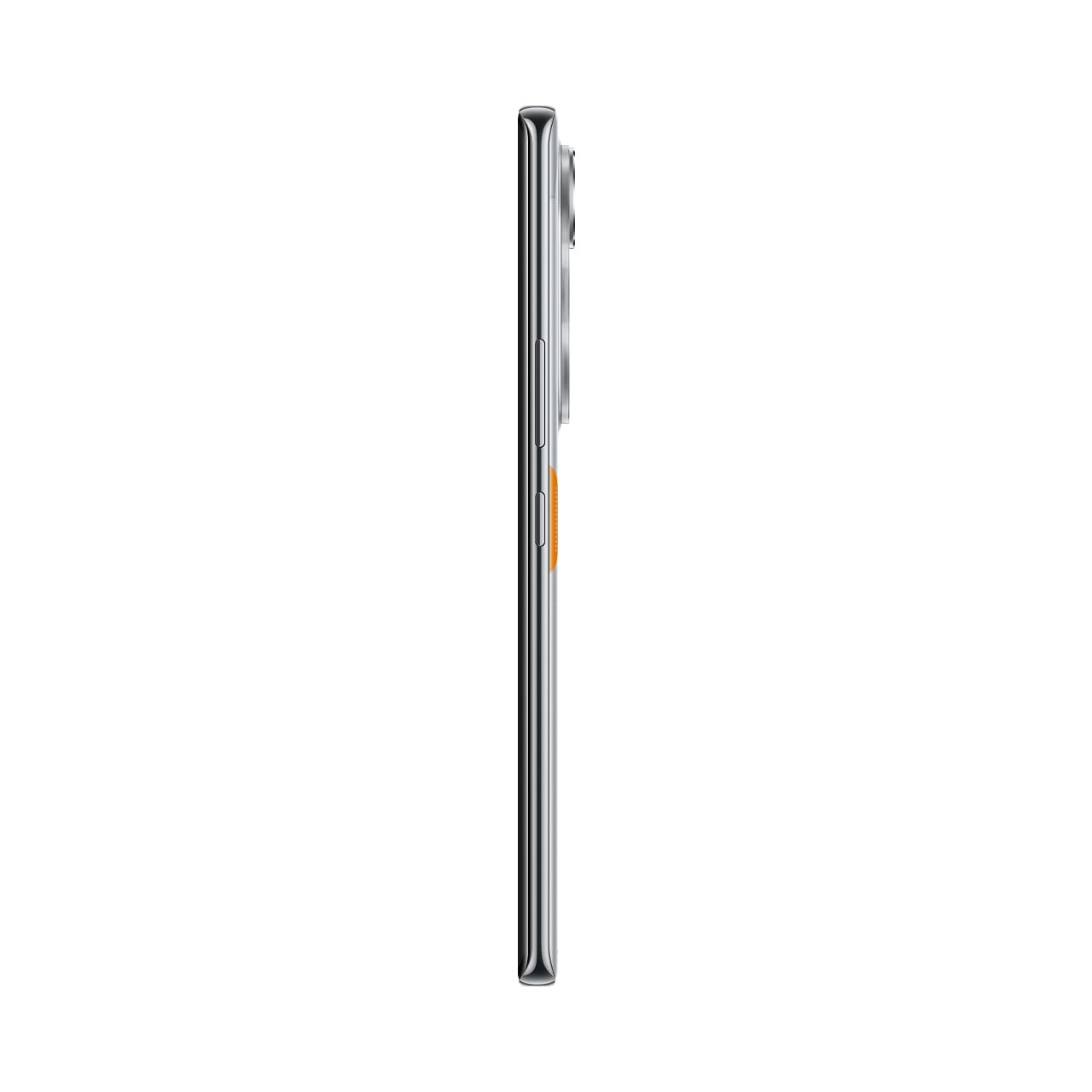
Figure 10: Slim design of the TECNO POVA Curve 5G.
8. 보증 및 지원
8.1 보증 정보
Your TECNO POVA Curve 5G smartphone comes with a limited manufacturer's warranty. Please refer to the warranty card included in your product packaging for specific terms, conditions, and duration. Keep your proof of purchase for warranty claims.
8.2 고객 지원
For technical assistance, service, or further inquiries, please visit the official TECNO website or contact their customer support. Details can typically be found on the manufacturer's web사이트 또는 보증 문서에서 확인하세요.


