1. 서론
Thank you for choosing the CREATE WIND CLEAR STUDIO S Ceiling Fan with Light. This manual provides essential information for the safe installation, operation, and maintenance of your new ceiling fan. Please read it thoroughly before use and retain it for future reference.
The WIND CLEAR STUDIO S is a silent ceiling fan featuring a 40W DC motor, a summer/winter function, and 6 speed settings. It includes retractable blades and an integrated LED light with 3 adjustable color temperatures. A programmable timer allows for automatic shut-off.

Image 1.1: The CREATE WIND CLEAR STUDIO S Ceiling Fan with Light, featuring a white body and light wood trim, with its remote control.
2. 안전 지침
- 설치, 유지관리 또는 청소를 하기 전에 전원 공급이 차단되었는지 확인하세요.
- 설치는 현지 배선 규정에 따라 자격을 갖춘 전기 기술자가 수행해야 합니다.
- The mounting structure must be capable of supporting the weight of the fan (minimum 15 kg).
- 바닥에서 선풍기 날개까지 최소 2.3m(7.5피트)의 여유 공간을 유지하세요.
- 회전하는 칼날의 경로에 물체를 넣지 마십시오.
- 이 제품은 실내에서만 사용하세요.
- 리모컨을 어린이의 손이 닿지 않는 곳에 보관하세요.
3. 패키지 내용
설치를 진행하기 전에 모든 구성품이 있는지, 손상되지 않았는지 확인하십시오. 누락되거나 손상된 부품이 있는 경우 고객 지원팀에 문의하십시오.
- Ceiling Fan Motor Unit with Integrated LED Light
- Retractable Fan Blades (3 units)
- 원격 제어
- 장착 브래킷
- Downrods (2 lengths for adjustable height)
- 하드웨어 키트(나사, 와셔, 와이어 너트)
- 사용 설명서 및 조립 가이드
4. 설정 및 설치
Detailed installation instructions are provided in the separate assembly guide included with your product. Please follow those instructions carefully. This fan includes two suspension rods, allowing for flexible installation height to suit your space.
Ensure the fan is securely mounted to a ceiling joist or a suitable support structure. All electrical connections must be made correctly and safely.

Image 4.1: The ceiling fan installed in a room, demonstrating its aesthetic integration.

이미지 4.2: 또 다른 view of the ceiling fan installed, highlighting its design and lighting capabilities.
5. 사용 설명서
Your CREATE WIND CLEAR STUDIO S fan is controlled via the included remote control. Ensure batteries are correctly inserted into the remote.
5.1 리모콘 기능
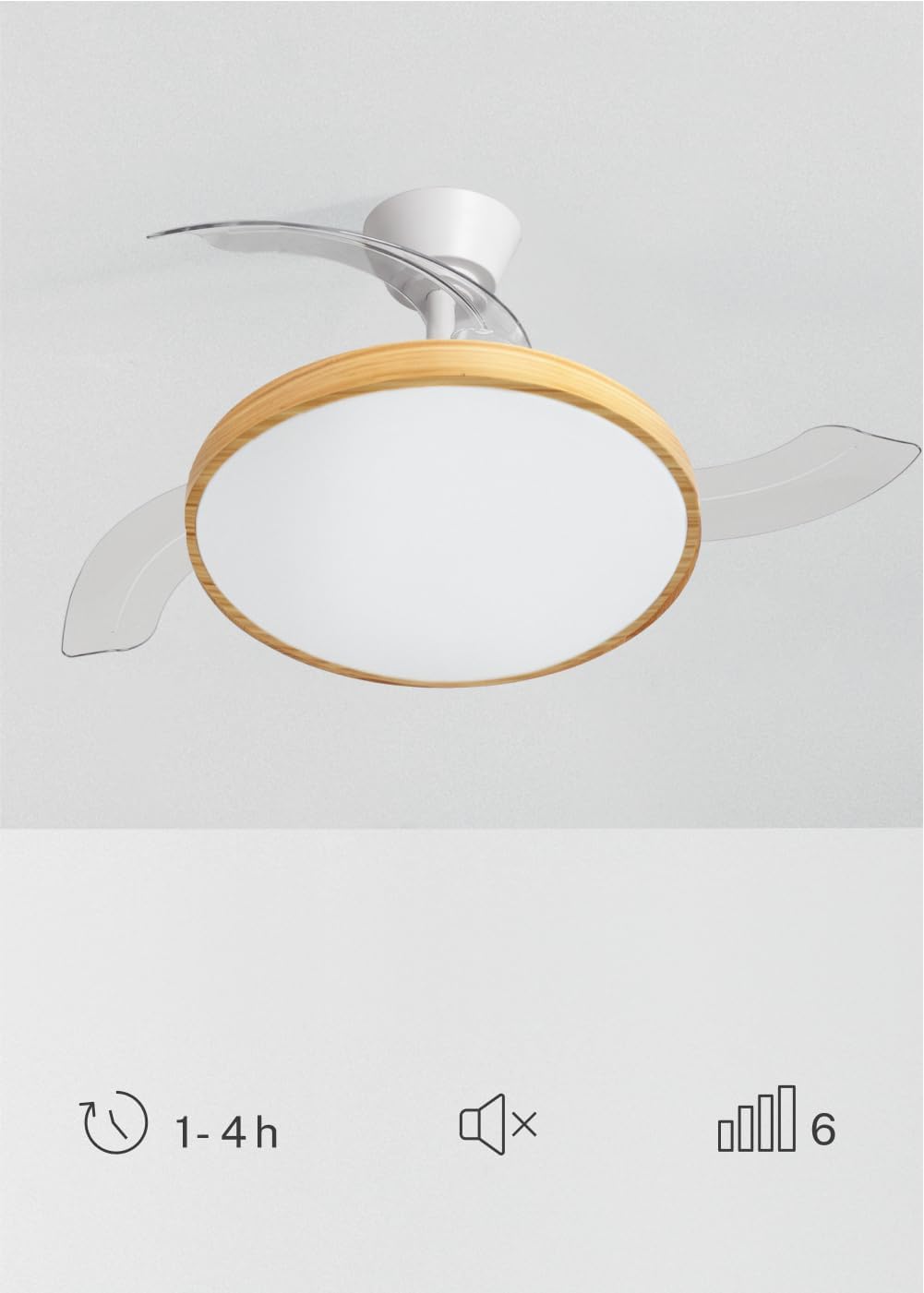
Image 5.1: The remote control for the ceiling fan, illustrating buttons for light control, fan speed adjustment (1-6), timer settings (1H, 2H, 4H), and a mute function.
- 전원 켜기/끄기: 전원 버튼을 눌러 팬과 조명을 켜거나 끕니다.
- 팬 속도: Use the speed buttons (1-6) to adjust the fan's rotation speed. There are 6 available speeds.
- 조명 제어: 조명 버튼을 눌러 LED 조명을 켜거나 끕니다.
- 밝은 색온도: Cycle through the 3 available light color temperatures (Warm White 2700K, Natural White 3300K, Cool White 4000K) by pressing the light temperature button.
- 타이머 기능: 타이머 버튼을 사용하여 1시간, 2시간 또는 4시간 후에 선풍기가 자동으로 꺼지도록 설정하세요.
- 음소거 기능: Press the mute button to silence operational beeps.
5.2 여름/겨울 함수
The fan features a reversible motor for year-round use. This function helps optimize air circulation for both cooling and heating.

Image 5.2: Diagram showing air circulation for summer mode (downward airflow for cooling) and winter mode (upward airflow to redistribute warm air).
- 여름 모드(시계 반대 방향으로 회전): 아래쪽으로 기류를 생성하여 시원한 바람을 발생시킵니다.
- 겨울 모드(시계 방향 회전): 위쪽으로 기류를 발생시켜 천장 부근에 갇힌 따뜻한 공기를 방 전체로 순환시킵니다.
Refer to your assembly guide for instructions on how to switch between summer and winter modes, typically via a switch on the fan body or remote control.
5.3 조명 색온도 조절
The integrated LED light offers three distinct color temperatures to suit different moods and activities.

Image 5.3: Illustration of the three adjustable light color temperatures: 2700K for warm light, 3300K for natural light, and 4000K for cool light.
- 2700K (따뜻한 흰색): 휴식과 아늑한 분위기 조성에 이상적입니다.
- 3300K (내추럴 화이트): Suitable for general illumination and daily activities.
- 4000K (쿨 화이트): Best for tasks requiring clear visibility and concentration.
6. 유지관리
정기적인 유지 관리는 최적의 성능을 보장하고 천장 선풍기의 수명을 연장합니다.
- 청소: 팬 블레이드와 모터 하우징을 부드러운 천으로 정기적으로 닦아주세요.amp 천을 사용하십시오. 연마성 세제나 용제를 사용하지 마십시오. 청소하기 전에 팬을 끄고 전원을 차단하십시오.
- 블레이드 검사: 팬 날개에 손상이나 불균형이 있는지 주기적으로 점검하십시오.
- 나사의 조임 상태: Over time, screws may loosen. Check and tighten all screws on the mounting bracket and blade attachments annually.
- 빛의 출처: 일체형 LED 광원은 수명이 길도록 설계되었으며 일반적으로 사용자가 교체할 수 없습니다. 조명이 고장 나면 고객 지원 센터에 문의하십시오.
7. 문제 해결
If you encounter issues with your fan, refer to the following common problems and solutions before contacting customer support.
| 문제 | 가능한 원인 | 해결책 |
|---|---|---|
| 팬이 시작되지 않음 | 전원 공급 불량; 배선 불량; 리모컨 배터리 부족. | 회로 차단기를 점검하고 모든 연결이 단단히 고정되었는지 확인한 후 리모컨 배터리를 교체하십시오. |
| 빛이 작동하지 않습니다 | No power supply; loose wiring; LED failure. | Check power; ensure connections are secure; contact support if LED is faulty. |
| 팬이 너무 심하게 흔들린다 | Loose mounting screws; unbalanced blades; incorrect installation. | Tighten all mounting screws; ensure blades are securely attached and balanced; re-check installation steps. |
| 리모컨이 작동하지 않습니다 | Low or dead batteries; remote not paired (if applicable); obstruction. | Replace batteries; ensure clear line of sight to receiver; refer to assembly guide for pairing instructions. |
8. 사양
| 특징 | 세부 사항 |
|---|---|
| 상표 | 만들다 |
| 모델 | WIND CLEAR STUDIO S |
| 색상 | Blanco Y Madera Clara (White and Light Wood) |
| 지름 | 91 센티미터 |
| 힘 | 40와트(직류 모터) |
| 권tage | 240 볼트 |
| 속도의 수 | 6 |
| 에너지 효율성 | A에서 G까지 |
| 소음 수준 | 40데시벨 |
| 광원 유형 | LED (3 Color Temperatures) |
| 제어 방법 | 원격 제어 |
| 설치 유형 | 세미 매립형 마운트 |
| 실내/실외 사용 | 실내 |
| 시간제 노동자 | 1시간, 2시간, 4시간 |
| 특별 기능 | Retractable Blades, Summer/Winter Function |

Image 8.1: The fan is suitable for rooms up to approximately 13 square meters.
9. 보증 및 지원
Your CREATE WIND CLEAR STUDIO S Ceiling Fan with Light comes with a manufacturer's warranty. Please refer to the warranty card included in your package for specific terms and conditions.
For technical assistance, troubleshooting beyond this manual, or to inquire about replacement parts, please contact CREATE customer support. You can find more information and contact details on the official CREATE brand store: