1. 서론
This manual provides essential information for setting up, operating, maintaining, and troubleshooting your new HONOR Pad X9a tablet. Please read it carefully to ensure optimal performance and longevity of your device.

Image: The HONOR Pad X9a tablet, showcasing its display and an included protective flip cover.
The HONOR Pad X9a features an 11.5-inch 2.5K eye-comfort display, powered by a Qualcomm Snapdragon 685 processor, 8GB RAM, and 128GB internal storage. It runs on Android 15 with Magic UI 9.0 and includes quad speakers for an immersive audio experience. Its slim and lightweight design makes it highly portable.
2. 설정
2.1 언박싱 및 초기 검사
모든 구성품을 포장에서 조심스럽게 꺼내세요. 다음 품목이 모두 있는지 확인하세요.
- HONOR Pad X9a Tablet
- 충전 어댑터
- USB-C 케이블
- 빠른 시작 가이드
- 보증 카드
- Protective Flip Cover (may be included as a standard accessory)
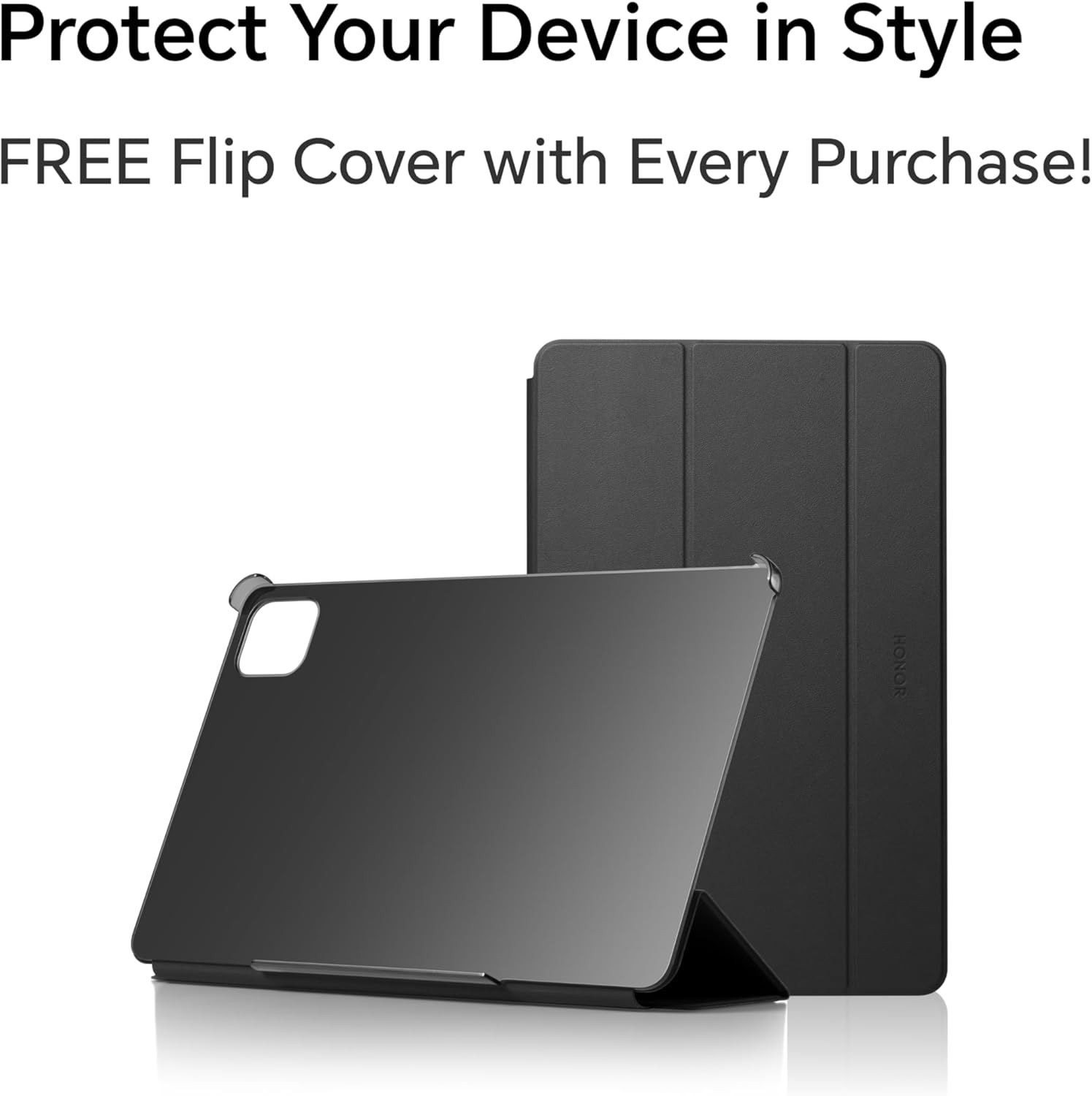
Image: The included protective flip cover for the tablet.
2.2 전원 켜기 및 초기 충전
Press and hold the power button located on the side of the tablet until the HONOR logo appears. For first-time use, it is recommended to fully charge the device. Connect the USB-C cable to the tablet's charging port and the adapter to a power outlet. The tablet supports 35W fast charging.
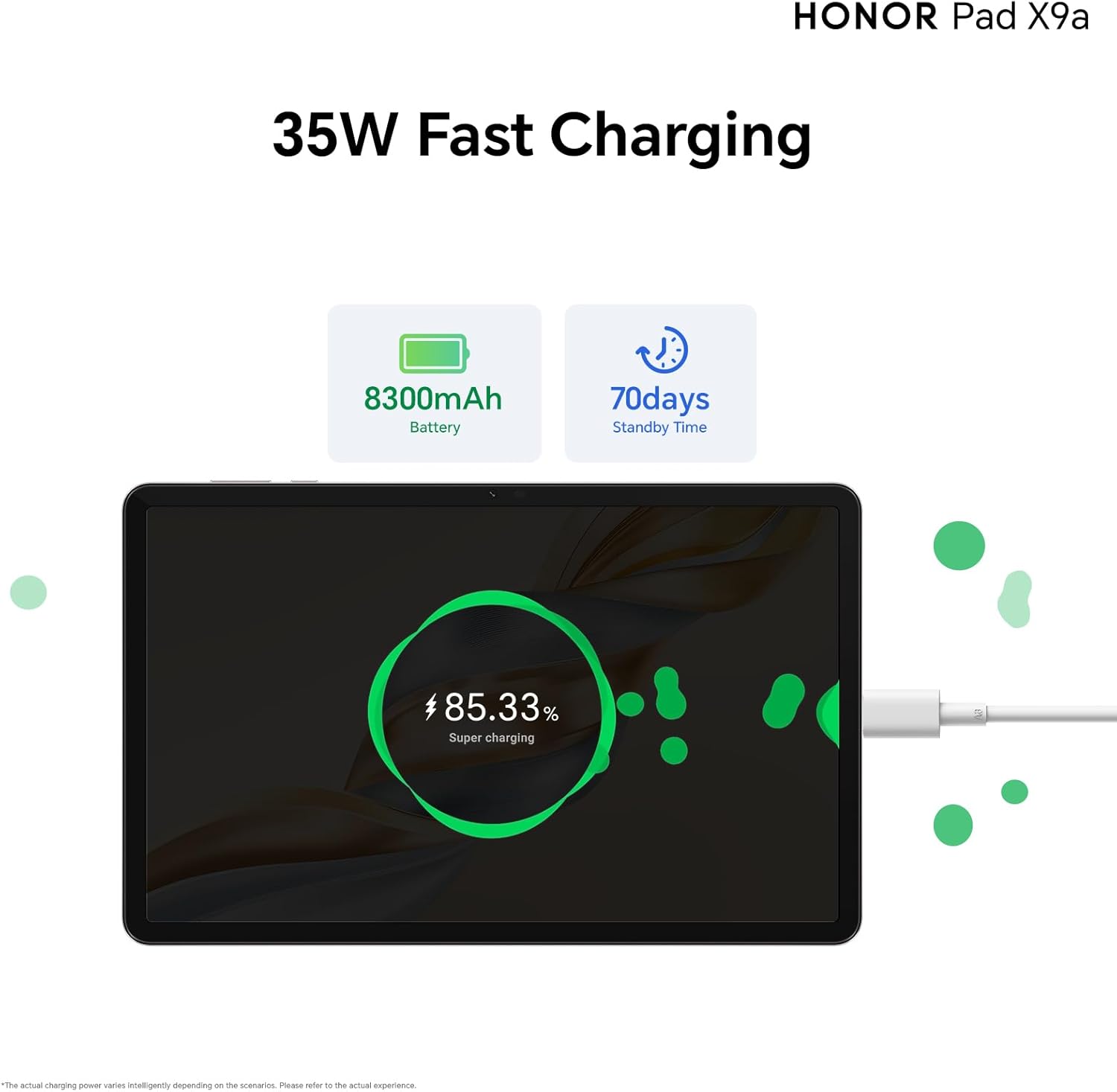
Image: The tablet undergoing fast charging, highlighting its battery capacity.
2.3 네트워크 연결
Follow the on-screen instructions to connect to a Wi-Fi network. Go to 설정 > 네트워크 및 인터넷 > 와이파이, then select your desired network and enter the password.
2.4 Google Kids Setup
The tablet comes with Google Kids pre-installed. This feature allows parents to set usage limits, manage content, and monitor activity. Follow the prompts to configure parental controls as needed.
3. 태블릿 작동
3.1 디스플레이 및 시각적 경험
그만큼 HONOR Pad X9a features an 11.5-inch 2.5K FullView Display with a 120Hz refresh rate, providing a smooth and vibrant visual experience. Multiple eye protection features are integrated for comfortable view장기간 사용 시.

Image: The tablet's 11.5-inch 2.5K FullView Display in action.
3.2 오디오 시스템
Experience immersive sound with the tablet's quad smart speakers. These speakers deliver powerful bass and can boost volume by up to 200%, creating a rich audio environment for media consumption.
3.3 성능 및 스토리지
The tablet is equipped with a powerful Qualcomm Snapdragon 685 processor, ensuring smooth performance for various tasks. It comes with 8GB of RAM and 128GB of internal storage. HONOR OS Turbo technology allows for smart memory expansion, further enhancing multitasking capabilities.
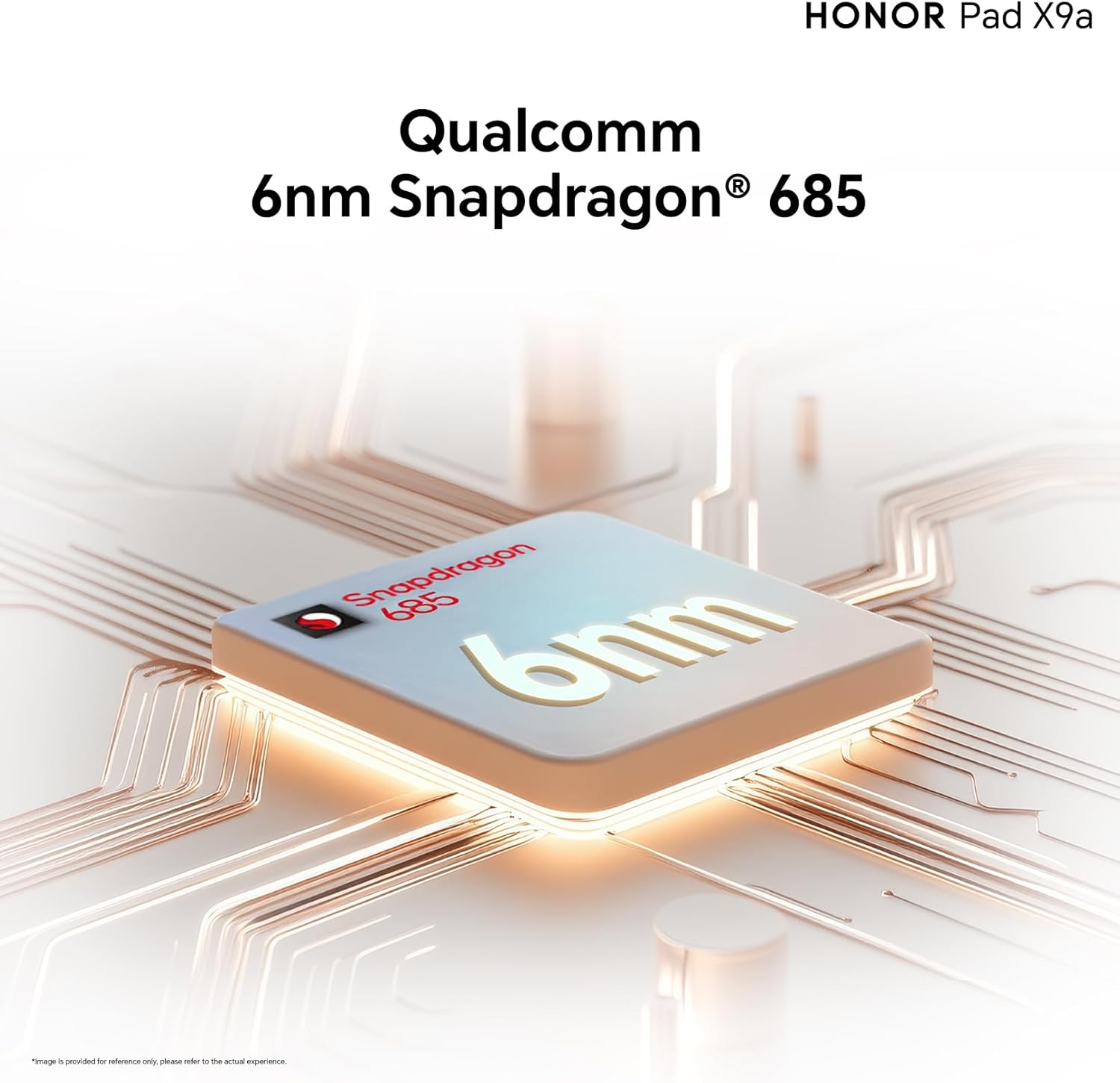
Image: The Qualcomm Snapdragon 685 processor, central to the tablet's performance.

Image: Illustrating the tablet's large 8GB RAM and 128GB storage capacity.
3.4 Magic UI 9.0 and AI Notes
Running on Android 15 with HONOR's Magic UI 9.0, the tablet offers a user-friendly interface. The HONOR AI Notes feature provides advanced functionalities such as real-time speech-to-text transcription, speaker recognition based on voiceprint, and text translation, enhancing productivity.

Image: The MagicOS 9.0 interface showcasing the HONOR AI Notes feature.
4. 유지관리
4.1 태블릿 청소
화면을 닦을 때는 전자제품 전용으로 제작된 부드럽고 보풀 없는 천을 사용하세요. 태블릿 본체는 약간 부드러운 천으로 닦으세요.amp cloth can be used, ensuring no moisture enters ports. Avoid harsh chemicals or abrasive materials.
4.2 배터리 관리
The 8300mAh battery provides extended usage. To maximize battery life, avoid extreme temperatures, do not leave the tablet fully charged or fully discharged for long periods, and use the original charger. The tablet has a standby time of approximately 56 days.
4.3 소프트웨어 업데이트
태블릿에 최신 기능, 보안 패치 및 성능 향상이 적용되도록 정기적으로 소프트웨어 업데이트를 확인하고 설치하세요. 자세한 내용은 다음 링크를 참조하세요. 설정 > 시스템 및 업데이트 > 소프트웨어 업데이트.
4.4 스토리지 관리
주기적으로 다시view 저장된 files and applications. Delete unnecessary data to free up space and maintain optimal performance. You can manage storage in 설정 > 저장.
5. 문제 해결
If you encounter issues with your HONOR Pad X9a, refer to the following common solutions:
- 장치가 켜지지 않음: 배터리가 충전되었는지 확인하세요. 충전기를 연결하고 몇 분 정도 기다린 후 다시 전원을 켜보세요.
- 느린 성능: Close unused applications, clear cache, or restart the device. Check for available software updates.
- Wi-Fi 연결 문제: Restart your Wi-Fi router and the tablet. Ensure you are within range and have entered the correct password.
- 화면이 응답하지 않습니다: Restart the tablet by holding the power button. If unresponsive, force restart by holding the power button for an extended period (usually 10-15 seconds).
- 앱 충돌: Clear the app's cache or data in 설정 > 앱. Reinstall the app if the issue persists.
For more complex issues, please visit the official HONOR support web사이트를 방문하거나 고객 서비스에 문의하세요.
6. 사양
Detailed technical specifications for the HONOR Pad X9a (ELN2-W29):
| 특징 | 사양 |
|---|---|
| 상표 | 명예 |
| 모델명 | Pad X9a (ELN2-W29) |
| 디스플레이 화면 크기 | 11.5인치 |
| 최대 디스플레이 해상도 | 2508 x 1504 픽셀(2.5K) |
| 프로세서 브랜드 | 퀄컴 |
| 프로세서 모델 | 스냅드래곤 685 |
| 프로세서 속도 | 2.8GHz |
| 설치된 RAM | 8GB (XNUMX기가바이트) |
| 메모리 저장 용량 | 128GB (XNUMX기가바이트) |
| 운영 체제 | 안드로이드 15, 매직 UI 9.0 |
| 후면 카메라 해상도 | 8메가픽셀 |
| 앞쪽 Web캠 해상도 | 5메가픽셀 |
| 스피커 설명 | Stereo Speakers (Quad Smart Speakers) |
| 그래픽 코프로세서 | 아드레노 610 |
| 연결 유형 | 블루투스 |
| 무선형 | 802.11a, 802.11ac, 802.11b, 802.11g, 802.11n |
| 리튬 배터리 에너지 함량 | 8300mAh |
| 배터리 수명(대기) | 56일 |
| 배터리 포함 | 예 |
| 품목 무게 | 475그램 |
| 배송 치수 | 28.2 x 18.4 x 6.2cm |
| 색상 | 회색 |
7. 보증 및 지원
7.1 제조업체 보증
그만큼 HONOR Pad X9a 와 함께 제공됩니다 1년 제조사 보증 구매일로부터. 본 보증은 정상적인 사용 중 발생하는 재료 및 제조상의 결함에 적용됩니다. 보증 청구를 위해 구매 증빙 자료를 보관해 주십시오.
7.2 고객 지원
For technical assistance, warranty service, or additional information, please visit the official HONOR support website or contact their customer service department. Contact details can typically be found on the HONOR web해당 사이트 또는 제품에 포함된 보증 카드에서 확인하세요.


