1. 서론
This manual provides detailed instructions for the safe and efficient use of your SmallRig LP-E6NH 4-Slot Charger, SmallRig 145W USB-C Charger, and SmallRig 240W USB C to C Cable. Please read this manual thoroughly before operation and retain it for future reference.

그림 1: 이상view of the SmallRig LP-E6NH 4-Slot Charger, 145W USB-C Charger, and 240W USB C to C Cable.
2. 안전 정보
안전한 작동을 보장하고 손상을 방지하려면 다음 예방 조치를 준수하세요.
- 기기를 물, 습기 또는 극한 온도에 노출시키지 마십시오.
- Use only compatible batteries and cables as specified.
- 기기를 떨어뜨리거나 강한 충격을 주지 마십시오.
- 기기를 분해하거나 개조하지 마십시오. 모든 서비스는 자격을 갖춘 전문가에게 맡기십시오.
- 과열을 방지하려면 충전 중에 적절한 환기를 유지하십시오.
- 어린이의 손이 닿지 않는 곳에 보관하세요.
3. 제품 오버view
3.1 SmallRig LP-E6NH 4-Slot Charger
This charger is designed to simultaneously charge up to four LP-E6NH batteries. It features a 60W USB-C input for efficient power delivery and includes built-in safety protections.
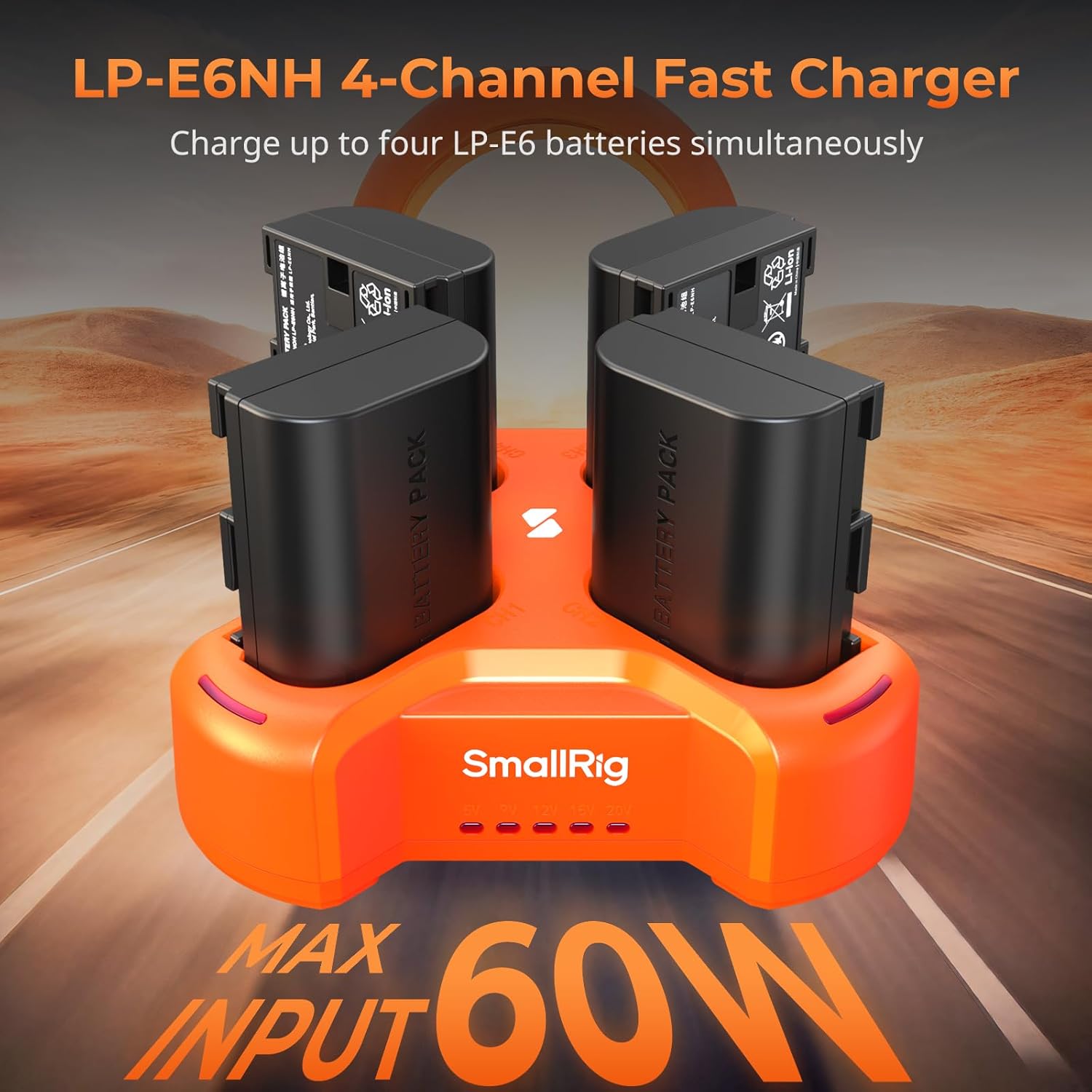
Figure 2: SmallRig LP-E6NH 4-Channel Fast Charger with batteries.
주요 특징:
- 4-Channel Charging: Charges four LP-E6NH batteries concurrently.
- 빠른 충전: Achieves full charge for 2040mAh batteries in approximately 4.5 hours with a 60W USB-C input.
- 안전 보호: Equipped with short-circuit and overcurrent protection for each port.
- 컴팩트한 디자인: Lightweight and portable for travel and daily use.

Figure 3: The compact and lightweight design of the 4-slot charger.
LED 표시등: The charger features smart LED indicators to display charging status and voltag정보.

Figure 4: Smart LED Indicators on the 4-slot charger.
3.2 SmallRig 145W USB-C Charger
This powerful GaN charger provides a total output of 145W across four USB-C ports, supporting PD3.1 fast charging for a wide range of devices.

Figure 5: Multi-device charging capability of the 145W charger.
포트 구성:
- USB-C1 / C2: Up to 140W maximum output each.
- USB-C3 / C4: Up to 45W maximum output each.
- 총 출력 : 145와트.

Figure 6: Port specifications of the 145W USB-C Charger.
This charger is suitable for high-power devices such as V mount batteries, rechargeable camera batteries, NP-F batteries, smartphones, and laptops, significantly reducing charging downtime.
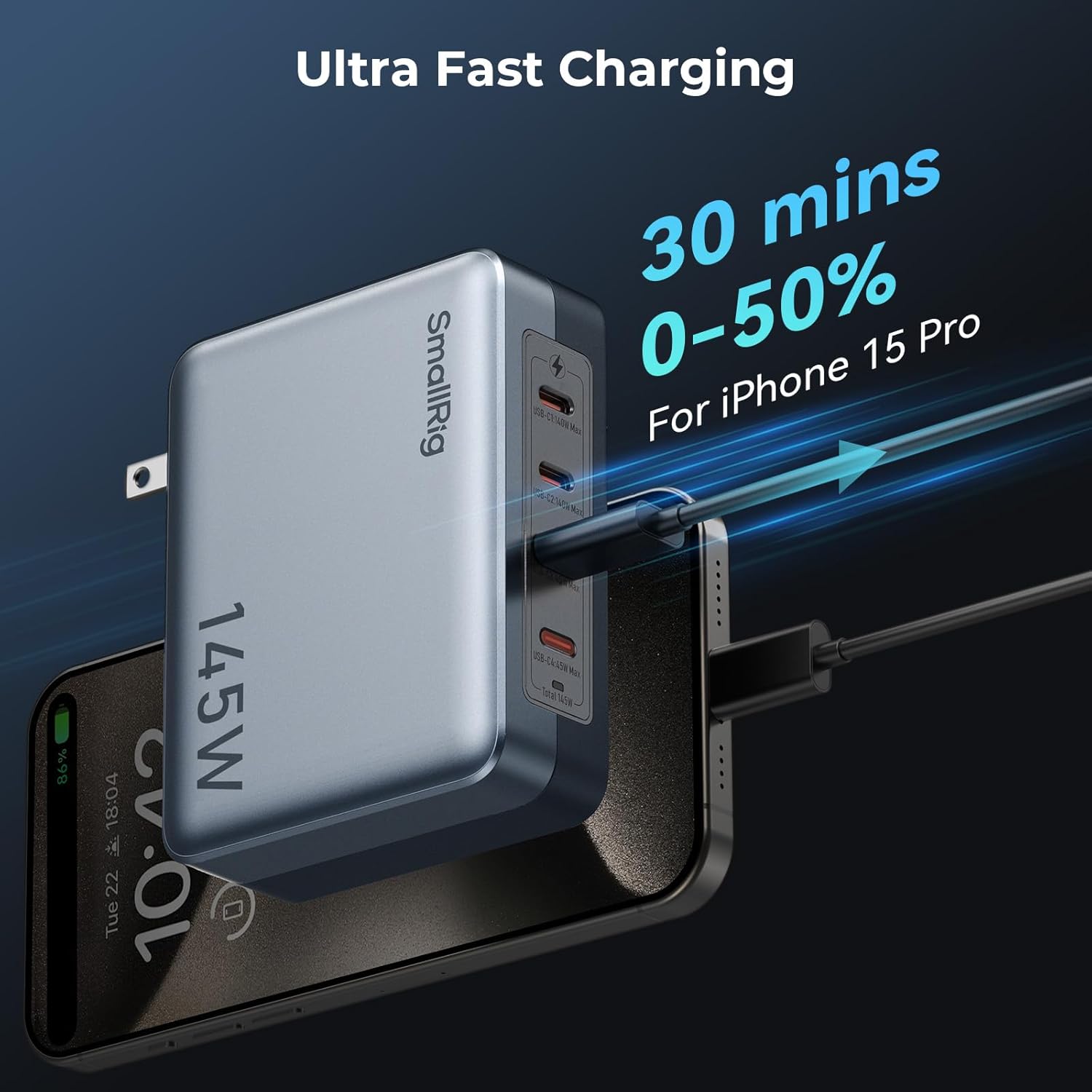
그림 7: 예ample of rapid charging with the 145W USB-C Charger.
3.3 SmallRig 240W USB C to C Cable
This high-performance USB-C to USB-C cable supports the PD 3.1 protocol, enabling ultra-fast charging for compatible devices.

Figure 8: SmallRig 240W USB C to C Cable.
특징:
- 240W 전력 공급: Supports high-power charging for devices like laptops and smartphones.
- 내구성: Constructed with metal connectors and braided wire for enhanced longevity.
- 메모: This cable does not support screen mirroring.
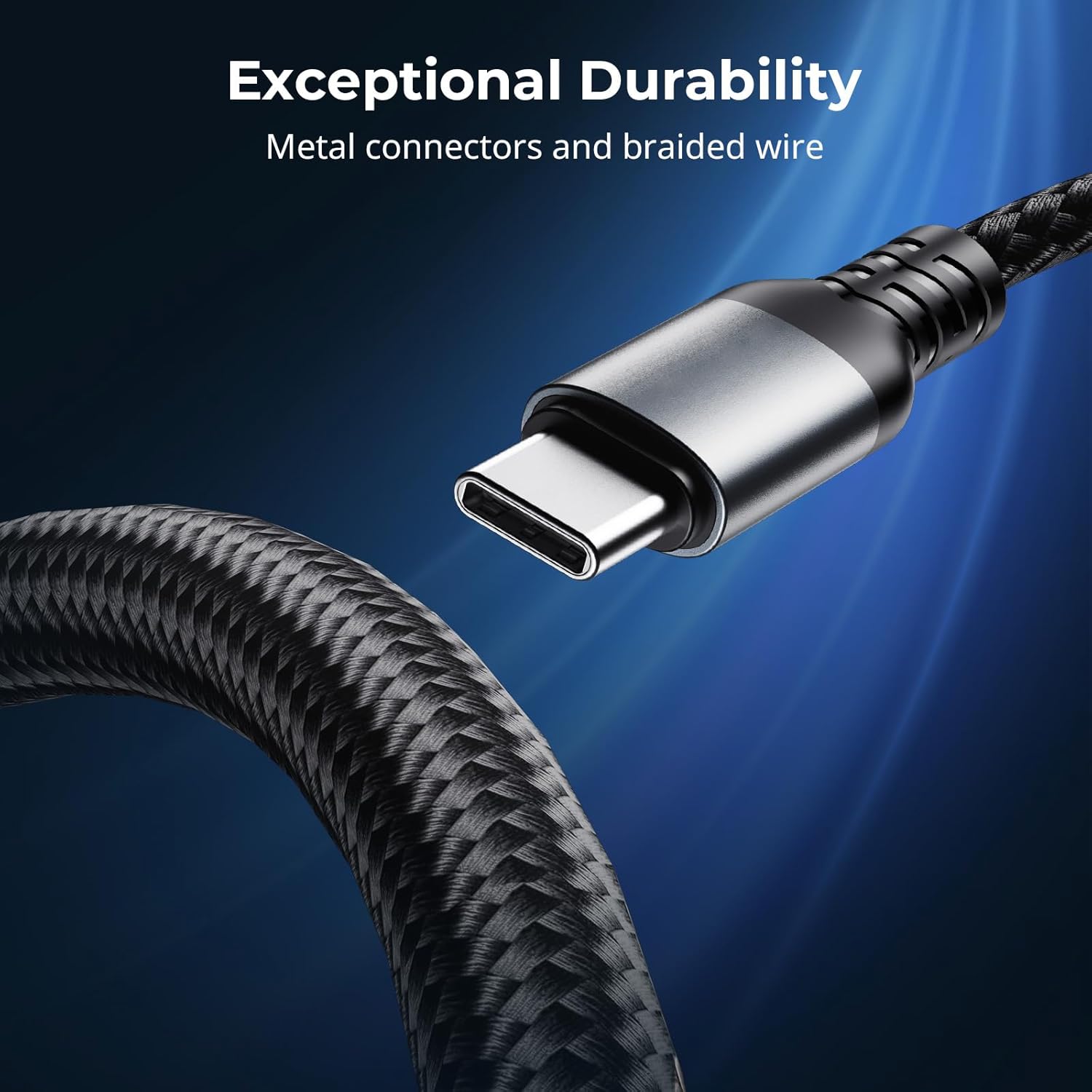
Figure 9: Exceptional durability of the 240W USB C to C Cable.
4. 설정
4.1 Setting up the LP-E6NH 4-Slot Charger
- Connect the SmallRig LP-E6NH 4-Slot Charger to a power source using a USB-C cable. For optimal performance, use a USB-C adapter with a power output of 60W or above.
- If using a USB-A adapter, ensure it supports the QC 12V protocol; otherwise, the charger may not function correctly.
- Insert up to four compatible LP-E6NH batteries into the designated slots. Ensure the batteries are correctly oriented.
- The LED indicators will illuminate to show the charging status of each battery.
4.2 Setting up the 145W USB-C Charger
- Plug the SmallRig 145W USB-C Charger into a standard wall outlet.
- Connect your devices (e.g., laptops, smartphones, camera batteries) to any of the four USB-C ports using appropriate USB-C cables.
- For devices requiring high power, utilize USB-C1 or USB-C2 ports for up to 140W output.
- For other devices, USB-C3 or USB-C4 ports provide up to 45W output.
4.3 Using the 240W USB C to C Cable
- Connect one end of the 240W USB C to C Cable to a compatible power source (e.g., the SmallRig 145W USB-C Charger or another PD 3.1 compliant charger).
- Connect the other end of the cable to your device (e.g., laptop, smartphone) that supports USB-C power delivery.
- Ensure both the power source and the device support the required power delivery for optimal charging speed.
5. 사용 설명서
5.1 Charging with the LP-E6NH 4-Slot Charger
Once batteries are inserted and the charger is connected to power, the charging process begins automatically. The LED indicators provide real-time feedback:
- 단색 빨간색: 충전 중입니다.
- 솔리드 그린: 충전이 완료되었습니다.
- 빨간색으로 깜박임: Error (e.g., incompatible battery, short circuit). Remove the battery and reinsert. If the issue persists, discontinue use.
권tage indicators (5V / 9V / 12V / 20V) will light up to show the input voltage being supplied to the charger.
5.2 Charging with the 145W USB-C Charger
The 145W USB-C Charger automatically detects the connected device's power requirements and delivers the optimal charging current. No manual configuration is required.
- Connect your device to any available USB-C port.
- For maximum efficiency, distribute high-power devices across USB-C1/C2 and lower-power devices across USB-C3/C4.
- The charger's internal management system will balance power delivery across all active ports.
6. 유지관리
- 청소: Use a soft, dry cloth to clean the surfaces of the charger and cable. Do not use liquid cleaners or solvents.
- 저장: 사용하지 않을 때는 직사광선과 극한의 온도를 피해 시원하고 건조한 곳에 보관하세요.
- 케이블 관리: Avoid sharp bends or kinks in the 240W USB C to C Cable to prevent internal damage. Do not pull the cable by the cord; always grasp the connector.
- 점검: Periodically inspect the chargers and cable for any signs of damage, such as frayed wires, cracked casings, or bent connectors. Discontinue use if damage is found.
7. 문제 해결
| 문제 | 가능한 원인 | 해결책 |
|---|---|---|
| LP-E6NH Charger not charging batteries. |
|
|
| 145W Charger not providing power. |
|
|
| 느린 충전 속도. |
|
|
| 240W Cable not supporting screen mirroring. |
|
|
8. 사양
8.1 SmallRig LP-E6NH 4-Slot Charger
- 입력: USB-C, 60W (recommended)
- 호환 배터리: LP-E6NH
- 충전 시간: Approx. 4.5 hours for 4x 2040mAh batteries (with 60W input)
- 보호: Short-circuit, Overcurrent
8.2 SmallRig 145W USB-C Charger
- 총 전력 출력: 145와트
- 포트: 4 x USB-C
- USB-C1 / C2 Output: Max 140W each (PD3.1)
- USB-C3 / C4 Output: Max 45W each (PD3.1)
- 기술: 갈륨(GaN)
8.3 SmallRig 240W USB C to C Cable
- 전력 공급 : Up to 240W (PD 3.1 protocol)
- 커넥터: USB-C에서 USB-C로
- 재료: Metal connectors, braided wire
- 비디오 출력: 지원되지 않음
9. 보증 정보
SmallRig products typically come with a limited warranty. Please refer to the warranty card included with your product or visit the official SmallRig web자세한 보증 약관은 해당 사이트를 참조하십시오. 보증 청구를 위해 구매 증빙 자료를 보관하십시오.
10. 고객 지원
For technical support, troubleshooting assistance, or product inquiries, please contact SmallRig customer service through their official web제품 포장에 제공된 사이트 또는 연락처 정보를 참조하세요.
스몰리그 공식 Web대지: www.smallrig.com


