1. 제품 오버view
This user manual provides essential information for the proper use and maintenance of your Coverage Silicon Matte Rubber Hybrid Armor Case. This case is designed to provide robust protection and enhance the aesthetic appeal of your compatible smartphone.
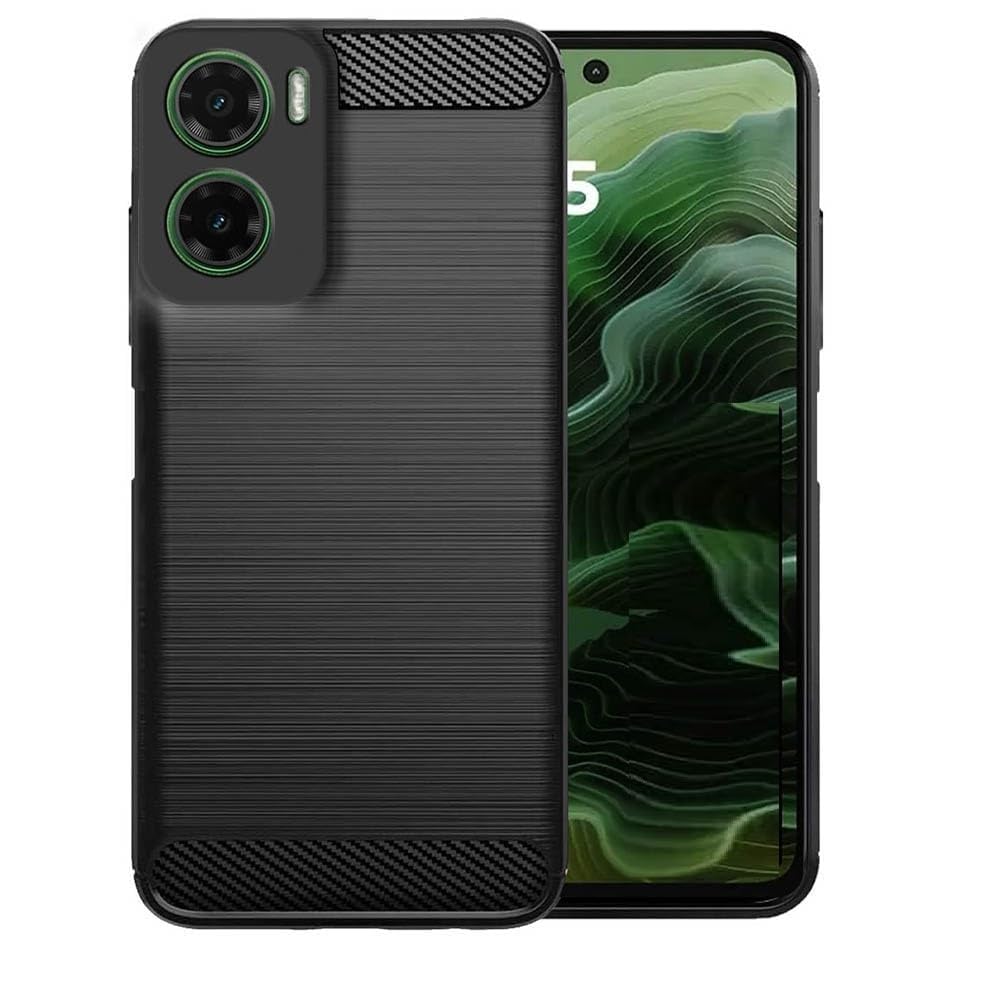
Image 1.1: The Coverage Silicon Matte Rubber Hybrid Armor Case in black, fitted onto a compatible smartphone, showcasin디자인과 핏이 좋습니다.
2. 상자 안에 무엇이 들어있나요?
- Coverage Silicon Matte Rubber Hybrid Armor Case (1 unit)
- 청소용 천 (1개)
3. 호환성
이 케이스는 특별히 다음과 같은 용도로 설계되었습니다. Realme P3 5G (Model: Realme RMX5070 / Realme_P3). It is crucial to verify your phone's model number before installation to ensure a correct fit and optimal protection. This case is 호환되지 않음 with Realme P3 Pro 5G or Realme P3 Ultra models.

Image 3.1: Visual guide illustrating the specific compatibility of the case with Realme P3 5G, and its incompatibility with Realme P3 Pro and Realme P3 Ultra models.
To check your mobile model, navigate to "Settings" > "About Phone" on your device.
4. 특징
- 재료: Crafted from high-quality silicone for durability and resilience.
- 보호: Provides excellent shock-absorption and complete 360-degree protection from all sides, safeguarding against bumps, damages, and cracks.
- 설계: Sleek design that enhances the phone's aesthetic appeal while providing a comfortable grip.
- 접근성: Designed to fit the contour precisely, allowing easy access to all controls and buttons.
- 특별 기능: Includes kickstand functionality, flexibility, shock-absorbent properties, and is compatible with wireless charging.

Image 4.1: Visual representation of key features including non-slip grip, anti-fingerprint surface, and anti-scratch durability.
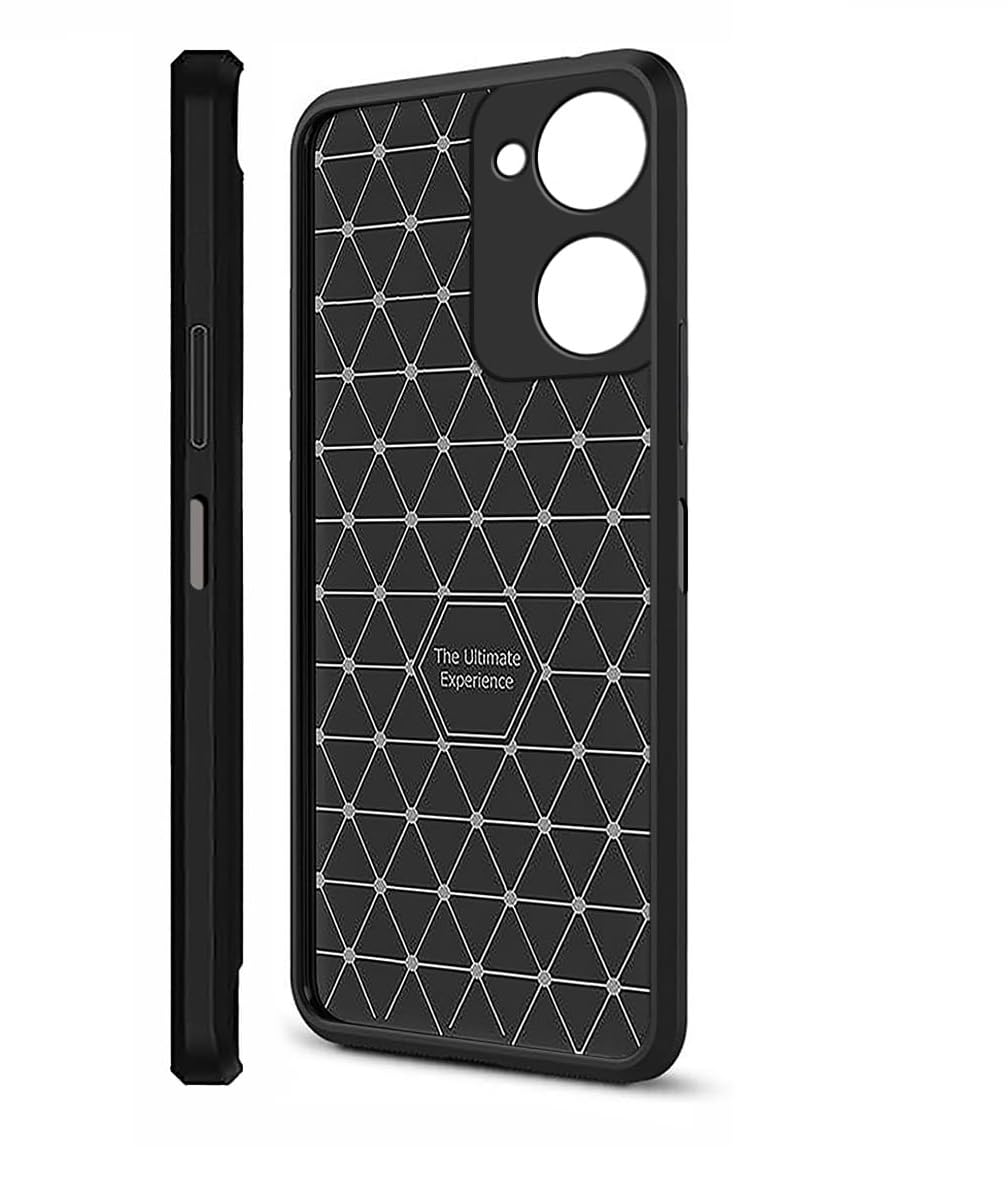
Image 4.2: The interior design of the case, featuring a geometric pattern intended to enhance shock absorption and provide optimal protection.
5. 설정(설치)
- 기기를 청소하세요: Before installing the case, use the provided cleaning cloth to gently wipe your smartphone, ensuring it is free of dust, fingerprints, and smudges.
- 케이스 정렬: 케이스의 카메라 구멍이 휴대폰의 카메라 모듈과 일렬로 정렬되도록 잡으세요.
- 한쪽 면을 삽입하세요: Gently push one side of your phone into the case, starting with either the top or bottom edge.
- 제자리에 고정: Apply gentle pressure around the edges of the phone until it fully snaps into the case. Ensure all corners are securely fitted.
- 핏 확인: Verify that all buttons, ports, and camera cutouts are perfectly aligned and accessible.

이미지 5.1: 측면 프로필file of the case fitted onto the smartphone, demonstrating its slim profile and precise cutouts for buttons and ports.
6. 관리 및 유지 보수
To maintain the appearance and protective qualities of your case, follow these guidelines:
- 청소: 부드러운 d를 사용하세요amp cloth (or the provided cleaning cloth) to wipe down the case regularly. For stubborn dirt, a mild soap solution can be used, but ensure the case is completely dry before re-installing your phone.
- 가혹한 화학 물질을 피하세요: 연마성 세척제, 용제 또는 독한 화학 물질은 케이스의 재질과 마감을 손상시킬 수 있으므로 사용하지 마십시오.
- 저장: 사용하지 않을 때는 케이스를 직사광선을 피해 시원하고 건조한 곳에 보관하여 재질의 변질을 방지하세요.
7. 문제 해결
사건 진행 중 문제가 발생하면 다음 사항을 고려하십시오.
- 케이스가 맞지 않습니다: Double-check your phone's model number against the compatibility information in Section 3. This case is exclusively designed for Realme P3 5G.
- Buttons Are Stiff/Unresponsive: Ensure the case is correctly aligned and fully seated around your phone. Remove and re-install the case, making sure all edges are properly snapped into place.
- 긁힘/마모: While the case offers protection, extreme impacts or abrasive surfaces can still cause cosmetic wear. Regular cleaning and careful handling can prolong its appearance.
8. 사양
| 상표 | 적용 범위 |
| 모델명 | Realme RMX5070 / Realme_P3 |
| 호환 장치 | Realme RMX5070 / Realme_P3 |
| 재료 | 실리콘 |
| 색상 | 검은색 |
| 폼 팩터 | 범퍼 |
| 특별 기능 | Kickstand, Flexible, Shock-Absorbent, Wireless Charging Compatible |
9. 보증 및 지원
For information regarding warranty coverage or product support, please refer to the retailer or manufacturer's official web제품을 구매한 곳을 기록해 두세요. 보증 청구를 위해 구매 증빙 자료를 보관해야 합니다.


