소개
This manual provides detailed instructions for the setup, operation, and maintenance of your Lotus Smartwatch 50050/4. Please read this manual thoroughly before using your device to ensure proper functionality and to maximize its features.
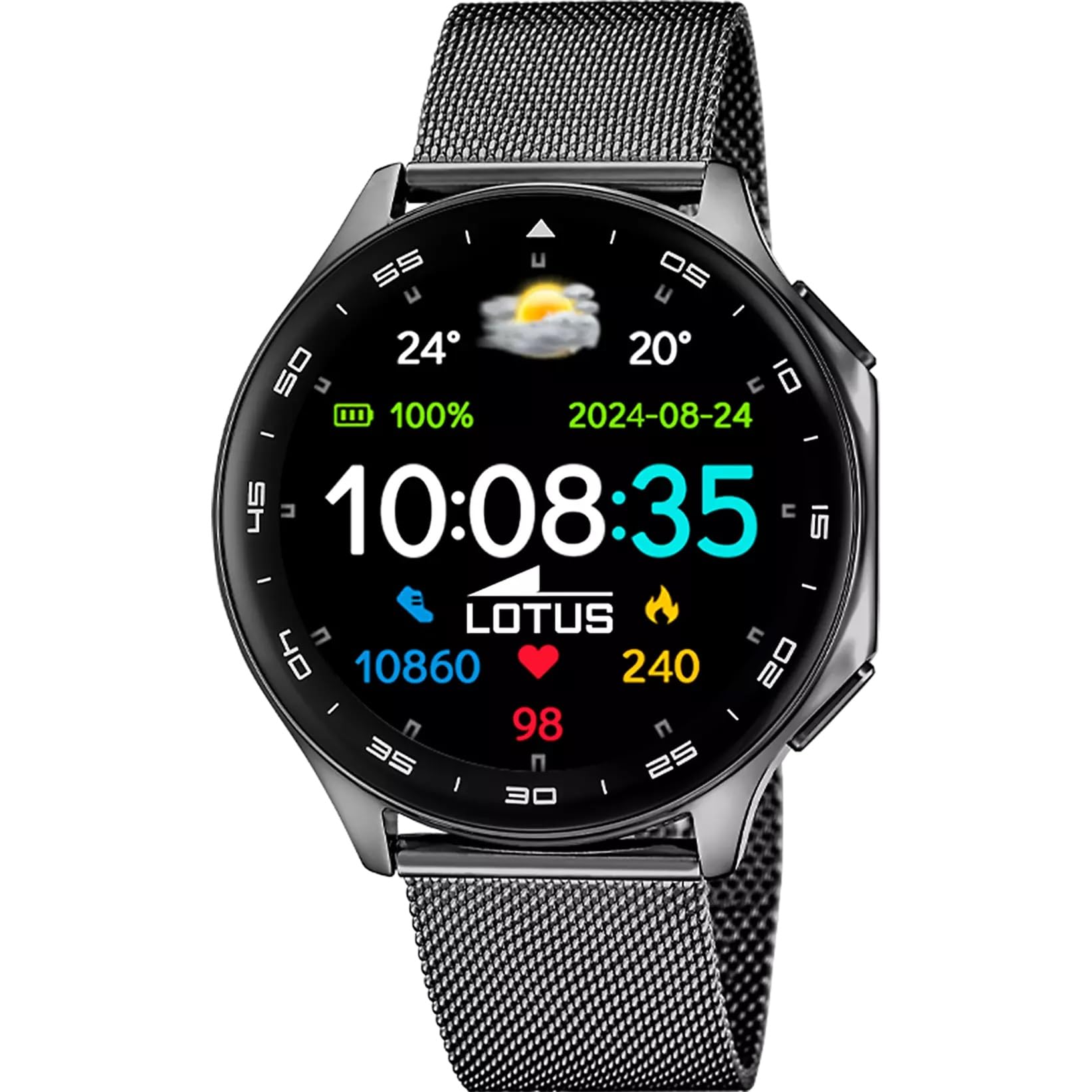
The Lotus Smartwatch 50050/4 is an outdoor sports watch designed for active lifestyles. It features a durable zinc alloy case, a black Milanese steel mesh strap, and a digital display. The watch offers a range of functions including sports tracking, health monitoring, and smart notifications.
상자 안에 무엇이 들어있나요?
- 로터스 스마트워치 50050/4
- 충전 케이블
- 사용 설명서 (본 문서)
- 추가 스트랩
설정
1. 스마트워치 충전하기
Before initial use, fully charge your smartwatch. Connect the charging cable to the charging port on the back of the watch and plug the other end into a USB power adapter (not included) or a computer's USB port. The watch display will indicate charging status.
메모: Use a standard 5V/1A USB charger. Overcharging or using incompatible chargers may damage the device.
2. 전원 켜기 / 끄기
- 전원을 켜려면: Press and hold the side button for a few seconds until the Lotus logo appears.
- 전원을 끄려면: 측면 버튼을 길게 누른 다음 화면에서 "전원 끄기"를 선택하세요.
3. 앱 설치 및 페어링
To unlock the full potential of your smartwatch, download the official Lotus Smartwatch application on your smartphone. The app is compatible with Android devices.
- 검색 the "Lotus Smartwatch" app in your smartphone's app store (Google Play Store for Android).
- 애플리케이션을 설치하세요.
- 앱을 열고 화면의 지시에 따라 계정을 만들거나 로그인하세요.
- 스마트폰에서 블루투스를 활성화하세요.
- In the app, navigate to the device pairing section and select your Lotus Smartwatch 50050/4 from the list of available devices.
- 스마트폰과 스마트워치 모두에서 페어링 요청을 확인하세요.
일단 페어링되면 시계는 스마트폰과 시간, 날짜 및 기타 설정을 동기화합니다.
작동 지침
기본 탐색
- 터치 스크린: Swipe left, right, up, or down to navigate through menus and functions. Tap to select an item.
- 측면 버튼: Press to return to the previous screen or to the watch face. Press and hold for power options.
주요 기능
- 스포츠 모드: Access various sports modes (e.g., running, walking, cycling) to track your activity, including steps, calories burned, and distance.
- 건강 모니터링:
- 심박수: 실시간으로 심박수를 모니터링하세요.
- 혈중 산소: 혈중 산소 수치를 측정하세요.
- 수면 추적: Analyze your sleep patterns (deep sleep, light sleep, awake time).
- 호흡 운동: 이완을 위한 호흡 운동 가이드.
- 알림: Receive notifications for incoming calls, SMS messages, and app alerts directly on your watch. You can reject calls from the watch.
- 음악 제어: 연결된 스마트폰에서 음악 재생을 제어합니다(재생, 일시 정지, 트랙 건너뛰기).
- 날씨: View 현재 날씨 상황 및 예보.
- 알람 및 타이머: Set alarms, use the stopwatch, or set a countdown timer.
- 카메라 리모컨 : 스마트폰 카메라의 원격 셔터로 시계를 사용해보세요.
- Video Calculator: Access a video calculator function.
- AI Voice Calculator: Utilize an AI voice-activated calculator.
- 전화 찾기: 페어링된 스마트폰을 찾으려면 벨소리를 울리세요.
- 플래시: Activate the screen as a flashlight.
- 다이얼 맞춤 설정: Change the watch face (dial) through the watch settings or the companion app.
- 펌웨어 업데이트 : Update the watch's software via the companion app to ensure optimal performance and access new features.
- Language, Time, and Date: Adjust these settings through the watch or the companion app.
유지
청소 및 관리
- 부드럽고 마른 보풀 없는 천으로 시계 화면과 본체를 닦으세요.
- 잘 지워지지 않는 얼룩의 경우 약간 damp천에 물을 묻혀 닦으세요. 강한 화학 물질이나 연마재는 사용하지 마세요.
- 충전하기 전에 충전 접점이 깨끗하고 건조한지 확인하세요.
방수 기능(IP65)
The Lotus Smartwatch 50050/4 has an IP65 rating, meaning it is protected against dust ingress and low-pressure water jets from any direction. This rating indicates resistance to splashes and light rain. It is not suitable for swimming, showering, or submersion in water. Exposure to high-pressure water or prolonged submersion may cause damage.
스트랩 교체
The watch comes with an additional strap. To replace the strap, locate the quick-release pins on the underside of the strap where it connects to the watch case. Slide the pin to detach the strap, then align the new strap and slide the pin back into place to secure it.
문제 해결
시계가 켜지지 않음
- 시계가 완전히 충전되었는지 확인하세요. 충전기에 최소 30분 동안 연결해 두세요.
- 측면 버튼을 10~15초간 눌러 강제로 다시 시작해 보세요.
스마트폰과 페어링할 수 없습니다
- 스마트폰에서 Bluetooth가 활성화되어 있는지 확인하세요.
- Ensure the watch is within range of your smartphone (typically 10 meters).
- 스마트폰과 스마트워치를 모두 다시 시작하세요.
- 스마트폰의 블루투스 캐시를 삭제하고(해당되는 경우) 다시 페어링을 시도해 보세요.
- Ensure the Lotus Smartwatch app is updated to the latest version.
부정확한 건강 데이터
- 시계를 손목에 꼭 맞게 착용하되 너무 꽉 조이지 않도록 하세요.
- 시계 뒷면의 센서를 깨끗하게 유지하고 이물질이 끼지 않도록 하십시오.
- 환경적 요인과 개인의 생리적 특성은 센서의 정확도에 영향을 미칠 수 있습니다.
공장 초기화
If you experience persistent issues, a factory reset may resolve them. This will erase all data on the watch and restore it to its original settings. Consult the watch's settings menu or the companion app for the factory reset option.
명세서
| 모델 번호 | 50050/4 |
| 상표 | 로터스 |
| 디스플레이 크기 | 46.7mm (XNUMXmm) |
| 모양 | 둥근 |
| 케이스 소재 | 아연 합금 |
| 스트랩 소재 | Milanese Steel Mesh |
| 방수성 | IP65 (방수 및 방진) |
| 연결성 | 블루투스 |
| 호환 OS | 안드로이드(컴패니언 앱용) |
| GPS | 아니요 |
| 특별 기능 | Advanced sport and health functions |
보증 및 지원
The Lotus Smartwatch 50050/4 comes with a 3년 보증 from the date of purchase. This warranty covers manufacturing defects. It does not cover damage caused by misuse, accidents, unauthorized modifications, or failure to follow the instructions in this manual, including water damage beyond the specified IP65 rating.
For warranty claims or technical support, please contact your authorized Lotus retailer or visit the official Lotus web고객 서비스 정보를 제공하는 사이트입니다.
반품 정책: If purchased from Amazon, the product is subject to a 30-day return policy for refund or replacement, as per Amazon's terms.
제품 이미지