1. 서론
The ZGCINE PS-FZ100 Dual USB-C Charger Case is designed to efficiently charge two Sony NP-FZ100 camera batteries simultaneously. This compact and portable charger supports PD fast charging, making it an ideal solution for photographers and videographers requiring reliable power on the go. It features an intuitive display for monitoring battery status and incorporates multiple safety protections to ensure secure operation.
This manual provides essential information for the proper setup, operation, maintenance, and troubleshooting of your PS-FZ100 charger.
2. 패키지 내용
패키지에 모든 품목이 들어 있는지 확인하세요.
- 1 x ZGCINE PS-FZ100 Dual USB-C Charger Case
- 1 x 1-meter USB-C to USB-C Cable
3. 제품 특징
- Dual-Port PD Fast Charging: Equipped with two USB-C ports, each supporting up to 18W Power Delivery (PD) fast charging. This allows for simultaneous charging of two NP-FZ100 batteries, significantly reducing charging time.
- 폭넓은 호환성: Compatible with Sony NP-FZ100 batteries used in various Sony camera models, including ZV-E1, FX3, A7 IV, A7S III, A7R V, A9 II, A6600, A6400, A7C, and more. It also supports third-party FZ100 batteries.
- 컴팩트하고 휴대하기 편리한 디자인: The charger's small and lightweight form factor makes it easy to carry in a camera bag, ideal for travel and on-location shoots.
- 스마트 보호 시스템: Built-in safeguards protect against overcharge, overdischarge, overvoltage, overcurrent, overpower, short-circuit, and high temperatures. The device is FCC/CE certified for safety.
- OLED 디스플레이: A clear OLED screen provides real-time monitoring of each battery's voltage, allowing users to quickly assess charging status.
- 자석 커버: Features a magnetic lid for secure closure, preventing batteries from accidentally falling out during transport.
- Integrated Card Slots: The lid includes dedicated slots for storing two SD cards and two MicroSD (TF) cards.
- Gold-Plated Pins: Contact pins are gold-plated for enhanced conductivity and durability.
4. 설정
- 충전기 풀기: Carefully remove the ZGCINE PS-FZ100 charger and the USB-C cable from its packaging.
- 전원 연결: Connect one end of the included USB-C to USB-C cable to the USB-C input port on the side of the charger. Connect the other end to a compatible USB-C power source that supports Power Delivery (PD) fast charging (e.g., a PD wall adapter, power bank, or laptop USB-C port). For optimal charging speed, use a power source capable of 9V/2A or 5V/2A output.
- 배터리 삽입: Open the magnetic lid of the charger. Insert up to two Sony NP-FZ100 batteries into the designated battery slots. Ensure the batteries are oriented correctly according to the slot's shape. The fit may be snug, especially with some third-party batteries or if batteries have slightly expanded.
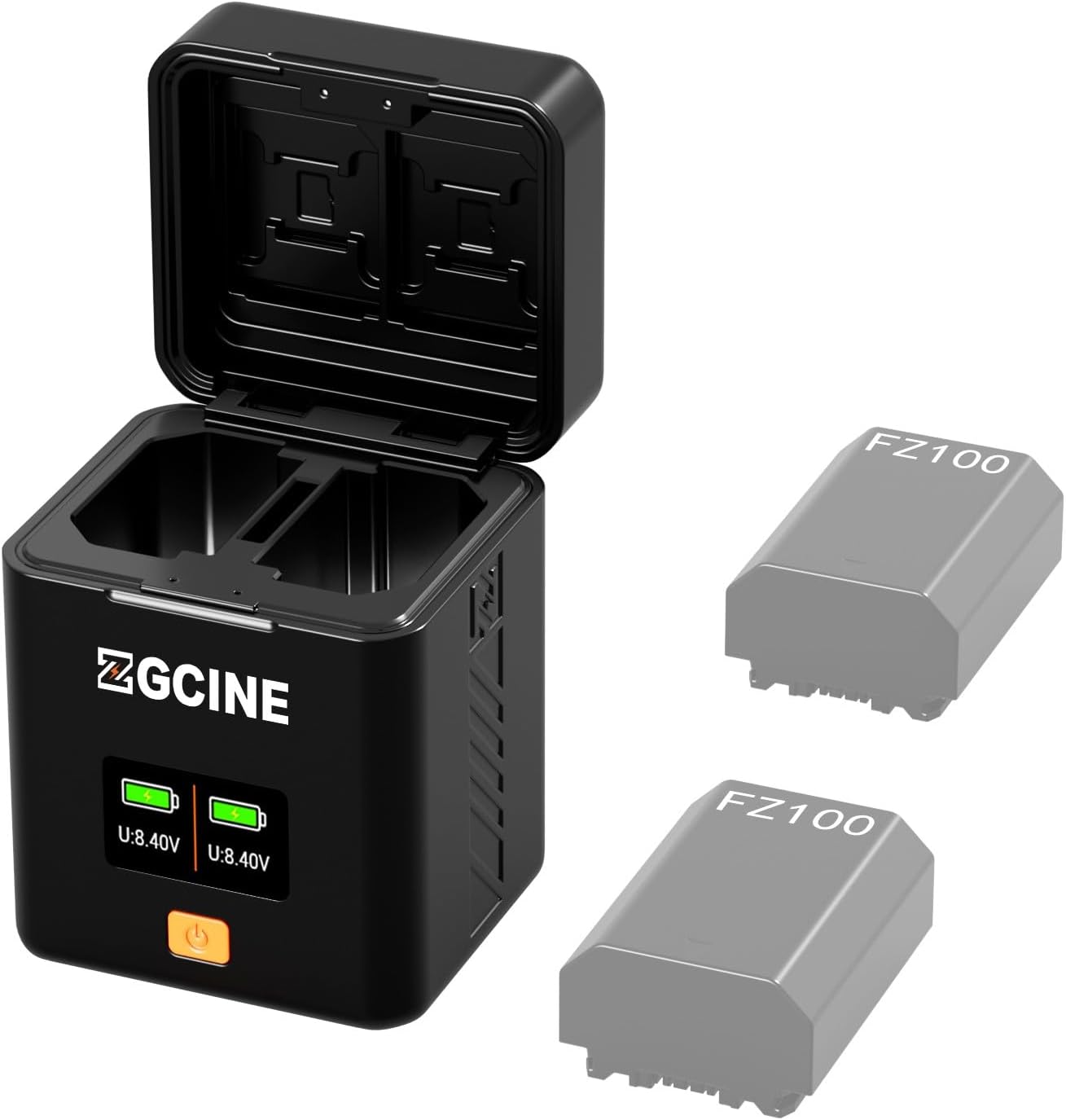
The ZGCINE PS-FZ100 charger case, designed for two Sony NP-FZ100 batteries, is shown with its lid open, displaying the charging slots and an OLED screen. Two greyed-out batteries are depicted next to the charger.

The charger is depicted connected to a USB-C cable, indicating its support for PD fast charging with input specifications of 5V/2A or 9V/2A.
5. 사용 설명서
5.1 배터리 충전
- After connecting the power source and inserting the batteries, the charger will automatically begin charging.
- The OLED display on the front of the charger will activate, showing the real-time voltage for each battery. A charging icon (e.g., a lightning bolt) will typically be visible and may animate to indicate active charging.
- When a battery is fully charged, its corresponding display will show a full battery icon and the charging indicator will stop animating or change state.
- To check battery status without charging, simply insert a battery into a slot. The display will show its current voltage.
5.2 Using Card Storage Slots
The charger's lid features two slots for standard SD cards and two slots for MicroSD (TF) cards. These slots are intended for convenient storage of memory cards alongside your batteries.
- To store an SD card, gently slide it into one of the larger slots on the underside of the lid.
- To store a MicroSD card, gently slide it into one of the smaller slots.
- Ensure cards are securely seated before closing the lid.

This diagram labels the key components of the charger, including the USB-C PD input, two TF card slots, two SD card slots, two battery slots, the display screen, and the power button.

정면 view of the charger highlights its OLED screen, which provides real-time monitoring of battery voltage for both charging slots.
6. 유지관리
- 청소: Use a soft, dry cloth to clean the exterior of the charger. Avoid using liquid cleaners or solvents. Ensure no dust or debris accumulates in the battery slots or USB-C port.
- 저장: Store the charger in a cool, dry place away from direct sunlight and extreme temperatures. When not in use, ensure the lid is closed to protect the internal components and card slots.
- 손질: Avoid dropping the charger or subjecting it to strong impacts, as this may damage internal electronics or the display.
7. 문제 해결
| 문제 | 가능한 원인 | 해결책 |
|---|---|---|
| 배터리가 충전되지 않음 | No power to charger; incorrect battery insertion; faulty cable/power source. | Ensure USB-C cable is securely connected to a working power source. Re-insert batteries correctly. Try a different USB-C cable or power adapter. |
| 충전 속도가 느림 | Power source does not support PD fast charging or provides insufficient power. | Use a USB-C power adapter that supports Power Delivery (PD) with an output of at least 9V/2A or 5V/2A. Ensure the cable is also rated for fast charging. |
| 디스플레이가 작동하지 않음 | No power; charger malfunction. | Verify power connection. If power is connected and display remains off, contact support. |
| Batteries are difficult to insert/remove | Tight manufacturing tolerance; battery swelling. | Ensure batteries are inserted straight. If a battery is excessively tight or swollen, it may indicate a faulty battery that should be replaced. Do not force swollen batteries. |
8. 사양
| 특징 | 세부 사항 |
|---|---|
| 모델 | PS-FZ100 |
| 입력 | USB-C PD 5V/2A, 9V/2A |
| Output (per slot) | Up to 18W (PD Fast Charging) |
| 호환 배터리 | Sony NP-FZ100 (original and third-party) |
| 치수 | 3.74 x 2.76 x 2.95인치(9.5 x 7.0 x 7.5cm) |
| 품목 무게 | 6.3 온스(178.6그램) |
| 제조업체 | 지씨네 |
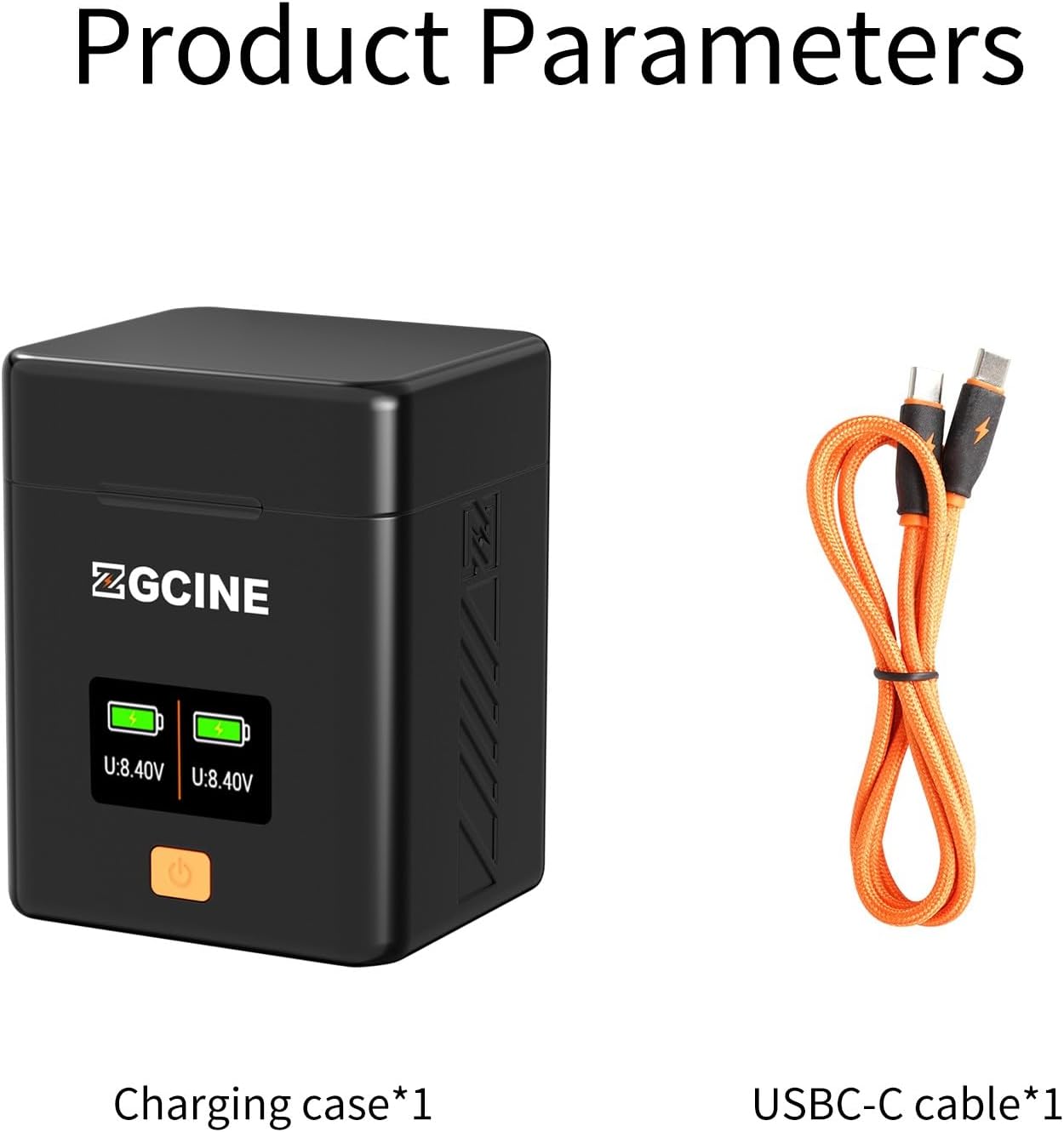
The image shows the ZGCINE PS-FZ100 charging case alongside the included 1-meter USB-C to USB-C cable, ready for use.
9. 보증 및 지원
For warranty information and technical support, please refer to the documentation provided with your purchase or contact the seller directly. The manufacturer, ZGCINE, is committed to providing quality products and assistance.
If you have questions regarding your order or product functionality, please reach out to the seller through your purchase platform. They typically respond within 24 hours during working days.


