제품 끝view
The Xtreme LED Bluetooth Speaker is a portable audio device designed to deliver clear sound and dynamic LED light shows. It features multiple connectivity options and a rechargeable battery for extended use.

Image: The Xtreme LED Bluetooth Speaker shown alongside its retail packaging, highlighting its design and branding.
주요 특징:
- 몰입형 오디오: Delivers rich, full-range sound with clear highs and deep bass.
- Dynamic LED Light Show: Multiple light modes that sync with music, creating a visual atmosphere.
- 확장된 Bluetooth 범위: Connects wirelessly up to 33 feet (10 meters) from your device.
- 다양한 연결성: Supports Bluetooth, Aux-in, USB, and Micro-SD card playback.
- 휴대성 있는 디자인: Lightweight with a convenient carrying loop and rechargeable USB-C battery.
상자 안에 무엇이 들어있나요?
- Xtreme LED Bluetooth Speaker
- USB-C 충전 케이블
- 사용 설명서
컨트롤 및 포트

이미지: 자세한 view of the speaker's front panel, illustrating the control buttons and highlighting features like multi-color LEDs, loud audio, quality sound, and the portable carrying loop.
- 전원 버튼: 길게 눌러 스피커를 켜거나 끌 수 있습니다.
- 볼륨 높이기 / 다음 트랙: 짧게 누르면 볼륨이 커지고, 길게 누르면 다음 트랙이 됩니다.
- 볼륨 낮추기 / 이전 트랙: 짧게 누르면 볼륨이 낮아지고, 길게 누르면 이전 트랙으로 돌아갑니다.
- Play/Pause / Bluetooth Pairing: Short press to play/pause, long press to enter Bluetooth pairing mode.
- 라이트 모드 버튼: Press to cycle through different LED light show modes.
- 모드 버튼(M): Press to switch between Bluetooth, Aux, USB, and Micro-SD card modes.
- 충전 포트(USB-C): 충전 케이블을 연결합니다.
- Aux-in 포트: 유선 오디오 연결용.
- USB 포트: USB 드라이브에서 오디오를 재생합니다.
- 마이크로 SD 카드 슬롯: For playing audio from a Micro-SD card.
설정
1. 스피커 충전
처음 사용하기 전에 스피커를 완전히 충전하십시오. 제공된 USB-C 충전 케이블을 스피커의 충전 포트에 연결하고 다른 한쪽 끝을 USB 전원 어댑터(별매) 또는 컴퓨터의 USB 포트에 연결하십시오. LED 표시등이 충전 상태를 표시하고 충전이 완료되면 꺼집니다.
2. 전원 켜기 / 끄기
를 누르고 계세요 전원 버튼 약 3초 동안 누르면 스피커가 켜지거나 꺼집니다. 전원 상태를 알려주는 소리가 납니다.
작동 지침
블루투스 모드
- 스피커를 켜세요. 자동으로 블루투스 페어링 모드로 전환되며, LED 표시등이 깜빡입니다.
- 기기(스마트폰, 태블릿 등)에서 Bluetooth를 활성화하고 사용 가능한 기기를 검색하세요.
- Select "Xtreme Speaker" from the list of devices.
- 페어링이 완료되면 LED 표시등이 깜빡임을 멈추고 확인음이 재생됩니다.
- 이제 스피커를 통해 기기의 오디오를 재생할 수 있습니다.
- To disconnect or pair with a new device, long press the Play/Pause / Bluetooth Pairing Button.
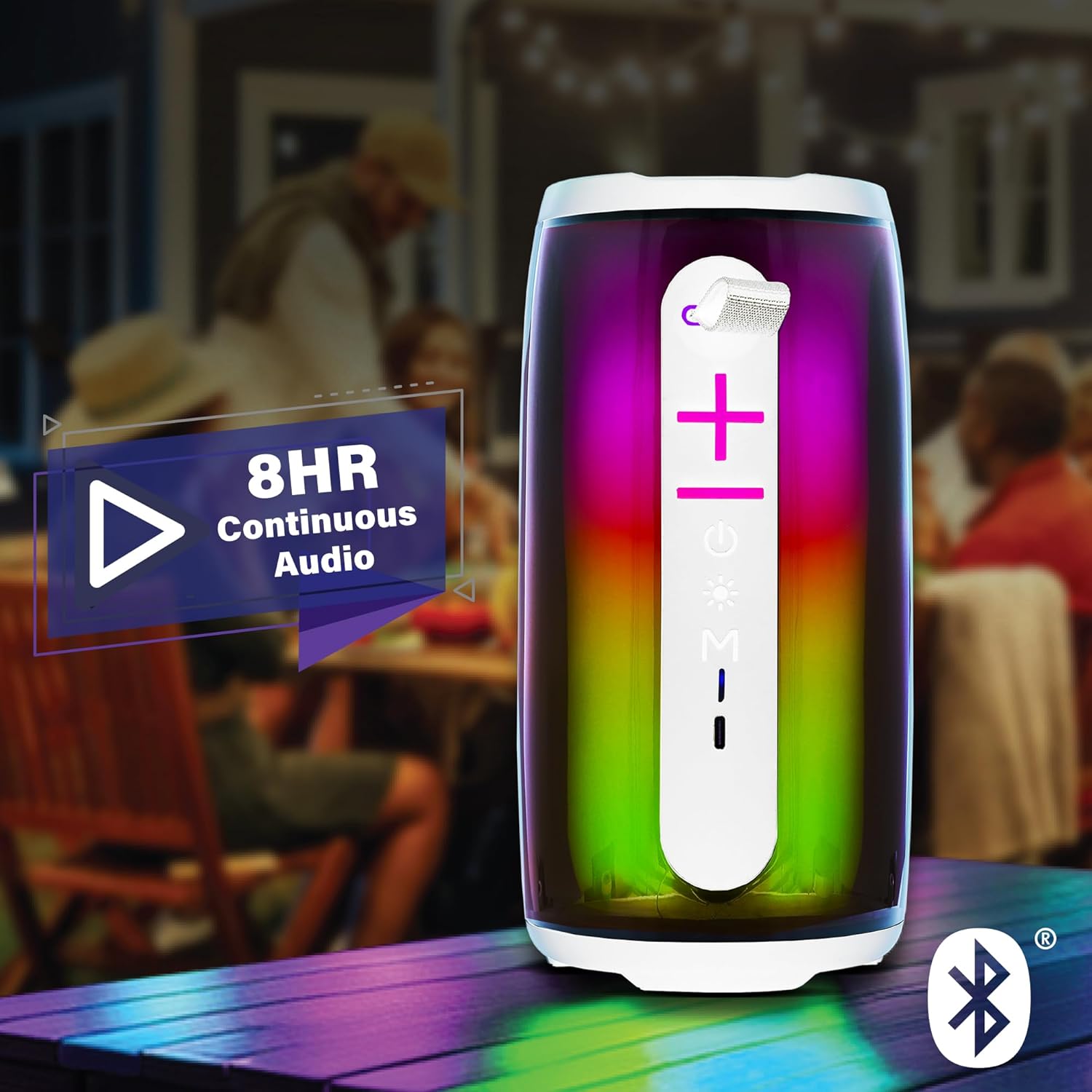
Image: The Xtreme LED Bluetooth Speaker providing music at an outdoor social event, demonstrating its portability and highlighting its 8-hour continuous audio playback capability.
보조 모드
- Connect one end of a 3.5mm audio cable (not included) to the speaker's Aux-in port.
- 케이블의 다른 한쪽 끝을 기기의 오디오 출력 단자에 연결하세요.
- 를 누르세요 모드 버튼(M) Aux-in 모드로 전환합니다.
- Audio will now play through the wired connection.
USB and Micro-SD Card Playback
- Insert a USB drive into the USB port or a Micro-SD card into the Micro-SD card slot.
- 를 누르세요 모드 버튼(M) to switch to USB or Micro-SD card mode. The speaker will automatically detect and play audio files.
오디오 재생 제어
- 재생/일시 중지: 짧게 누르세요 재생/일시정지 버튼.
- 볼륨 업: 짧게 누르세요 볼륨 높이기(+) 버튼.
- 볼륨 작게 : 짧게 누르세요 볼륨 낮추기(-) 버튼.
- 다음 트랙: 길게 누르세요 볼륨 높이기(+) 버튼.
- 이전 트랙 : 길게 누르세요 볼륨 낮추기(-) 버튼.
LED Light Show Modes
를 누르세요 라이트 모드 버튼 to cycle through various LED light show patterns. The lights will pulse and change color, syncing with the music.
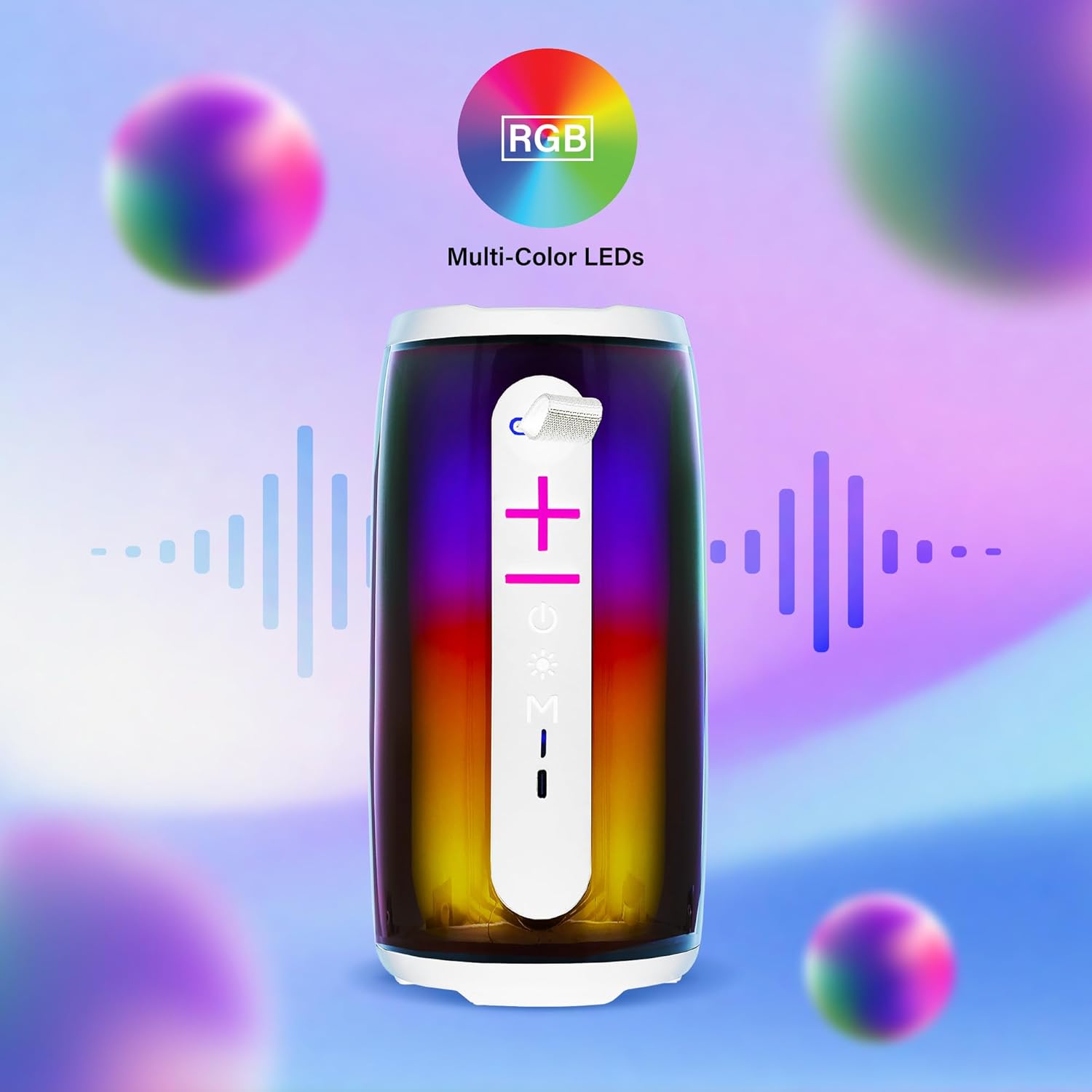
Image: The Xtreme LED Bluetooth Speaker showcasing its vibrant RGB multi-color LED lights, with visual representations of sound waves indicating its audio synchronization feature.
유지
- 청소: 부드럽고 마른 천을 사용하여 스피커 외부를 닦으세요. 연마성 세제나 용제를 사용하지 마세요.
- 저장: 스피커는 직사광선과 극한의 온도를 피해 시원하고 건조한 곳에 보관하세요.
- 배터리 관리 : To prolong battery life, charge the speaker regularly, even if not in frequent use. Avoid fully depleting the battery for extended periods.
- 물 노출: 이 스피커는 방수 기능이 없습니다. 물이나 과도한 습기에 노출시키지 마십시오.
문제 해결
| 문제 | 해결책 |
|---|---|
| 스피커가 켜지지 않습니다. | 스피커가 충전되어 있는지 확인하십시오. USB-C 케이블을 사용하여 전원에 연결하십시오. |
| 블루투스로 페어링할 수 없습니다. |
|
| 소리가 나지 않습니다. |
|
| LED 조명이 작동하지 않습니다. | Press the Light Mode Button to cycle through the light show modes. Ensure the speaker is powered on. |
명세서
- 모델: XBS9-1078
- 상표: 익스트림 디지털 라이프스타일 액세서리
- 연결성: Bluetooth, Aux-in, USB, Micro-SD
- 블루투스 범위 : 최대 33피트(10미터)
- 스피커 출력 전력: 10 Watts (based on product image)
- 배터리: 충전식 USB-C
- 배터리 수명: Up to 8 hours (continuous audio, varies with usage)
- 치수: 7" (Height) x 3" (Width) x 3" (Depth)
- 무게: 약 0.9파운드(14.4온스)
- 색상: 하얀색
보증 및 지원
For warranty information or technical support, please refer to the contact details provided on the product packaging or visit the official XTREME DIGITAL LIFESTYLE ACCESSORIES web사이트. 보증 청구를 위해 구매 증빙 자료로 구매 영수증을 보관하세요.
제조업체: 익스트림 디지털 라이프스타일 액세서리
한국어: 805106238797


