1. 서론
This manual provides detailed instructions for the proper setup, operation, and maintenance of your FEELWORLD T10 Camera Monitor. Please read this manual thoroughly before using the product to ensure optimal performance and longevity. The FEELWORLD T10 is designed to enhance your videography and photography experience with its advanced monitoring capabilities.
2. 패키지 내용
패키지에 모든 품목이 들어 있는지 확인하세요.
- FEELWORLD T10 Camera Monitor
- F750 4400mAh Battery (or similar NP-F series battery)
- USB 케이블
- 사용 설명서 (본 문서)
If any items are missing or damaged, please contact FEELWORLD customer support.
3. 설정
3.1. 배터리 설치
The FEELWORLD T10 monitor is powered by an NP-F series battery. The package includes an F750 4400mAh battery.
- 모니터의 전원이 꺼져 있는지 확인하십시오.
- Locate the battery slot on the rear of the monitor.
- Align the battery with the slot, ensuring the contacts match.
- 배터리가 제자리에 단단히 고정될 때까지 슬롯에 밀어 넣습니다.
- 제거하려면 배터리 분리 버튼(있는 경우)을 누르고 배터리를 밀어서 빼냅니다.
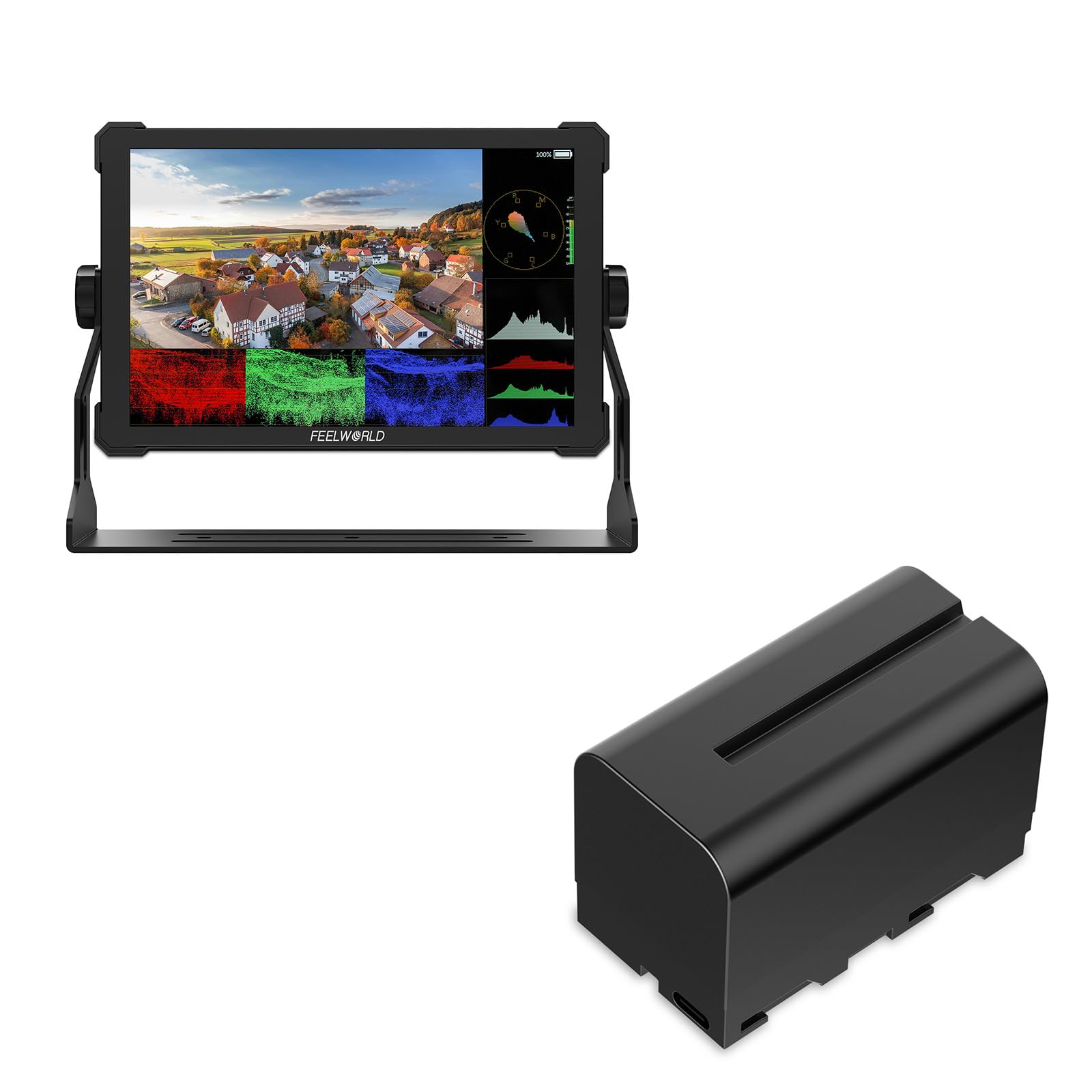
이미지 1: 후면 view of the FEELWORLD T10 Camera Monitor showing the battery slot. The F750 battery is designed to slide into this slot for power.
3.2. Connecting to a Camera/Device
The T10 monitor supports various input methods. Use the appropriate cable (not always included) to connect your camera or device.
- HDMI 입력: Connect an HDMI cable from your camera's HDMI output to the monitor's HDMI input port.
- USB 연결: The included USB cable can be used for firmware updates or power delivery (if supported by your power source).
4. 사용 설명서
4.1. 전원 켜기 / 끄기
Press and hold the power button (usually located on the side or top of the monitor) for a few seconds to turn the monitor on or off. A short press may activate/deactivate the screen or enter standby mode, depending on settings.
4.2. Basic Navigation and Menu System
The T10 monitor typically features a menu button and navigation buttons (up/down/left/right or a scroll wheel) to access and adjust settings.
- 를 누르세요 메뉴 버튼을 눌러 메인 메뉴를 엽니다.
- 메뉴 옵션을 스크롤하려면 탐색 버튼을 사용하세요.
- 를 누르세요 확인/설정 button (often the center of the navigation cluster) to select an option or confirm a setting.
- 를 누르세요 메뉴 button again or an EXIT 메뉴를 닫으려면 버튼을 클릭하세요.
4.3. 주요 기능 및 설정
The FEELWORLD T10 offers various features to assist with videography and photography:
- 종횡비: Adjust the display aspect ratio (e.g., 16:9) to match your camera's output or desired viewing 형식으로 표시됩니다.
- 비디오 해상도: The monitor supports up to 1080p video resolution. Ensure your camera's output matches or is compatible.
- 초점 지원: Utilize peaking or other focus assist tools to ensure sharp focus.
- 노출 도구: Features like false color or zebras can help monitor exposure levels.
- 사용자 지정 기능 버튼: Assign frequently used functions to programmable buttons for quick access.
5. 유지관리
5.1. 모니터 청소
- 부드럽고 보풀 없는 천으로 화면과 본체를 살살 닦아주세요.
- 완고한 얼룩의 경우 약간 damp천에 물이나 전자제품용으로 특별히 고안된 화면 세척액을 묻힙니다.
- 강한 화학 물질, 용제 또는 연마재는 화면을 손상시킬 수 있으므로 사용을 피하십시오.asing.
5.2. 배터리 관리
- 처음 사용하기 전에 배터리를 완전히 충전하십시오.
- 사용하지 않을 때는 배터리를 서늘하고 건조한 곳에 보관하십시오.
- Avoid fully discharging lithium-ion batteries frequently, as this can reduce their lifespan.
- 장기간 보관할 경우 배터리를 약 50~60% 용량으로 충전하십시오.
5.3. 보관
When not in use, store the monitor in a protective case or bag to prevent scratches and impact damage. Keep it away from extreme temperatures, humidity, and direct sunlight.
6. 문제 해결
| 문제 | 가능한 원인 | 해결책 |
|---|---|---|
| 모니터 전원이 켜지지 않습니다. | 배터리가 방전되었거나 올바르게 설치되지 않았습니다. | 배터리를 충전하거나 제대로 장착되었는지 확인하세요. |
| 신호가 표시되지 않습니다. | Incorrect input source selected; cable not connected properly; camera not outputting signal. | Check cable connections; select correct input source in monitor menu; verify camera's output settings. |
| 이미지가 왜곡되거나 깜빡입니다. | Faulty cable; incompatible resolution/frame rate; interference. | Try a different cable; adjust camera output resolution; move away from strong electromagnetic sources. |
| 배터리가 빨리 소모됩니다. | High screen brightness; old battery; cold environment. | Reduce screen brightness; replace old battery; operate in moderate temperatures. |
여기에 나열되지 않은 문제가 발생할 경우 지원 섹션을 참조하거나 고객 서비스에 문의하세요.
7. 사양
| 특징 | 세부 사항 |
|---|---|
| 상표 | 느낌 |
| 모델명 | T10 |
| 종횡비 | 16시 9분 |
| 비디오 캡처 해상도 | 1080p |
| 지원됨 File 체재 | MP4, AVI, MOV |
| 배터리 유형 | Lithium Ion (NP-F series compatible) |
| 배터리 평균 수명 | Approximately 3 Hours (with included F750 battery) |
| 호환 장치 | Personal Computer, Smartphone, Tablet (via appropriate adapters/cables) |
| 제품의 특정 용도 | Videography, Photography |
| 디스플레이 해상도 최대 | 풀HD |
| 자동 초점 | Yes (Focus Assist features) |
8. 보증 및 지원
8.1. 보증 정보
FEELWORLD 제품에는 일반적으로 제한적 보증이 제공됩니다. 제품에 동봉된 보증 카드를 참조하거나 FEELWORLD 공식 웹사이트를 방문하십시오. web최신 및 자세한 보증 약관은 해당 사이트를 참조하세요. 보증 청구를 위해 구매 증빙 자료를 보관하세요.
8.2. 고객 지원
For technical assistance, troubleshooting, or service inquiries, please contact FEELWORLD customer support through their official website or the contact information provided in your product packaging. You may need to provide your product model (T10) and serial number.
FEELWORLD Official Store: 아마존에서 FEELWORLD 스토어를 방문하세요


