1. 서론
This manual provides comprehensive instructions for the installation, operation, maintenance, and troubleshooting of your Sapphire Pulse AMD Radeon RX 9070 Gaming graphics card. Please read this manual thoroughly before installing and using your new graphics card to ensure proper functionality and to maximize its performance and lifespan.
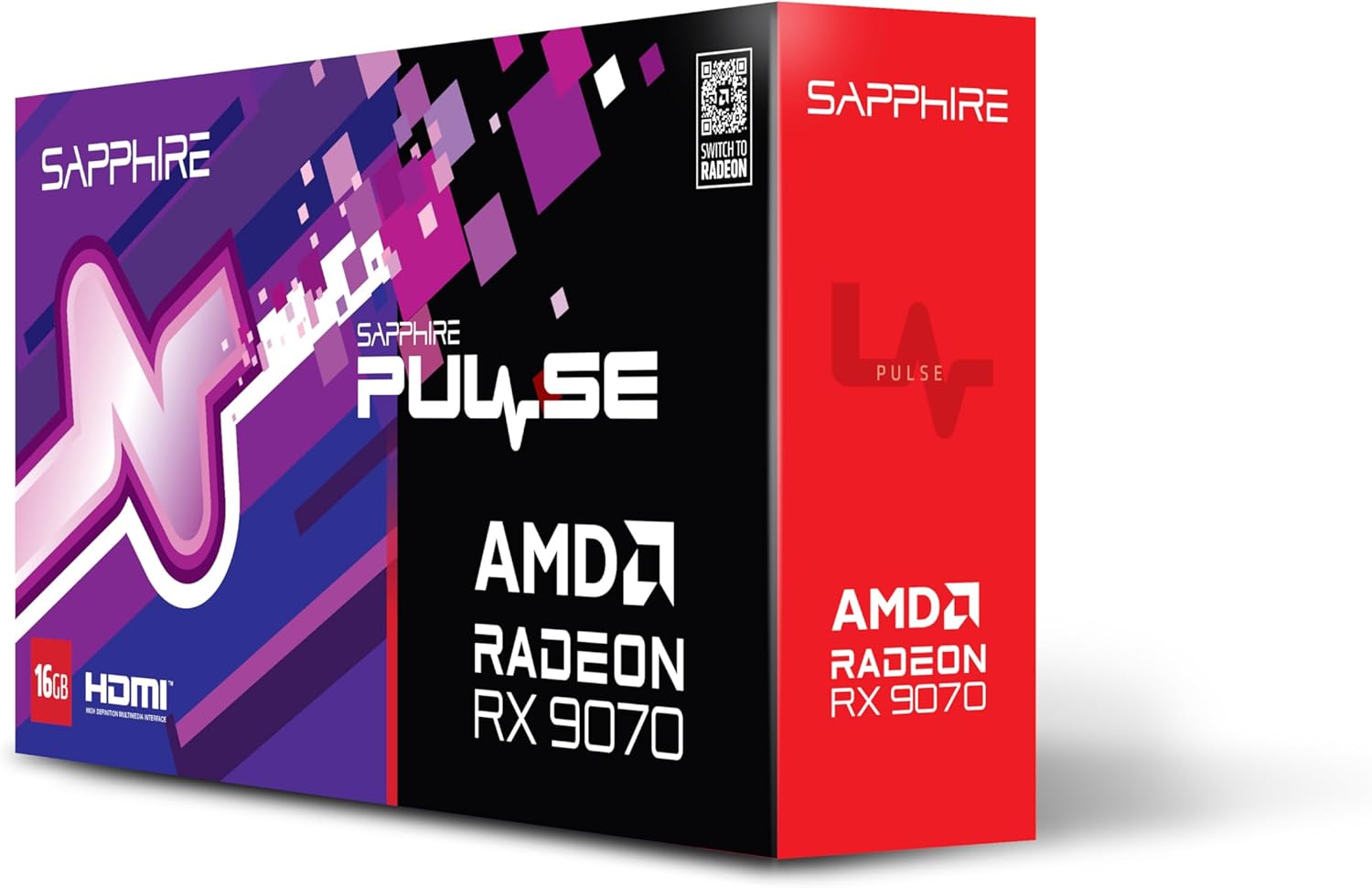
이미지 1.1: 앞면 view of the Sapphire Pulse AMD Radeon RX 9070 Gaming graphics card packaging, showcasing the product branding and model.
2. 패키지 내용
Verify that all items are present in your package. If any items are missing or damaged, please contact your retailer or Sapphire support.
- Sapphire Pulse AMD Radeon RX 9070 Gaming Graphics Card
- Quick Installation Guide or Documentation
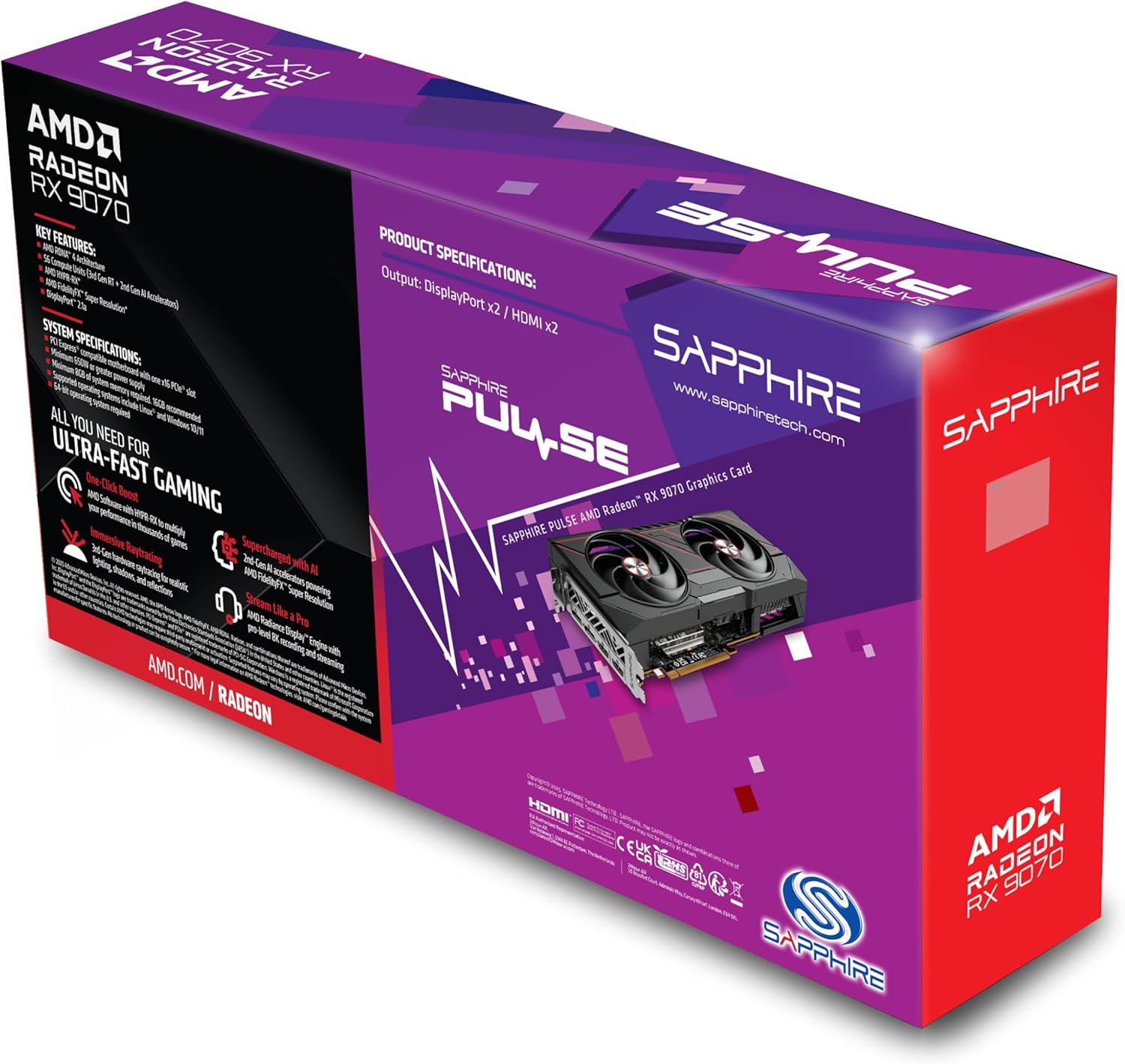
이미지 2.1: 후면 view of the Sapphire Pulse AMD Radeon RX 9070 Gaming graphics card packaging, displaying key features and specifications.
3. 시스템 요구 사항
그래픽 카드를 설치하기 전에 시스템이 다음 최소 요구 사항을 충족하는지 확인하십시오.
- PCI Express-compliant motherboard with one X16 graphics slot.
- Minimum 650W Power Supply Unit (PSU) with appropriate PCIe power connectors (e.g., 8-pin + 6-pin or dual 8-pin, depending on specific model). Refer to your PSU manual for details.
- Minimum 8GB System Memory (RAM); 16GB or more recommended for optimal performance.
- 운영 체제: Windows 10/11 64-bit or Linux 64-bit.
- 인터넷 연결 for driver installation and updates.
- 디스플레이 모니터 with DisplayPort or HDMI input.
4. 설치
Follow these steps to install your Sapphire Pulse AMD Radeon RX 9070 Gaming graphics card:
- 시스템 준비:
- 컴퓨터를 끄고 벽면 콘센트에서 전원 케이블을 뽑으세요.
- 컴퓨터 케이스를 엽니다.
- Ground yourself by touching a metal part of the case to discharge static electricity.
- 기존 그래픽 카드를 제거하십시오(해당되는 경우):
- Disconnect any power cables from the old graphics card.
- Unscrew the retaining screw(s) holding the card to the case.
- Carefully unlatch the PCIe slot retention clip and gently pull the old card straight out of the slot.
- Install the New Graphics Card:
- 마더보드에서 사용 가능한 PCI Express x16 슬롯을 찾으십시오.
- Remove the metal bracket cover(s) from the back of your computer case corresponding to the slot.
- Align the graphics card with the PCIe slot and press it firmly until it is fully seated and the retention clip locks into place.
- Secure the graphics card to the case with the retaining screw(s).
- 중요한: This graphics card is substantial in weight. It is highly recommended to use a GPU support bracket to prevent sag and potential damage to the PCIe slot over time.
- 전원 케이블 연결:
- Connect the appropriate PCIe power cables from your power supply to the power connectors on the graphics card. Ensure all connectors are securely attached.
- 케이스를 닫고 주변 장치를 연결하십시오:
- 컴퓨터 케이스를 닫습니다.
- 모니터를 그래픽 카드의 DisplayPort 또는 HDMI 출력 포트에 연결하십시오.
- Reconnect the power cable to your computer and turn it on.
5. 드라이버 설치
After physical installation, you need to install the latest drivers for your graphics card:
- 드라이버 다운로드:
- 공식 AMD를 방문하세요 web사이트 (www.amd.com/en/support) or the Sapphire support page (www.sapphiretech.com/en/support).
- Navigate to the driver download section and select your graphics card model (AMD Radeon RX 9070).
- Download the latest recommended drivers for your operating system.
- 드라이버 설치:
- Run the downloaded driver installer.
- Follow the on-screen prompts to complete the installation. It is generally recommended to perform a "Clean Installation" to remove any previous driver remnants.
- Your screen may flicker or go black temporarily during the installation process. This is normal.
- 시스템 재시작:
- 설치가 완료되면 컴퓨터를 다시 시작하십시오.
- After restarting, your graphics card should be fully functional.
6. 그래픽 카드 작동 방법
Once installed and drivers are updated, your graphics card will automatically handle graphics processing for your system. You can further optimize its performance and settings using the AMD Radeon Software.
- AMD Radeon Software: This utility allows you to monitor performance, adjust game settings, manage display configurations (including FreeSync), and update drivers. Access it via the system tray icon or by right-clicking on your desktop.
- 디스플레이 연결: The card supports Dual HDMI and Dual DisplayPort outputs. Connect your monitors to the available ports. For multi-monitor setups, configure display arrangements within Windows Display Settings or AMD Radeon Software.
- 해결: The card supports a maximum screen resolution of 7680x4320. Ensure your monitor and cables support the desired resolution and refresh rate.
7. 유지관리
Proper maintenance helps ensure the longevity and optimal performance of your graphics card.
- 먼지 제거: Periodically clean dust from the graphics card heatsink and fans using compressed air. Ensure the computer is powered off and unplugged before cleaning. Hold the fan blades gently to prevent over-spinning during cleaning.
- 공기 흐름: Ensure your computer case has adequate airflow to prevent overheating. Keep cables tidy and ensure intake and exhaust fans are clear.
- 드라이버 업데이트 : Regularly check for and install the latest graphics drivers from AMD or Sapphire to benefit from performance improvements, bug fixes, and new features.
8. 문제 해결
그래픽 카드에 문제가 발생하면 다음의 일반적인 문제 해결 단계를 참조하세요.
- 디스플레이 출력 없음:
- Ensure the monitor is connected to the graphics card, not the motherboard's integrated graphics port.
- 모든 전원 케이블이 그래픽 카드와 전원 공급 장치에 제대로 연결되어 있는지 확인하십시오.
- 그래픽 카드를 PCIe 슬롯에 다시 장착하십시오.
- 가능하다면 다른 디스플레이 케이블이나 모니터로 테스트해보세요.
- 시스템 불안정 또는 충돌:
- 전원 공급 장치(PSU)가 최소 와트 요구 사항을 충족하는지 확인하십시오.tag전자 요구 사항.
- 최신 그래픽 드라이버를 새로 설치하십시오.
- AMD Radeon 소프트웨어를 사용하여 GPU 온도를 모니터링하고 과열 여부를 확인하십시오.
- 메인보드의 BIOS/UEFI 업데이트를 확인하세요.
- 게임/애플리케이션 성능 저하:
- 최신 그래픽 드라이버가 설치되어 있는지 확인하십시오.
- 게임/애플리케이션이 내장 그래픽이 아닌 전용 그래픽 카드를 사용하고 있는지 확인하십시오(해당하는 경우).
- 게임 내 설정을 확인하고, 필요한 경우 해상도나 그래픽 품질을 낮추세요.
- Monitor GPU utilization and temperatures to identify bottlenecks or thermal throttling.
- 팬 소음:
- 부하가 심할 때는 최적의 온도를 유지하기 위해 팬 속도가 높아지는 것이 정상입니다.
- If fans are excessively loud at idle, check fan profiles in AMD Radeon Software.
- Ensure no cables or obstructions are interfering with fan rotation.
9. 사양
Key technical specifications for the Sapphire Pulse AMD Radeon RX 9070 Gaming graphics card:
| 특징 | 세부 사항 |
|---|---|
| 모델 번호 | 11349-03-20G |
| 그래픽 코프로세서 | AMD 라데온 RX 9070 |
| Video Memory (RAM) | 16GB GDDR6 |
| 메모리 속도 | 950MHz |
| 클록 주파수 | 2520 MHz (as per card description) |
| 최대 화면 해상도 | 7680x4320 |
| 비디오 출력 인터페이스 | Dual DisplayPort, Dual HDMI |
| 품목 치수(LxWxH) | 11.81 x 11.81 x 0.04 인치 |
| 품목 무게 | 2.99파운드 |
| 제조업체 | 사파이어 |
10. 보증 및 지원
For warranty information, technical support, or service inquiries, please refer to the official Sapphire web사이트를 방문하거나 고객 지원팀에 직접 문의하세요.
- Sapphire Official Web대지: www.sapphiretech.com
- 지원 페이지: www.sapphiretech.com/en/support
- 보증 청구를 위해 구매 증빙 자료를 보관하십시오.


