1. 서론
This manual provides instructions for the POLONO D810 Thermal Printer Paper. This product is designed for use with compatible D810 Letter thermal printers and is not suitable for traditional inkjet or laser printers. The paper utilizes advanced thermal technology to produce clear print results without the need for ink.
Each pack contains 4 rolls of 8.5 x 11 inch (US Letter size) thermal paper, with each roll capable of printing approximately 25 sheets. The paper is BPA-free and designed for various portable printing scenarios.
2. 사양
- 용지 크기: 8.5 x 11인치 (미국 레터 사이즈)
- 롤 길이: 7 meters (approximately 25 sheets per roll)
- 수량: 4 rolls per pack
- 재료 특징: BPA-Free, Inkless printing
- Print Longevity: Up to ten years under proper storage conditions
- 호환성: Specifically designed for POLONO D810 Letter thermal printers

Image: POLONO D810 Thermal Paper rolls, illustrating the 8.5 inch (216mm) width and the quantity of 4 rolls per pack.
3. 설정 및 설치
Proper installation of the thermal paper is crucial for optimal printing performance and to prevent print offset.
- 용지 로드: Install the paper into your POLONO D810 thermal printer according to the printer's specific loading instructions. Ensure the paper feeds smoothly into the printer's entry slot.
- 정위: The side of the paper with black markings is the back side. This side needs to be printed face down. If the paper is loaded incorrectly, the printer will produce blank output.
- 조정: Ensure that the two ends of the paper are in a straight line as it enters the printer. This helps prevent print misalignment.

Image: Visual guide demonstrating the correct method for installing thermal paper into the printer and ensuring proper alignment.
4. 사용 설명서
The POLONO D810 Thermal Printer Paper is designed for various printing needs, including contracts, invoices, lists, and other documents. Follow these guidelines for effective use:
- Printing Clarity: The advanced thermal technology ensures clear and legible print results for text and graphics.
- 잉크리스 작업: This thermal paper eliminates the need for ink cartridges, offering an economical printing solution.
- 다양한 응용 분야: Suitable for business, travel, outdoor, and home use. Its portable nature allows for printing documents anywhere, anytime.

Image: A POLONO D810 thermal printer actively printing various documents such as contracts, office documents, lists, and invoices, demonstrating its utility for diverse printing needs.
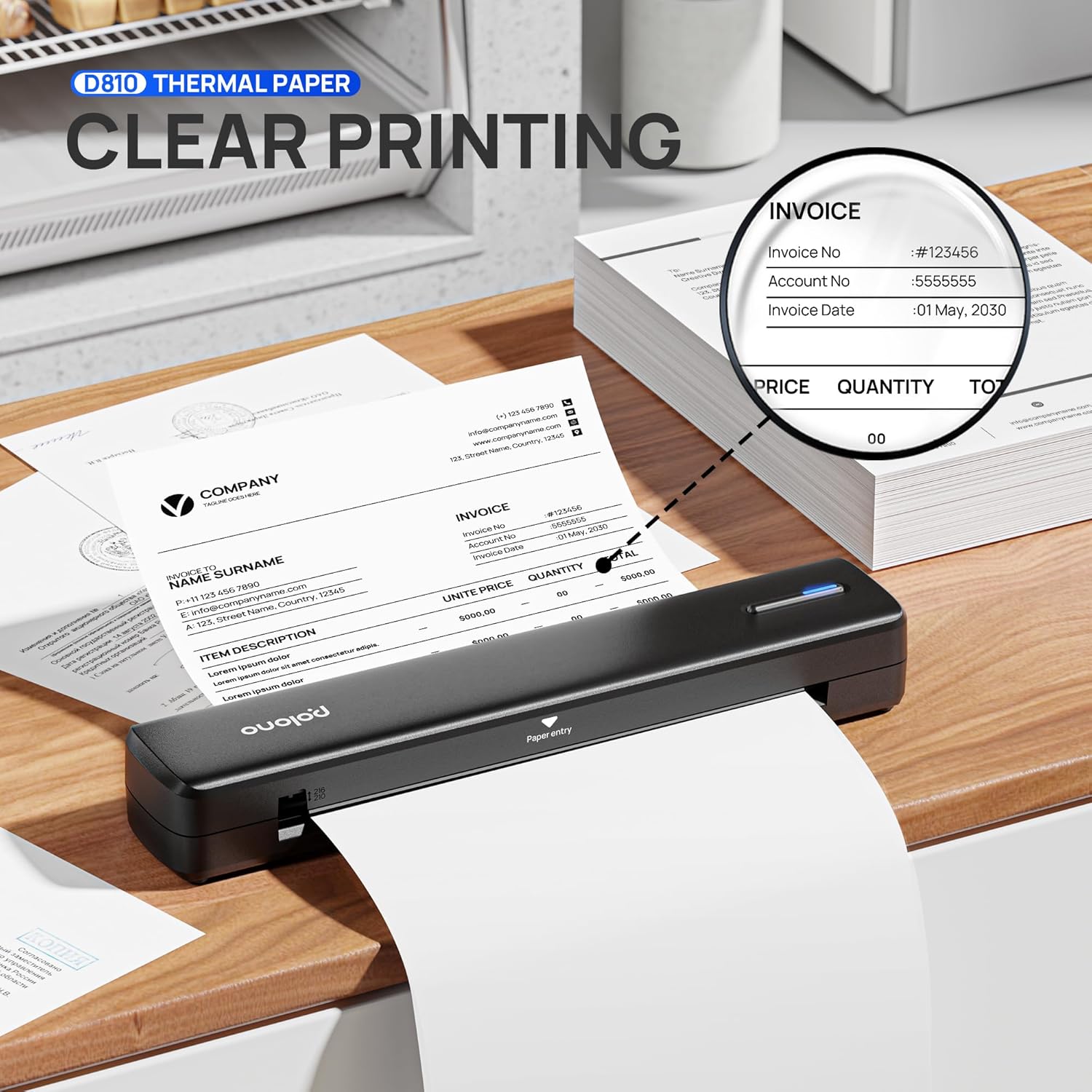
이미지: 클로즈업 view of an invoice being printed by the D810 thermal printer, highlighting the clarity and precision of the printed text and details.

Image: Four distinct panels illustrating the versatility of the thermal printer and paper in various environments: business, travel, home, and outdoor settings.
5. 유지 관리 및 보관
To maintain the quality and longevity of your thermal paper and printed documents, observe the following:
- 보관 조건: Store thermal paper in a cool, dry place away from direct sunlight, high temperatures, and humidity. Exposure to these conditions can degrade the thermal coating and affect print quality or document longevity.
- 손질: Avoid touching the thermal surface excessively, as oils from skin can sometimes affect the paper's sensitivity.
- 보존: Printed documents can be preserved for up to ten years if stored correctly, away from heat and light sources that can cause fading.

Image: A POLONO D810 thermal printer printing a map outdoors, emphasizing the BPA-free nature of the thermal paper and its suitability for various environments.
6. 문제 해결
If you encounter issues while using the POLONO D810 Thermal Printer Paper, consider the following common problems and solutions:
- 빈 인쇄물: If the printer produces blank pages, verify that the thermal paper is loaded with the correct orientation. The side with black markings should be facing down.
- Print Offset: Ensure the paper is loaded straight and that both ends are aligned before printing. Misalignment can cause text or images to be cut off or appear crooked.
- Curled Pages: Thermal paper rolls may naturally curl. To flatten a printed sheet, gently roll it in the opposite direction. Avoid sharp creases that could damage the print.
- 바랜 인쇄물: Ensure the paper has not been exposed to excessive heat, direct sunlight, or certain chemicals, which can cause the thermal coating to degrade prematurely.
7. 보증 및 지원 정보
For specific warranty details or technical support regarding your POLONO D810 Thermal Printer Paper, please refer to the documentation provided with your POLONO D810 thermal printer or visit the official POLONO website. Contact information for customer service is typically available on the product packaging or the brand's support pages.


