소개
The bea-fon Smartwatch 102 is designed to seamlessly integrate into your daily life, offering a blend of style and advanced functionality. Featuring a sleek rectangular design with a 1.83-inch digital display, this smartwatch provides essential health monitoring capabilities, including heart rate, blood oxygen, and sleep tracking. It is compatible with smartphones via the FitCloudPro app, ensuring seamless connectivity. Built for durability, it boasts an IP68 waterproof rating and a long-lasting battery.

그림 1: 전면 view of the bea-fon Smartwatch 102, displaying time and health metrics.
패키지 내용
다음 품목이 모두 패키지에 들어 있는지 확인하세요.
- bea-fon Smartwatch 102 (with silicone strap)
- Magnetic Charging Cable/Base
- 사용 설명서 (본 문서)
제품 끝view
The bea-fon Smartwatch 102 features a durable black silicone strap with a magnetic clasp, a rectangular display, and integrated sensors on the back for health monitoring.
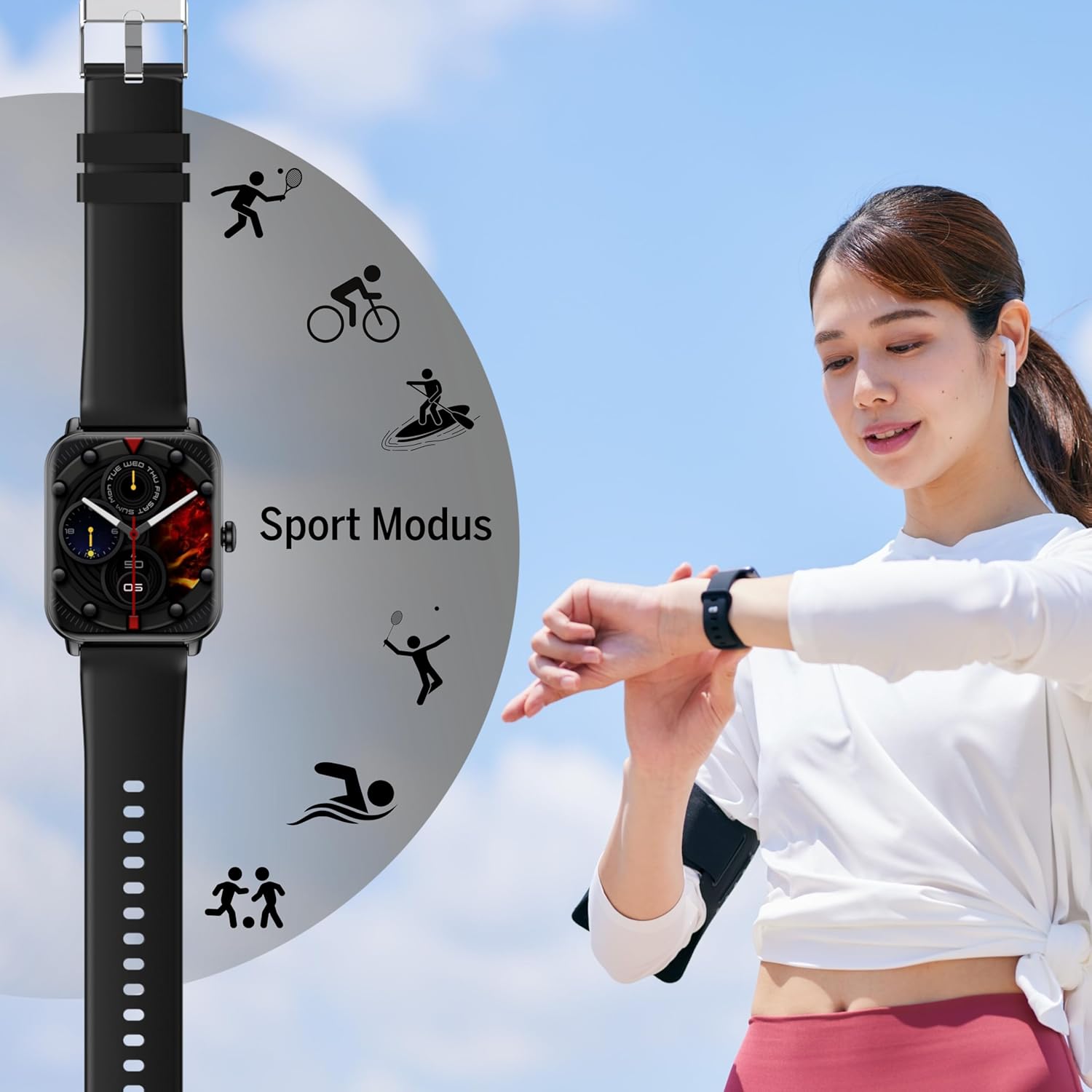
그림 2: 측면 view of the Smartwatch 102, highlighting its sleek profile.

그림 3: 뒤로 view of the Smartwatch 102, showing the integrated health sensors.
주요 특징:
- 표시하다: 1.83-inch (4.64 cm) digital screen for clear visibility.
- 배터리 수명: Up to 4-5 days of normal use with a 250mAh Li-ion battery.
- 방수 기능: IP68 rated, suitable for immersion up to 1 meter.
- 건강 모니터링: Integrated heart rate monitor, blood oxygen sensor, and sleep tracker.
- 연결성: Bluetooth for seamless smartphone pairing via FitCloudPro app.
- 설계: Rectangular watch face with a comfortable silicone strap and magnetic clasp.
설정
1. 장치 충전
Before first use, fully charge your bea-fon Smartwatch 102. The device comes with a magnetic charging cable/base.
- 자석식 충전 케이블을 USB 전원 어댑터(별도 구매) 또는 컴퓨터의 USB 포트에 연결하세요.
- 케이블의 자석 끝을 스마트워치 뒷면의 충전 단자에 맞추세요. 자석이 제자리에 고정됩니다.
- 시계 디스플레이에 충전 상태가 표시됩니다. 완전히 충전하는 데는 약 3시간이 걸립니다.
2. Pairing with Your Smartphone (FitCloudPro App)
To unlock the full potential of your smartwatch, pair it with your smartphone using the FitCloudPro application.
- 다운로드 핏클라우드프로 App Store(iOS) 또는 Google Play Store(Android)에서 앱을 다운로드하세요.
- 스마트폰에서 Bluetooth가 활성화되어 있는지 확인하세요.
- FitCloudPro 앱을 열고 화면의 지시에 따라 계정을 만들거나 로그인하세요.
- 앱에서 "기기" 또는 "기기 추가" 섹션으로 이동하세요.
- The app will search for nearby devices. Select "Smartwatch 102" or the corresponding device ID when it appears.
- 메시지가 표시되면 스마트폰과 스마트워치 모두에서 페어링 요청을 확인하세요.
- 앱과 스마트워치가 연결되면 데이터가 동기화됩니다.

Figure 4: The Smartwatch 102 demonstrating Bluetooth connectivity for smartphone pairing.
작동 지침
인터페이스 탐색
- 위/아래로 스와이프: 메뉴와 알림을 스크롤합니다.
- 왼쪽/오른쪽으로 스와이프: Access quick functions or different widgets (e.g., heart rate, steps, weather).
- 수도꼭지: 항목을 선택하거나 작업을 확인하세요.
- 측면 버튼: Press to wake the screen, return to the watch face, or access the main menu.
건강 모니터링 기능
The Smartwatch 102 is equipped with sensors to help you monitor your health.
- 심박수 모니터링 : 시계는 지속적으로 심박수를 추적합니다. View 스마트워치에서 실시간 데이터를 확인하거나 FitCloudPro 앱에서 자세한 그래프를 볼 수 있습니다.
- 혈중 산소(SpO2) 센서: Measure your blood oxygen levels. Ensure the watch is snug on your wrist for accurate readings.
- 수면 추적: Wear the watch to bed to monitor your sleep patterns, including deep sleep, light sleep, and awake times. Data is synchronized with the app for analysis.
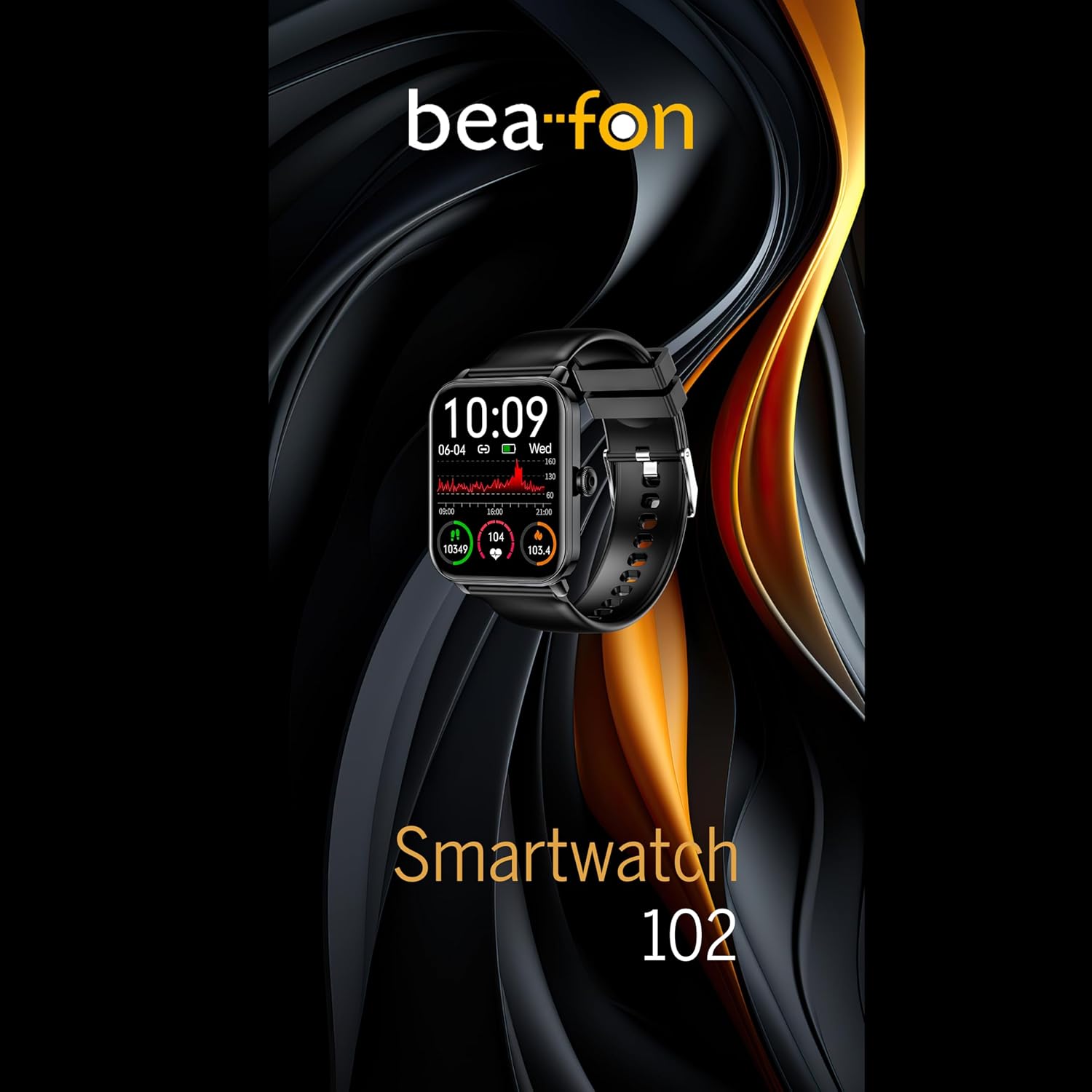
Figure 5: Visual representation of the Smartwatch 102's health monitoring capabilities, including heart rate, sleep, and blood oxygen.
스포츠 모드
Track your workouts with various built-in sport modes.
- 시계에서 "스포츠" 메뉴에 접속하세요.
- 원하는 활동을 선택하세요(예: 달리기, 자전거 타기, 수영).
- 시계는 활동 시간, 소모 칼로리, 심박수와 같은 관련 지표를 추적하기 시작합니다.
- End your workout by following the on-screen prompts. Data will sync to the FitCloudPro app.
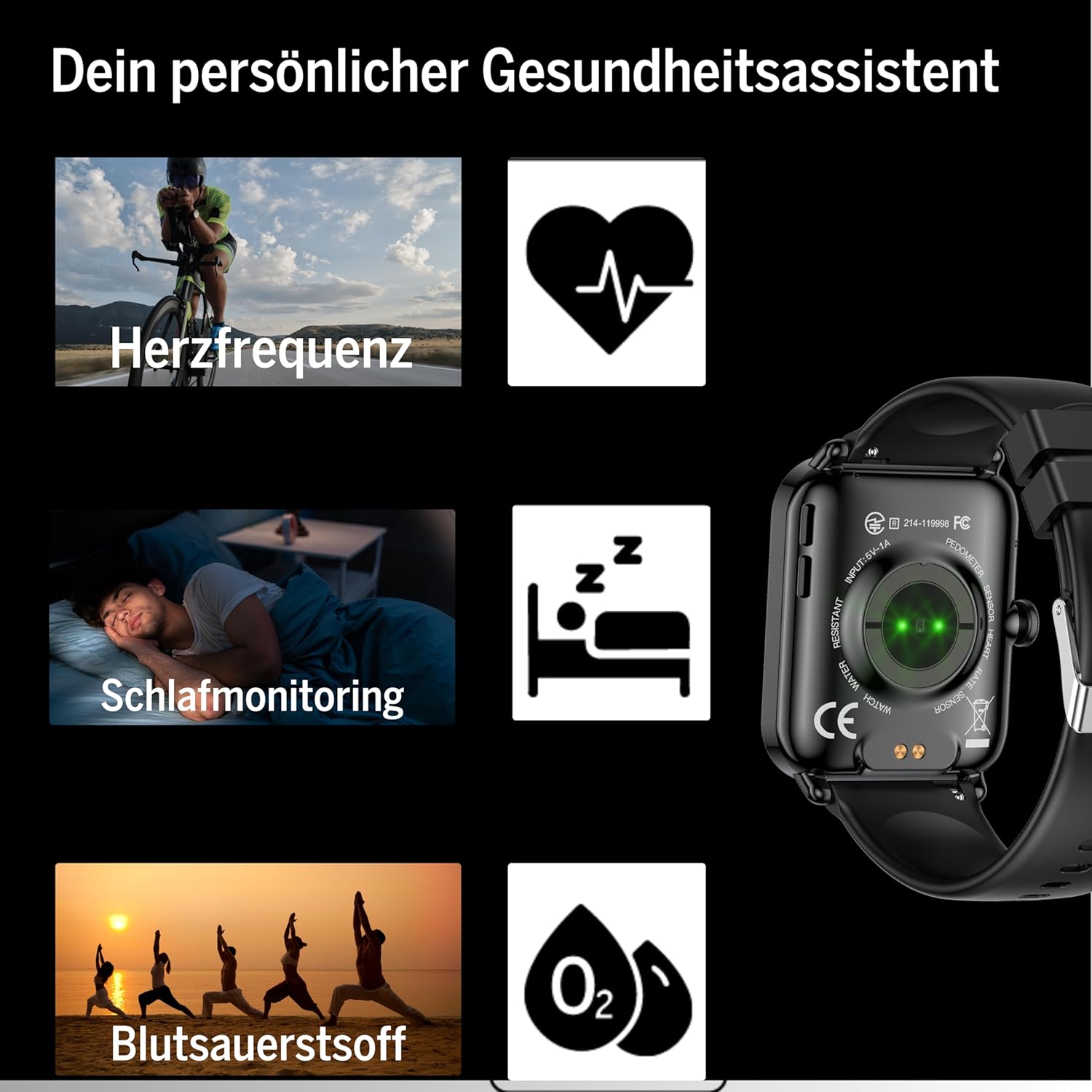
Figure 6: The Smartwatch 102 displaying various sport modes for activity tracking.
알림 및 통화
Once paired, your smartwatch can receive notifications from your smartphone.
- Enable app notifications in the FitCloudPro app settings.
- Incoming calls and messages will be displayed on your watch. You can typically reject calls from the watch, but not answer them directly.
유지
Cleaning the Smartwatch
스마트워치의 외관과 기능을 유지하려면:
- 화면과 스트랩은 부드러운 천으로 정기적으로 닦아주세요.amp, 보푸라기 없는 천.
- 강한 화학 물질, 연마 세척제 또는 용제의 사용을 피하세요.
- 충전하기 전에 충전 접점이 깨끗하고 건조한지 확인하세요.
방수 기능(IP68)
The bea-fon Smartwatch 102 has an IP68 water resistance rating, meaning it is protected against dust ingress and can withstand immersion in water up to 1 meter for 30 minutes.
- 손 씻기, 비 오는 날, 얕은 물 수영 등 일상생활에 적합합니다.
- 뜨거운 물, 사우나 또는 스팀룸에서 시계를 사용하지 마십시오. 증기가 밀봉 부분을 투과할 수 있습니다.
- 시계를 빠른 속도의 물이나 급격한 온도 변화에 노출시키지 마십시오.
- 물, 특히 바닷물에 닿은 후에는 시계를 깨끗한 물로 헹구고 완전히 말리십시오.
문제 해결
- 시계가 켜지지 않음: Ensure the watch is fully charged. Connect it to the magnetic charger and leave it for at least 30 minutes.
- 스마트폰과 페어링할 수 없습니다:
- 휴대폰에서 블루투스가 켜져 있고 시계가 블루투스 범위 내에 있는지 확인하세요.
- 휴대폰과 스마트워치를 모두 다시 시작하세요.
- 휴대폰의 Bluetooth 캐시를 지우고(해당되는 경우) 다시 페어링을 시도하세요.
- FitCloudPro 앱에 필요한 권한이 있는지 확인하십시오.
- 부정확한 건강 측정값:
- 시계를 손목에 꼭 맞게 착용하세요. 너무 느슨하거나 너무 꽉 조이지 마세요.
- 시계 뒷면의 센서를 청소하세요.
- 읽는 동안 과도한 움직임을 피하십시오.
- 알림이 나타나지 않음:
- Check notification settings within the FitCloudPro app.
- 휴대폰의 알림 설정에서 FitCloudPro 앱의 알림 표시를 허용했는지 확인하세요.
- 시계가 블루투스로 연결되어 있는지 확인하십시오.
명세서
| 특징 | 사양 |
|---|---|
| 상표 | 비폰 |
| 모델 | 102 |
| 디스플레이 크기 | 1.83인치(4.64cm) |
| 배터리 유형 | 3.7V 250mAh Li-ion rechargeable |
| 배터리 수명 | 4~5일 (일반적인 사용 기준) |
| 충전 시간 | 약 3시간 |
| 방수성 | IP68 (up to 1 meter) |
| 연결성 | 블루투스 |
| 건강 센서 | Heart Rate, Blood Oxygen, Sleep Tracker |
| 치수 | 포장 크기: 16.5 x 7.3 x 3.7cm; 제품 무게: 160g |
| 스트랩 소재 | 실리콘 |
| 색상 | 검은색 |
보증 정보
Specific warranty details for the bea-fon Smartwatch 102 may vary by region and retailer. Please refer to the warranty card included with your product or contact your point of purchase for precise warranty terms and conditions. Generally, electronic devices come with a standard manufacturer's warranty covering defects in materials and workmanship under normal use.
지원하다
For technical support, troubleshooting assistance, or further inquiries regarding your bea-fon Smartwatch 102, please refer to the following resources:
- 온라인 리소스: Beafon 공식 웹사이트를 방문하세요. web자주 묻는 질문(FAQ), 업데이트된 설명서 및 지원 자료를 제공하는 사이트입니다.
- FitCloudPro App: The app may offer an in-app support section or contact information.
- 고객 서비스: Contact the retailer from whom you purchased the product for initial support.
고객 지원팀에 문의하실 때는 제품 모델 번호(102)와 구매 정보를 준비해 주시기 바랍니다.


