소개
This manual provides comprehensive instructions for the installation, operation, and maintenance of your BlackVue DR590X-1CH Plus dashcam. The DR590X-1CH Plus is a single-channel Full HD dashcam designed for reliable video recording in your vehicle, featuring built-in Wi-Fi, a STARVIS imaging sensor for superior low-light performance, and native parking mode support.
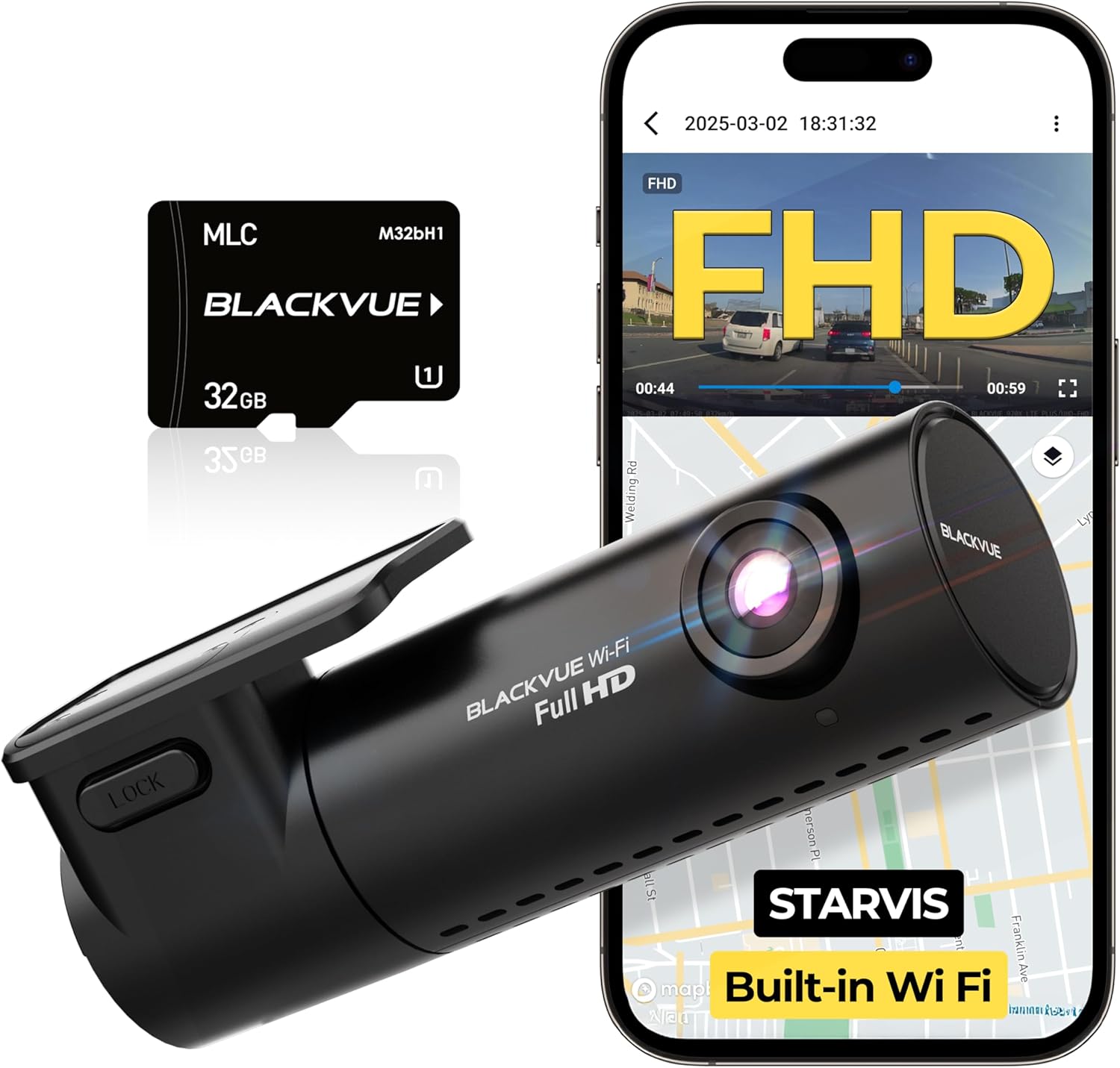
The BlackVue DR590X-1CH Plus dashcam, shown with its included 32GB microSD card and a smartphone demonstrating its Wi-Fi connectivity and app interface.
상자 안에 무엇이 들어있나요?
패키지에 모든 구성품이 들어 있는지 확인하세요.
- 전면 카메라 1개
- 1 x 빠른 시작 가이드
- 5 x 케이블 클립
- 1 x Micro SD Card (32GB)
- 1 X 마이크로 SD 카드 리더
- 예비 마운트 접착 패드
- 1 x Analog Video Cable
- 1 x Hardwiring Power Cable
- 1 x 시가 라이터 전원 어댑터

오버view of all items included in the BlackVue DR590X-1CH Plus package.
설정
1. MicroSD 카드 삽입
Before first use, ensure the microSD card is properly inserted into the dashcam. The BlackVue dashcam is designed to continuously record in a loop without requiring frequent formatting of the microSD card.
2. 대시캠 장착
Choose a location on your windshield, typically behind the rearview 당신의 시야를 가리지 않는 거울 view. Clean the area thoroughly before applying the mount sticky pads. Ensure the camera lens has a clear view 앞으로의 길에 대하여.
3. 전원 연결
Connect the dashcam to your vehicle's power source using either the included cigarette lighter power adapter or the hardwiring power cable for parking mode functionality. The hardwiring cable allows the dashcam to switch to Parking Mode automatically when vehicle ignition is turned off.
4. 케이블 관리
Use the provided cable clips to neatly route the power cable along the edges of your windshield and dashboard, ensuring it does not interfere with driving or vehicle controls.
작동 지침
녹음
The DR590X-1CH Plus automatically begins recording in Full HD (1920×1080) at 60 frames per second once powered on. The camera has a 131-degree view 각도.
Wi-Fi 연결 및 앱 제어
The dashcam features built-in Wi-Fi, allowing you to connect with the BlackVue App (available for iOS/Android). A dedicated button on the dashcam lets you turn Wi-Fi on/off. You can configure Wi-Fi activation behavior (Auto Turn On, Auto Turn Off) in the app settings. The app allows you to manage settings, transfer videos, and view 라이브 푸tage.

The BlackVue DR590X-1CH Plus with a smartphone showing the BlackVue app, highlighting built-in Wi-Fi for seamless app control.
주차 모드
When hardwired, the DR590X-1CH Plus automatically switches to Parking Mode when the vehicle ignition is turned off. In Parking Mode, the dashcam can detect collisions, perform low bitrate recording, and detect motion. Voltage cutoff and timer settings for Parking Mode can be adjusted via the BlackVue App.
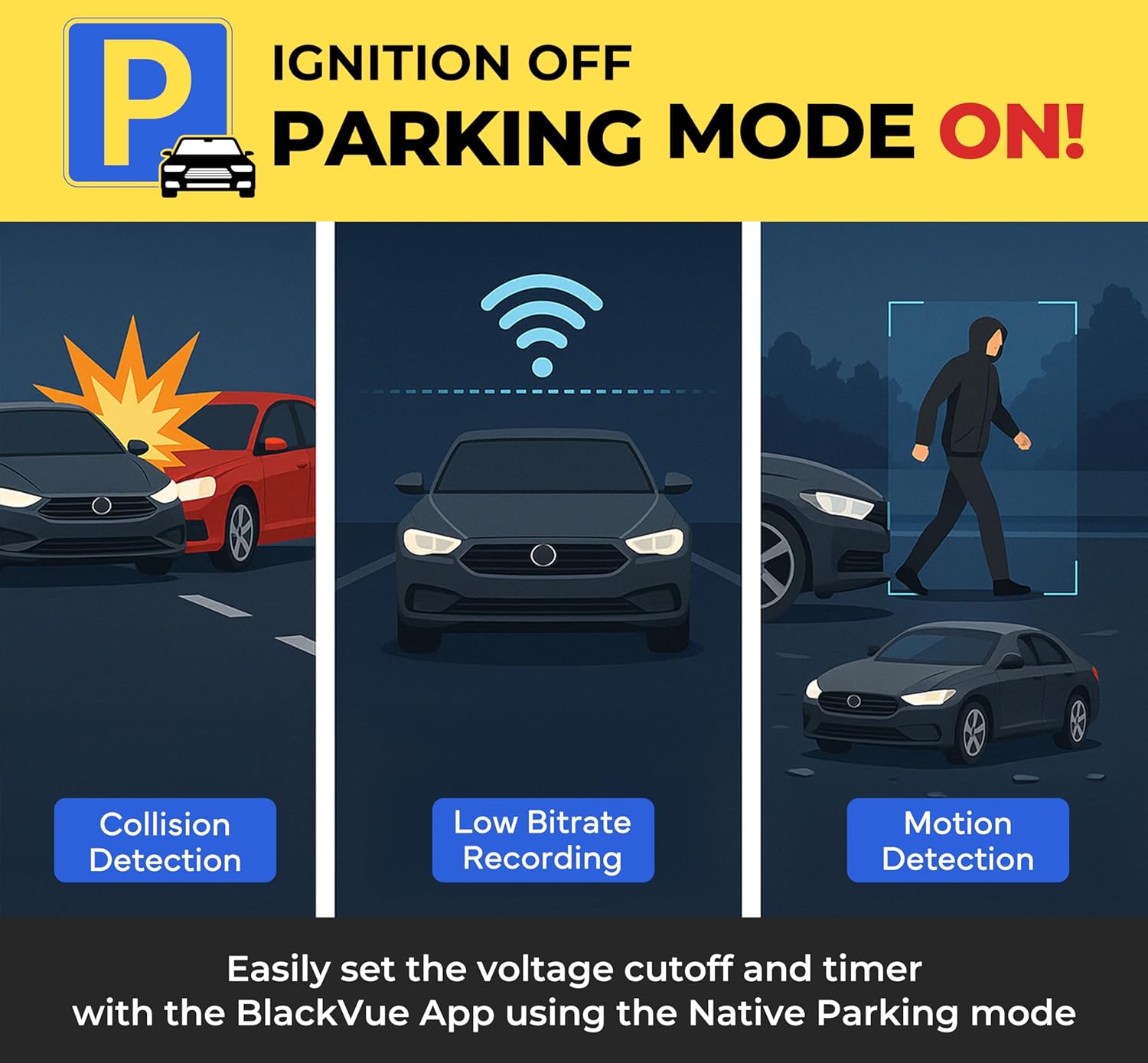
Visual representation of the BlackVue Parking Mode, illustrating collision detection, low bitrate recording, and motion detection capabilities.
File Management and Safety
The dashcam utilizes Adaptive Format Free File Management, designed for continuous loop recording without frequent microSD card formatting. You can set your BlackVue to protect up to 50 Event videos, preventing them from being overwritten by normal driving footage. The system also provides instant voice alerts if the microSD card encounters an issue and cannot write data, ensuring critical footage is always recorded.

The BlackVue app interface demonstrating the ability to download event videos and receive real-time SD card error alerts, ensuring important footage is never lost.
옵션 GPS
An optional BlackVue GNSS (GPS + GLONASS) receiver can be connected via the USB port to record location and include speed data in your videos.
기능 이상view
- Full HD 60FPS Dashcam: Single-Channel Full HD (1920×1080) at 60 frames per second with a 131-degree view 각도.
- STARVIS Sensor: Provides excellent image clarity day and night.
- 내장 Wi-Fi: Connects with the BlackVue App for easy control and video transfer.
- Signature BlackVue Design: Discreet tubular black design that blends well with car interiors.
- Parking Mode Support: Automatically switches to parking mode when hardwired, with configurable voltage cutoff and timer settings via the app.
- 적응 형식 무료 File 관리: Designed for continuous loop recording without frequent microSD card formatting.
- File Safety and SD Card Error Alerts: Protects up to 50 Event videos and provides voice alerts for microSD card issues.
- Optional GPS: USB port for connecting a BlackVue GNSS receiver to record location and speed data.
- 앱과 View어: Free BlackVue App (iOS/Android) and Viewer (Windows/Mac OS) for managing settings and transferring videos.

The STARVIS imaging sensor ensures awesome image clarity both day and night, capturing vivid footag다양한 조명 조건에서.
유지
MicroSD 카드 관리
While the BlackVue dashcam features adaptive format-free file management, it is recommended to periodically format the microSD card (e.g., once a month) using the BlackVue App or Viewer to maintain optimal performance and prevent potential data corruption. Always back up important footag서식을 적용하기 전에 e를 입력하세요.
렌즈 청소
Gently wipe the camera lens with a soft, lint-free cloth to ensure clear video recording. Avoid using abrasive cleaners.
문제 해결
Dashcam Not Powering On
- Check the power cable connection to both the dashcam and the vehicle's power outlet.
- Ensure the vehicle's ignition is on if using the cigarette lighter adapter.
- If hardwired, verify the fuse panel connection and ensure the vehicle battery has sufficient charge.
Recording Issues / SD Card Errors
- If you hear voice alerts about microSD card issues, the card may be corrupted or full.
- Try formatting the microSD card using the BlackVue App or View어.
- If issues persist, replace the microSD card with a genuine BlackVue compatible card.
Wi-Fi 연결 문제
- Ensure Wi-Fi is enabled on the dashcam (press the Wi-Fi button).
- 블랙박스와 스마트폰을 모두 재시작하세요.
- Make sure you are within close proximity to the dashcam.
- Ensure your BlackVue App is updated to the latest version.

An important notice reminding users to update the BlackVue app to the latest version for correct operation and optimal performance.
명세서
| 특징 | 사양 |
|---|---|
| 모델명 | DR590X-1CH Plus |
| 비디오 캡처 해상도 | Full HD (1920x1080) at 60 FPS |
| View 각도 | 131도 |
| 연결 기술 | 와이파이 |
| 특별 기능 | Full HD, Built-In Wifi, STARVIS Imaging sensor, Native Parking Mode |
| 장착 유형 | 윈드 실드 마운트 |
| 제품 치수 | 6.8 x 4.9 x 3.9 인치 |
| 품목 무게 | 1.3파운드 |
| 제조업체 | Pittasoft |
| 첫 번째 이용 가능 날짜 | 2년 2024월 XNUMX일 |
보증 및 지원
The BlackVue DR590X-1CH Plus comes with a 2년 제조사 보증, providing extended confidence in your product. For further assistance, troubleshooting, or to access the full user manual, please refer to the following resources:
- 공식 매뉴얼: manual.blackvue.com/docs/dr590x-2ch/
- Quick Start Guide QR: blackvue.com/qsg-qr-dr590x-series
- 블랙뷰 앱 & View어: Download the free BlackVue App (iOS/Android) and Viewer (Windows/Mac OS) for managing settings and transferring videos.
Important Notice: No Official Product Videos Found
Based on the provided product data, no official product videos from the seller ('creator_type':'Seller') were found that meet the criteria for inclusion in this manual. Therefore, no videos have been embedded.


