소개
The Lytmi CozyClip D1 Open Clip Earbuds are designed for comfortable, all-day listening while maintaining awareness of your surroundings. Featuring an ultra-light open-ear design, Hi-Fi sound, AI-powered clear calls, and IP54 waterproof rating, these earbuds offer a unique audio experience. This manual provides essential information for setting up, operating, and maintaining your CozyClip D1 earbuds.
상자 안에 무엇이 들어있나요?
- Lytmi CozyClip D1 Open-Ear Clip-on Earphones (1 pair)
- 충전 케이스 (1)
- 사용자 설명서 (1)
- C형 충전 케이블(1)

Image: Lytmi CozyClip D1 packaging and included accessories.
제품 끝view
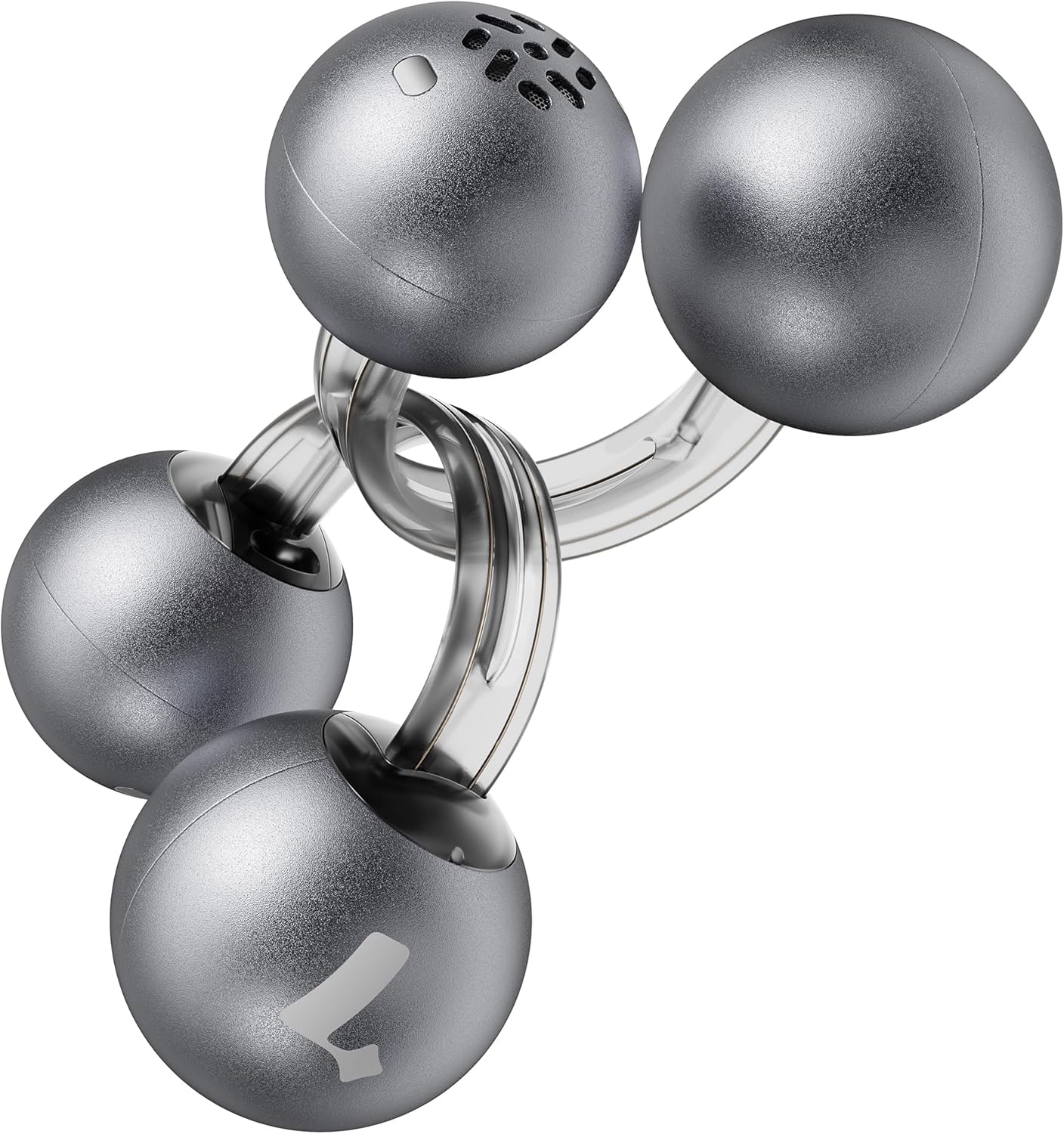
Image: Lytmi CozyClip D1 Earbuds, showcasing their open-ear clip design.

Image: Earbud resting on a feather, illustrating its ultra-lightweight design.
주요 특징:
- 오픈 이어 디자인: Weighing just 5.4g each, these earbuds clip onto your ear, providing comfort and allowing you to remain aware of your surroundings.
- 하이파이 사운드: Experience immersive audio with enhanced bass and clear highs.
- 통화 시 AI 노이즈 감소: Ensures crystal-clear calls by reducing environmental noise, even in windy conditions.
- 자동 좌우 인식: Earbuds are interchangeable; wear either earbud on either ear without manual configuration.
- 긴 배터리 수명: Up to 9 hours of playtime on a single charge, and up to 30 hours with the charging case.
- IP54 방수 및 방진: Designed to withstand sweat and water splashes, suitable for various activities and weather conditions.
- 블루투스 5.4 : Provides stable and efficient wireless connectivity with faster data transfer and extended signal range.
- 이중 연결: 두 대의 기기에 동시에 연결하고 끊김 없이 전환하세요.
설정
1. 이어버드와 케이스 충전
처음 사용하기 전에 이어버드와 충전 케이스를 완전히 충전하세요.
- 이어버드를 충전 케이스에 넣으세요. 이어버드가 제대로 장착되었는지 확인하세요.
- Type-C 충전 케이블의 다른 한쪽 끝을 케이스의 충전 포트에 연결하고, 나머지 한쪽 끝은 USB 전원에 연결하세요.
- 케이스의 표시등은 충전 상태를 나타냅니다. 충전이 완료되면 표시등이 바뀌거나 꺼집니다.

이미지: 충전 케이스와 이어버드, 배터리 잔량을 보여줍니다.
2. 장치와 페어링
- 충전 케이스를 여세요. 이어버드가 자동으로 페어링 모드로 진입합니다.
- 기기(스마트폰, 태블릿 등)에서 Bluetooth를 활성화하고 사용 가능한 기기를 검색하세요.
- Select "Lytmi CozyClip D1" from the list of devices.
- 연결되면 음성 안내로 페어링이 성공적으로 완료되었음을 확인할 수 있습니다.

Image: Quick pairing process with a smartphone.
3. 이어버드 착용
The CozyClip D1 earbuds feature an auto left-right recognition system, allowing you to wear either earbud on either ear.
- Gently clip the earbud onto your earlobe, positioning the speaker component near your ear canal.
- Adjust for a comfortable and secure fit. The flexible design ensures stability during movement.
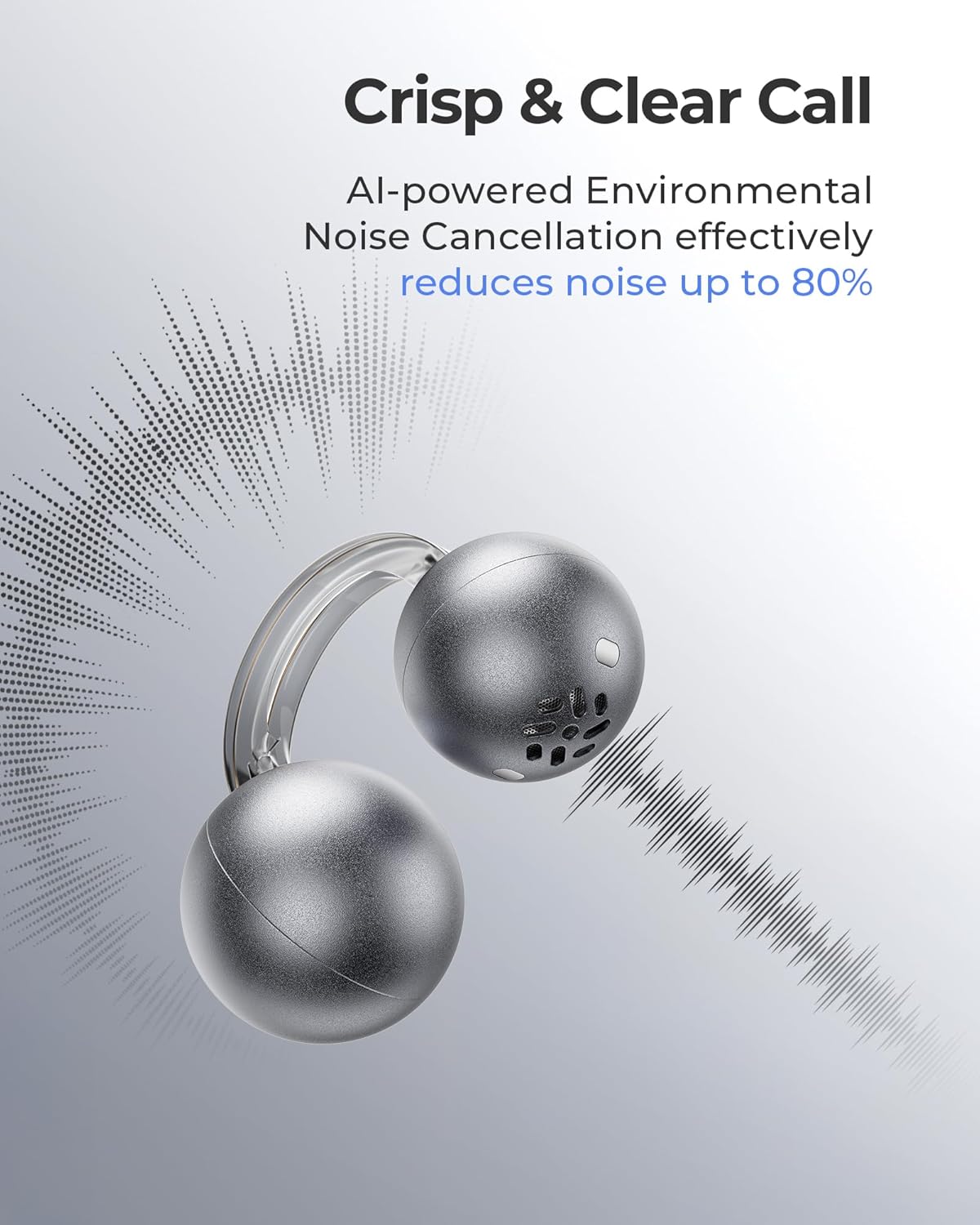
Image: Earbud worn on an ear, showing the secure fit.

Image: Wearing styles for awareness or full sound.
작동 지침
터치 컨트롤
이어버드는 오디오 재생과 통화를 관리하기 위한 직관적인 터치 컨트롤을 갖추고 있습니다.
- 두 번 탭하기(왼쪽 또는 오른쪽 이어버드): Answer a call, End a call, Play/Pause music.
- Triple Tap (Left or Right Earbud): Next track, Reject a call.

Image: Touch control gestures for playback and calls.
Dual-Connection
The CozyClip D1 earbuds support simultaneous connection to two devices.
- 이어버드를 첫 번째 기기(예: 스마트폰)와 페어링하세요.
- 첫 번째 기기의 Bluetooth 설정에서 이어버드를 분리합니다.
- 이어버드를 두 번째 기기(예: 노트북)와 페어링합니다.
- Reconnect the earbuds to the first device from its Bluetooth settings. The earbuds will now be connected to both devices.
- 오디오는 자동으로 콘텐츠를 재생하거나 전화를 받는 장치로 전환됩니다.

Image: Seamless switching between two connected devices.
공식 제품 영상
비디오: 오버view of the Lytmi CozyClip D1 Open Ear Clip-on Earbuds, demonstrating their design, fit, and key features in various usage scenarios.
유지
- 청소: 부드럽고 마른 천으로 이어버드와 충전 케이스를 정기적으로 닦으세요. 강한 화학 물질이나 연마재는 사용하지 마세요.
- 저장: 사용하지 않을 때는 이어버드를 충전 케이스에 보관하여 먼지와 손상으로부터 보호하세요.
- 물 노출: While IP54 rated for water splashes and sweat, avoid submerging the earbuds in water. Ensure they are dry before placing them back in the charging case.
문제 해결
| 문제 | 해결책 |
|---|---|
| 이어폰이 페어링되지 않음 | Ensure earbuds are charged. Turn off and on Bluetooth on your device. Forget "Lytmi CozyClip D1" from your device's Bluetooth list and re-pair. |
| 소리가 나지 않거나 볼륨이 작음 | Check device volume. Ensure earbuds are properly seated on your ears. Reconnect the earbuds to your device. |
| 이어폰이 빠지는 경우 | Adjust the clip for a more secure fit around your earlobe. Experiment with different positioning for optimal stability. |
| 충전 케이스가 충전되지 않음 | Verify the charging cable and power adapter are working correctly. Ensure the Type-C cable is fully inserted into the charging port. |
| 터치 컨트롤이 응답하지 않음 | 손가락이 깨끗하고 건조한지 확인하세요. 이어버드를 케이스에 넣었다가 다시 꺼내서 다시 시작해 보세요. |
명세서
| 특징 | 세부 사항 |
|---|---|
| 모델명 | 리트미 코지클립 D1 |
| 연결 기술 | 무선(블루투스 5.4) |
| 블루투스 범위 | 10 미터 |
| 배터리 수명(이어버드) | 최대 9시간 |
| 총 재생 시간(케이스 포함) | 최대 30시간 |
| 충전 시간 | 1 Hour (for earbuds) |
| 방수 레벨 | IP54(방수 및 방진) |
| 제품 무게 (이어폰) | 0.17온스(약 5.4g) |
| 오디오 드라이버 크기 | 12 밀리미터 |
| 임피던스 | 32옴 |
| 주파수 응답 | 20kHz (상한값, 일반적인 범위는 20Hz~20kHz) |
| 소음 제어 | Adaptive Noise Cancellation (for calls) |
| 재료 | ABS+PC (for carrying case) |
| 제어 방법 | 만지다 |
보증 및 지원
For warranty information, technical support, or further assistance, please refer to the official Lytmi web사이트를 방문하거나 고객 서비스에 직접 문의하세요. 보증 청구를 위해 구매 영수증을 보관하세요.
You can visit the Lytmi Store for more information: Lytmi Official Store


