1. 서론
Thank you for choosing the EDYELL C5S Bluetooth Dual Earphone for Helmet. This device is designed to provide high-quality audio for music and calls while riding, ensuring convenience and safety. Please read this manual carefully before use to ensure proper installation and operation.
2. 안전 정보
- 항상 도로 안전을 최우선으로 생각하세요. 주행에 방해가 되는 방식으로 기기를 조작하지 마세요.
- Ensure the device is securely mounted to your helmet to prevent detachment during use.
- 청력 손상을 예방하려면 장시간 지나치게 큰 소리로 음악을 듣는 것을 피하십시오.
- 기기를 분해하거나 개조하지 마십시오. 보증이 무효화되고 안전 위험이 발생할 수 있습니다.
- 기기를 극한 온도, 직사광선, 화염에 가까이 두지 마세요.
- 배터리와 기기를 지역 규정에 따라 폐기하세요.
3. 패키지 내용
패키지에 모든 품목이 들어 있는지 확인하세요.
- Motorcycle Bluetooth Headsets (x1)
- Hard Microphone Speaker (x1)
- Clamping Base (x1)
- Microphone Velcro Tape (x2)
- Speaker Velcro (x2)
- Booster Sticker (x2)
- Stand Velcro Tape (x1)
- Thick Double Sided Tape (x1)
- Stand Velcro Tape (x1)
- 사용 설명서(x1)
- 충전 케이블(x1)
4. 제품 오버view
The EDYELL C5S is a compact Bluetooth headset designed for motorcycle helmets. It features a control unit with integrated buttons and a colorful LED strip, connecting to two 50mm speakers and a microphone for communication and audio playback.

Image: The EDYELL C5S Bluetooth Helmet Headset, showing its sleek design and integrated controls.
5. 설치
Follow these steps to install the EDYELL C5S on your helmet:
- 본체 장착: cl을 부착하세요amping base to the side of your helmet using the provided clips or adhesive tape. Ensure it is securely fastened and does not obstruct your vision or helmet functionality.
- 스피커 배치: Position the 50mm speakers inside the helmet's ear pockets. Use the speaker Velcro to secure them. Ensure the speakers are aligned with your ears for optimal sound quality and comfort.
- 마이크 배치: Attach the hard microphone speaker to the inside of the helmet, near your mouth. Use the microphone Velcro tape to secure it. Ensure the microphone is positioned to capture your voice clearly while minimizing wind noise.
- 케이블 관리 : Route all cables neatly within the helmet's padding to avoid interference and ensure comfort.

Image: Diagram illustrating the installation of the EDYELL C5S headset components, including the main unit, speakers, and microphone, onto a motorcycle helmet.
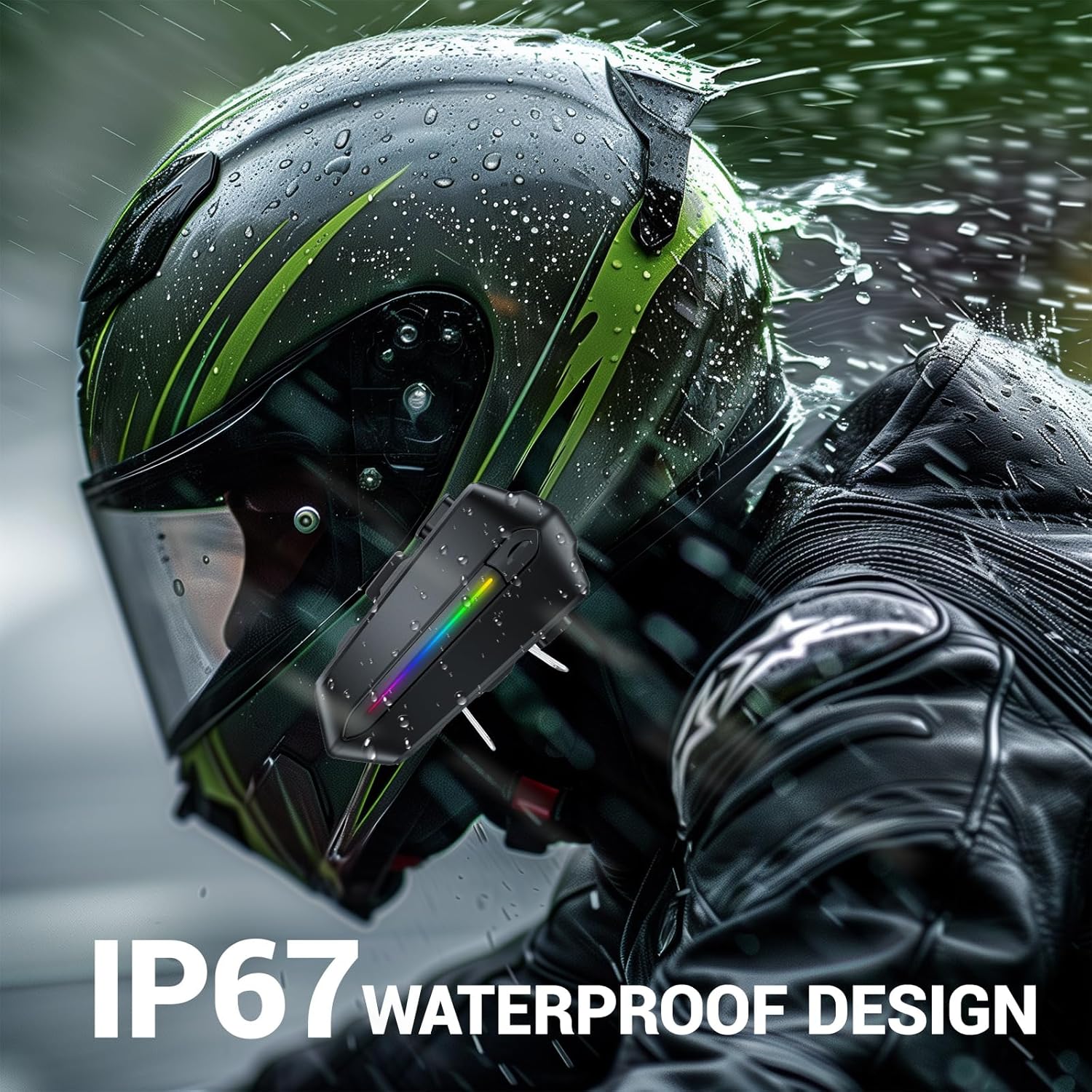
Image: Various helmet types demonstrating the wide compatibility of the EDYELL C5S Bluetooth headset.
6. 충전
The EDYELL C5S features an 800mAh large-capacity battery. To charge the device:
- 제공된 Type-C 충전 케이블을 헤드셋의 충전 포트에 연결하십시오.
- 케이블의 다른 쪽 끝을 USB 전원(예: 벽면 어댑터, 컴퓨터 USB 포트)에 연결합니다.
- LED 표시등이 충전 상태를 표시합니다. 완전히 충전하는 데는 약 1.5시간이 걸립니다.
Once fully charged, the headset provides up to 30 hours of music listening, 40 hours of calls, and over 300 hours of standby time.
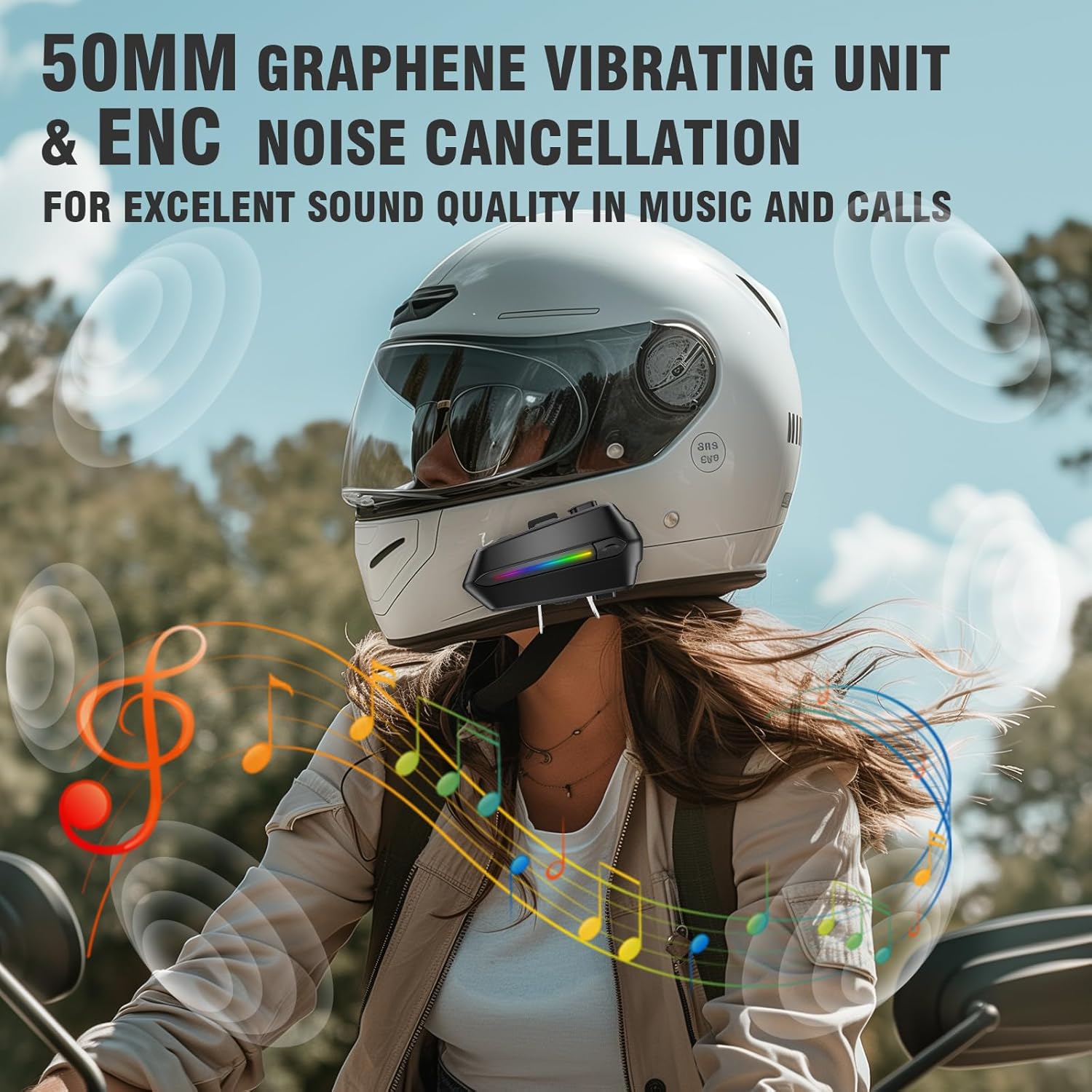
Image: The EDYELL C5S headset connected to a Type-C charging cable, illustrating the charging process and highlighting its 800mAh battery capacity.
7. 사용 설명서
7.1 전원 켜기/끄기
- 전원 켜기: LED 표시등이 켜질 때까지 약 3초 동안 전원 버튼을 길게 누릅니다.
- 전원 끄기 : LED 표시등이 꺼질 때까지 약 3초 동안 전원 버튼을 길게 누릅니다.
7.2 블루투스 페어링
- 헤드셋의 전원이 꺼져 있는지 확인하십시오.
- Press and hold the power button for about 5-7 seconds until the LED indicator flashes red and blue alternately, indicating pairing mode.
- On your mobile device, enable Bluetooth and search for "EDYELL C5S".
- Select "EDYELL C5S" from the list of available devices to connect. A voice prompt will confirm successful pairing.
7.3 이중 연결
The EDYELL C5S supports simultaneous connection to two devices. After pairing the first device, follow the pairing steps again for the second device. The headset will automatically connect to both devices when powered on.
7.4 통화 관리
- 자동 답변: Incoming calls will be automatically answered after 10 seconds for hands-free communication.
- 전화 받기/종료: Short press the phone button to answer or end a call.
- 전화 거부: Press and hold the phone button for 2 seconds to reject an incoming call.
- 음성 제어: Press the voice control button to activate your device's voice assistant (e.g., Siri, Google Assistant) to perform tasks like making calls or navigating.
7.5 음악 재생
- 재생/일시 중지: 재생/일시정지 버튼을 짧게 누르세요.
- 다음 트랙: '+' 버튼을 짧게 누르세요.
- 이전 트랙 : '-' 버튼을 짧게 누르세요.
7.6 볼륨 조절
- 볼륨 증가: '+' 버튼을 길게 누르세요.
- 볼륨 감소: '-' 버튼을 길게 누르세요.

Image: A rider using the EDYELL C5S headset, demonstrating the one-click AI assistant wake-up and auto-answer call features for convenience while riding.
Video: An official product video demonstrating the features and usage of the EDYELL C5S Motorcycle Bluetooth Headset, including its design, controls, and functionality.
7.7 IP67 Waterproof Design
The EDYELL C5S is designed with an IP67 waterproof rating, allowing it to withstand various weather conditions, including rain and snow. This ensures reliable performance during outdoor rides.

Image: The EDYELL C5S headset mounted on a helmet, shown under simulated rain to highlight its IP67 waterproof design.
8. 사양
| 특징 | 사양 |
|---|---|
| 모델명 | c5s |
| 연결 기술 | 무선(블루투스 V5.4) |
| 소음 제어 | 패시브 노이즈 캔슬링 |
| 오디오 드라이버 크기 | 50 밀리미터 |
| 배터리 용량 | 800mAh 리튬 폴리머 |
| 충전 시간 | 1.5시간 |
| 음악 재생 시간 | 최대 30시간 |
| 통화 시간 | 최대 40시간 |
| 대기 시간 | 300시간 이상 |
| 방수 레벨 | IP67 방수 |
| 제어 유형 | Voice Control, Button Control |
| 품목 무게 | 180그램 |
| 제품 치수 | 10 x 5 x 2cm |
9. 문제 해결
- 장치가 켜지지 않음: 배터리가 충전되어 있는지 확인하십시오. 기기를 충전기에 연결한 후 다시 시도하십시오.
- Unable to pair with Bluetooth: Make sure the headset is in pairing mode (LED flashing red and blue). Check that Bluetooth is enabled on your mobile device and it is within range. Try restarting both devices.
- 스피커에서 소리가 나지 않음: Check the volume level on both the headset and your connected device. Ensure speakers are correctly plugged into the main unit and positioned properly inside the helmet.
- 마이크가 작동하지 않습니다: Verify the microphone is securely connected and positioned correctly near your mouth. Check privacy settings on your connected device to ensure microphone access is granted.
- 간헐적 연결: Ensure there are no major obstructions between the headset and your connected device. Move closer to the device if necessary. Avoid environments with strong electromagnetic interference.
10. 보증 및 지원
For product support, installation guidance, or any queries, please contact EDYELL INDIA customer care:
- 이메일: support@fenman.in
- 핸드폰: +91 8882786235
- 영업 시간: Monday to Saturday, 10:00 AM to 6:30 PM (IST)
보증 청구를 위해 구매 영수증을 보관하세요.


