1. 중요한 안전 정보
TV를 사용하기 전에 모든 안전 지침을 주의 깊게 읽어주세요. 나중에 참고할 수 있도록 이 설명서를 보관하세요.
- TV를 비나 습기에 노출시키지 마세요.
- TV 주변의 환기가 잘 되는지 확인하세요.
- 신문지, 식탁보, 커튼 등으로 환기구를 막지 마십시오.
- 전원 코드가 밟히거나 끼지 않도록 보호하세요.
- 번개가 칠 때나 장기간 사용하지 않을 때는 TV의 플러그를 뽑아 두세요.
- 모든 서비스는 자격을 갖춘 서비스 담당자에게 의뢰하세요.
2. 상자 안에 무엇이 들어있나요?
모든 구성품이 포장에 들어 있는지 확인하세요.
- Thomson 43QG5C14 QLED Google Smart TV
- 원격 제어
- 전원 코드
- Central Stand (and screws for assembly)
- 사용 설명서 (본 문서)
- 원격 제어용 배터리
3. 설정
3.1 스탠드 부착하기
Carefully place the TV screen-down on a soft, flat surface to prevent damage. Attach the central stand to the bottom of the TV using the provided screws. Ensure the stand is securely fastened.
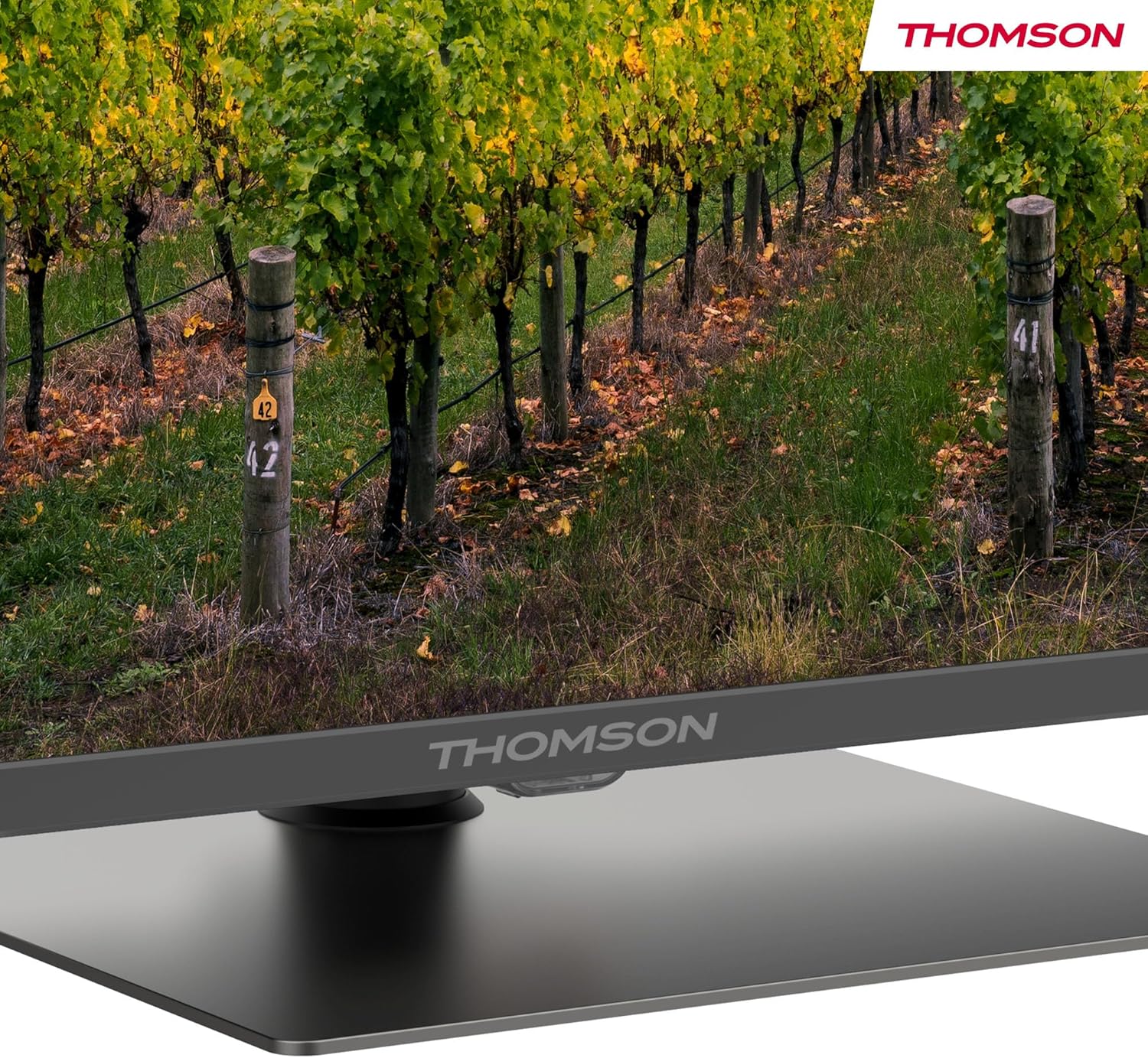
자세한 view of the central stand, featuring the Thomson branding.

This diagram provides the physical measurements of the television, including width, height, and depth, essential for placement and installation.
3.2 벽면 장착(선택 사항)
If you choose to wall mount your TV, ensure you use a VESA-compatible wall mount kit (sold separately) and follow the instructions provided with the wall mount. Professional installation is recommended.
3.3 주변기기 연결하기
Connect your external devices such as set-top boxes, gaming consoles, or sound systems to the appropriate ports on the TV. The TV features multiple HDMI and USB ports, as well as a LAN connection.

This image details the available connection ports on the back of the television, including HDMI, USB, LAN, and antenna inputs.
3.4 초기 설정
- 전원 코드를 TV와 전원 콘센트에 연결하세요.
- 리모컨이나 TV의 전원 버튼을 눌러 전원을 켜세요.
- 화면의 지시에 따라 언어와 국가를 선택하고 Wi-Fi 네트워크에 연결하세요.
- Google TV 기능을 이용하고 앱을 다운로드하려면 Google 계정으로 로그인하세요.
4. 사용 설명서
4.1 리모컨
The included remote control provides easy access to all TV functions. It features backlit buttons for visibility in low light and dedicated buttons for popular streaming services.

The remote control features dedicated buttons for popular streaming services, a Google Assistant button for voice commands, and backlit keys for ease of use in low light.
4.2 Google TV 기능
Your Thomson TV runs on Google TV, offering a personalized entertainment experience. Access over 400,000 movies and shows from various streaming services. Use the integrated Google Assistant for voice control and the built-in Chromecast to stream content from your smart devices.

This image demonstrates the voice control functionality, allowing users to operate the TV and search for content using spoken commands.

The Google TV home screen provides access to a wide range of streaming applications and personalized content recommendations.
4.3 Display Features: QLED, 4K UHD, HDR10
Experience vibrant and realistic colors thanks to QLED technology with Quantum Dots. The 4K UHD resolution delivers crystal-clear images, offering four times the detail of Full HD. HDR10 support ensures balanced brightness, rich contrast, and precise color reproduction.
4.4 Audio Features: Dolby Atmos
Enjoy a dynamic and immersive sound experience with Dolby Atmos technology, bringing cinematic audio directly to your living room.

This image illustrates the immersive audio experience provided by Dolby Atmos, showing sound waves emanating from the television.
4.5 연결성
- 와이파이: 인터넷 접속과 스트리밍을 위해 홈 네트워크에 연결하세요.
- 블루투스 5.1 : 무선 헤드폰, 사운드바 또는 기타 Bluetooth 장치를 연결하세요.
- HDMI : Multiple HDMI ports (including HDMI 2.1 with eARC) for connecting various external devices.
- USB: USB 2.0 and USB 3.0 ports for media playback from USB drives.
- 트리플 튜너: Integrated tuner for Cable (DVB-C), Satellite (DVB-S2), and Antenna (DVB-T2) reception.
- CI+: Common Interface Plus slot for conditional access modules (CAM) to view 암호화된 채널.
5. 유지관리
- 화면 청소: Gently wipe the screen with a soft, lint-free cloth. For stubborn marks, use a screen-cleaning solution specifically designed for TVs.
- 캐비닛 청소: TV 장식장을 닦을 때는 부드럽고 마른 천을 사용하십시오. 연마성 세제나 용제를 사용하지 마십시오.
- 소프트웨어 업데이트: 최적의 성능과 보안을 위해 TV 소프트웨어를 최신 버전으로 업데이트하세요. 업데이트는 일반적으로 TV 설정 메뉴에서 찾을 수 있습니다.
6. 문제 해결
TV에 문제가 발생하면 다음의 일반적인 해결책을 참조하세요.
- 전원 없음: Check if the power cord is securely connected and the power outlet is working.
- 화면/소리 없음: 올바른 입력 소스가 선택되었는지 확인하십시오. 모든 케이블 연결 상태를 점검하십시오.
- 원격이 작동하지 않음: 배터리를 교체하세요. 리모컨과 TV 사이에 장애물이 없는지 확인하세요.
- 화질이 좋지 않음: 화면 설정(밝기, 대비, 선명도)을 조정하세요. 안테나/케이블 연결을 확인하세요.
- 네트워크 연결 문제: Restart your router. Reconnect the TV to the Wi-Fi network in the settings.
For further assistance, consult the full electronic manual or contact Thomson customer support.
7. 사양
| 특징 | 사양 |
|---|---|
| 상표 | 톰슨 |
| 모델 번호 | 43QG5C14 |
| 화면 크기 | 43인치(109cm) |
| 디스플레이 기술 | QLED |
| 해결 | 4K UHD(3840 x 2160) |
| 새로 고침 빈도 | 60Hz |
| 특별 기능 | QLED, Dolby Atmos, Dolby Vision, HDR10 |
| 운영 체제 | 구글 티비 |
| 연결성 | 블루투스 5.1, HDMI, USB, Wi-Fi |
| 종횡비 | 16시 9분 |
| 제품 치수 (W x H x D) | 96 x 59 x 9cm |
| 무게 | 12.5kg |
에너지 효율성

The energy label indicates the television's energy efficiency class and annual energy consumption.
For detailed energy information, refer to the EPREL Product Data Sheet.
8. 보증 및 지원
Your Thomson 43QG5C14 QLED Google Smart TV comes with a 3년 보증, ensuring clear images without dead pixels. This product is assembled in Europe, reflecting a commitment to quality.
For technical support, warranty claims, or additional information, please visit the official Thomson website or contact your local customer service.


