소개
This manual provides detailed instructions for the SEIKO QHP012WLH Non-Ticking Melodies Alarm Clock. Please read this manual thoroughly before using the clock to ensure proper operation and to understand all features.
패키지 내용
- SEIKO QHP012WLH Alarm Clock
- 3개의 AA 배터리
- 사용 설명서 (본 문서)
제품 특징
- 모델: QHP012WLH
- 디스플레이 유형: 비슷한 물건
- 움직임: 정밀 석영
- 특별 기능: Non-ticking quiet sweep second hand, selectable alarm melodies (Bird Song, Melodies, Beep), snooze function, adjustable alarm volume, light feature, luminous hour and minute hands.
- 전원: AA 배터리 3개 (포함)
- 치수: 가로 약 4.72인치, 세로 약 5.12인치, 깊이 약 2.76인치
- 재료: 플라스틱
설정
1. 배터리 설치
The clock requires three (3) AA batteries for operation. These are included with your purchase.
- 시계 뒷면에서 배터리 덮개를 찾으세요.
- 덮개를 아래로 밀거나 들어 올려서 제거하세요.
- Insert three AA batteries, ensuring the correct polarity (+ and -) as indicated inside the compartment.
- 배터리함 덮개를 단단히 다시 닫으십시오.

이미지: 후면 view of the clock, highlighting the battery compartment and control knobs.
2. 초기 배치
Place the clock on a stable, flat surface such as a bedside table or desk. Ensure it is away from direct sunlight, extreme temperatures, or high humidity.
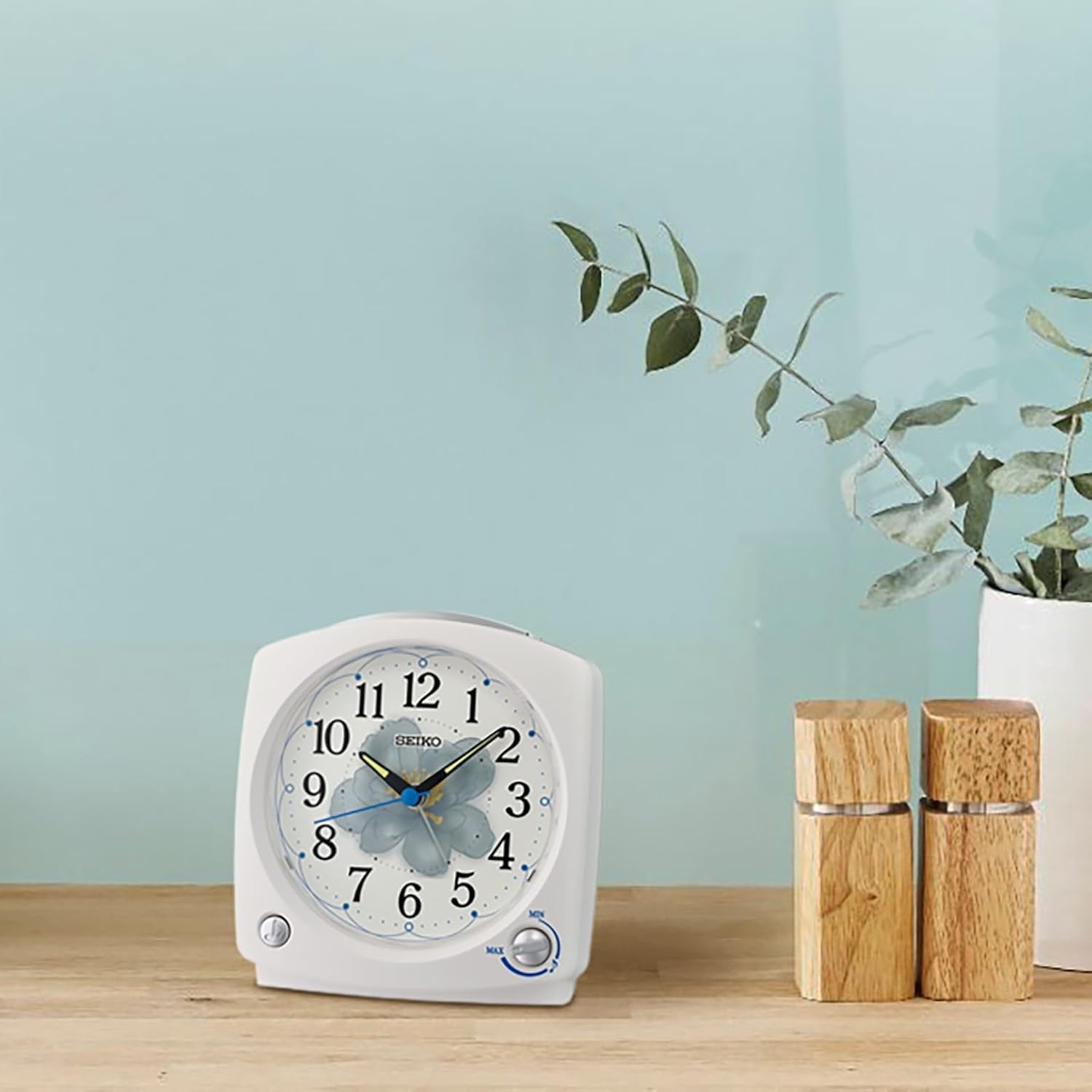
Image: The alarm clock positioned on a wooden surface, demonstrating typical placement.
작동 지침
Familiarize yourself with the controls located on the back and top of the clock.
Image: Rear controls of the clock, including time/alarm setting knobs and alarm switch.
1. 현재 시간 설정
- Locate the "TIME" setting knob on the back of the clock.
- Rotate this knob clockwise or counter-clockwise to move the hour and minute hands to the correct current time.
- Ensure the time is set accurately, especially for AM/PM if applicable (though this is an analog clock, consider the 12-hour cycle for alarm setting).
2. 알람 시간 설정
- Locate the "ALARM" setting knob on the back of the clock.
- Rotate this knob to move the alarm hand to your desired wake-up time.
- Ensure the alarm hand is precisely aligned with the desired hour and minute markings.
3. 경보 작동/해제
On the back of the clock, there is an "ON/OFF" slide switch for the alarm.
- Slide the switch to "ON" to activate the alarm.
- Slide the switch to "OFF" to deactivate the alarm.
4. Selecting Alarm Sound
The clock offers multiple alarm sound options: Bird Song, Melodies, or a traditional Beep sound. The selection dial is typically located on the side or back of the clock.
- Locate the alarm sound selection switch or dial.
- Choose your preferred alarm sound:
- Bird Song: A gentle natural sound.
- 멜로디: Includes "Dance of the Hours," "Morning from Peer Gynt," and "Waltz of the Flowers."
- 삑 하는 소리: A standard electronic alarm sound.
5. 알람 소리 조절
A volume control knob is provided to adjust the loudness of the alarm.
- Locate the volume control knob, usually on the side or back of the clock.
- Rotate the knob to increase or decrease the alarm volume to your preference.
6. 스누즈 기능
When the alarm sounds, press the large button located on the top of the clock to activate the snooze function. The alarm will temporarily stop and sound again after a few minutes.
7. 조명 기능
To illuminate the clock face in low light conditions, press the large button on the top of the clock. The light will remain on as long as the button is pressed, allowing for temporary viewing of the time.
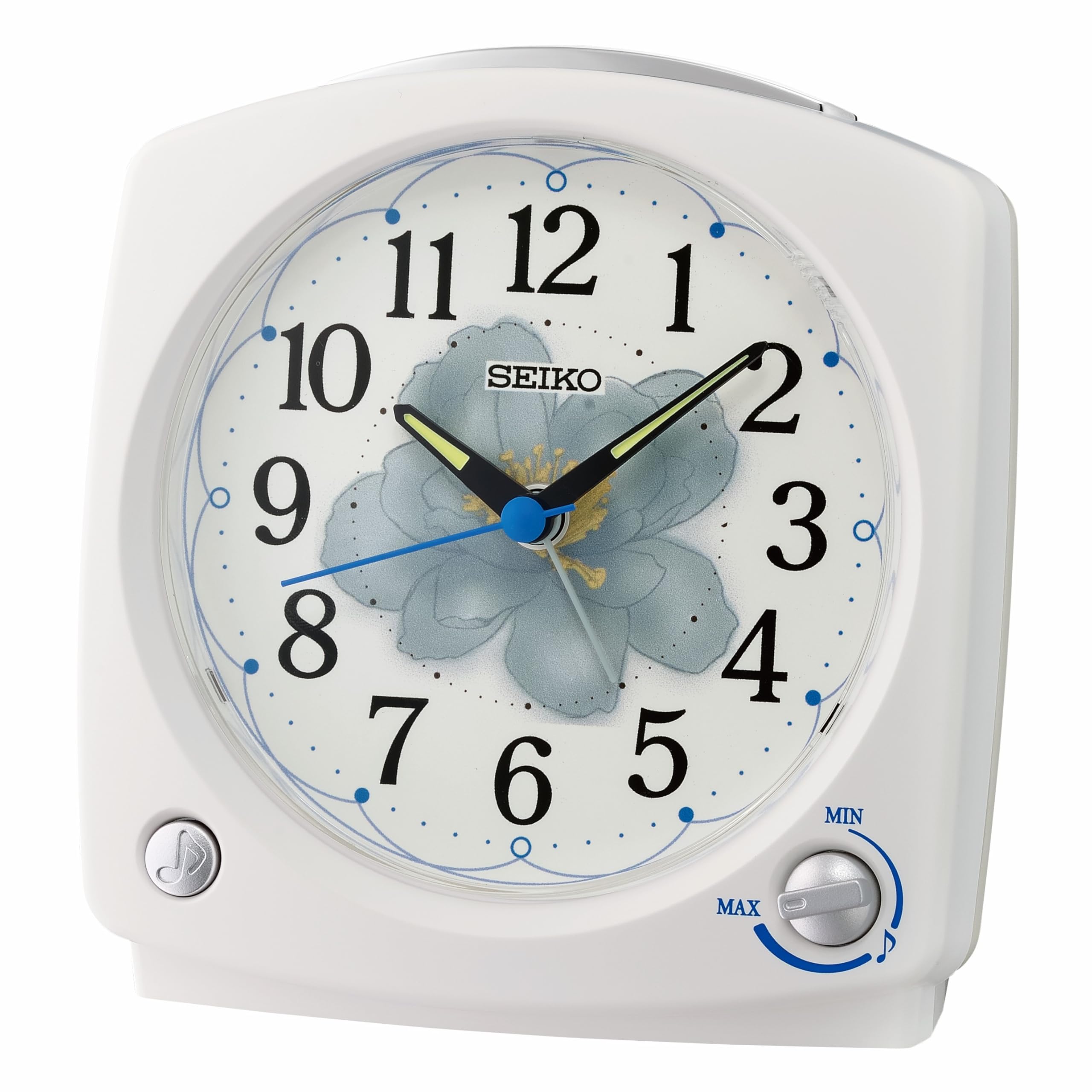
이미지: 앞면 view of the clock, showing the dial and the top button for snooze/light.
유지
1. 청소
To clean the clock, use a soft, dry cloth. Do not use abrasive cleaners, solvents, or chemical sprays, as these can damage the clock's finish and internal components.
2. 배터리 교체
When the clock's display dims, the alarm weakens, or the clock stops functioning, it is time to replace the batteries. Follow the battery installation steps in the "Setup" section.
- Always replace all three AA batteries at the same time.
- 오래된 건전지와 새 건전지, 다른 종류의 건전지를 혼용하지 마세요.
- 장기간 시계를 사용하지 않을 경우 배터리 누출을 방지하기 위해 배터리를 제거하세요.
문제 해결
| 문제 | 가능한 원인 | 해결책 |
|---|---|---|
| 시계가 작동하지 않음 / 시계 바늘이 움직이지 않음 | 배터리가 소진되었거나 올바르게 설치되지 않았습니다. | 배터리 극성을 확인하십시오. 새 AA 배터리로 교체하십시오. |
| 알람이 울리지 않습니다 | Alarm is not activated (OFF). Alarm time is incorrectly set. Batteries are low. | Slide the alarm switch to "ON". Re-set the alarm time. Replace batteries. |
| Alarm is too quiet or too loud | Volume control is set too low or too high. | Adjust the alarm volume knob to your desired level. |
| 조명 기능이 작동하지 않습니다 | 배터리가 부족하거나 방전되었습니다. | 새 AA 배터리로 교체하세요. |
| Clock is ticking loudly (despite "non-ticking" feature) | This is an unusual issue for this model. Could be a manufacturing defect or internal component issue. | Contact SEIKO customer support for assistance. |
명세서
- 모델 번호: QHP012WLH
- 상표: SEIKO
- 디스플레이 유형: 비슷한 물건
- 전원: 3 x AA 배터리(포함)
- 치수(폭 x 높이 x 깊이): 약 12cm x 13cm x 7cm (4.72" x 5.12" x 2.76")
- 무게: 약 12.3온스(0.35kg)
- 재료: 플라스틱
- 특별 기능: Non-ticking sweep second hand, selectable melodies, snooze, light, adjustable volume, luminous hands.
보증 및 지원
보증 정보
This SEIKO QHP012WLH alarm clock is covered by a 1년 제조사 제한 보증 구매일로부터. 이 보증은 정상적인 사용 하에서 재료 및 제조상의 결함을 포함합니다.
보증은 다음 사항을 포함하지 않습니다:
- Damage caused by accident, misuse, abuse, alteration, or improper installation.
- Damage caused by unauthorized service.
- Damage from battery leakage.
보증 청구를 위해 구매 증명서를 보관하십시오.
고객 지원
For technical assistance, warranty claims, or further inquiries, please contact SEIKO customer support. Refer to the official SEIKO web가장 최신의 연락처 정보는 해당 사이트나 제품 포장에서 확인하세요.
You can visit the official SEIKO website for support and product information: www.seikoclocks.com


