소개
블랙을 선택해 주셔서 감사합니다.view AirBuds 7 Wireless Earbuds. This manual provides essential information for setting up, operating, and maintaining your earbuds. Please read it carefully before use to ensure optimal performance and longevity of your device.
패키지 내용
아래 나열된 모든 품목이 패키지에 포함되어 있는지 확인하세요.
- 검은색view AirBuds 7 Earbuds (Left and Right)
- 충전 케이스
- USB 충전 케이블
- 사용자 설명서
동영상: 언박싱 및 종료view 검은색의view AirBuds 7, showing the package contents including the earbuds, charging case, USB cable, and user manual.
제품 끝view
블랙view AirBuds 7 feature a compact design with a charging case that includes an LED display for battery status. The earbuds are designed for comfortable in-ear fit and deliver clear audio.
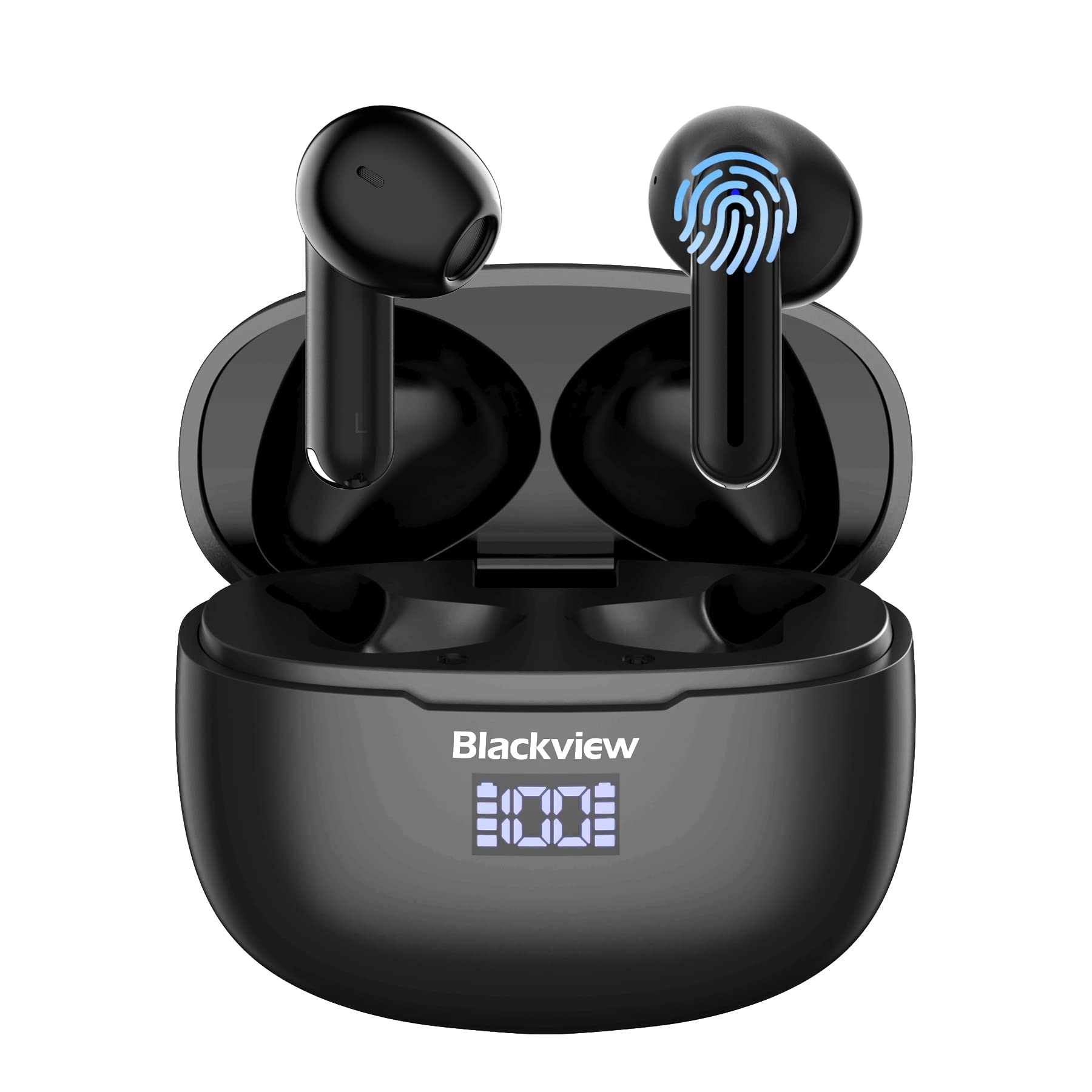
영상: 검은색view AirBuds 7 wireless earbuds and their charging case, showcasing the digital power display.

영상: Close-up of the Blackview AirBuds 7 charging case, highlighting the digital LED power display for both the case and individual earbuds.
설정 및 페어링
Follow these steps to connect your AirBuds 7 to your device:
- 이어버드 충전: 처음 사용하기 전에 이어버드와 충전 케이스가 완전히 충전되었는지 확인하십시오.
- 페어링 모드 활성화: 충전 케이스를 열고 이어버드 두 개를 꺼내세요. 이어버드가 자동으로 페어링 모드로 전환됩니다.
- 블루투스 활성화: 스마트폰이나 기타 Bluetooth 지원 기기에서 Bluetooth 설정으로 이동합니다.
- 검색 및 연결: 검색 available devices and select "AirBuds 7" from the list.
- 확인: 연결되면 오디오 안내가 나오고 이어버드를 사용할 수 있습니다.
After the initial pairing, the earbuds will automatically connect to your device when removed from the charging case, provided Bluetooth is enabled on your device.

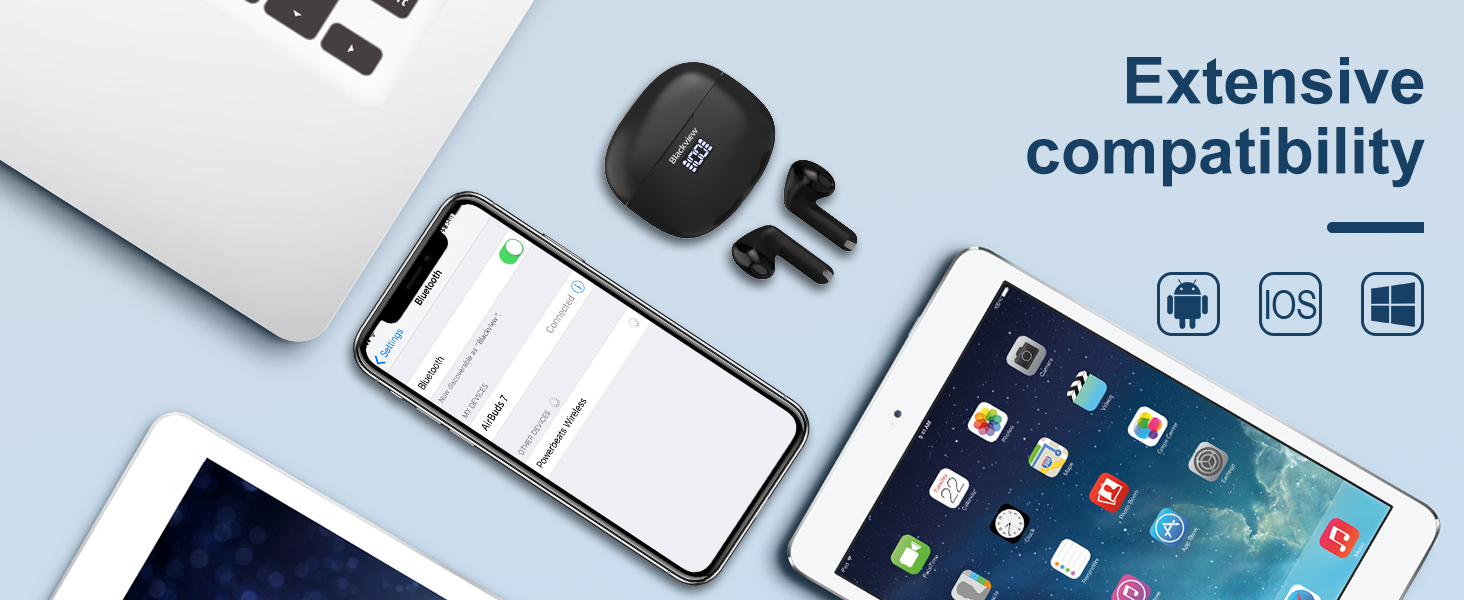
영상: A smartphone displaying its Bluetooth settings, showing a successful connection to 'AirBuds 7', with the charging case and earbuds nearby.
충전 중
The AirBuds 7 charging case features both USB-C and wireless charging capabilities. The LED display on the case indicates the battery level of both the case and the earbuds.
- 이어버드 충전: 이어버드를 충전 케이스에 다시 넣으세요. 자동으로 충전이 시작됩니다.
- Case Charging (USB-C): Connect the provided USB charging cable to the USB-C port on the charging case and to a power source.
- 케이스 충전(무선): 충전 케이스를 호환되는 무선 충전 패드에 놓으세요.
A full charge for the earbuds provides up to 6 hours of music playback. The charging case provides an additional 4-5 charges, extending total playtime to approximately 30 hours. The charging time for the case is approximately 75 minutes.

영상: 블랙view AirBuds 7 charging case being charged wirelessly on a pad, also showing the option for USB-C cable charging.
작동 지침
스마트 터치 컨트롤
The AirBuds 7 feature intuitive touch controls on each earbud. Refer to the diagram below for specific functions:

영상: A visual guide to the touch controls on the Blackview AirBuds 7, detailing actions for music playback, calls, and volume.
- 재생/일시 중지: Double tap Left (L) or Right (R) earbud.
- 전화 받기/끊기: Double tap Left (L) or Right (R) earbud.
- 이전 노래: Triple tap Left (L) earbud.
- 다음 노래: Triple tap Right (R) earbud.
- 볼륨 증가: Single tap Right (R) earbud.
- 볼륨 감소: Single tap Left (L) earbud.
방수 기능(IPX7)
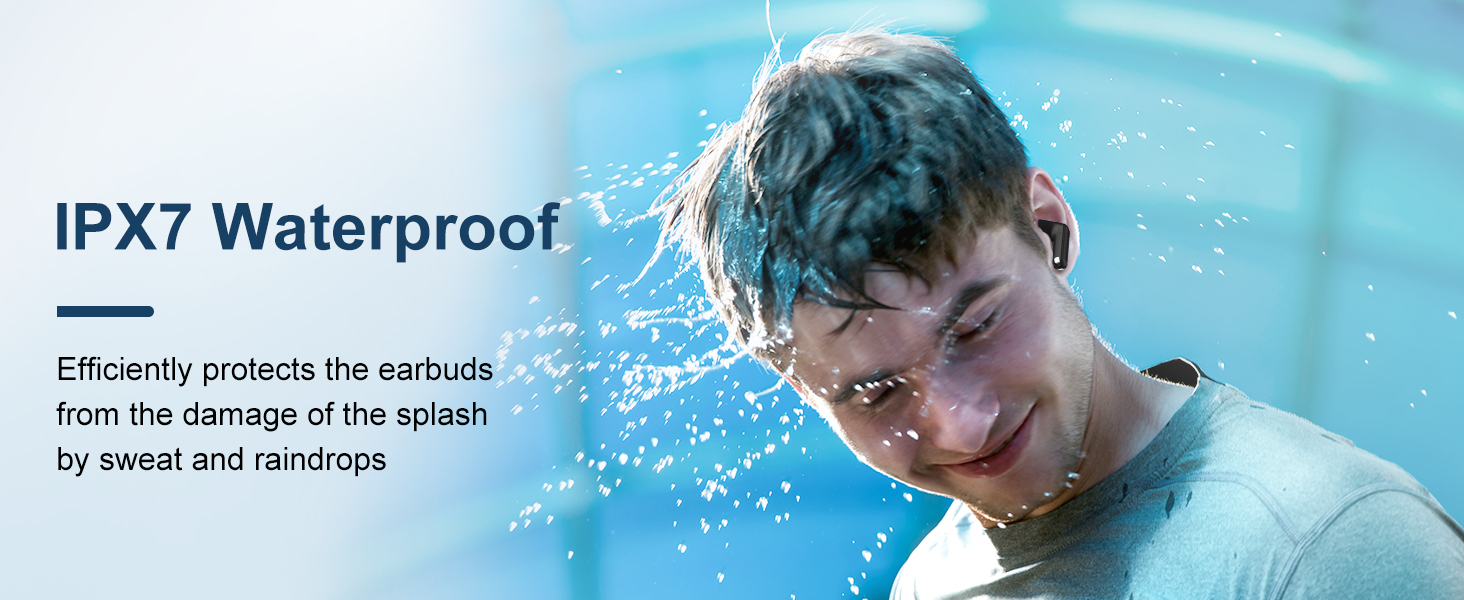
블랙view AirBuds 7 are rated IPX7 waterproof, meaning they can withstand immersion in water up to 1 meter for 30 minutes. This protection makes them suitable for use during workouts or in light rain. However, the charging case is not waterproof. Avoid exposing the charging case to water.
영상: A person being splashed with water, demonstrating the IPX7 waterproof capability of the AirBuds 7 earbuds, protecting them from sweat and raindrops.
환경 소음 제거(ENC)
The AirBuds 7 incorporate Dual-Mic Environmental Noise Cancellation (ENC) technology and a Dialogue Noise Cancellation (DNS) algorithm. This system automatically activates during calls to reduce background noise, ensuring clearer conversations even in noisy environments like public transport or busy streets.
영상: A graph illustrating the effectiveness of environmental noise cancellation, showing how noise is suppressed while vocal clarity is maintained.
유지
- 청소: 부드럽고 마른 보풀 없는 천으로 이어버드와 충전 케이스를 정기적으로 닦으세요. 강한 화학 물질이나 연마재는 사용하지 마세요.
- 귀 팁: Ensure ear tips are clean and free of earwax buildup for optimal sound quality and hygiene.
- 저장: 사용하지 않을 때는 이어버드를 충전 케이스에 보관하여 보호하고 충전 상태를 유지하세요.
- 극한의 환경을 피하세요: 이어폰이나 케이스를 극한의 온도, 습도 또는 직사광선에 장시간 노출시키지 마십시오.
문제 해결
| 문제 | 해결책 |
|---|---|
| 이어폰이 페어링되지 않음 | Ensure earbuds are charged. Turn off and on Bluetooth on your device. Forget "AirBuds 7" in Bluetooth settings and re-pair. |
| 하나의 이어폰만 작동 | Place both earbuds back in the case, close it, then open and remove them again. Check battery levels for both earbuds. |
| 볼륨이 낮거나 음질이 좋지 않음 | Clean earbud tips and speaker mesh. Adjust volume on your device. Ensure earbuds are properly seated in your ears. |
| 충전 케이스가 충전되지 않음 | Check USB cable connection and power source. Ensure wireless charging pad is active and case is correctly placed. |
명세서
| 특징 | 세부 사항 |
|---|---|
| 모델명 | 에어버즈 7 |
| 상표 | 검은색view |
| 연결 기술 | 무선(블루투스 5.3) |
| 오디오 드라이버 유형 | 동적 드라이버 |
| 오디오 드라이버 크기 | 13 밀리미터 |
| 배터리 수명(이어버드) | 최대 6시간 |
| 총 재생 시간(케이스 포함) | 최대 30시간 |
| 충전 시간(케이스) | 75 분 |
| 방수 레벨 | IPX7(이어버드만 해당) |
| 소음 제어 | Adaptive Noise Cancellation (ENC) |
| 마이크로폰 | 포함됨 |
| 충전 인터페이스 | USB-C, 무선 충전 |
| 재료 | 플라스틱, 폴리우레탄(PU) |
| 품목 무게 | 5.3 온스 |
| 한국어: | 810175522289 |
안전 정보
- 이어버드나 충전 케이스를 분해하거나 개조하지 마세요.
- 어린이와 애완동물의 손이 닿지 않는 곳에 보관하세요.
- 청력 손상을 방지하려면 장시간 높은 볼륨으로 청취하지 마십시오.
- Do not use the earbuds in situations where you need to hear your surroundings, such as driving or cycling.
- 현지 규정에 따라 책임감 있게 제품을 폐기하십시오.
보증 및 지원
검은색view products come with a standard manufacturer's warranty. For detailed warranty information, technical support, or service inquiries, please refer to the warranty card included in your package or visit the official Blackview web사이트. 보증 청구를 위해 구매 증빙 자료를 보관하세요.
공식 블랙view Web대지: www.블랙view.hk