소개
Thank you for choosing the HISHELL Language Translator Earbuds. These open-ear headphones are designed to provide seamless real-time language translation across 144 online languages, powered by 6 top translation engines. Beyond translation, they also function as versatile devices for music streaming and phone calls. This manual will guide you through the setup, operation, and maintenance of your new device to ensure an optimal user experience.

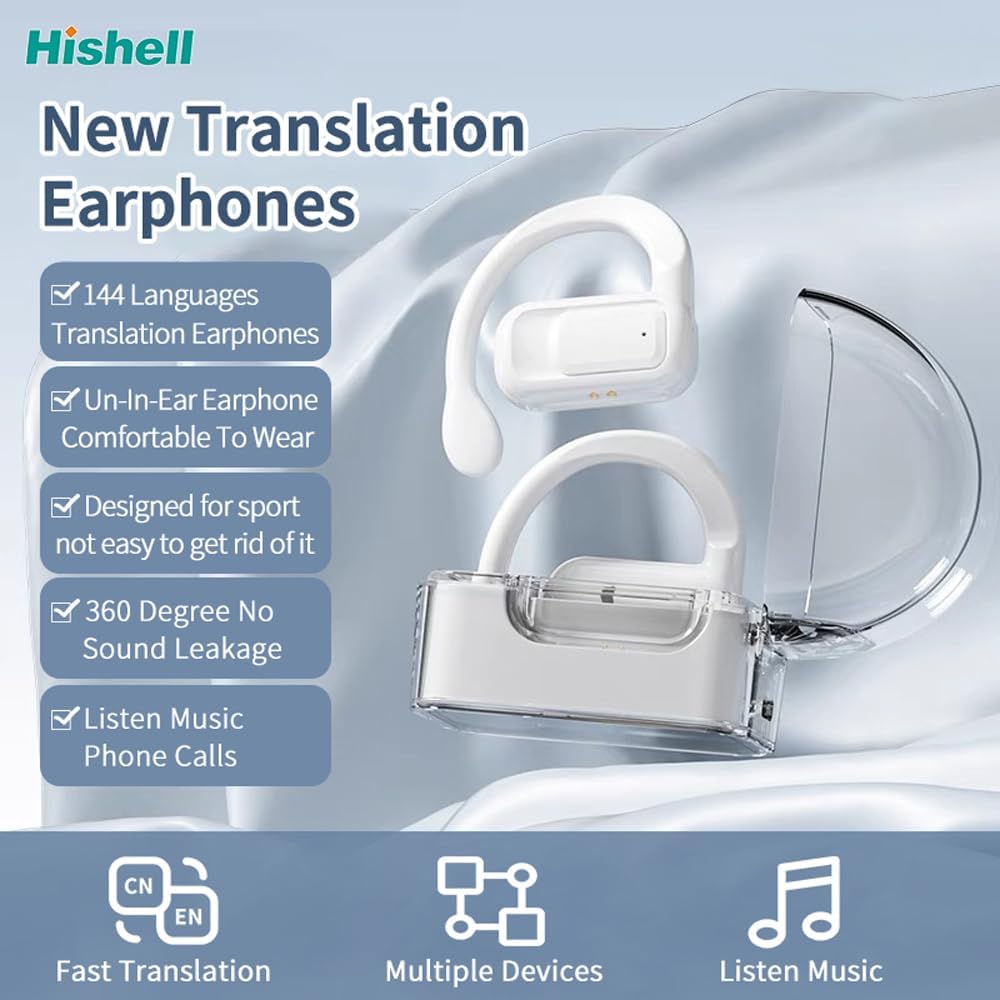
Image: The HISHELL Language Translator Earbuds, showing both earbuds and their transparent charging case.
상자 안에 무엇이 들어있나요?
- 2 x Language Translator Earphones
- 1 x Charging Compartment
- 데이터 케이블(USB-C) 1개
- 1 x Headset User Manual
- 1 x APP Translation User Manual

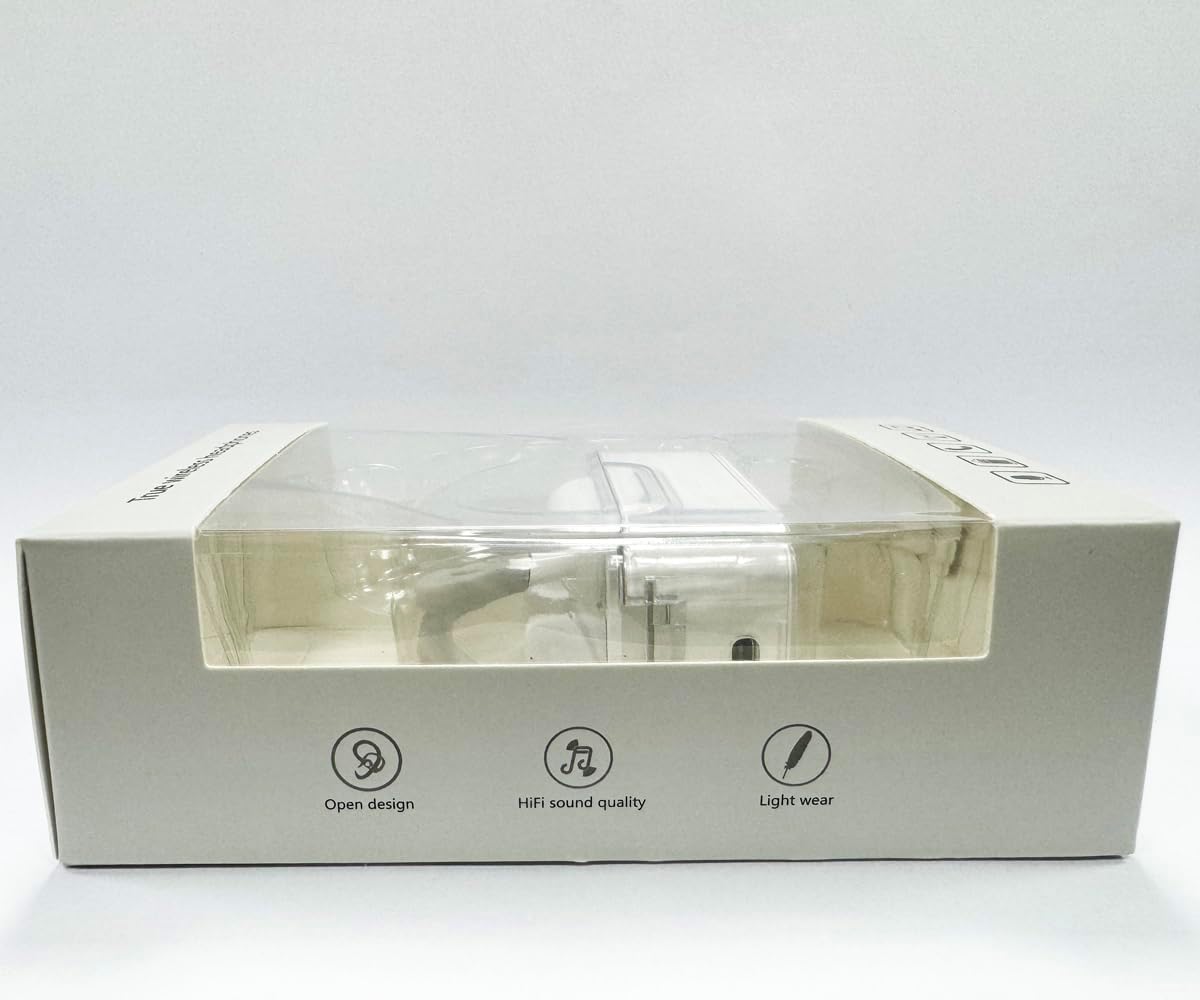
이미지: 앞면 view of the product packaging, displaying the earbuds inside.
설정
1. 이어버드와 케이스 충전
Before first use, fully charge the earbuds and the charging case. Connect the provided USB-C data cable to the charging port on the case and plug the other end into a USB power source (e.g., computer, wall adapter). The indicator lights on the case will show charging status.
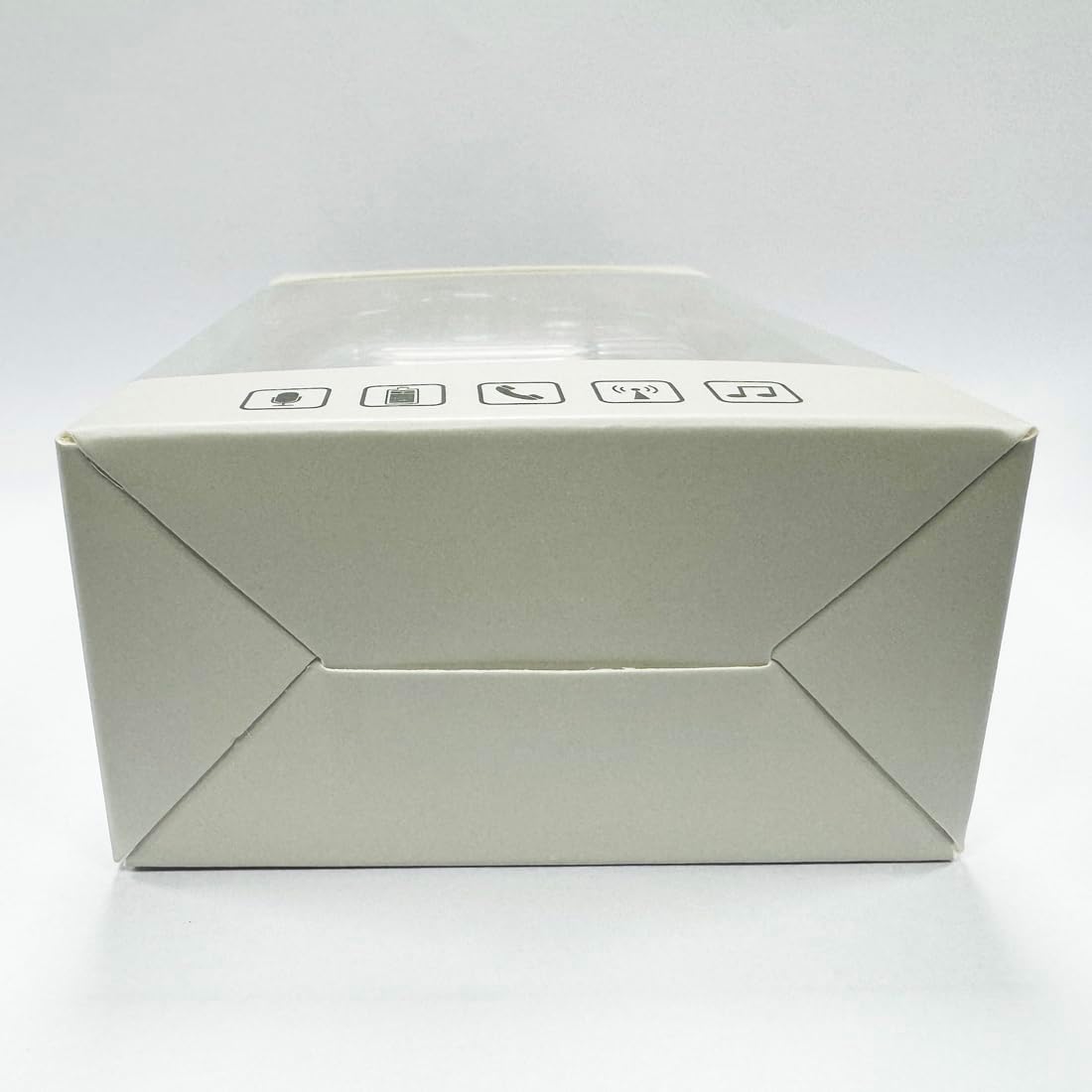
이미지: 하단 view of the charging case, highlighting the USB-C charging port.
2. 앱 설치
To utilize the translation features, you must download the dedicated HISHELL translation app on your smartphone (iOS or Android). Scan the QR code provided in the APP Translation User Manual or search for "HISHELL Translator" in your device's app store.
3. 블루투스 페어링
- 이어버드가 충전되어 있고 충전 케이스에서 꺼내져 있는지 확인하십시오. 이어버드가 자동으로 페어링 모드로 전환됩니다.
- On your smartphone, go to Bluetooth settings and turn Bluetooth on.
- Select "HISHELL BL02" (or similar name) from the list of available devices.
- 연결되면 확인음이 울리고 이어버드를 사용할 준비가 됩니다.
작동 지침
The HISHELL Language Translator Earbuds offer three primary translation modes, along with standard audio functions.
번역 모드

Image: Visual representation of the three distinct translation modes available with the earbuds.
- 터치 모드:
Two people each wear one earphone. Click or double-click the earphone to translate in real-time. This mode is suitable for acquaintances who are willing to wear your earphone.

Image: Two individuals using the translator earbuds in a conversational setting.
- 스피커 모드:
One person wears the earphones, and the other person holds the mobile phone. The phone's speaker will output the translation. This mode is suitable for strangers or situations where it's inconvenient for the other person to wear an earphone.
- 자유 통화 모드:
Both users wear an earphone. The device translates in real-time, allowing for natural, continuous conversation without needing to press buttons. This mode facilitates smooth and uninterrupted communication.
Music and Call Functions
In addition to translation, the earbuds function as standard Bluetooth headphones:
- 음악 재생: Once connected via Bluetooth, you can stream audio from your device. Use your phone's media controls for play/pause, skip tracks, and volume adjustment.
- 전화통화: The earbuds support hands-free calling. Answer/end calls directly through the earbuds (refer to the APP Translation User Manual for specific touch controls). The binaural HD microphone ensures clear communication.

이미지: 전amples of individuals comfortably wearing the open-ear translator earbuds.
유지
청소
- 부드럽고 마른 보푸라기 없는 천으로 이어버드와 충전 케이스를 닦으세요.
- 연마성 세척제, 알코올, 화학 용제는 사용하지 마세요.
- 모든 구멍에 습기가 들어가지 않도록 주의하세요.
저장
사용하지 않을 때는 이어버드를 충전 케이스에 보관하여 보호하고 충전 상태를 유지하세요. 직사광선과 극한의 온도를 피해 서늘하고 건조한 곳에 보관하세요.
문제 해결
| 문제 | 가능한 원인 | 해결책 |
|---|---|---|
| 이어폰이 페어링되지 않음 | Low battery; out of range; not in pairing mode; previous connection issue. | Ensure earbuds are charged. Place them closer to your device. Re-insert into case and remove to re-enter pairing mode. Forget device in Bluetooth settings and re-pair. |
| 번역이 정확하지 않거나 지연되었습니다. | Poor internet connection; background noise; speaking too fast/unclearly; incorrect language selection. | Ensure stable internet connection. Speak clearly and at a moderate pace. Reduce background noise. Verify correct source and target languages in the app. |
| 이어폰에서 소리가 나지 않음 | 볼륨이 너무 낮습니다. 연결되지 않았습니다. 미디어가 일시 중지되었습니다. | 기기의 볼륨을 높이세요. 블루투스 연결을 확인하세요. 미디어가 재생 중인지 확인하세요. |
| 충전 케이스가 충전되지 않음 | 케이블/어댑터 불량; 충전 포트 오염. | Try a different USB-C cable and power adapter. Clean the charging port gently with a dry cotton swab. |
For further assistance, please refer to the APP Translation User Manual or contact customer support.
명세서
| 특징 | 세부 사항 |
|---|---|
| 모델 번호 | BL02 |
| 패키지 크기 | 5.16 x 3.15 x 1.69 인치 |
| 품목 무게 | 2.12 온스 |
| 배터리 | 1개의 리튬 폴리머 배터리(포함) |
| 번역 언어 | 144 online languages |
| Translation Engines | Powered by 6 top translation engines |
| 마이크로폰 | Binaural HD microphone |
| 배터리 수명(음악 감상 시) | 약 3시간 |
| 대기 시간 | 약 240시간 |
| 충전 포트 | USB-C |


이미지: 다양한 views of the HISHELL charging case, showing its dimensions and design.
보증 및 지원
보증 정보
HISHELL products typically come with a standard manufacturer's warranty. Please refer to the warranty card included in your product packaging or visit the official HISHELL web해당 지역과 구매일자에 대한 자세한 보증 약관 및 조건은 해당 사이트에서 확인하세요.
고객 지원
If you encounter any issues or have questions not covered in this manual, please contact HISHELL customer support. You can usually find contact information (email, phone, or support portal) on the official HISHELL web해당 사이트를 통해서나 제품을 구매한 소매업체를 통해서도 구매가 가능합니다.


