1. 소개 및 이상view
The Sofirn SC13 is a powerful and compact mini flashlight designed for versatile use in various environments. It features a high Color Rendering Index (CRI) LED, providing natural and comfortable light, making it ideal for detailed observation. Its robust construction and convenient recharging make it a reliable tool for everyday carry, outdoor activities, and emergency situations.
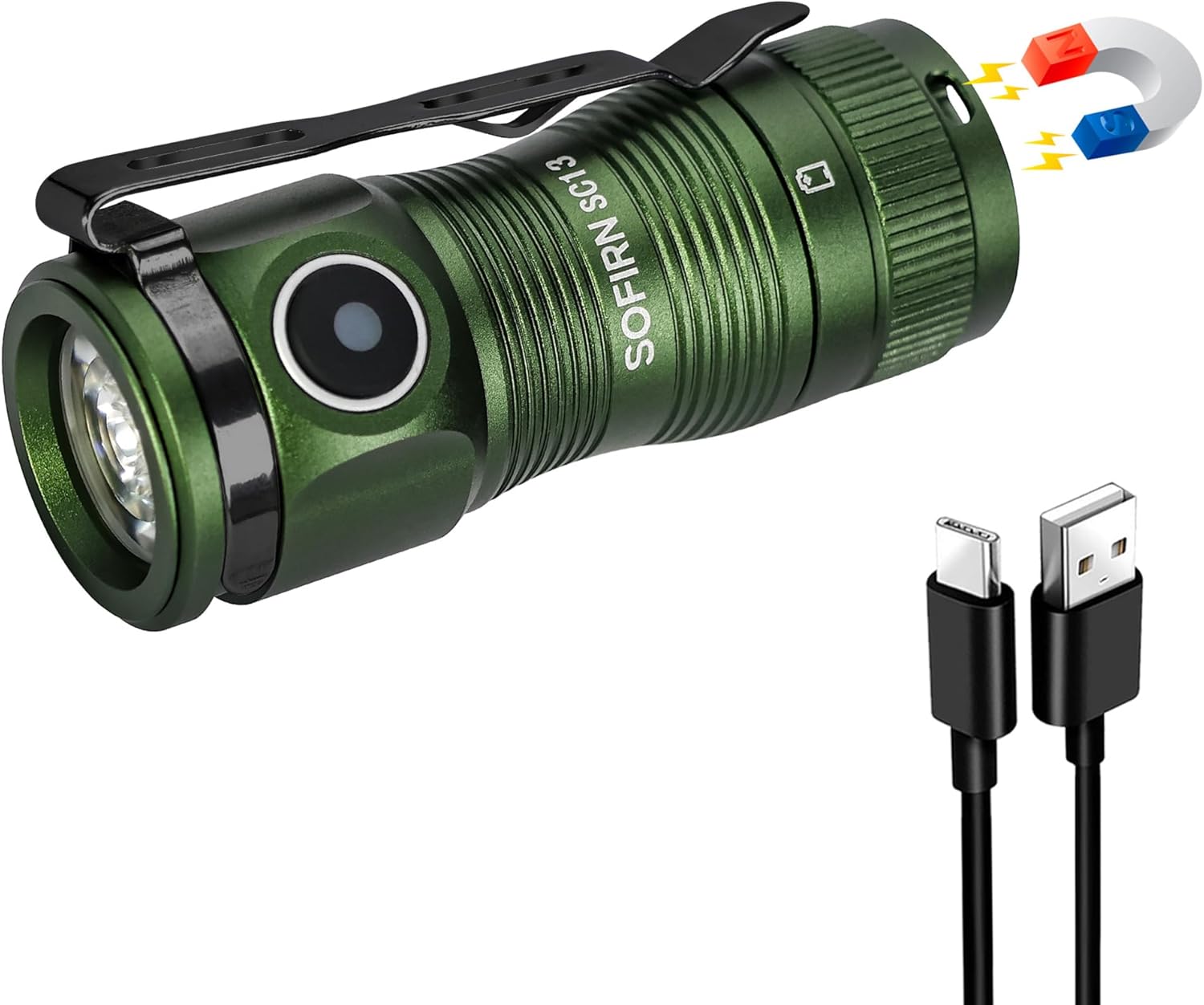
Figure 1: Sofirn SC13 HCRI LED Flashlight with included accessories.
2. 제품 특징
- High CRI Mini Flashlight: Features a LED with a high CRI of 90 (Neutral White 5000K), delivering soft, comfortable light that reveals true colors, making object observation easier and clearer.
- Ultra-Bright and Compact: Packs 1100 lumens and a 150-meter beam into a 2.54-inch, 1.41-ounce design. Its lightweight build makes it perfect for pocket carry.
- USB Type-C 충전식: Keeps you powered up anywhere with easy USB Type-C recharging.
- 잠금 기능: Prevents accidental activation, saving power during transport or storage.
- 견고한 내구성: Made from AL6061-T6 aluminum alloy, it withstands 1-meter impacts and is IPX8 water-resistant.

Figure 2: High CRI (Color Rendering Index) provides more accurate and vibrant color representation compared to lower CRI lights.

Figure 3: The compact dimensions and versatile clip allow for easy everyday carry.

Figure 4: The magnetic tail cap allows for convenient hands-free use by attaching to metal surfaces.
3. 설정
Before first use, it is essential to remove the battery isolator tab. Unscrew the tail cap, remove the orange tab located between the battery and the spring, and then reassemble the flashlight. This ensures proper electrical contact and allows the flashlight to function.

Video 1: Unboxing and initial setup of the Sofirn SC13 flashlight. This video demonstrates how to open the flashlight, remove the battery isolator tab, and reassemble it for first use.
The package includes the flashlight, a USB-C charging cable, a lanyard, and spare O-rings for maintenance.
4. 사용 설명서
The Sofirn SC13 features a side e-switch for all operations. The indicator light on the switch displays the power status for 5 seconds after turning on:
- 녹색 상수 켜짐: 70%-100% 배터리
- Red Constant On: 30%-70% 배터리
- 빨간색 깜박임: 0-30% 배터리
일반 작업:
- 켜기/끄기: 스위치를 한 번 클릭하세요.
- Mode Cycling (Low, Medium, High): When the flashlight is ON, long press the switch to cycle through Low, Medium, and High modes. Release the switch to select the desired mode.
- 달빛 모드: When the flashlight is OFF, long press the switch to directly activate Moonlight mode.
- 터보 모드: Double click the switch from any state (ON or OFF) to activate Turbo mode.
- 스트로브 모드: From Turbo mode, double click the switch again to activate Strobe mode. Single click to exit Strobe.
- 잠금/잠금 해제: From OFF, triple click the switch to lock or unlock the flashlight. The flashlight will flash twice to confirm it is locked. In lockout mode, any operations will cause nothing to happen but the light flashes twice to remind you. If you long press in lockout mode, it will activate momentary moonlight.
5. Lighting Modes and Performance (ANSI/NEMA FL1 Chart)
The following table details the output, beam distance, runtime, and peak intensity for each lighting mode. Performance parameters are based on tests using one 1100mAh 18350 battery. Results may vary with different batteries or under different environmental conditions.
| 모드 | 월광 | 낮은 | 중간 | 높은 | 터보 | 스트로브 |
|---|---|---|---|---|---|---|
| 산출 | 1루멘 | 10루멘 | 140루멘 | 420루멘 | 1100-420lm | 1100루멘 |
| 빔 거리 | 4M | 14M | 55M | 95M | 150M | - |
| 실행 시간 | 90시간 | 18시간 | 3H 40MIN | 1H 30MIN | 1H 5MIN | - |
| 피크 강도 | 5CD | 47CD | 760CD | 2275CD | 5675CD | - |
Note: Turbo mode output steps down from 1100lm to 420lm after approximately 2 minutes to prevent overheating and maintain battery life.

Figure 5: The flashlight provides a powerful beam suitable for illuminating distant objects.
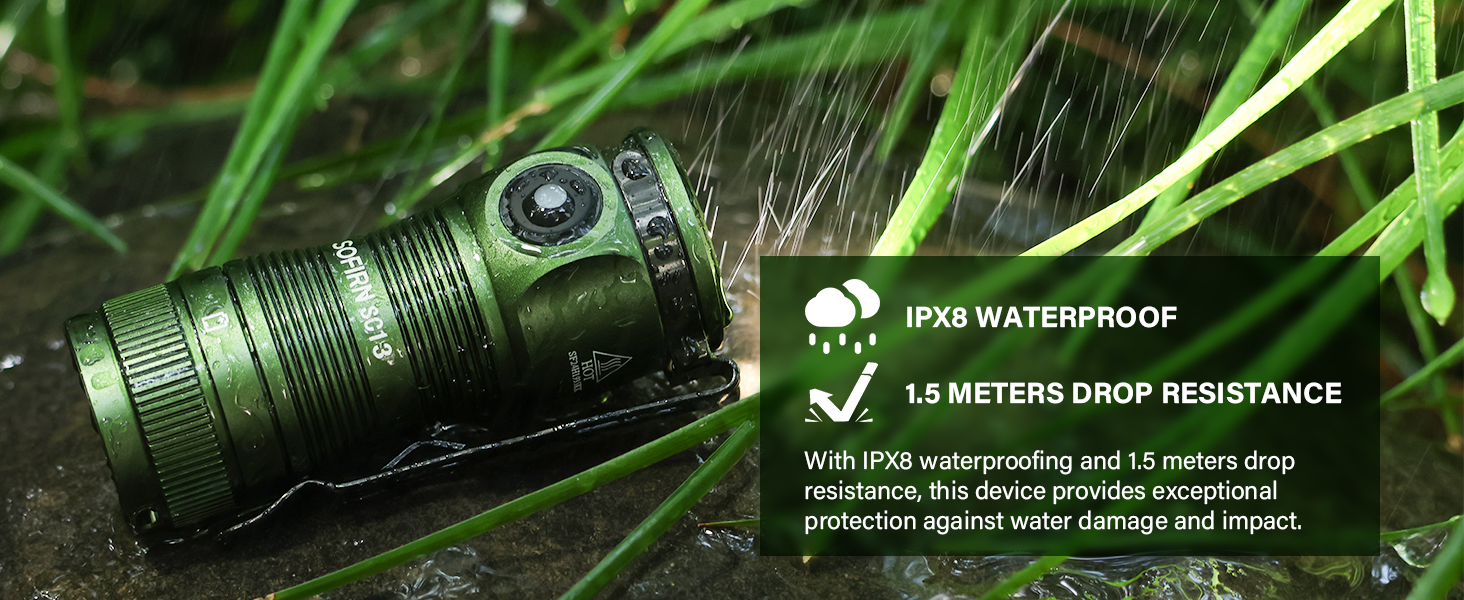
Figure 6: Various lighting modes offer flexibility for different illumination needs, from subtle moonlight to intense turbo and strobe.
6. 충전
The Sofirn SC13 is equipped with a USB Type-C charging port for convenient recharging. To charge the flashlight, open the rubber cover on the side to reveal the USB-C port. Connect the included USB-C cable to the flashlight and a compatible USB power source.
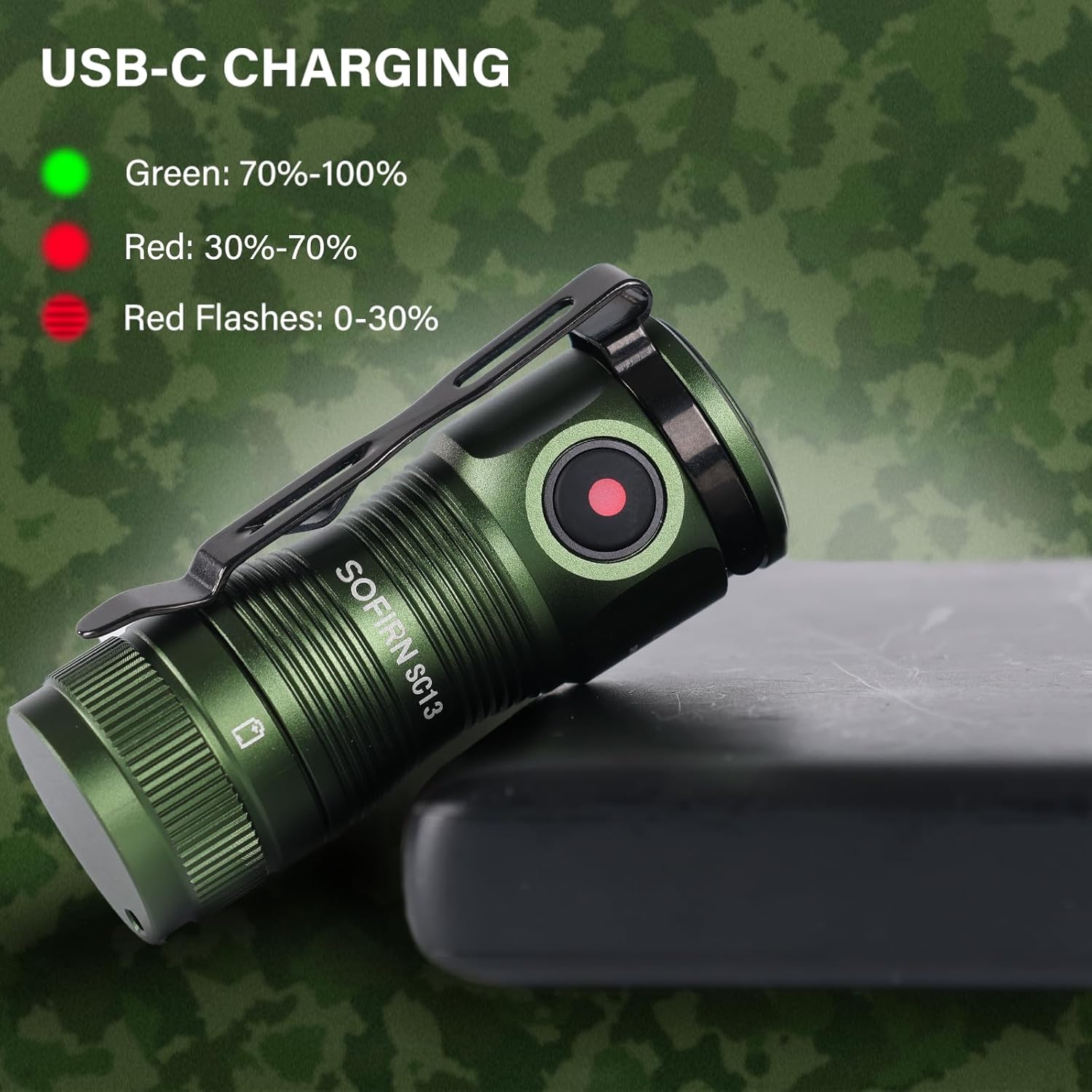
Figure 7: The charging indicator light provides clear feedback on the battery status during charging.
The indicator light on the switch will glow red while charging and turn green when fully charged.
7. 유지관리
To ensure optimal performance and longevity of your Sofirn SC13 flashlight, follow these maintenance guidelines:
- 청소: 깨끗하고 부드러운 천으로 손전등을 닦으십시오. 강한 화학 약품이나 연마제를 사용하지 마십시오.
- 매끄럽게 하기: Periodically lubricate the O-rings and threads with silicone grease to maintain water resistance and smooth operation. Spare O-rings are included in the package.
- 배터리 관리 : Store the flashlight with a partially charged battery if not in use for extended periods. Avoid fully discharging the battery frequently.
- 방수 기능: Ensure the USB-C port cover is securely closed to maintain IPX8 water resistance.
8. 문제 해결
If you encounter issues with your Sofirn SC13 flashlight, consider the following common troubleshooting steps:
- 손전등이 켜지지 않음:
- Check if the battery isolator tab has been removed.
- Ensure the battery is properly inserted with correct polarity.
- 배터리가 충전되었는지 확인하십시오.
- Check if the flashlight is in lockout mode (triple click to unlock).
- 간헐적 작동:
- 배터리 접점과 나사산을 청소하십시오.
- 꼬리 덮개가 단단히 조여져 있는지 확인하십시오.
- Overheating in Turbo Mode: This is normal behavior. The flashlight is designed to step down output to prevent damage from excessive heat. Allow it to cool down before re-activating Turbo mode.
9. 사양
- 발신자: High-powered LED (519A)
- 배터리 옵션: 1 x 18350 battery (included)
- 작업 볼륨tage: 2.7V-4.2V
- 모드 작동: Side e-switch
- 충전 중: USB 타입-C
- 재료: AL6061-T6 aluminum alloy
- 방수 기능: IPX8 waterproof (not for diving)
- 크기: 28.5mm (head diameter) x 64.6mm (length)
- 무게: 40g (배터리 제외)
- 특별 기능: Magnetic tail cap, Reverse polarity protection
10. 보증 및 지원
For any product inquiries, warranty claims, or support needs, please contact Sofirn customer service directly. Ensure you have your purchase details readily available.
- 소프른 리미티드:
- 전화: +86-755-23440047
- 이메일: us@sofirnlight.com
- Web: www.sofirn.cn


