소개
This manual provides detailed instructions for the AOCHUAN 3-Axis Gimbal Stabilizer, including the Smart S2, Smart XE, and Smart XPro Kits. It covers setup, operation, maintenance, and troubleshooting to help you achieve optimal performance and capture stable, professional-grade footage with your smartphone.
The AOCHUAN gimbal features advanced 3-axis stabilization, intelligent AI tracking, an integrated fill light, and wide compatibility with various smartphones, enhancing your mobile videography and photography experience.
1. 설정 가이드
1.1 언박싱 및 초기 검사
Carefully remove all components from the packaging. Verify that all items listed in the product packaging are present and undamaged. If any items are missing or damaged, contact customer support.
1.2 짐벌 충전
Before first use, fully charge the gimbal. Connect the provided USB-C cable to the charging port on the gimbal and to a suitable USB power adapter (not included). The OLED display will indicate the charging status and battery level.

그림 1.2.1: The gimbal features a wireless charging clip to ensure uninterrupted shooting by charging your smartphone.
1.3 스마트폰 장착
전화선을 연장하세요amp and securely place your smartphone in the center. Ensure the phone is firmly seated and balanced. The gimbal is compatible with smartphones under 7 inches in size, weighing up to 0.62 pounds, and within dimensions of 6.3 inches length, 3.5 inches width, and 0.4 inches thickness.
1.4 짐벌 균형 맞추기
최적의 성능과 배터리 수명을 위해서는 적절한 균형 유지가 매우 중요합니다. 케이스 안에서 휴대폰의 위치를 조정하세요.amp and slide the horizontal arm until the phone remains level when the gimbal is powered off. This minimizes strain on the motors.
1.5 앱 설치 및 연결
Download the official "AOCHUAN" app from your smartphone's app store (Apple App Store or Google Play Store). Power on the gimbal, enable Bluetooth on your smartphone, and open the AOCHUAN app to connect. The OLED display will show Bluetooth connectivity status.

그림 1.5.1: The AOCHUAN app provides various photography and videography modes to enhance your creative options.
2. 사용 설명서
2.1 전원 켜기/끄기
Press and hold the power button for a few seconds to turn the gimbal on or off. The gimbal will perform a self-check upon startup.
2.2 모드 선택
The OLED display shows the current shooting mode. Use the mode button to cycle through available modes:
- PF (Pan Follow): The pan axis follows your movement, while the tilt and roll axes remain locked.
- L (잠금 모드): 세 개의 축이 모두 잠겨 있어 카메라가 고정된 방향을 향하고 있습니다.
- F (Full Follow): All three axes follow your movement smoothly.
- POV (관점) View): 세 축 모두 사용자의 움직임을 따라가며 1인칭 시점을 제공합니다.
2.3 안정화 기능
The gimbal utilizes an enhanced 7.0 stabilization algorithm for exceptionally smooth footage, even during dynamic movements or at extreme angles.
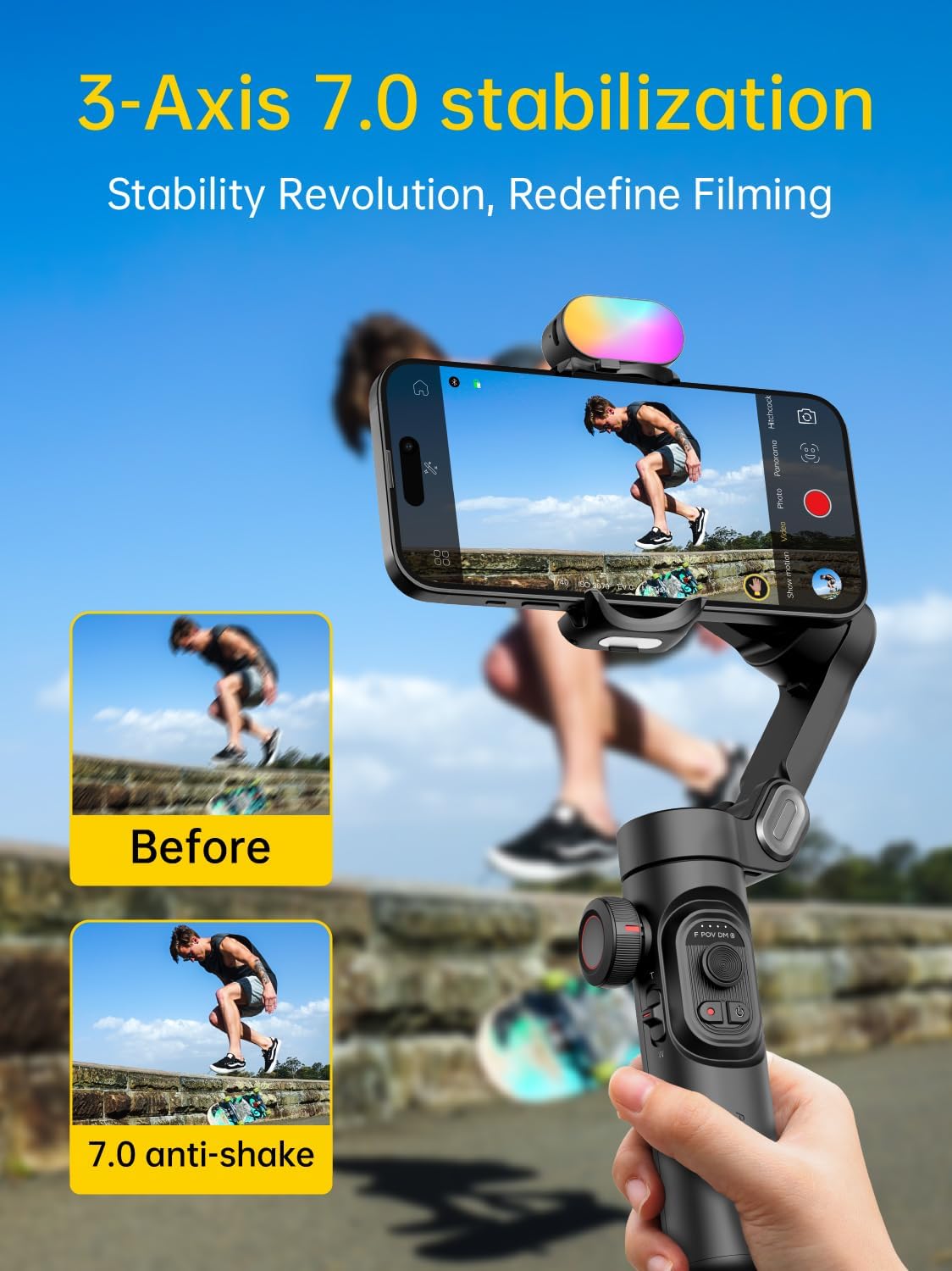
그림 2.3.1: The 7.0 anti-shake system significantly reduces camera shake for smooth video.

그림 2.3.2: Unparalleled three-axis stabilization performance ensures steady shots in various scenarios.
2.4 AI 추적 및 제스처 제어
The 6.0 Intelligent AI Tracking system, accessible via the AOCHUAN app, offers various tracking modes:
- 얼굴 추적 : 감지된 얼굴을 자동으로 따라갑니다.
- 신체 추적: Tracks a person's body movements.
- 객체 추적: Allows selection of any object to track.
- 제3자 실시간 추적: Integrates with other live streaming applications.

그림 2.4.1: Smart AI Tracking 7.0 provides versatile tracking capabilities for dynamic content creation.
The gimbal also supports gesture control for hands-free operation:
- 주먹 쥔 손동작: Toggle between video and photo modes.
- Palm Gestures: Initiate a 3-second countdown for recording.
- 확인 제스처: 얼굴 추적을 시작하거나 중지합니다.
- Thumbs Up (both hands): 세로 모드와 가로 모드를 전환하세요.
- L자형 제스처: 제스처 인식 시작 또는 중지.

그림 2.4.2: Gesture controls simplify operation, allowing for dynamic footage without manual adjustments.
2.5 Integrated Fill Light
The gimbal features an integrated fill light with up to 6000lux brightness, 3 adjustable brightness levels, and a color temperature of up to 5500k CCT. This light helps illuminate your subjects in low-light conditions. Additional magnetic lights are available separately.
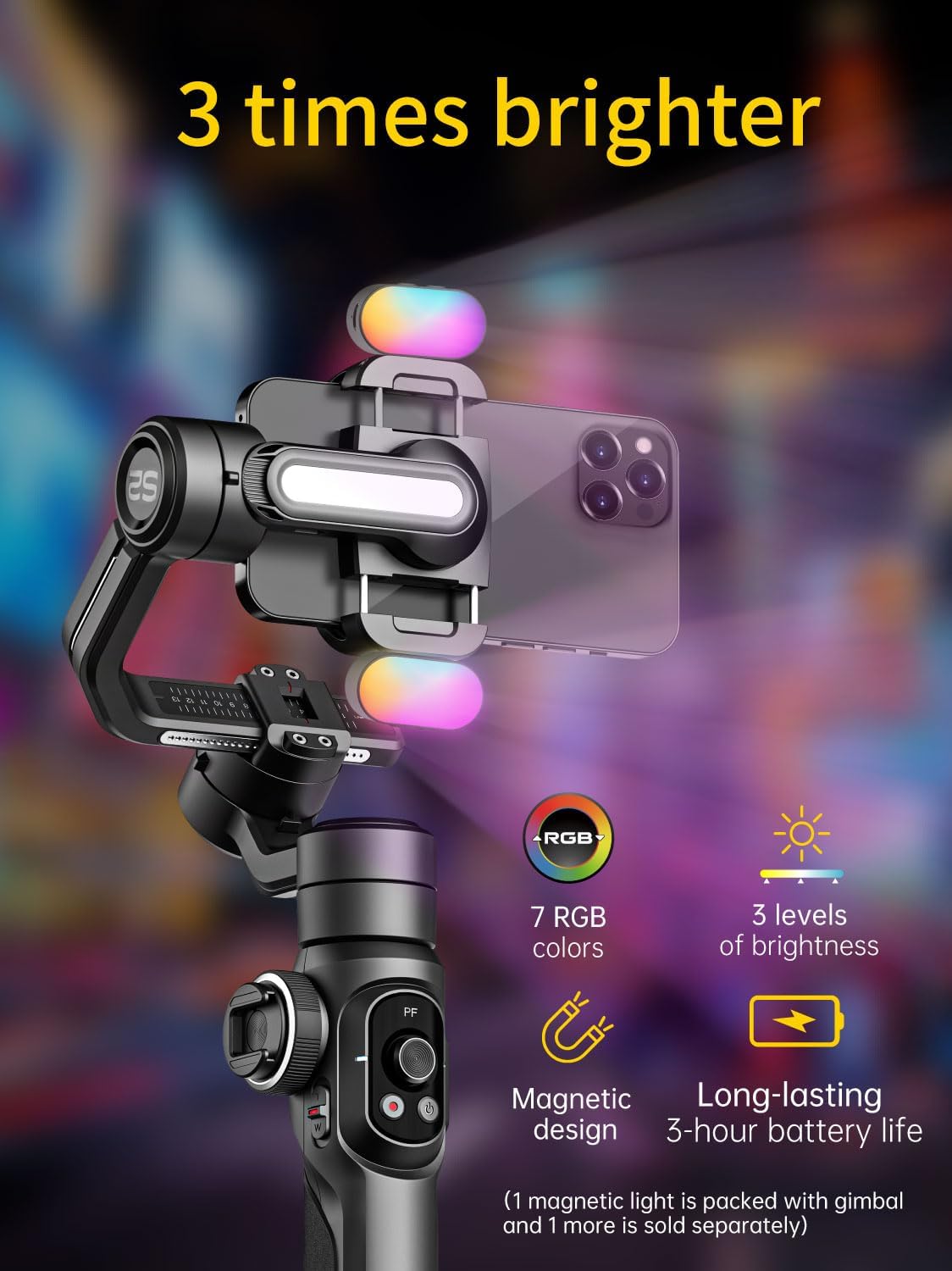
그림 2.5.1: The integrated fill light provides adjustable illumination for improved video quality.
2.6 Zoom Wheel and Focus Slider
Use the focus wheel and zoom slider on the gimbal handle to make real-time adjustments to framing, allowing for precise control over your shots.
2.7 360° Infinite Rotation and Extension Rod
The gimbal supports seamless 360° rotation for panoramic shots and creative camera movements. Additionally, the handle includes a built-in extension rod, offering up to 19cm of extended reach for unique angles and expansive shots.
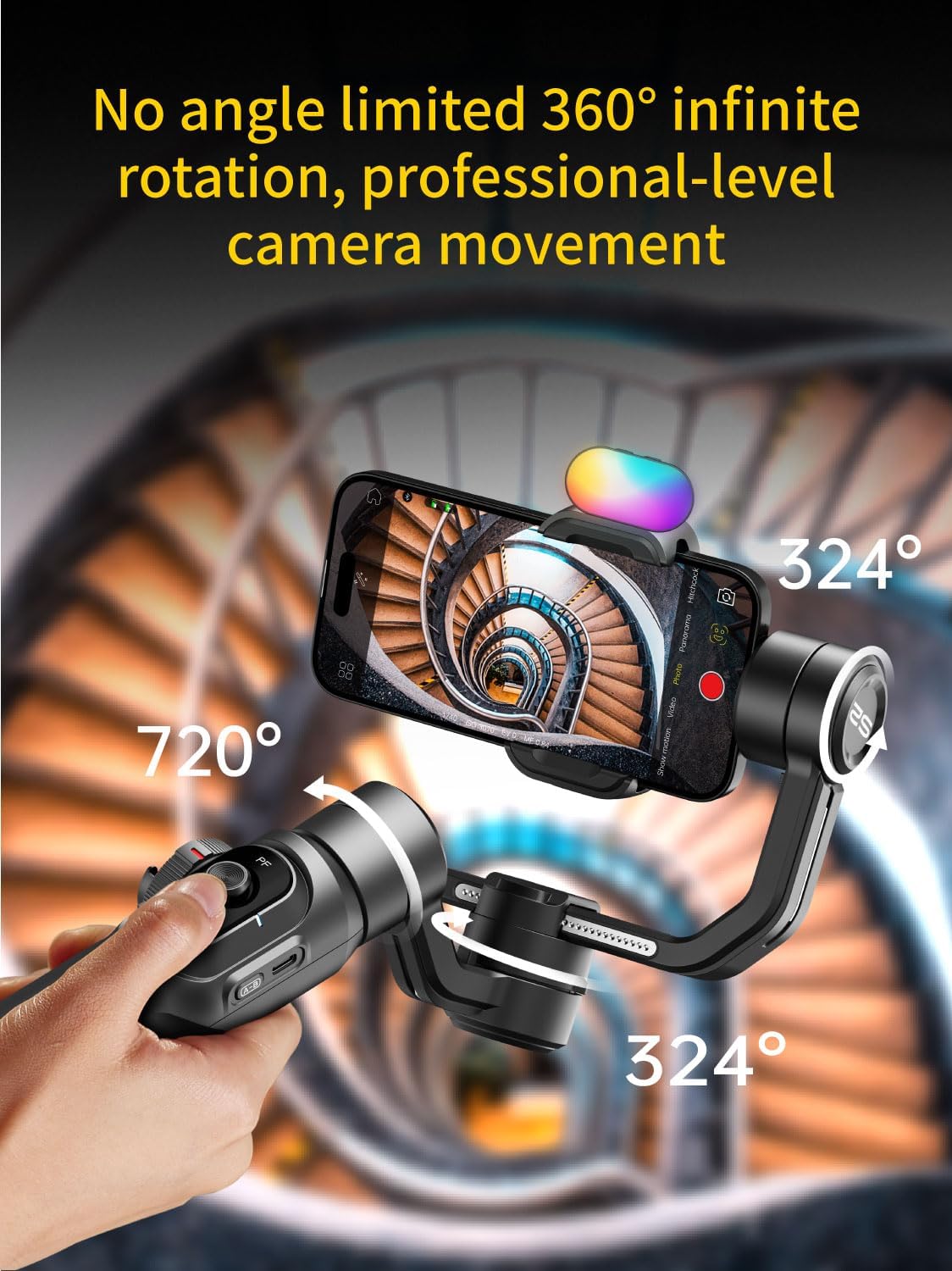
그림 2.7.1: The gimbal's 360° rotation capability allows for professional-level camera movement and panoramic captures.
3. 유지관리
3.1 청소
Wipe the gimbal with a soft, dry cloth. Do not use liquid cleaners or solvents, as they may damage the device. Keep the charging ports and buttons free from dust and debris.
3.2 보관
Store the gimbal in a cool, dry place away from direct sunlight and extreme temperatures. If storing for an extended period, ensure the battery is charged to approximately 50-60% to prolong its lifespan.
3.3 배터리 관리
Avoid fully discharging the battery frequently. Recharge the gimbal regularly, even if not in use, to maintain battery health. Do not expose the battery to high temperatures or puncture it.
4. 문제 해결
4.1 짐벌 전원이 켜지지 않음
- Ensure the battery is sufficiently charged. Connect the gimbal to a charger and wait for a few minutes before attempting to power on again.
- Press and hold the power button firmly for at least 3 seconds.
4.2 불안정한 푸tage / Gimbal Vibrating
- Verify that your smartphone is properly balanced on the gimbal before powering it on.
- Ensure the phone is securely mounted and not loose in the clamp.
- Check for any obstructions preventing the gimbal motors from moving freely.
- Calibrate the gimbal through the AOCHUAN app if the issue persists.
4.3 블루투스 연결 문제
- 스마트폰에서 Bluetooth가 활성화되어 있는지 확인하세요.
- 짐벌과 스마트폰을 모두 다시 시작하세요.
- Forget the device in your phone's Bluetooth settings and attempt to reconnect through the AOCHUAN app.
- Ensure the AOCHUAN app has the necessary permissions (e.g., location, Bluetooth).
4.4 App Not Responding
- AOCHUAN 앱을 닫았다가 다시 여세요.
- 스마트폰 앱스토어에서 앱 업데이트를 확인하세요.
- 스마트폰의 운영체제가 최신 상태인지 확인하세요.
5. 제품 사양
| 상표 | 아오촨 |
| 모델 | Smart S2 Kit, Smart XE Kit, Smart XPro Kit |
| 품목 무게 | 0.62파운드(약 9.9온스) |
| 호환 장치 | Smartphones under 7 inches, max 0.62 lbs, max 6.3" L x 3.5" W x 0.4" T |
| 색상 | 검은색 |
| ASIN | B0DD3WHJCJ |
| 첫 번째 가능한 날짜 | 14년 2024월 XNUMX일 |
| 안정화 | 3-Axis, Enhanced 7.0 Stabilization Algorithm |
| 회전 | 360도 무한 회전 |
| 표시하다 | High-Definition OLED Panel |
| 필 라이트 | Integrated, up to 6000lux, 3 brightness levels, 5500k CCT |
| AI 추적 | 6.0 Intelligent AI Tracking (Face, Body, Object, Third-party live) |
| 연장봉 | Built-in, up to 19cm extended reach |
| 충전 중 | Wireless charging clip for smartphone |
6. 보증 정보
AOCHUAN products are covered by a limited warranty from the date of purchase. Please refer to the warranty card included in your product packaging or visit the official AOCHUAN web자세한 보증 약관은 해당 사이트를 참조하십시오. 이 보증은 일반적으로 제조상의 결함에 적용되지만, 오용, 사고, 무단 개조 또는 정상적인 마모로 인한 손상은 보증 대상에서 제외됩니다.
7. 고객 지원
For technical assistance, troubleshooting, or warranty claims, please contact AOCHUAN customer support through the following channels:
- 공식적인 Web대지: 방문하세요 아마존에서 AOCHUAN 스토어를 만나보세요 제품 정보 및 지원 리소스를 확인하세요.
- 이메일 지원: 제품 포장이나 공식 문서를 참조하세요. web고객 서비스 이메일 주소 사이트입니다.
- 앱 내 지원: The AOCHUAN app may offer direct support options.
고객 지원팀에 문의하실 때는 제품 모델명과 구매 정보를 준비해 주시기 바랍니다.