1. 중요한 안전 정보
본 제품을 사용하기 전에 모든 안전 지침을 주의 깊게 읽어 주십시오. 이 지침을 따르지 않을 경우 감전, 화재 또는 기타 위험이 발생할 수 있습니다.
- 환기구를 막지 마십시오. 프로젝터 주변의 공기 흐름이 원활하여 과열을 방지하십시오.
- l을 사용할 때 프로젝터 렌즈를 직접 쳐다보지 마십시오.amp 켜져 있습니다. 밝은 빛은 눈에 손상을 줄 수 있습니다.
- Keep the projector away from water or other liquids. Do not operate in wet environments.
- 프로젝터와 함께 제공된 전원 어댑터만 사용하세요.
- Do not attempt to repair this product yourself. Refer all servicing to qualified personnel.
- 어린이의 손이 닿지 않는 곳에 보관하세요.
2. 패키지 내용
패키지에 모든 품목이 들어 있는지 확인하세요.
- Mentech HY300PRO Mini Projector
- 리모콘(배터리는 포함되어 있지 않음)
- 사용자 설명서
- 전원 코드
- HD 케이블
3. 제품 오버view
The Mentech HY300PRO Mini Projector is a versatile and portable device designed for various entertainment and presentation needs. It features a 180° rotatable design, allowing for flexible projection angles, including ceilings. With native 720P resolution and support for 4K decoding, it delivers clear and vibrant images on screens up to 150 inches.

Figure 3.1: Mentech HY300PRO Mini Projector with key features highlighted.
Equipped with Android 11, dual-band 2.4G/5G/6G WiFi 6, and Bluetooth 5.2, the projector offers seamless streaming and connectivity options. Its compact size and low noise operation make it ideal for both home and outdoor use.

Figure 3.2: Projector ports and built-in Android 11 interface.
4. 설정
4.1 초기 배치
프로젝터를 안정적이고 평평한 표면에 놓으십시오. 최적의 성능을 위해서는 viewing, position the projector directly in front of the projection surface (wall or screen). The 180° rotatable design allows for projection onto ceilings or other angled surfaces.

Figure 4.1: Projecting to the ceiling using 180° rotation.
4.2 전원 연결
- Connect the power cord to the projector's DC input port.
- 전원 코드의 다른 쪽 끝을 전원 콘센트에 꽂습니다.
- 프로젝터나 리모컨의 전원 버튼을 눌러 전원을 켜세요.
4.3 외부 장치 연결
프로젝터는 다양한 입력 소스를 지원합니다.
- HDMI : Connect laptops, TV sticks, gaming consoles (e.g., Switch, PS5) using the provided HD cable.
- USB: 미디어를 재생하려면 USB 플래시 드라이브를 삽입하세요. file직접적으로.
- 오디오 출력: 3.5mm 오디오 잭을 통해 외부 스피커 또는 헤드폰을 연결하세요.
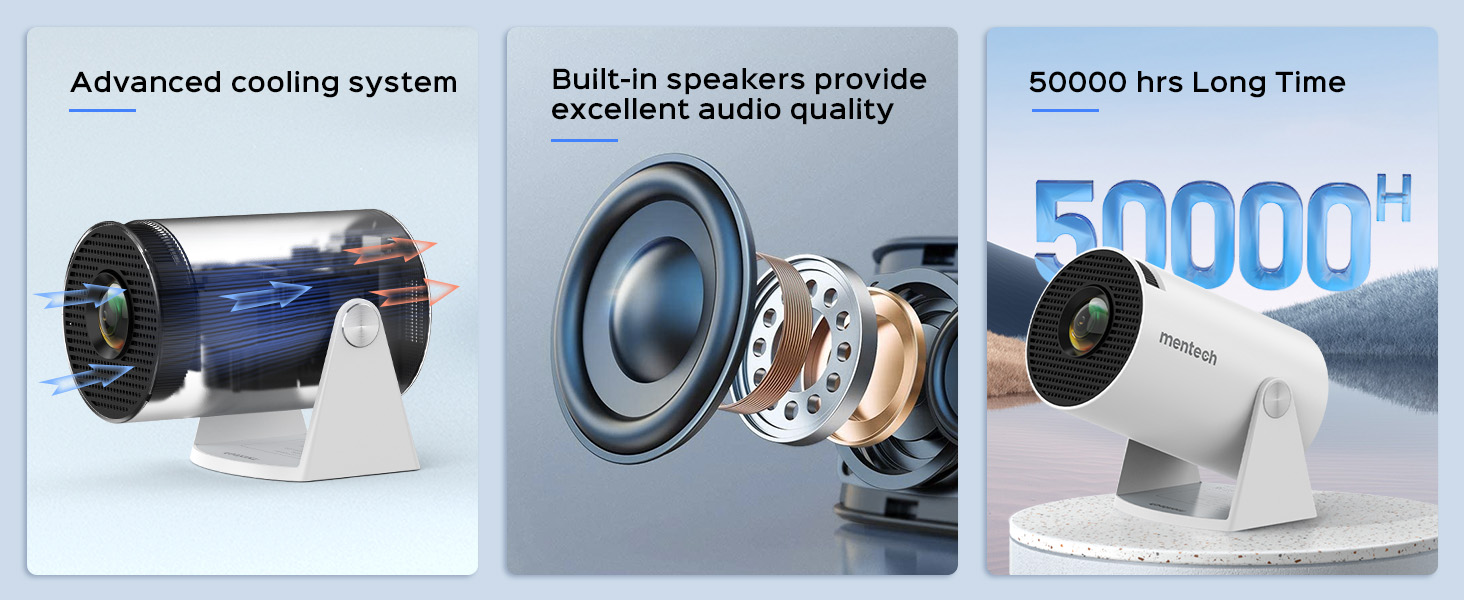
Figure 4.2: Multi-device compatibility and port layout.
5. 사용 설명서
5.1 초점 조정
Rotate the focus wheel located on the side of the projector until the image appears clear and sharp.
5.2 키스톤 보정
The projector features automatic keystone correction. If the image appears trapezoidal, the projector will automatically adjust it to a rectangular shape. For more precise adjustments, manual 4P/4D keystone correction is available through the settings menu.

Figure 5.1: Auto and manual keystone correction options.
5.3 Screen Zoom Function
Adjust the screen size from 50% to 100% using the zoom function in the settings menu. This allows you to fit the image perfectly to your projection surface without moving the projector.
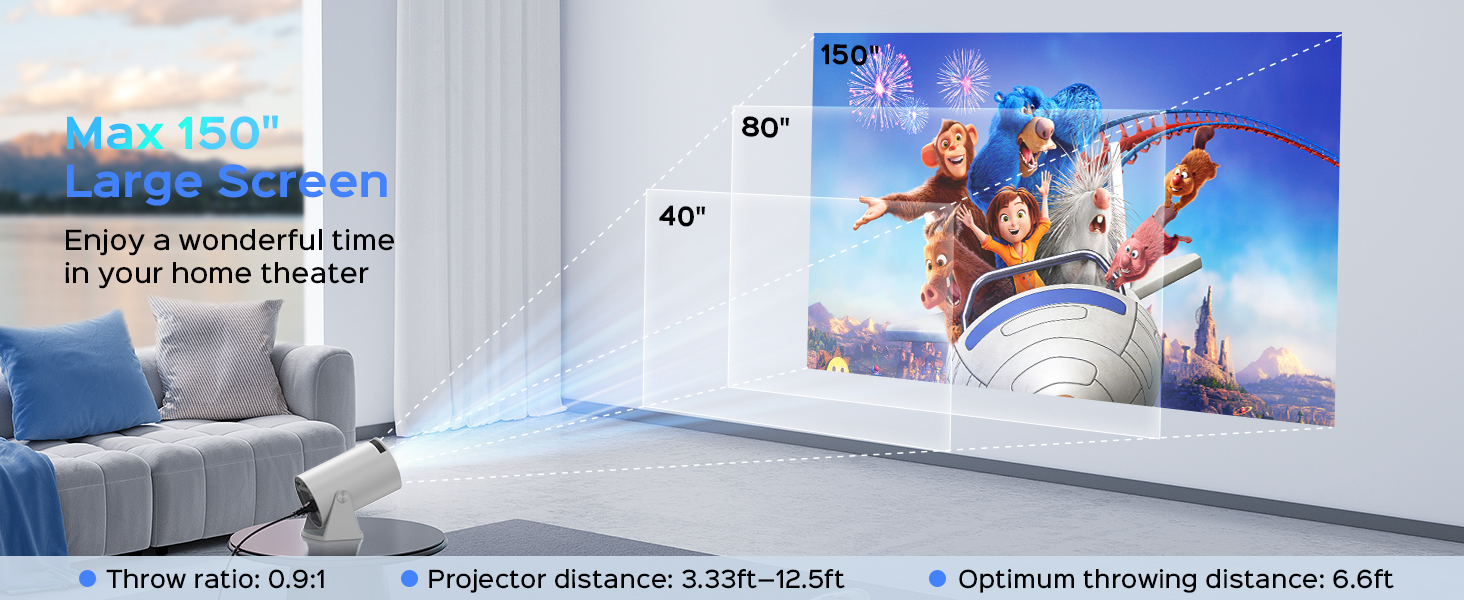
Figure 5.2: Screen zoom functionality.
5.4 네트워크 및 연결성
- Wi-Fi 연결: Navigate to the network settings to connect to your 2.4G, 5G, or 6G Wi-Fi network. This enables access to online streaming services and updates.
- 블루투스 페어링 : Go to Bluetooth settings to pair with external Bluetooth speakers or headphones for enhanced audio.
- 화면 미러링: The projector supports Miracast, Airplay, and DLNA for mirroring content from your smartphone or tablet.

Figure 5.3: Dual-band Wi-Fi 6 connectivity.
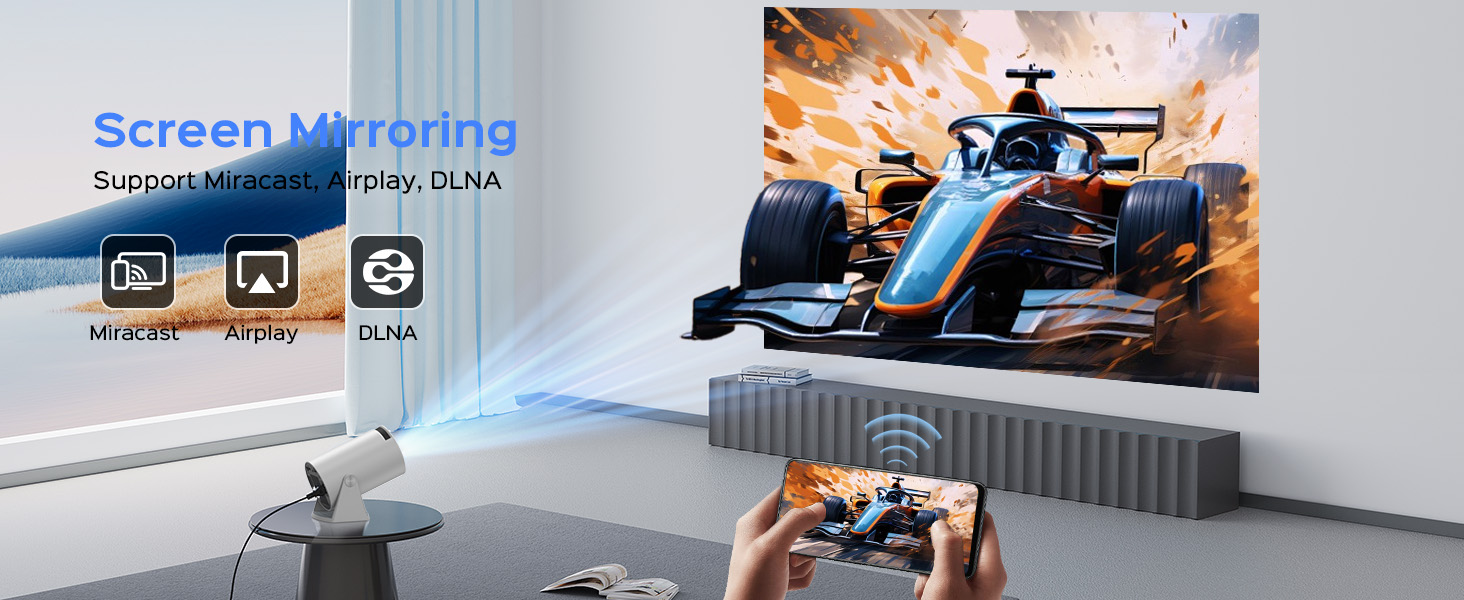
Figure 5.4: Bluetooth 5.2 connectivity for external audio.
5.5 Android TV 11 Features
The built-in Android 11 operating system provides access to a wide range of applications. Navigate the interface using the remote control to browse and install apps from the app store, including popular streaming services like YouTube, Prime Video, and Plex.
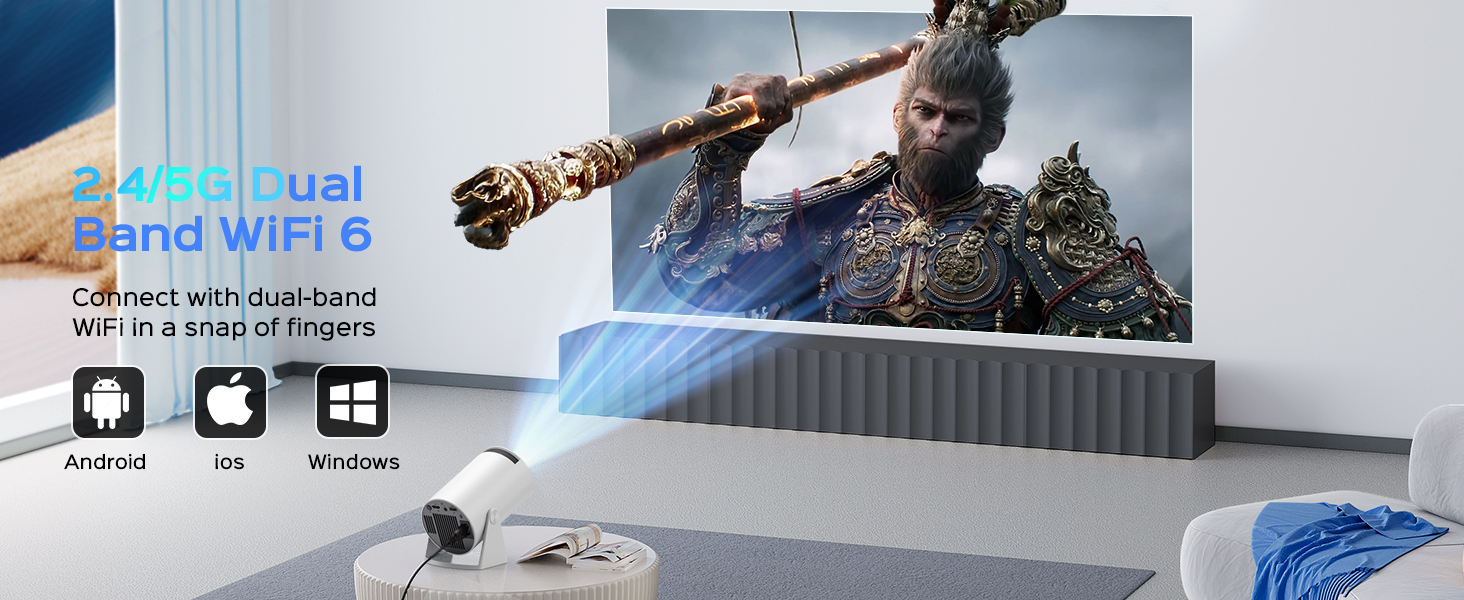
Figure 5.5: Android 11.0 interface with pre-installed and downloadable apps.
6. 유지관리
- 렌즈 세척: 광학 렌즈 전용으로 제작된 부드럽고 보풀 없는 천으로 프로젝터 렌즈를 살살 닦아주세요. 연마성 세척제나 과도한 힘을 사용하지 마십시오.
- 먼지 제거: Regularly clean the projector's exterior with a soft, dry cloth. Use a small brush or compressed air to clear dust from ventilation openings.
- 저장: 장기간 사용하지 않을 경우 프로젝터를 서늘하고 건조한 곳에 보관하고 먼지와 직사광선을 피하세요.
7. 문제 해결
If you encounter issues with your Mentech HY300PRO projector, refer to the following common problems and solutions:
| 문제 | 가능한 원인 | 해결책 |
|---|---|---|
| 이미지가 없거나 흐릿하게 보입니다. | Incorrect focus, keystone not adjusted, input source issue. | Adjust the focus wheel. Check auto/manual keystone correction. Ensure the correct input source is selected (HDMI, USB). |
| 소리가 나지 않습니다 | 볼륨이 너무 낮거나, 외부 오디오 장치가 연결/페어링되지 않았거나, 오디오 출력 설정이 잘못되었습니다. | Increase volume. Check Bluetooth connection to external speakers. Ensure internal speakers are selected if no external device is used. |
| Wi-Fi 연결 문제 | 잘못된 비밀번호, 범위를 벗어남, 네트워크 간섭. | Re-enter Wi-Fi password. Move projector closer to router. Try connecting to a different Wi-Fi band (2.4G or 5G). |
| Apps not loading or performing slowly | Poor internet connection, app compatibility, insufficient memory. | Ensure stable internet connection. Some apps may not be fully optimized for the projector's Android TV version; try alternative apps or use an external streaming device via HDMI. Clear app cache. |
| HDMI signal cutting in/out | Faulty HDMI cable, loose connection, source device issue. | Try a different HDMI cable. Ensure the cable is securely connected to both the projector and the source device. Test with a different source device. |
8. 사양
| 특징 | 세부 사항 |
|---|---|
| 상표 | 멘텍 |
| 모델 번호 | HY300PRO |
| 네이티브 해상도 | 1280 x 720(720P) |
| 지원되는 해상도 | Up to 4K decoding |
| 명도 | 280 ANSI 루멘 (8500 루멘) |
| 대비율 | 10000시 1분 |
| 투사 크기 | 최대 150인치 |
| 연결성 | HDMI, USB, Audio Out, Wi-Fi (2.4G/5G/6G), Bluetooth 5.2 |
| 운영 체제 | 안드로이드 11 |
| 빛의 근원 생명 | 최대 50,000시간 |
| 소음 수준 | 25dB 이하 |
| 치수 | 7.8 x 5.28 x 4.69 인치 |
| 무게 | 1.63파운드 |
9. 보증 및 지원
Mentech is committed to providing excellent customer service. Your Mentech HY300PRO Mini Projector comes with comprehensive support:
- 30일 무조건 반품 보장: 마음의 평화를 위해서.
- 2 Years Service: Covering manufacturing defects and issues.
- 평생 기술 지원: Assistance with setup, operation, and troubleshooting for the life of the product.
- 소프트웨어 업데이트: Updates are automatically pushed via OTA when connected to the internet. Contact customer support if you haven't received an update.
For any inquiries or assistance, please contact Mentech Customer Support. Our US-local customer service is available via online email and phone (Mon-Fri 9am-5pm PST).
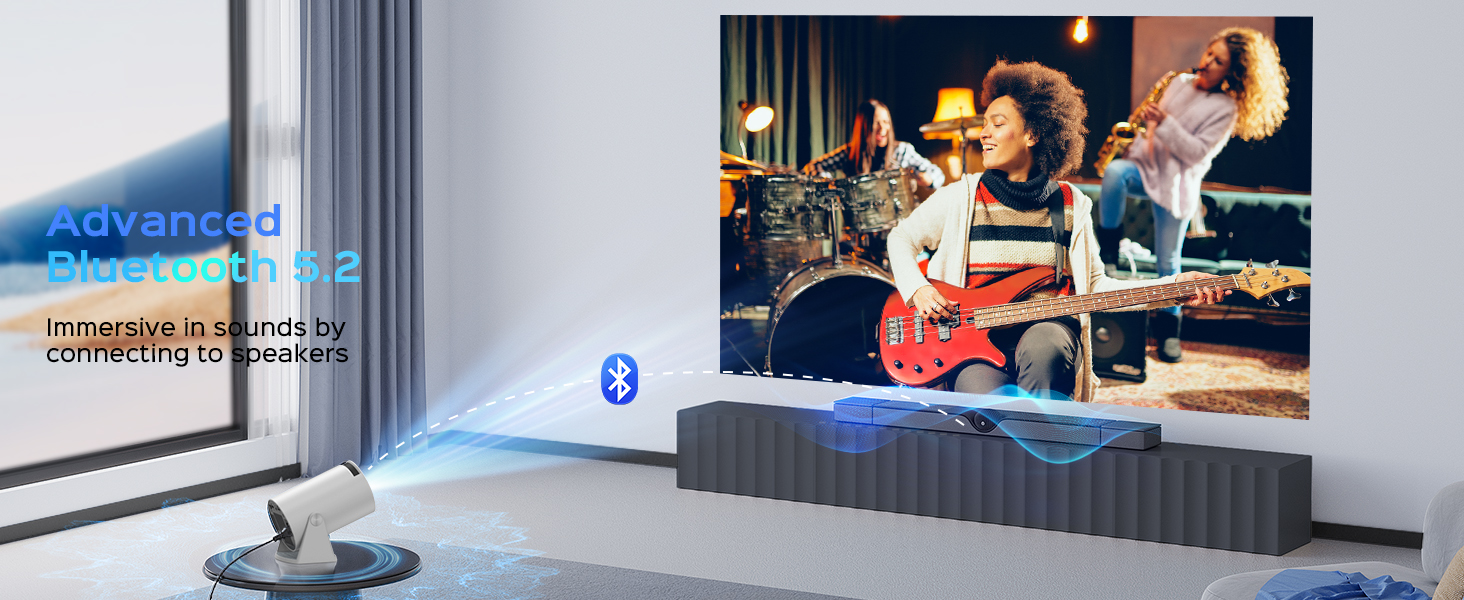
Figure 9.1: Mentech Customer Support Information.


