1. 서론
This manual provides detailed instructions for the installation, configuration, and operation of your SODOLA 12 Port 10Gb Managed Switch. This device is designed to enhance network performance with high-speed connectivity and advanced management features, suitable for home labs, small businesses, and professional network environments.
2. 제품 오버view
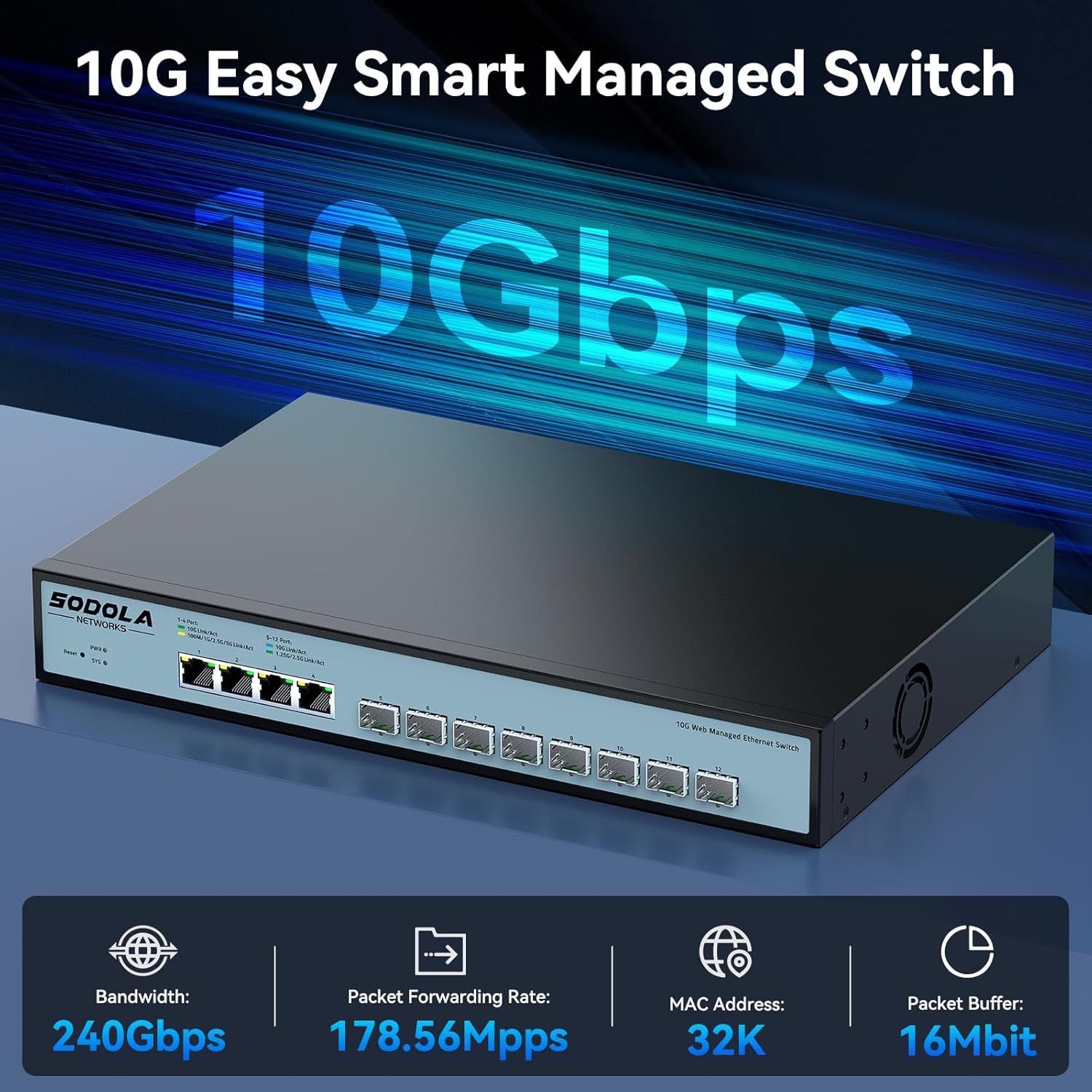
The SODOLA 12 Port 10Gb Managed Switch features a robust design with a combination of 10 Gigabit Ethernet ports to support diverse network requirements.
2.1 주요 특징
- Hybrid 10G Port Flexibility: 8x10G SFP+ ports for fiber/DAC and 4x10GBase-T RJ45 ports for versatile high-speed connections.
- Web 관리: 사용자 친화적 web GUI for configuring LACP, QoS, VLAN, SNMP, and other network management functions.
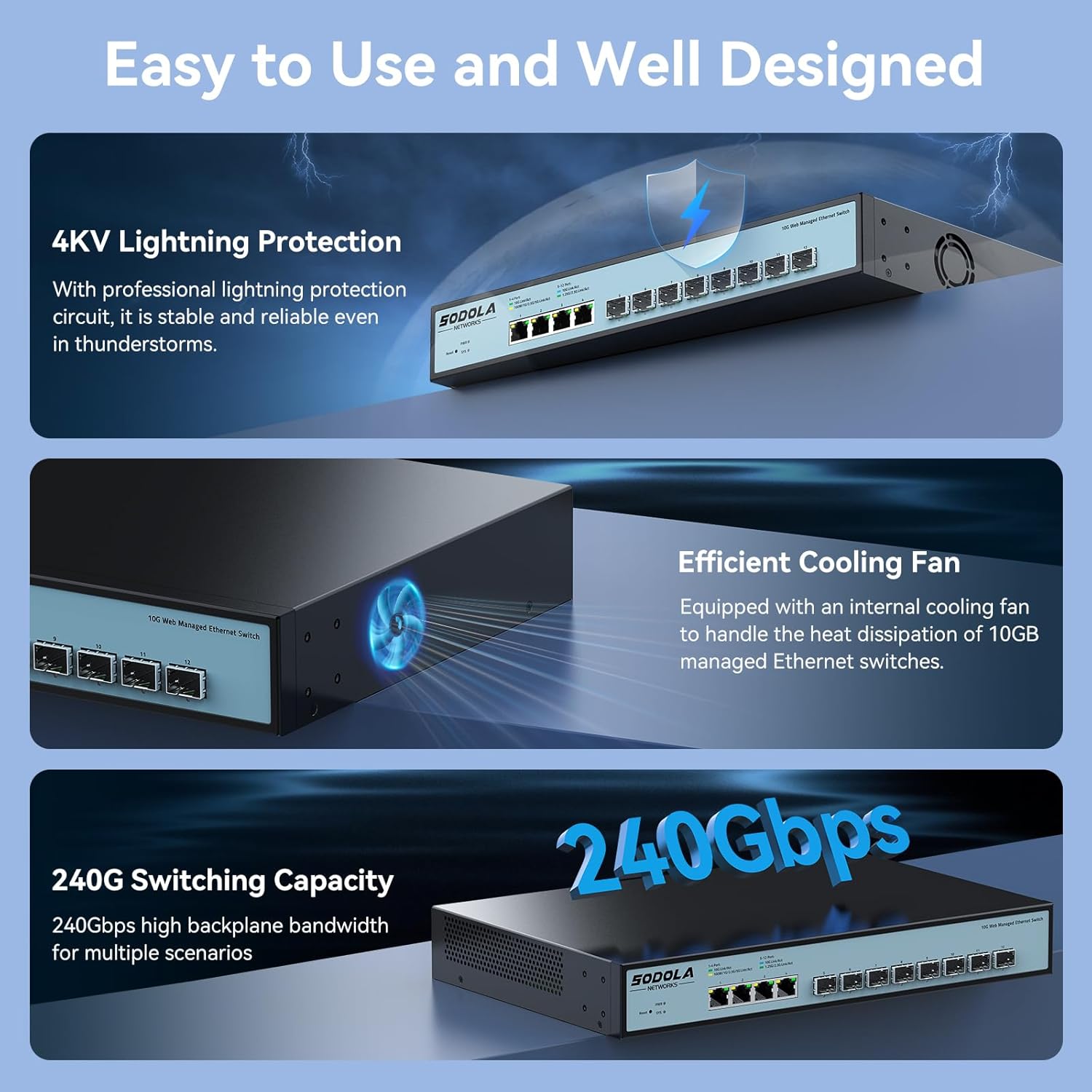
- 효율적인 냉각: Built-in fans dynamically adjust speed to maintain stable 10G performance and prevent overheating.
- 랙 장착형 디자인: 1U compact design with included mounting brackets for easy installation in racks or cabinets.
- 광범위한 호환성: RJ45 ports support 10G/5G/2.5G/1G/100M speeds, ensuring backward compatibility with existing network devices.
2.2 전면 패널 레이아웃

이미지 2.2.1: 전면 패널 view highlighting the Reset Button, Power Indicator, 4x10G RJ45 Ports, and 8x10G SFP+ Ports.
2.3 포트 구성

이미지 2.3.1: Detailed port configuration, illustrating adaptive speed rates for RJ45 ports (1G/2.5G/5G/10G) and SFP+ ports (1G/2.5G/10G modules). Compatible cables include CAT5e, CAT6, and CAT7 for RJ45 connections.
3. 패키지 내용
Verify the contents of your package upon unboxing. If any items are missing or damaged, please contact customer support.

이미지 3.1.1: Illustration of included accessories and the switch unit.
- SODOLA 12 Port 10G Managed Ethernet Switch (Model: SL-SWTGW2C48NS)
- 전원 코드
- Rack Ears (for 1U rack mounting)
- 사용자 설명서
- Certificate of Inspection
4. 설정 및 설치
4.1 물리적 설치
The switch can be installed on a desktop or mounted in a standard 1U rack.
- 데스크탑 배치: 스위치를 평평하고 안정적인 표면에 놓으세요. 기기 주변에 충분한 통풍이 되도록 하세요.
- 랙 장착: Attach the included rack ears to the sides of the switch using the provided screws. Secure the switch into a standard 19-inch rack.
4.2 전원 연결
Connect the power cord to the AC input port on the rear of the switch and then to a suitable power outlet (AC 100-240V). The Power Indicator LED on the front panel will illuminate when the device receives power.
4.3 네트워크 연결
Connect your network devices (servers, workstations, NAS, routers, access points) to the RJ45 or SFP+ ports using appropriate Ethernet cables or SFP/SFP+ modules and fiber optic cables.
- RJ45 포트: Use CAT5e, CAT6, or CAT7 cables for optimal performance. These ports support auto-negotiation for speed (100M/1G/2.5G/5G/10G) and Auto-MDI/MDIX.
- SFP+ 포트: Insert compatible 1G, 2.5G, or 10G SFP/SFP+ transceiver modules and connect with appropriate fiber optic or DAC cables.
5. Web 관리 인터페이스
The SODOLA 12 Port 10Gb Managed Switch can be configured and monitored via a web그래픽 사용자 인터페이스(GUI) 기반.
5.1 액세스 Web 인터페이스

이미지 5.1.1: Steps for accessing the web 관리 인터페이스.
- 브라우저 캐시 지우기: 귀하의 것을 확인하십시오 web browser's cache is cleared to prevent issues with loading the interface.
- Adjust Network Settings: Connect your computer directly to one of the switch's RJ45 ports.
- Set PC IP to Match Switch Subnet: Configure your computer's network adapter with a static IP address within the same subnet as the switch's default IP. For examp예를 들어 스위치의 기본 IP 주소가 다음과 같을 경우 192.168.2.1, set your PC's IP to 192.168.2.100 서브넷 마스크로 255.255.255.0.
- Access Login Page: 열기 web 브라우저를 열고 기본 IP 주소로 이동하세요. http://192.168.2.1.
- 로그인: 기본 자격 증명을 입력하세요.
사용자 이름: 관리자
비밀번호: 관리자
5.2 주요 관리 기능

이미지 5.2.1: 위에view 사용 가능한 web 관리 기능.
그만큼 web interface provides access to various advanced network management features, including:
- LACP(링크 집계 제어 프로토콜): 여러 개의 물리적 링크를 하나의 논리적 링크로 결합하여 대역폭과 중복성을 높입니다.
- QoS(서비스 품질): 중요한 애플리케이션이 충분한 대역폭을 받을 수 있도록 네트워크 트래픽의 우선순위를 지정합니다.
- VLAN(가상 로컬 영역 네트워크): Segment your network into smaller, isolated broadcast domains for improved security and performance.
- SNMP(단순 네트워크 관리 프로토콜): Monitor network devices and manage network performance.
- 멀티캐스트: Efficiently send data to a group of recipients.
- DHCP : Configure DHCP server or relay functions.
- IP 설정: Configure the switch's IP address and related network parameters.
- 포트 미러링: 한 포트에서 다른 포트로 패킷 사본을 전송하여 네트워크 트래픽을 모니터링합니다.
6. 구성 예amp레
6.1 포트 설정
이미지 6.1.1: Example of port configuration in the web 인터페이스.
내에서 web interface, navigate to the port settings section to configure individual port parameters such as speed, duplex mode, and flow control. Remember to click "Apply" after making changes and then "Save" to retain configurations after a reboot.
6.2 10G LAN Setup Case

이미지 6.2.1: Example network topology for a 10G LAN setup.
This diagram illustrates a common setup for a 10G Local Area Network (LAN) suitable for home or Small Office/Home Office (SOHO) environments. It demonstrates how the SODOLA switch can integrate with a router, Network Attached Storage (NAS) utilizing LACP for increased throughput, WiFi 7 Access Points, 10G-capable PCs, and segmented VLANs for different device groups like printers.
7. 유지관리
7.1 냉각 시스템
이미지 7.1.1: Internal cooling fan for heat dissipation.
The switch is equipped with an efficient cooling fan to manage heat dissipation, ensuring stable operation, especially during high workloads. Ensure that the fan vents are not obstructed to allow for proper airflow.
7.2 일반 관리
- Keep the device in a clean, dry environment, away from direct sunlight and heat sources.
- 스위치를 습기나 극한의 온도에 노출시키지 마십시오.
- 부드럽고 마른 천으로 스위치 외부를 닦으세요. 액체나 에어로졸 세척제는 사용하지 마세요.
- 제조업체의 펌웨어 업데이트를 주기적으로 확인하세요. web최적의 성능과 보안을 보장하기 위해 사이트가 운영됩니다.
8. 문제 해결
이 섹션에서는 일반적으로 발생할 수 있는 문제에 대한 해결책을 제공합니다.
8.1 전원 없음
- 전원 코드가 스위치와 작동하는 콘센트에 모두 단단히 연결되어 있는지 확인하세요.
- 다른 장치를 연결하여 전원 콘센트가 작동하는지 확인하세요.
- Check the Power Indicator LED on the front panel. If it is off, there may be a power supply issue.
8.2 네트워크 연결 없음
- Check the Link/Act LEDs for the connected ports. A solid green or amber light indicates a link, and blinking indicates activity. If the LED is off, check the cable connection and the connected device.
- Ensure that the Ethernet cables are properly seated and not damaged.
- Verify that the connected devices are powered on and configured correctly.
- If using SFP+ ports, ensure the SFP/SFP+ modules are correctly inserted and compatible with the connected device.
8.3 접근 불가 Web 인터페이스
- Confirm your computer's IP address is within the same subnet as the switch's default IP (e.g., 192.168.2.x).
- 올바른 기본 IP 주소(192.168.2.1)와 자격 증명(admin/admin)을 사용하고 있는지 확인하세요.
- 지우는 것을 시도해 보세요 web 브라우저 캐시를 확인하거나 다른 브라우저를 사용해 보세요.
- If the switch's IP address has been changed and forgotten, a factory reset may be necessary. Refer to the reset procedure in the full manual (if available) or contact support.
9. 사양
| 상표 | 소돌라 |
| 모델 번호 | 4x10G RJ45+8x10G SFP+(Managed) |
| 인터페이스 유형 | 4x10G RJ45, 8x10G SFP+ |
| 포트 수 | 12 |
| 데이터 전송 속도 | 초당 10기가비트 |
| 케이스 소재 | 금속 |
| 품목 무게 | 4.4파운드 |
| 패키지 크기 | 14.57 x 11.42 x 3.35 인치 |
| 호환 장치 | 데스크탑, 노트북, 서버 |
10. 안전 정보
- 기기를 작동하기 전에 모든 지침을 주의 깊게 읽으세요.
- 장치를 열지 마십시오.asing. 내부에는 사용자가 수리할 수 있는 부품이 없습니다.
- 기기와 함께 제공된 전원 어댑터만 사용하세요.
- 기기의 접지가 제대로 되어 있는지 확인하십시오.
- Avoid installing the device in areas with high humidity, dust, or extreme temperatures.
- 기기를 청소하거나 옮기기 전에 전원을 분리하세요.
11. 보증 및 지원
SODOLA products are designed for reliability and performance. For warranty information or technical support, please refer to the official SODOLA web사이트를 방문하거나 가까운 대리점에 문의하세요. 보증 청구를 위해 구매 영수증을 보관하세요.
제조업체: 심천 홍야비전 테크놀로지 유한회사


