구매해주셔서 감사합니다asing the RadioShack True Wireless Outdoor Speaker. This portable speaker delivers high-fidelity sound with 20W output, dynamic RGB lighting, and True Wireless Stereo (TWS) capabilities for an immersive audio experience. Its sleek design and long-lasting rechargeable battery make it ideal for both indoor and outdoor use. Please read this manual carefully to ensure proper use and maintenance of your speaker.
Image: The RadioShack True Wireless Outdoor Speaker, black with an orange accent on the handle, viewed from a slight angle showing the front grille and top controls.
상자 안에 무엇이 들어있나요?
Image: A red background with white text listing the contents: 1x Portable Bluetooth Speaker, 1x Type-C Charging cable, 1x Audio cable.
1x RadioShack True Wireless Outdoor Speaker
1x Type-C 충전 케이블
1x 오디오 케이블
1x 사용자 매뉴얼(이 문서)
제품 끝view
The RadioShack True Wireless Outdoor Speaker is designed for robust performance and portability. Key features include:
고음질 사운드: 20W output for clear audio and deep bass.
역동적인 RGB 조명: Built-in customizable lighting to enhance your listening experience.
진정한 무선 스테레오(TWS): Ability to pair two speakers for immersive stereo sound.
세련되고 모던한 디자인: Crafted in black for seamless integration into any environment.
휴대성과 편의성: Built-in long-lasting rechargeable battery for on-the-go use.
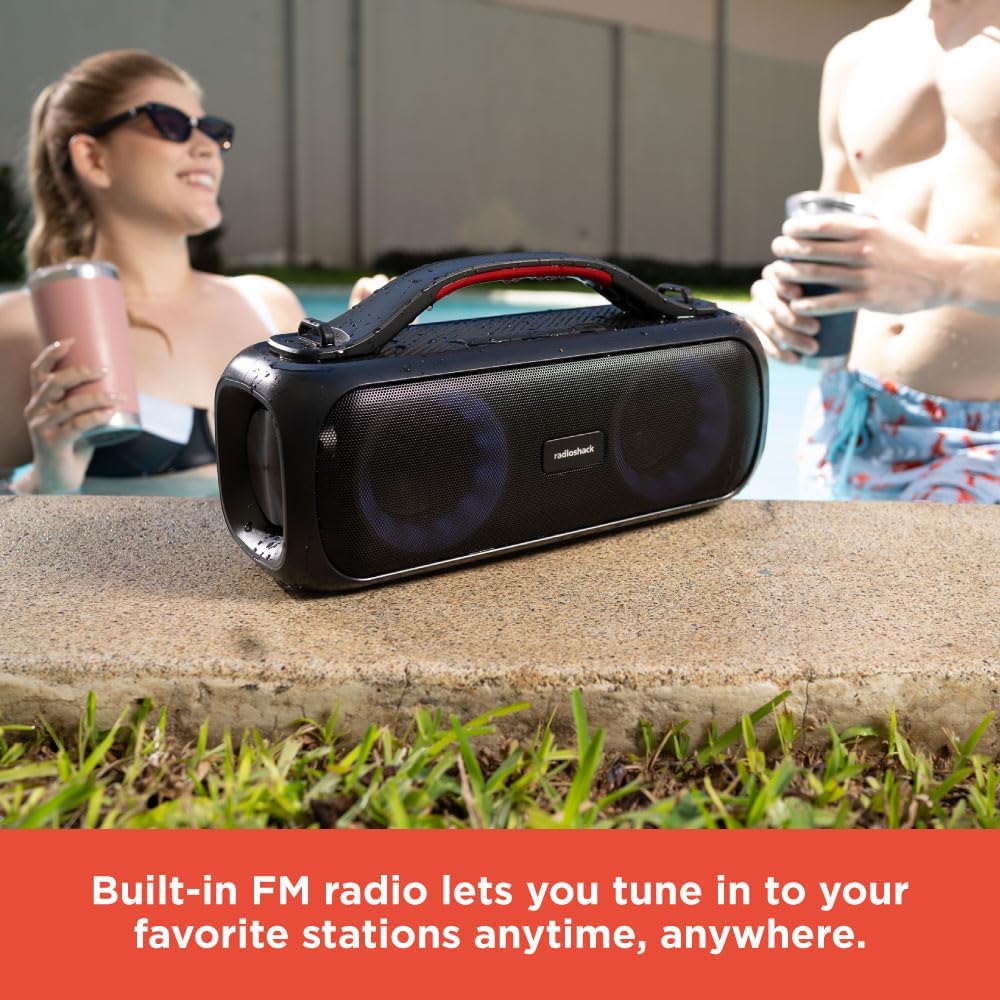
내장형 FM 라디오: Tune into your favorite stations anytime.
Image: An icon grid illustrating features: 4-hour charging time, Type-C charging port, rechargeable battery, compatible with Bluetooth 5.0, 32ft wireless range, water resistant, 20W output, True Wireless Pairing.
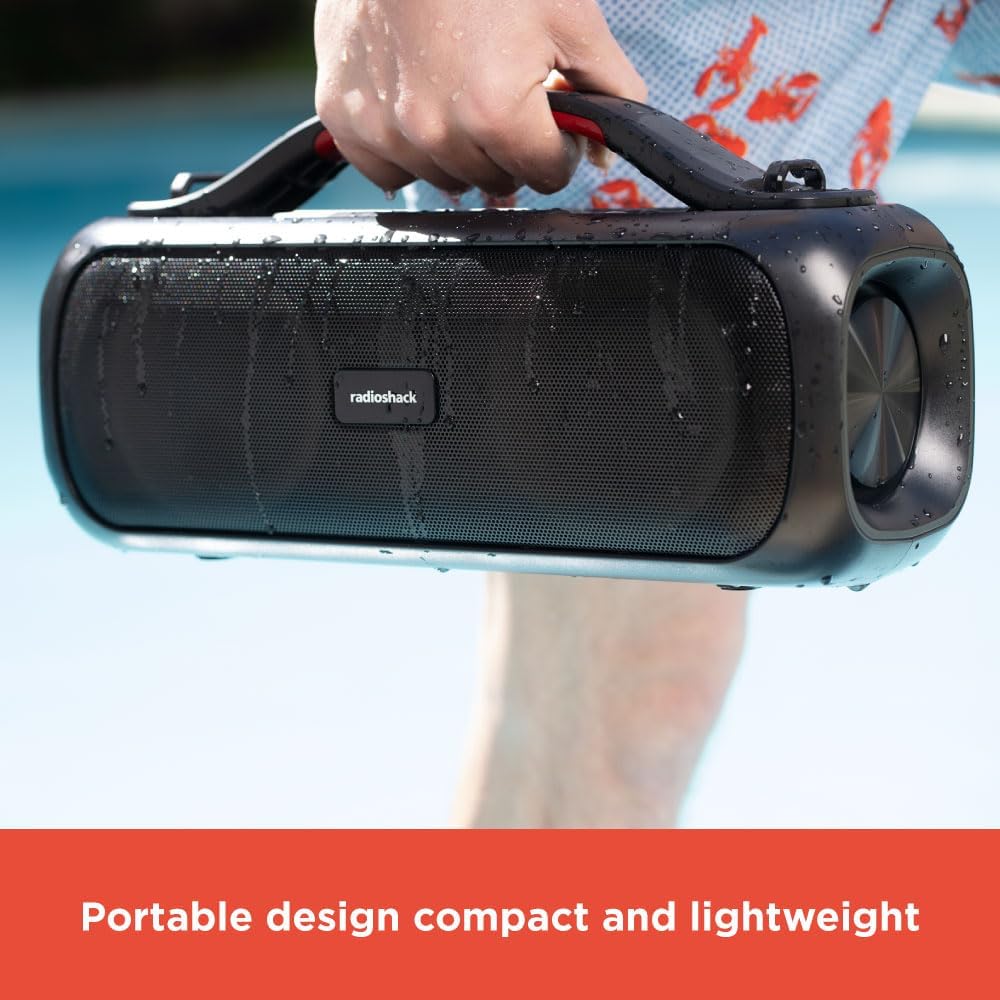
Image: A hand holding the black portable speaker, which appears slightly wet, against a blue background, emphasizing its portability.
설정
스피커 충전하기
Connect the supplied Type-C charging cable to the speaker's charging port.
케이블의 다른 쪽 끝을 호환되는 USB 전원 어댑터(포함되지 않음)에 연결합니다.
충전 표시등이 켜집니다. 완전히 충전하는 데는 약 4시간이 걸립니다.
Once fully charged, the indicator light will change or turn off (refer to specific light behavior in the operating section).
초기 블루투스 페어링
처음 사용하기 전에 스피커가 완전히 충전되어 있는지 확인하세요.
전원 버튼(⏻) for 2-3 seconds to turn on the speaker. You will hear an audible prompt.
스피커가 자동으로 Bluetooth 페어링 모드로 전환되고 LED 표시등이 깜박입니다.
기기(스마트폰, 태블릿, 노트북)에서 Bluetooth를 활성화하고 사용 가능한 기기를 검색하세요.
Select "RadioShack Speaker" from the list of devices.
연결이 완료되면 확인음이 들리고 LED 표시등이 계속 켜집니다.
작동 지침
전원 켜기/끄기
Press and hold the Power button for 2-3 seconds to turn the speaker ON or OFF.
볼륨 조절
를 누르세요 + 버튼을 눌러 볼륨을 높입니다.
를 누르세요 - 버튼을 눌러 볼륨을 줄입니다.
Playback Control (Bluetooth Mode)
재생/일시정지 버튼(▶‖) 음악을 재생하거나 일시 정지합니다.
누르고 있으세요 + 다음 트랙을 위해.
누르고 있으세요 - 이전 트랙의 경우.
다이나믹 RGB 조명
이 스피커는 조절 가능한 다이내믹 RGB 조명 기능을 갖추고 있습니다.
조명 버튼을 누르세요 (💡) to cycle through different lighting modes or turn the lights off.
Image: The RadioShack speaker with its RGB lights illuminated, placed outdoors near a pool, with people in the background.
진정한 무선 스테레오 (TWS) 페어링
To achieve a true stereo sound experience, you can pair two RadioShack True Wireless Outdoor Speakers together.
두 스피커 모두 전원이 켜져 있고 Bluetooth 장치에 연결되어 있지 않은지 확인하세요.
On one speaker (this will be the primary speaker), press and hold the TWS button (TWS icon) for 2-3 seconds. You will hear a pairing tone.
1차 화자는 2차 화자를 검색합니다.
연결이 완료되면 확인음이 들리고 양쪽 스피커의 LED 표시등이 동기화됩니다.
이제 "초기 블루투스 페어링" 섹션에 설명된 대로 블루투스를 통해 기기를 기본 스피커에 연결하세요.
이제 두 스피커에서 모두 스테레오로 오디오가 재생됩니다.
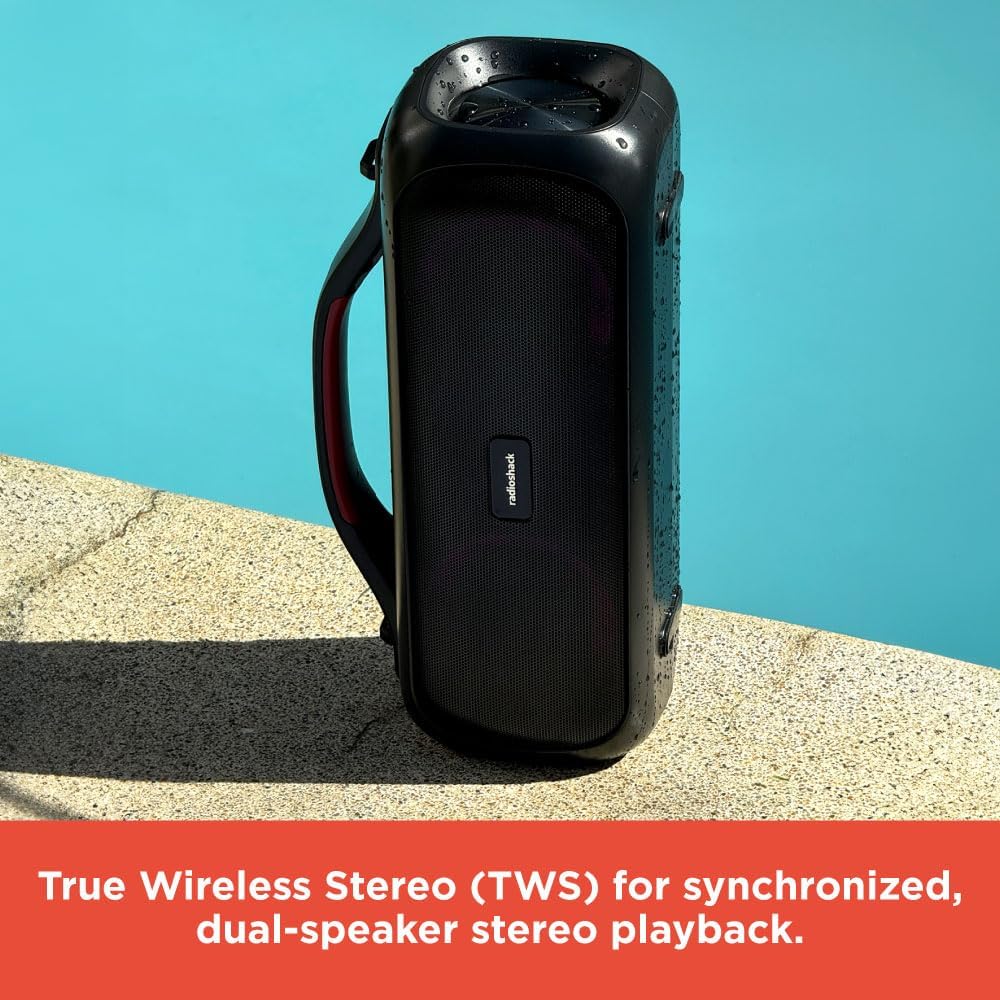
Image: Two RadioShack True Wireless Outdoor Speakers placed near a pool, demonstrating their True Wireless Stereo (TWS) capability for synchronized playback.
FM 라디오 모드
모드 버튼을 누르세요(M) to switch to FM Radio mode.
재생/일시정지 버튼(▶‖사용 가능한 FM 방송국을 자동으로 검색하고 저장합니다.
사용하세요 + 그리고 - 저장된 방송국 사이를 탐색하는 버튼입니다.
보조 모드
Connect one end of the supplied audio cable to the speaker's AUX-in port.
케이블의 다른 한쪽 끝을 기기의 오디오 출력 단자에 연결하세요.
스피커가 자동으로 Aux-in 모드로 전환됩니다.
연결된 기기에서 재생 및 볼륨을 직접 제어하세요.
유지
부드럽고 마른 천으로 스피커를 닦으세요. 연마성 세제나 용제를 사용하지 마세요.
스피커를 극한 온도, 직사광선 및 과도한 습기로부터 멀리하십시오.
While the speaker is designed for outdoor use, avoid submerging it in water.
장시간 사용하지 않을 때는 스피커를 시원하고 건조한 곳에 보관하세요.
Charge the battery at least once every three months to prolong its lifespan.
문제 해결
문제
가능한 원인
해결책
스피커가 켜지지 않습니다.
배터리가 부족합니다. 전원 버튼을 충분히 길게 누르지 않았습니다.
스피커를 완전히 충전한 후 전원 버튼을 2~3초간 길게 누르세요.
블루투스로 페어링할 수 없습니다.
스피커가 페어링 모드가 아닙니다. 기기의 Bluetooth가 꺼져 있습니다. 스피커가 이미 다른 기기에 연결되어 있습니다.
Ensure speaker is in pairing mode (flashing LED); Turn on Bluetooth on your device; Disconnect from other devices.
소리가 나지 않습니다.
볼륨이 너무 낮음; 잘못된 모드 선택; 기기에서 오디오가 재생되지 않음.
Increase speaker and device volume; Ensure correct mode (Bluetooth, Aux, FM) is selected; Check audio playback on your device.
TWS 페어링이 실패합니다.
스피커 간 거리가 너무 멀거나, 스피커 하나가 이미 기기에 연결되어 있습니다.
Place speakers closer together; Ensure both speakers are disconnected from other Bluetooth devices before TWS pairing.
명세서
특징
세부 사항
모델명
RadioShack True Wireless Speaker 20 Watts RGB
스피커 유형
가지고 다닐 수 있는
출력 전력
20W(실효치)
연결 기술
블루투스 5.0
무선 범위
최대 32피트(10미터)
전원
배터리 구동(리튬 이온 배터리 1개 포함)
충전 시간
약 4시간
제품 치수
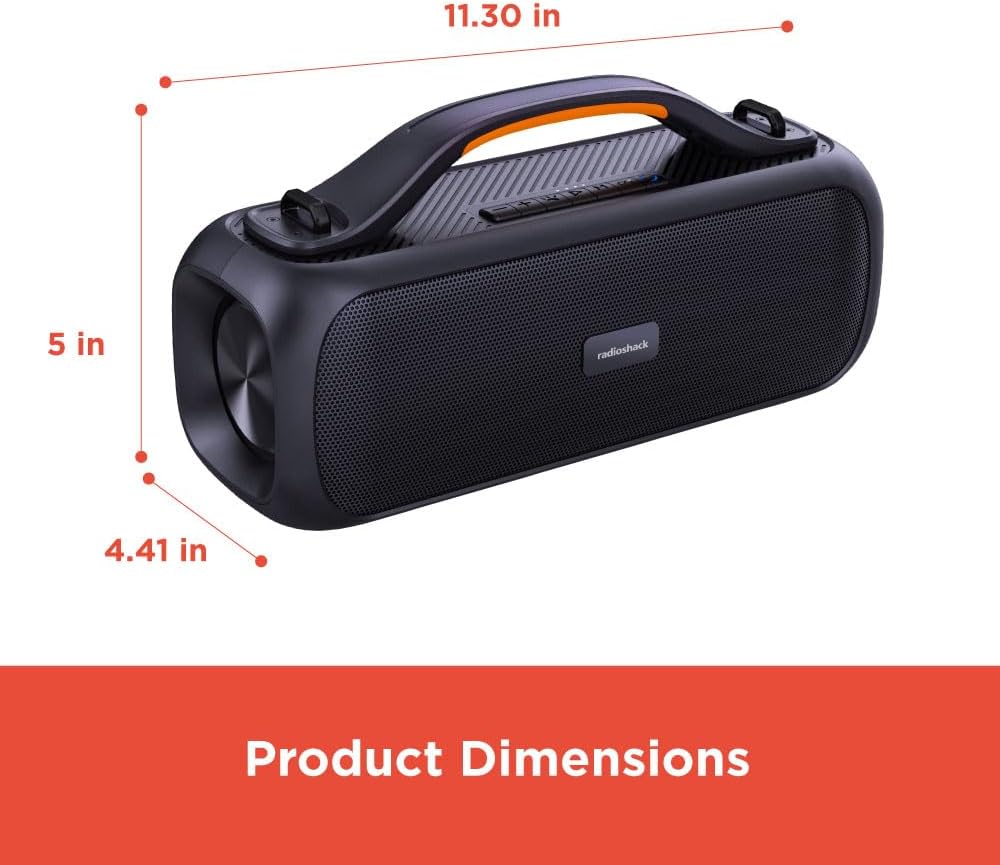
5인치 깊이 x 11.3인치 너비 x 4.41인치 높이
품목 무게
5.52파운드
색상
검은색
특별 기능
Multiroom (TWS), RGB Lighting, FM Radio
권장 사용
실내/실외
방수성
Yes (Splash resistant, not fully waterproof)
Note: While designed for outdoor use and resistant to splashes, this speaker is not fully waterproof and should not be submerged.
Image: A diagram showing the product dimensions: 11.30 inches (width), 5 inches (depth), and 4.41 inches (height).
공식 제품 영상
비디오: 공식 제품 소개 영상asing the RadioShack True Wireless Outdoor Speaker, highlighting its features like portability, TWS, RGB lighting, and high-fidelity sound in various outdoor settings.
보증 및 지원
RadioShack products come with a limited warranty. For detailed warranty information, technical support, or service inquiries, please refer to the warranty card included with your product or visit the official RadioShack web대지.
고객 서비스: Please refer to the contact information provided on the product packaging or the official web대지.
관련 문서 - 4001764
RadioShack 4001942 및 4001944 듀얼 PA 스피커 사용 설명서 RadioShack 4001942 및 4001944 듀얼 10인치 및 15인치 2웨이 PA 스피커 사용 설명서입니다. 사양, 포장 내용물이 포함되어 있습니다. amp리파이어 제어판 세부 정보, MP3 플레이어 기능, 리모컨 가이드, 블루투스 페어링, 중요한 안전/FCC 정보.
Radioshack 무선 충전기가 있는 휴대폰 스탠드 사용 설명서 Radioshack 무선 충전기가 장착된 휴대폰 스탠드(모델 2733350) 사용 설명서입니다. 사용 설명서, 표시등 설명, 주의 사항, 제품 매개변수, FCC 규정(영어 및 스페인어)이 포함되어 있습니다.