1. 서론
This manual provides essential information for setting up, operating, and maintaining your DOOGEE N55PLUS Unlocked Cell Phone. Please read it carefully to ensure proper use and to maximize the device's capabilities. The DOOGEE N55PLUS is an Android 14 smartphone featuring a 6.56-inch HD+ 90Hz display, an Octa-Core processor, 20GB RAM (8GB physical + 12GB virtual), 128GB internal storage expandable up to 1TB, a 5150mAh battery, and a 13MP AI main camera.
2. 상자 안에 무엇이 들어있나요?
- 1 x DOOGEE N55PLUS Cell Phone
- 1 x 충전기
- Type-C 포트 케이블 1개
- TP 보호 필름 1개 (미리 부착됨)
- TPU 보호 케이스 1개
3. 설정
3.1 SIM 카드 및 TF 카드 설치
- 휴대폰 측면에서 SIM 카드 트레이를 찾으세요.
- SIM 카드 트레이 옆의 작은 구멍에 SIM 카드 분리 도구(제공된 경우)를 넣고 트레이가 튀어나올 때까지 부드럽게 누르십시오.
- Place your Nano-SIM card(s) and/or TF card into the designated slots on the tray. Ensure the gold contacts are facing down. The phone supports dual 4G SIM cards (nano SIM1 + nano SIM2) or one nano SIM and one TF card for storage expansion.
- 트레이를 조심스럽게 전화기에 다시 삽입하여 제자리에 고정되도록 합니다.

3.2 전원 켜기/끄기
- 전원을 켜려면: 오른쪽 측면에 있는 전원 버튼을 DOOGEE 로고가 나타날 때까지 길게 누르세요.
- 전원을 끄려면: 전원 옵션 메뉴가 나타날 때까지 전원 버튼을 길게 누르세요. '전원 끄기'를 탭하고 확인하세요.
- 재시작하기 위해: From the power options menu, tap 'Restart' and confirm.
3.3 초기 설정
Upon first power-on, follow the on-screen prompts to complete the initial setup. This includes selecting your language, connecting to Wi-Fi, setting up your Google account, and configuring security features like Face Unlock.
4. 휴대전화 작동
4.1 디스플레이 및 탐색
The DOOGEE N55PLUS features a 6.56-inch HD+ Waterdrop screen with a 90Hz refresh rate, providing a smooth visual experience. Navigate the interface using touch gestures: tap to select, swipe to scroll, pinch to zoom.

4.2 카메라 기능
The phone is equipped with a 13MP AI main camera and an 8MP front camera. Open the Camera app to capture photos and videos. Various modes such as Portrait, Pro Mode, Beauty, Night mode, and Panorama are available to enhance your photography.

4.3 성능 및 스토리지
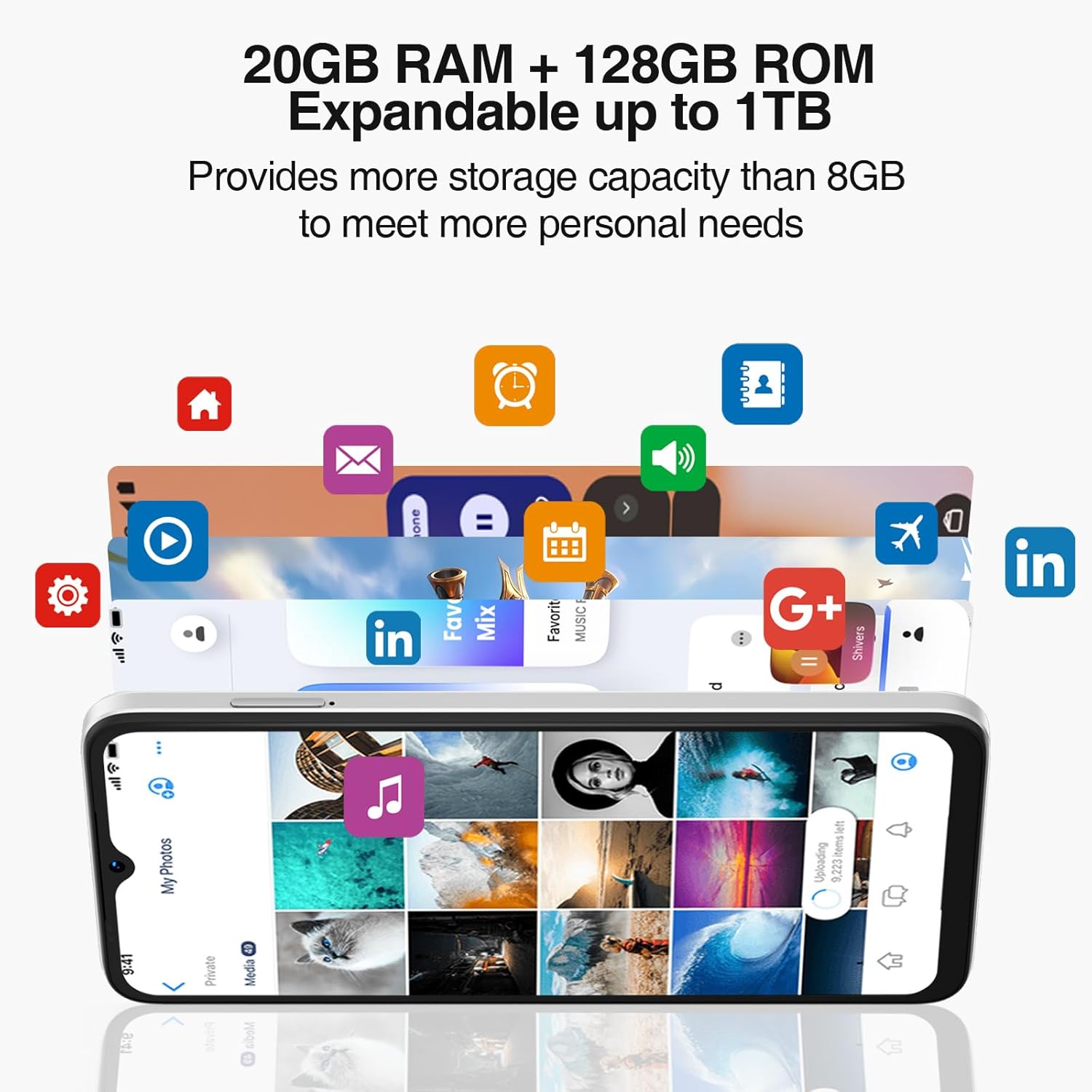
Powered by an Octa-Core processor and 20GB RAM (8GB physical + 12GB virtual), the N55PLUS ensures smooth multitasking and app performance. It comes with 128GB of internal storage, expandable up to 1TB using a TF card, providing amp당신을 위한 공간 files, photos, and applications.
4.4 배터리 관리
The 5150mAh large battery provides extended usage time. To optimize battery life, manage background app usage, adjust screen brightness, and enable power-saving modes when needed. The phone supports OTG reverse charging, allowing it to charge other devices.

5. 연결성
- 회로망: Supports 4G global network bands (GSM, WCDMA, TDD, FDD). Ensure your SIM card is compatible with the phone's supported bands for optimal service.
- 와이파이: 인터넷 접속을 위해 사용 가능한 Wi-Fi 네트워크에 연결하세요.
- 블루투스: Pair with Bluetooth devices such as headphones, speakers, or car systems.
- GPS: 정확한 내비게이션을 위한 GPS, Glonass, Galileo 및 Beidou 통합 기능.
- USB 타입-C: 충전 및 데이터 전송용입니다.
6. 유지관리
6.1 소프트웨어 업데이트
휴대폰에 최신 기능, 보안 패치, 성능 향상 기능이 적용되어 있는지 확인하려면 소프트웨어 업데이트를 정기적으로 확인하고 설치하세요. 설정 > 시스템 > 시스템 업데이트.
6.2 장치 청소
부드럽고 보풀 없는 천으로 휴대폰 화면과 본체를 닦으세요. 기기를 손상시킬 수 있는 강한 화학 약품이나 연마재는 사용하지 마세요.
6.3 스토리지 관리
최적의 성능을 유지하려면 불필요한 항목을 주기적으로 삭제하십시오. files, 사용하지 않는 앱 제거 및 대용량 미디어 전송 files to external storage or cloud services. Go to 설정 > 저장소 기기의 저장 공간을 관리하려면.
7. 문제 해결
- 전화가 켜지지 않습니다: 배터리가 충전되어 있는지 확인하십시오. 휴대전화를 충전기에 연결하고 몇 분 정도 기다린 후 다시 전원을 켜보세요.
- 앱이 충돌하거나 정지됨: Close and restart the app. If the issue persists, clear the app's cache (Settings > Apps > [App Name] > Storage > Clear cache) or uninstall and reinstall the app.
- 네트워크 신호가 약함: 유심 카드가 제대로 삽입되었는지 확인하세요. 네트워크 신호가 더 잘 잡히는 곳으로 이동하세요. 문제가 지속되면 통신사에 문의하세요.
- 배터리가 빠르게 소모됨: 화면 밝기를 낮추고, Wi-Fi나 블루투스처럼 사용하지 않는 기능은 끄고, 백그라운드 앱을 종료하세요. 설정에서 배터리 사용량을 확인하여 배터리 소모가 심한 앱을 파악하세요.
- 얼굴 인식 잠금 해제가 작동하지 않습니다. Ensure your face is well-lit and clearly visible to the front camera. Re-register your face data in Settings > Security > Face Unlock.
8. 사양
| 특징 | 사양 |
|---|---|
| 모델명 | N55 플러스 |
| 운영 체제 | 안드로이드 14 |
| 프로세서 | Octa-Core (Mediatek Dimensity 1100, 3.2 GHz) |
| 숫양 | 8GB (가상 RAM을 통해 20GB까지 확장 가능) |
| 내부 저장소 | 128GB (XNUMX기가바이트) |
| 확장 가능한 스토리지 | TF 카드를 통해 최대 1TB까지 지원 |
| 화면 크기 | 6.56 인치 |
| 디스플레이 유형 | HD+ IPS 워터드롭 스크린 |
| 해결 | 1612 x 720 |
| 새로 고침 빈도 | 90Hz |
| 메인 카메라 | 13MP AI 카메라 |
| 전면 카메라 | 8 MP |
| 배터리 용량 | 5150mAh 리튬 이온 |
| 연결성 | 4G LTE, Wi-Fi, Bluetooth, USB Type-C |
| 항해 | GPS, 글로나스, 갈릴레오, 베이두 |
| 특별 기능 | Dual SIM, Expandable Memory, Face Unlock, Widevine L1, OTG |
| 치수 | 6.45 x 2.98 x 0.34인치 (두께 8.6mm) |
| 무게 | 6.6온스(186그램) |
9. 보증 및 지원
All DOOGEE unlocked phones purchased from our official channels are covered by a 12-month warranty. If you encounter any issues during use, please contact our customer support for assistance. For further support, visit the official DOOGEE web해당 사이트를 참조하거나 구매 시 제공된 연락처 정보를 참조하세요.


