소개
블루카 헤드를 선택해 주셔서 감사합니다.amp LED Rechargeable. This super bright head torch is designed for various outdoor activities, offering versatile lighting modes, continuous dimming, and motion sensor capabilities. Its durable, waterproof design ensures reliable performance in diverse environments. Please read this manual carefully before use to ensure proper operation and maintenance.

Image: The Blukar Headlamp LED Rechargeable in Eustoma Purple, showcasing its sleek design and adjustable headband. A USB-C charging cable is also visible.
안전 정보
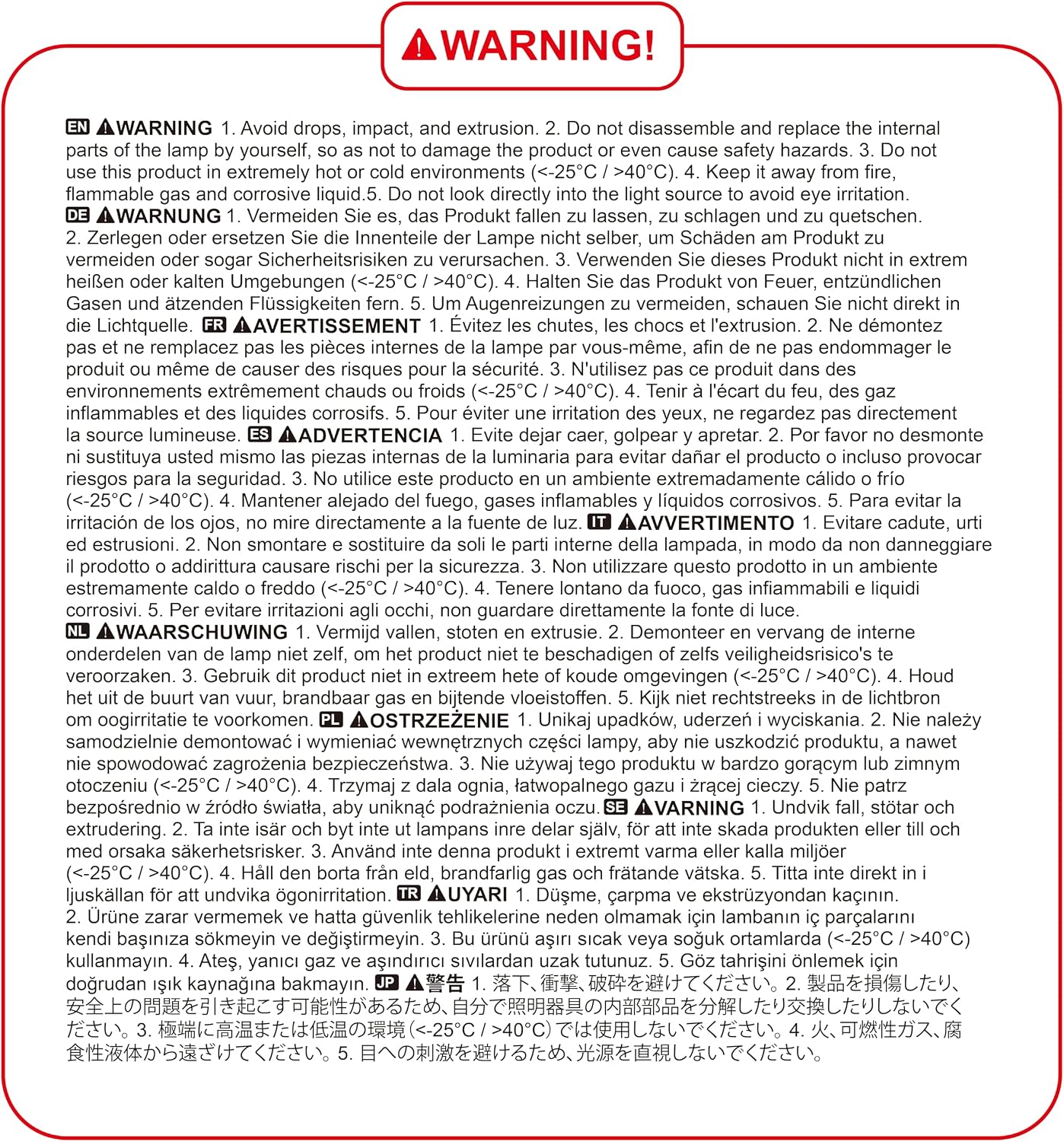
Image: A warning label detailing important safety precautions for the headlamp.
제품 손상이나 부상을 방지하기 위해 다음 안전 수칙을 준수해 주십시오.
- 낙하, 충격, 압출을 피하십시오.
- l의 내부 부품을 분해하거나 교체하지 마십시오.amp yourself, as this may damage the product or cause safety hazards.
- Do not use this product in extremely hot or cold environments (temperatures below 25°C or above 40°C).
- 머리를 유지amp 화기, 가연성 가스 및 부식성 액체로부터 멀리하십시오.
- 눈의 자극을 피하기 위해 빛의 근원을 직접 쳐다보지 마십시오.
패키지 내용
패키지를 열 때 다음 품목이 모두 포함되어 있는지 확인하세요.
- 블루카르 헤들amp LED Rechargeable (Model: K9127)
- USB-C 충전 케이블
- Built-in Lithium Polymer Battery (pre-installed)
- 4 x Helmet Clips
설정
초기 충전
처음 사용하기 전에 헤드 유닛을 완전히 충전하는 것이 좋습니다.amp제공된 USB-C 케이블을 헤드셋에 연결하세요.amp's charging port and plug the other end into a compatible USB power source (e.g., AC charger, power bank, computer USB port). The indicator light will show charging status.
헤드를 착용amp
Adjust the elastic headband to fit comfortably and securely around your head. The headband is designed for good breathability and minimal slippage. For helmet use, utilize the included helmet clips to secure the headlamp 단단히.

Image: Visual representation of the headlamp's lightweight design (86g), adjustable headband, and 45-degree tilt angle feature.
작동 지침
조명 모드
블루카 헤드amp offers 10 distinct lighting modes, divided into Normal and Sensor modes. Press the power button to cycle through the modes.

Image: A visual guide illustrating the 10 available lighting modes (Spotlight, Floodlight, Spotlight + Floodlight, Red Floodlight, Red Strobe, 3 Sensor White Light, 2 Sensor Red Light) and the stepless dimming function.
Normal Modes (5 Modes):
- XPG White Light: Focused beam for spotlighting.
- COB White Light: Wide beam for floodlighting.
- XPG & COB White Light: Combination of focused and wide beams for maximum illumination.
- COB Red Light: Preserves night vision and is less disruptive.
- COB Red Light SOS: 비상 신호를 위한 깜빡이는 빨간색 불빛.
Note: In Normal Mode, if there is no operation for 8 seconds, pressing the switch again will turn the lamp 끄다.
Sensor Modes (5 Modes):
These modes allow you to turn the headlamp on/off by waving your hand within 15 cm in front of the headlamp.
- XPG White Light (Sensor)
- COB White Light (Sensor)
- XPG & COB White Light (Sensor)
- COB Red Light (Sensor)
- COB Red Light SOS (Sensor)
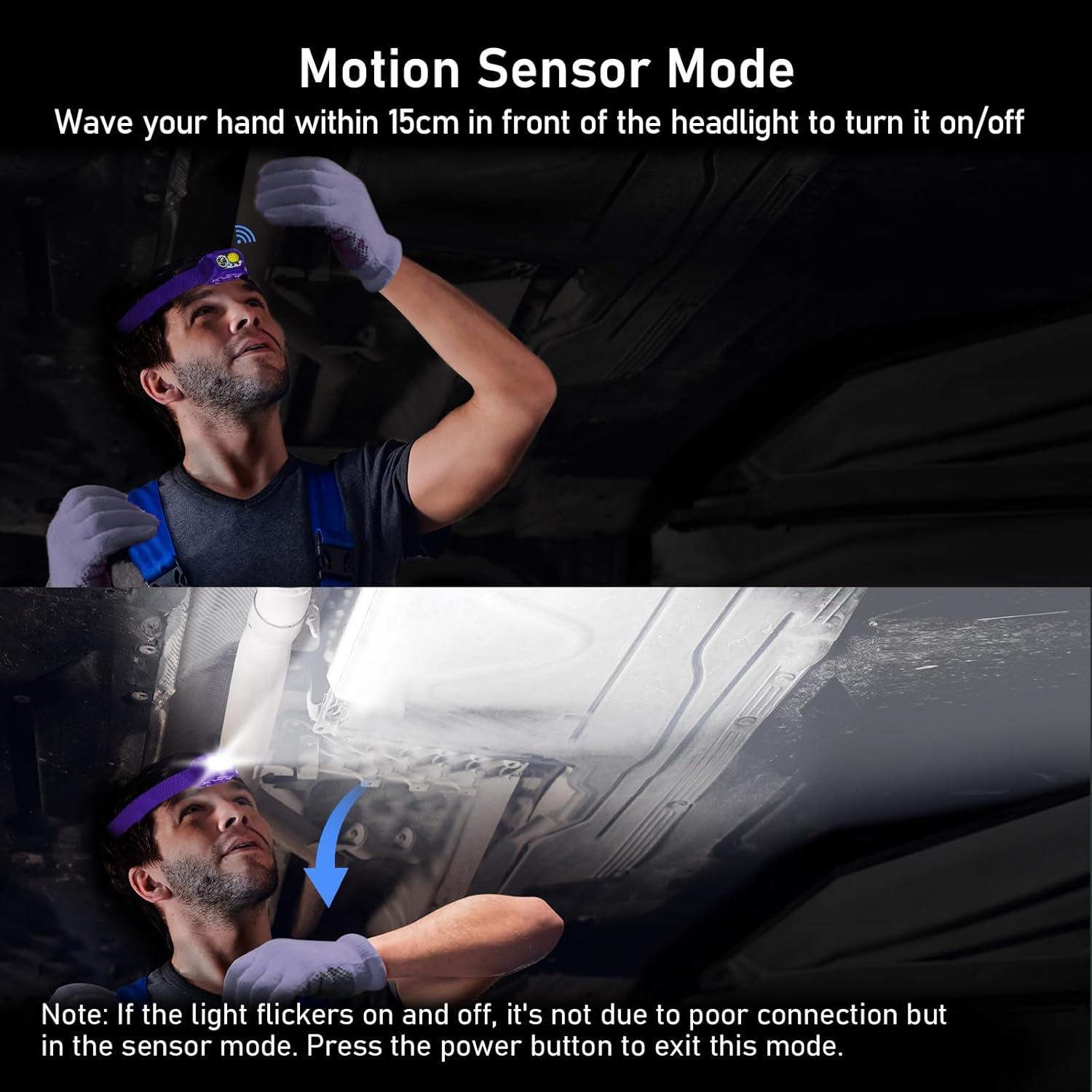

Image: Two images demonstrating the motion sensor mode. The first shows a user activating the sensor by waving their hand. The second image includes a note: "If the light flickers on and off, it's not due to poor connection but in the sensor mode. Press the power button to exit this mode."
Continuous Dimmable Brightness
머리amp features an infinitely dimmable brightness function. To adjust the brightness, press and hold the power button. The brightness will cycle smoothly between 100% and 30%. Release the button at your desired brightness level. The headlamp includes a memory function that automatically saves the last used mode and brightness settings.

Image: A powerful beam from the Blukar Headlamp illuminating a vast outdoor area at night, highlighting its super bright capability.

Image: A diagram illustrating the distinct beam angles for spotlight (60 degrees) and floodlight (120 degrees) modes, demonstrating the headlamp's versatility in illumination.
헤드 충전하기amp
블루카 헤드amp is equipped with a built-in 1200mAh Lithium Polymer battery and features a convenient USB-C charging port. A full charge takes approximately 3 hours.
충전 프로세스:
- 헤드라이트에서 USB-C 충전 포트를 찾으세요.amp (usually protected by a waterproof plug).
- Insert the USB-C end of the charging cable into the headlamp'의 항구.
- Connect the other end of the USB-C cable to a suitable power source, such as:
- An AC wall adapter (not included)
- 파워 뱅크
- 컴퓨터의 USB 포트
- headl에 표시등amp will show the charging status (e.g., red for charging, green for fully charged).

Image: The Blukar Headlamp being charged via its USB-C port, demonstrating compatibility with an AC charger, a power bank, and a laptop.
유지
청소
헤드를 청소하려면amp, 부드러운 천으로 표면을 부드럽게 닦으십시오.amp cloth. Do not use abrasive cleaners or solvents, as they may damage the finish or internal components. Ensure the charging port's waterproof plug is securely closed before cleaning or exposing to water.
배터리 관리 및 보관
To prolong battery life, avoid fully discharging the headlamp frequently. Recharge the battery regularly, even if not in use, to maintain its capacity. Store the headlamp 직사광선과 극한의 온도를 피해 시원하고 건조한 곳에 보관하세요.
문제 해결
| 문제 | 가능한 원인 | 해결책 |
|---|---|---|
| 헤드amp 켜지지 않습니다. | 배터리가 소진되었습니다. | 헤드를 충전하세요amp 제공된 USB-C 케이블을 완벽하게 활용하세요. |
| Light flickers in sensor mode. | Normal behavior in sensor mode when detecting motion. | This is not a malfunction. Press the power button to exit sensor mode if continuous light is desired. |
| 헤드amp 청구하지 않음. | Loose cable connection or faulty power source. | Ensure the USB-C cable is securely connected to both the headlamp 전원 공급 장치를 확인해 보세요. 다른 USB 포트나 전원 어댑터를 사용해 보세요. |
| 밝기 조절 기능이 작동하지 않습니다. | Button not held long enough or in an incompatible mode. | Press and hold the power button to activate continuous dimming. Ensure you are not in a fixed-brightness mode. |
명세서
| 특징 | 세부 사항 |
|---|---|
| 상표 | 블루카르 |
| 모델 번호 | 케이9127 |
| 품목 무게 | 86그램 |
| 제품 치수 | 5.75 x 4.27 x 3.6cm |
| 배터리 유형 | 리튬 폴리머 1개(포함) |
| 배터리 용량 | 1200mAh |
| 색상 | 유스토마 퍼플 |
| 재료 | ABS |
| 전원 | 배터리 구동 |
| 광원 유형 | LED (XPG 및 COB) |
| 특별 기능 | Rechargeable, Continuously Dimmable, Motion Sensor, IPX5 Waterproof, 45° Adjustable Angle |
| 방수 등급 | IPX5 |
보증 및 지원
Specific warranty details are not provided in the product information. For any product inquiries, technical support, or warranty claims, please contact Blukar customer service through the retailer's platform or the official Blukar web해당 사이트입니다. 고객 지원팀에 문의하실 때는 모델 번호(K9127)와 구매 정보를 준비해 주시기 바랍니다.


